A:AnswerManufacturing facilities (plant sites, where appliances are made) can and do change from time to time because GE Appliances continues to seek the most efficient manufacturing processes available. We make products all over the world for a Global marketplace. Therefore, your best source for manufacturing location is the packaging/product itself.
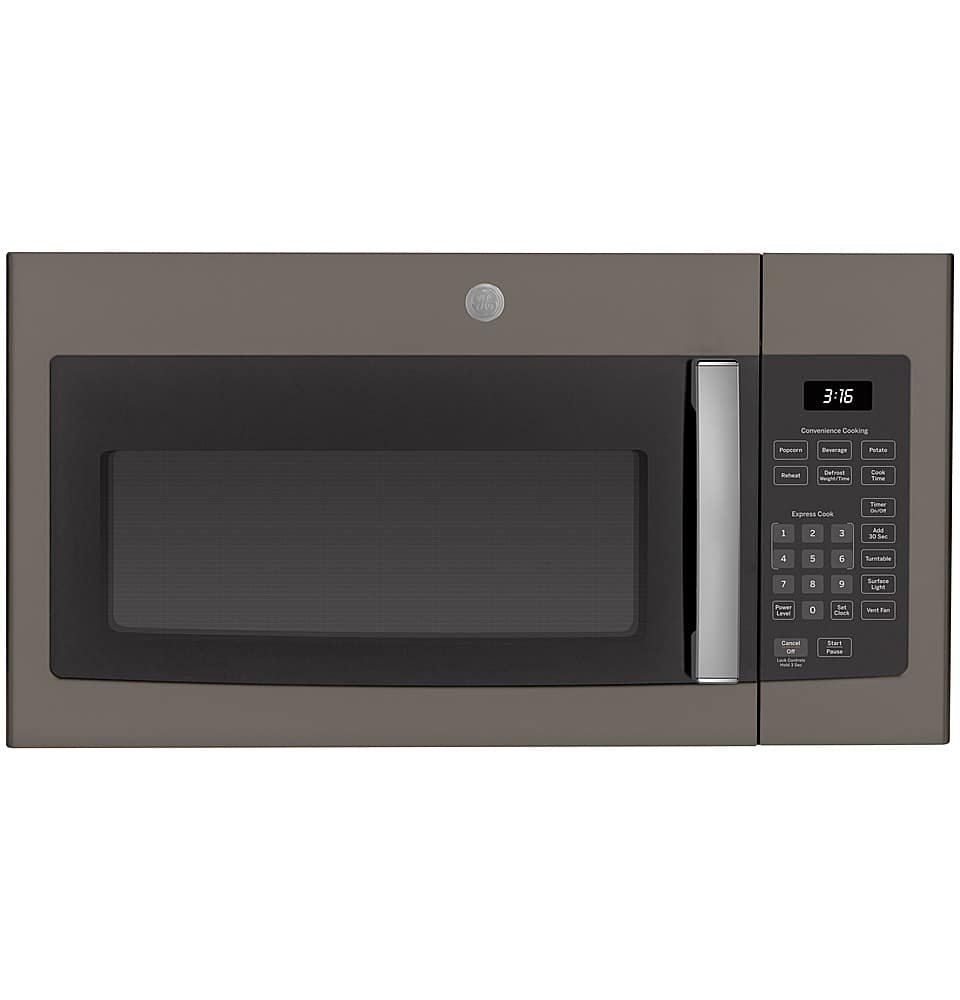
A:AnswerAll our 30” over-the-range microwaves are approximately the same width, so any of our current 30” over-the-range models will work as a replacement. We have multiple models that may be a good fit for you, including JVM6175DKBB. Please note that you should use the mounting bracket and hardware that comes with the new microwave, rather than trying to use an old bracket or hardware; the design can change over time and is model-specific, so we can’t speak to the compatibility and reliability if you use old hardware. Thank you for your loyalty to our brand!
A:AnswerThank you for checking with us! A new mounting bracket will be included with all microwaves. We recommended always using the new bracket when installing a new microwave.
A:AnswerAll of our 30" over-the-range microwaves will replace each other. You will need to use the hardware and brackets that come with the new unit, as they are model specific.
A:AnswerAll of our 30" over-the-range microwaves are designed to easily replace one another. We have models PVM9179SKSS and JVM3162RJSS that would be great replacements for your current unit. Please know that you will need to use the hardware and brackets that come with the new unit.
A:AnswerThis would be a great replacement for your current unit. Please know that you will need to use the hardware and brackets that come with your new microwave.
A:AnswerWe appreciate your loyalty to our brand! We aren’t seeing an exact match for the model number you listed, but if JVM1540SN1SS is your model we can advise all our 30” over-the-range microwaves are approximately the same width. As a result, any of our current 30” over-the-range models will work as a replacement. We have various models available, including PVM9215SKSS and PVM9179SRSS. We do not recommend using the same brackets; the new mounting bracket and other hardware that comes with the new microwave should be used, as the design of the hardware may be updated over time and we cannot guarantee the safety and reliability of using older hardware with your new model.
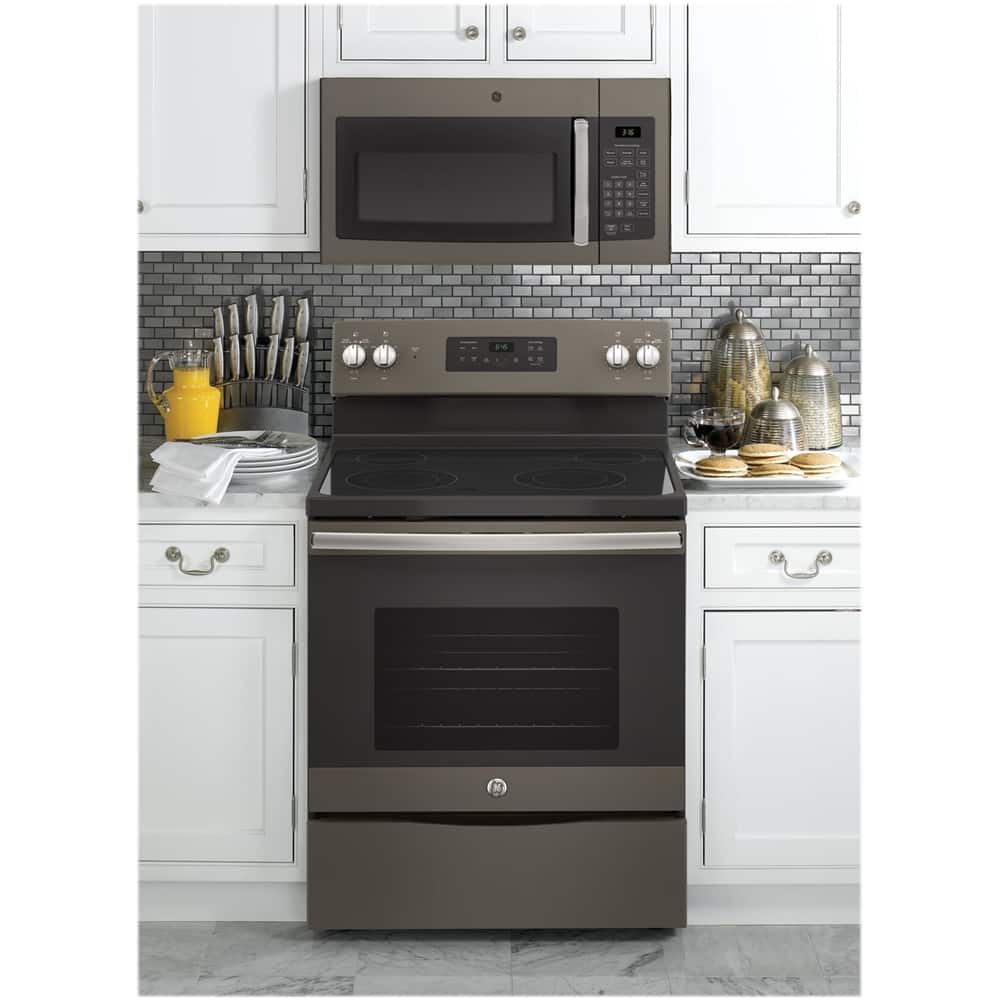
A:AnswerAll 30" over-the-range microwaves are approximately the same width and are designed to fit into a 30" wide cabinet opening. Therefore, any of our 30" over-the-range models will work as a replacement for an existing 30" over-the-range model. -- For questions regarding professional installation, please reach out to Best Buy support by calling 1-888-BEST BUY (1-888-237-8289) or by visiting the Support Center at the Best Buy website.
A:AnswerYes, this microwave will fit in the space of your Kenmore microwave. You will need to use the hardware and brackets that come with your new unit. We appreciate you choosing GE Appliances!
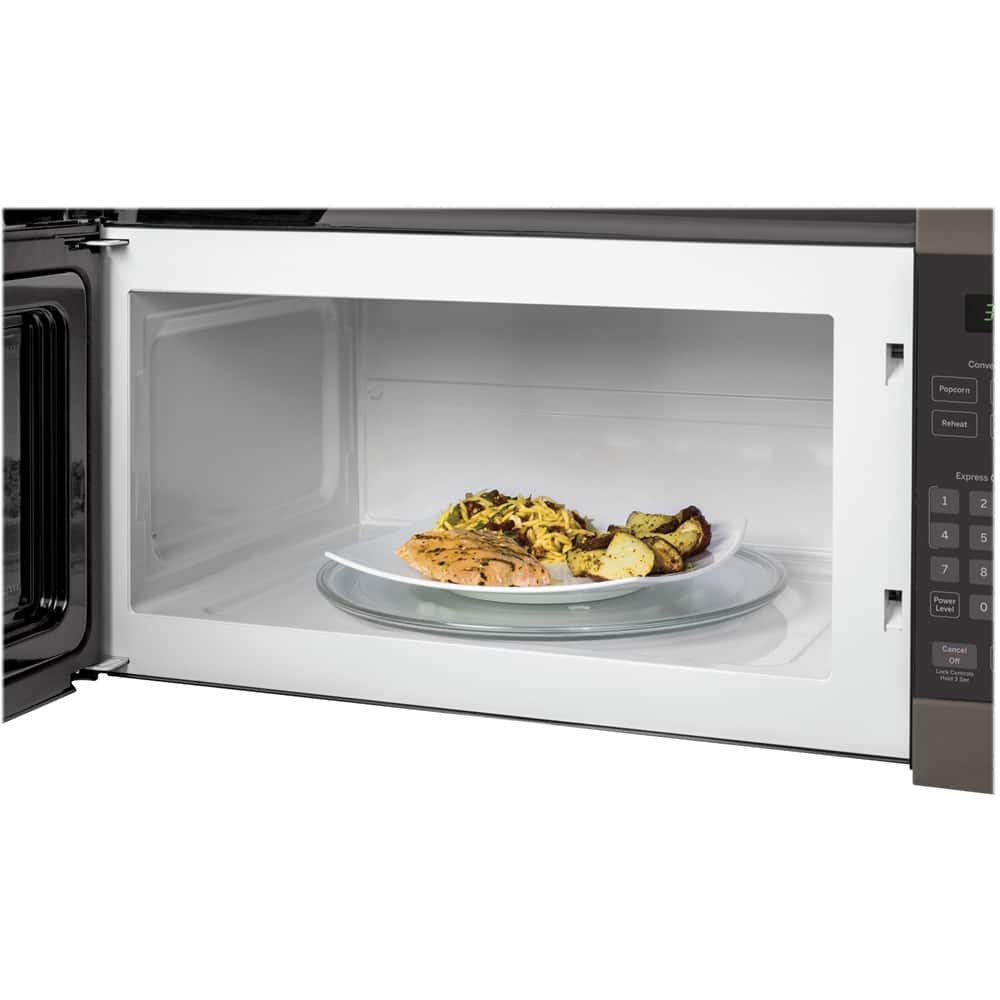
A:AnswerYes, we can confirm that this would make a great replacement for your prior Spacemaker model. They both have similar capacities and features and are designed to fit into a 30" wide cabinet opening. However, it is important to note that this model JVM3160DFWW has a slightly larger depth of 15-9/16” compared to your prior model’s depth of 14”.
A:AnswerWe're sorry to hear that you're having trouble with your microwave. You can try unplugging the microwave oven and/or replace fuse or reset the circuit breaker. If that doesn't work, service may be needed. You can schedule an appointment with one of our technicians by calling (833-426-3393)
Monday – Friday: 8 a.m. – 8 p.m. ET Saturday – Sunday: Closed.
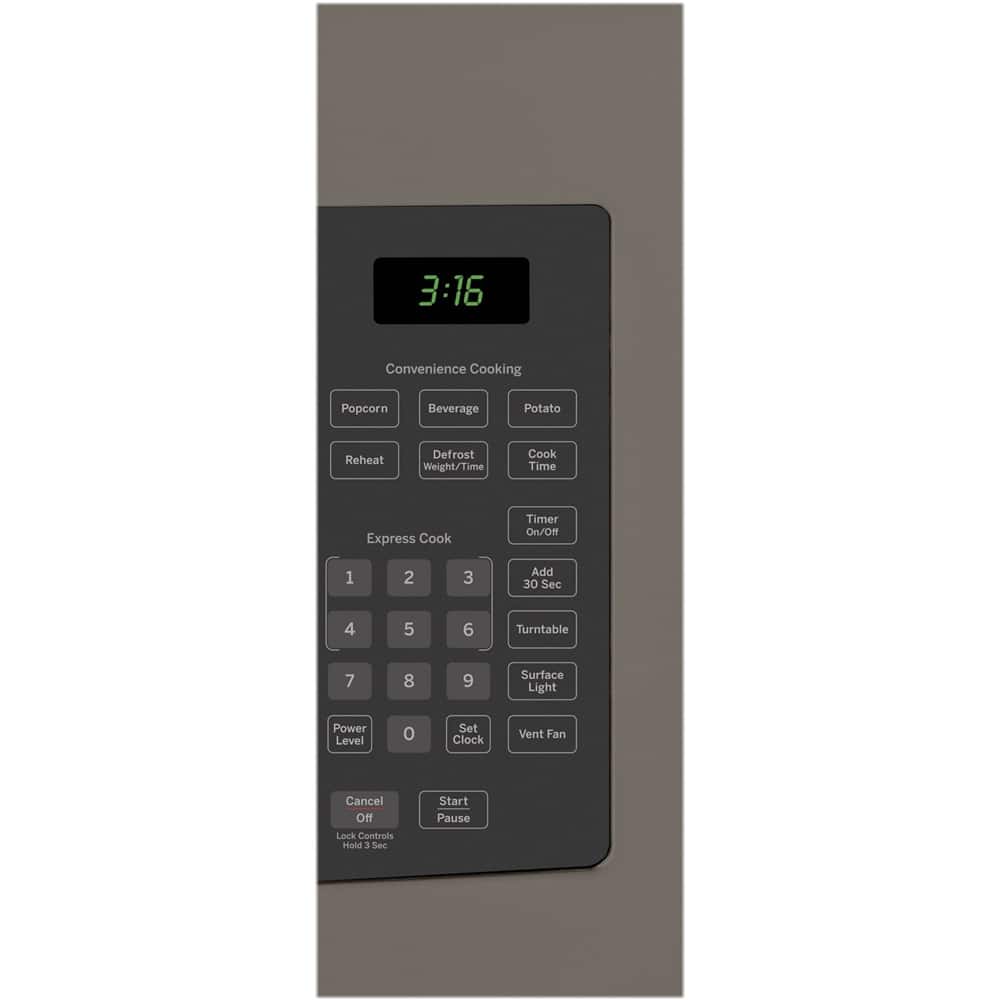
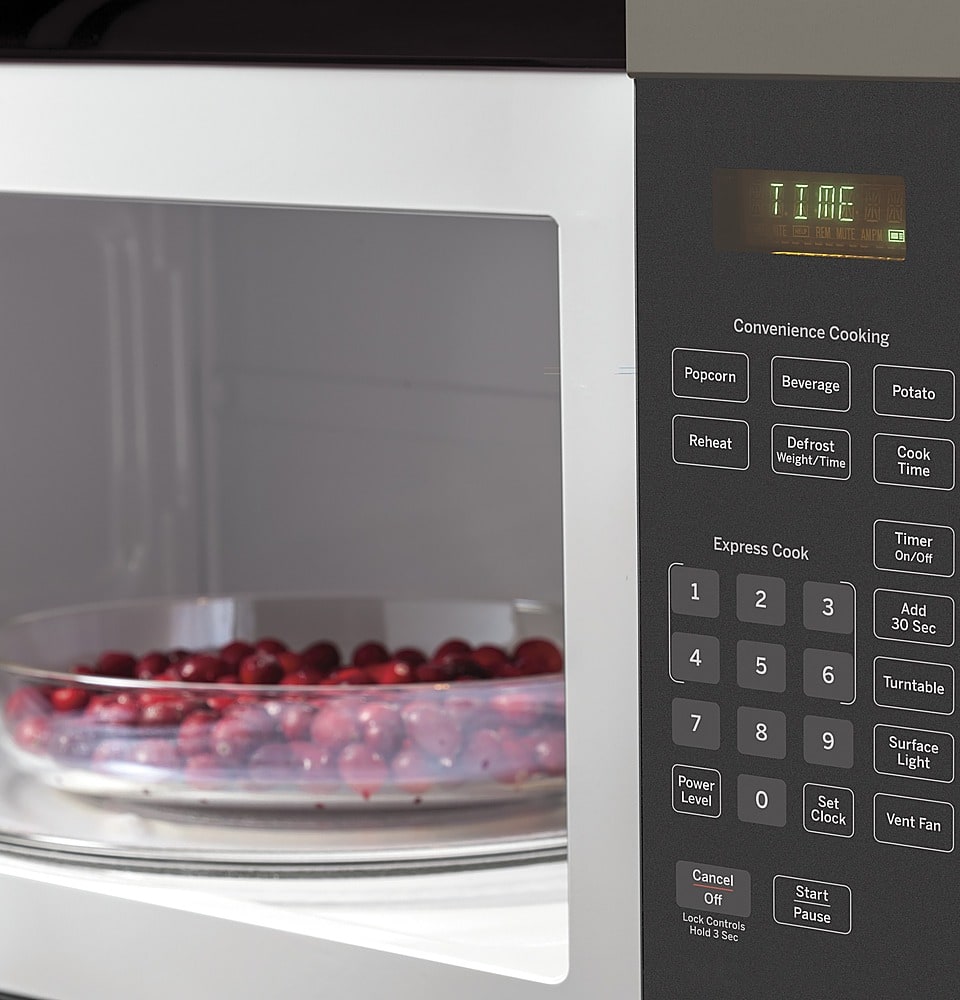
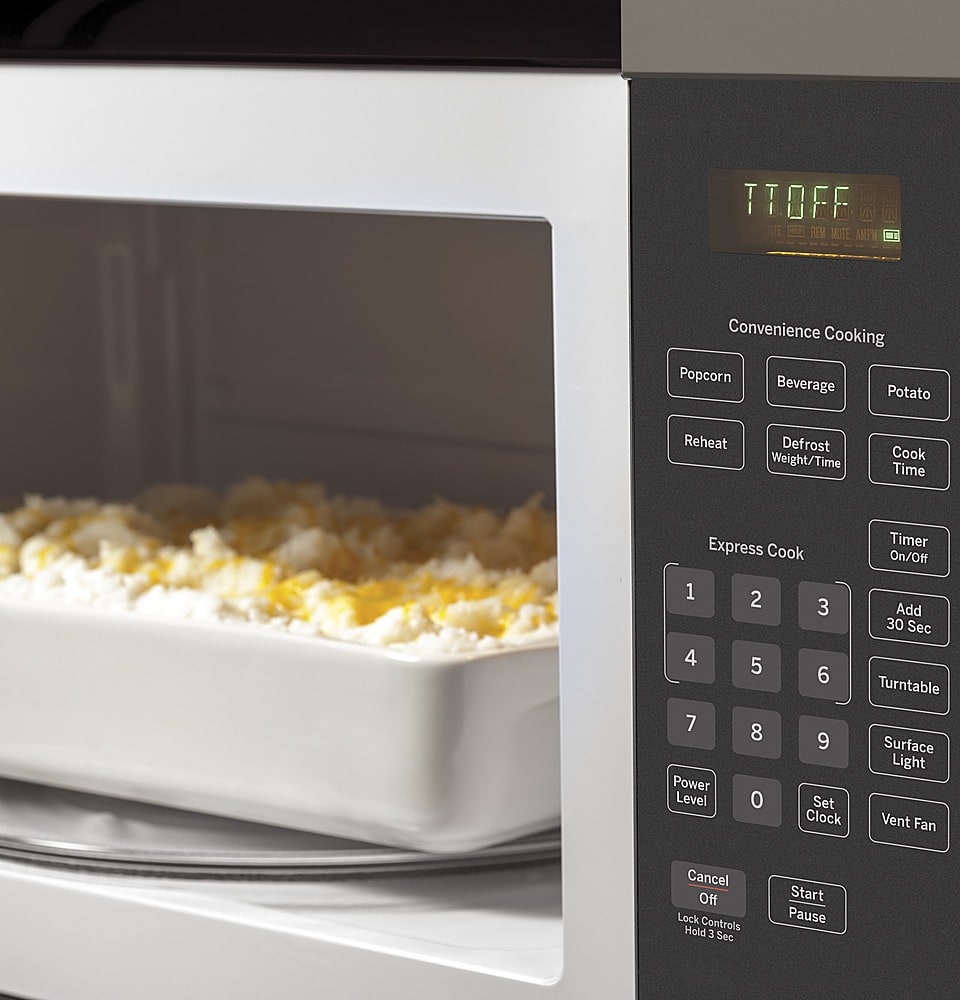
A:AnswerYou can press 2 and Start for two minutes. Immediately after the microwave starts heating press the "Add 30 Secs" pad. This will add 30 seconds to your original entry. You can also press Cook Time, 2, 3, 0 and Start. Either way will set the microwave to heat for 2 minutes and 30 seconds.