A:AnswerThe models JVM3162RJ5SS and JVM3160RFSS have similar but different installation requirements, and they don't share the same mounting holes. For more information you can visit the installation manual for model JVM3160RFSS here: https://files.bbystatic.com/IWRKFwfDvJrx6nVe9qcPEw%3D%3D/Installation%2BInstructions
A:AnswerYes, the template should be trimmed down according to the cabinet it is being installed on. The template states: 1. Fit template to bottom of upper cabinet. If cabinet bottom has a frame around it, measure frame thickness and trim along edges A, B, C, and D
as needed to make up for frame thickness. Trim lines for ½”, ¾” or 1” frame thickness are on template.
A:AnswerIn all installations we recommend using the mounting bracket and hardware that will be packaged with the new microwave. We have compared the style of bracket used for your existing model and the one included with the new model. They are completely different.-Vikki@GEAppliances
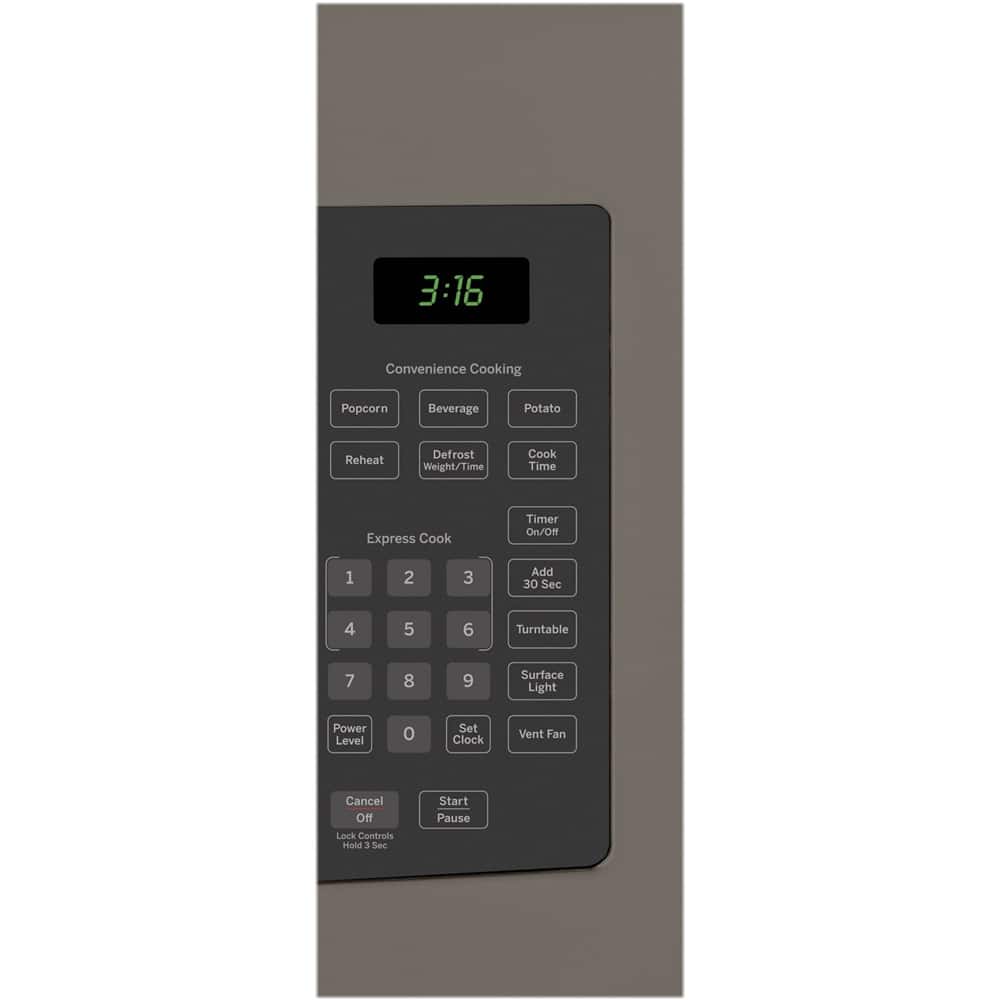
A:AnswerIn the event of a power failure, the clock will need to be reset. Press Set Clock, enter the time and press Start. This model doesn't offer a date function. -Vikki@GEAppliances
A:AnswerWe can confirm that this model would make a great replacement for your prior Spacemaker model. They both have similar dimensions and features and are designed to fit into a 30" wide cabinet opening. For more information on the mounting space required, check out the Specification Sheet, which can be viewed at the bottom of the Features tab on the product page of the Best Buy website. Lauren@GEAppliances
A:AnswerThe JVM3160DFWW model is a comparable replacement model. We do recommend using the mounting bracket and hardware that will be packaged with the new microwave. -Vikki@GEAppliances