A:AnswerWe appreciate you reaching out to us. In an effort to be better ambassadors to the environment, printed Owner's Manual are no longer provided. The Owner's Manual is available online as you mentioned to view, download or print as needed. -Vikki@GEAppliances
A:AnswerGo to GE.com and put in the model number. The website will bring up your oven and there is a link to get the manual. You can read the instructions or print off the pages you want.
A:AnswerThis GGF600AVSS does not have Proof mode for bread. If you are interested in a gas range with a Proof mode, check out model PGS930YPFS. Lauren@GEAppliances
A:AnswerThis range certainly does have Sabbath Mode! The full instructions can be found on page 11 of the Use and Care manual on the product page. -Kacie@GEAppliances
A:AnswerAs mentioned previously, we recommend disconnecting the power to your range for 2-3 minutes to reset the electronics. If the issue persists once the power is restored, we recommend service. You may call Bodewell Service at 833-4BODEWELL (833-426-3393) to schedule a service appointment to have your range evaluated and repaired as needed. -Vikki@GEAppliances
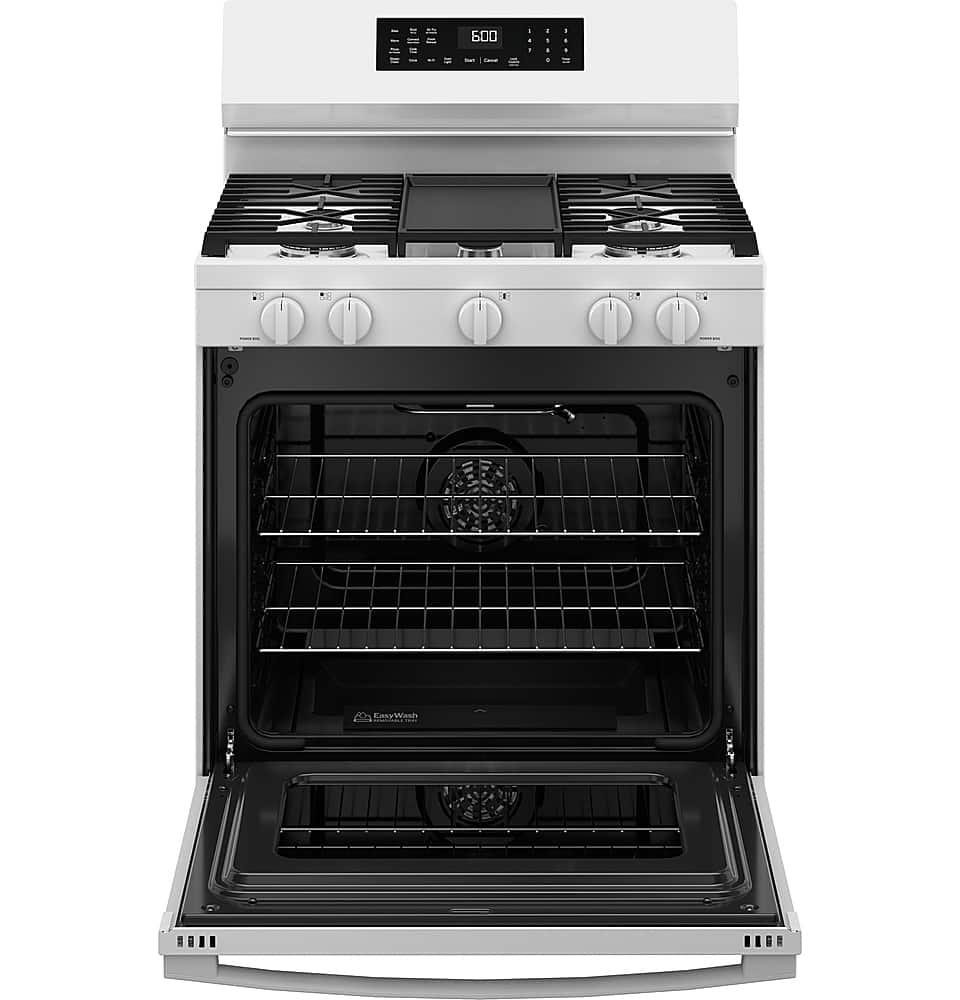
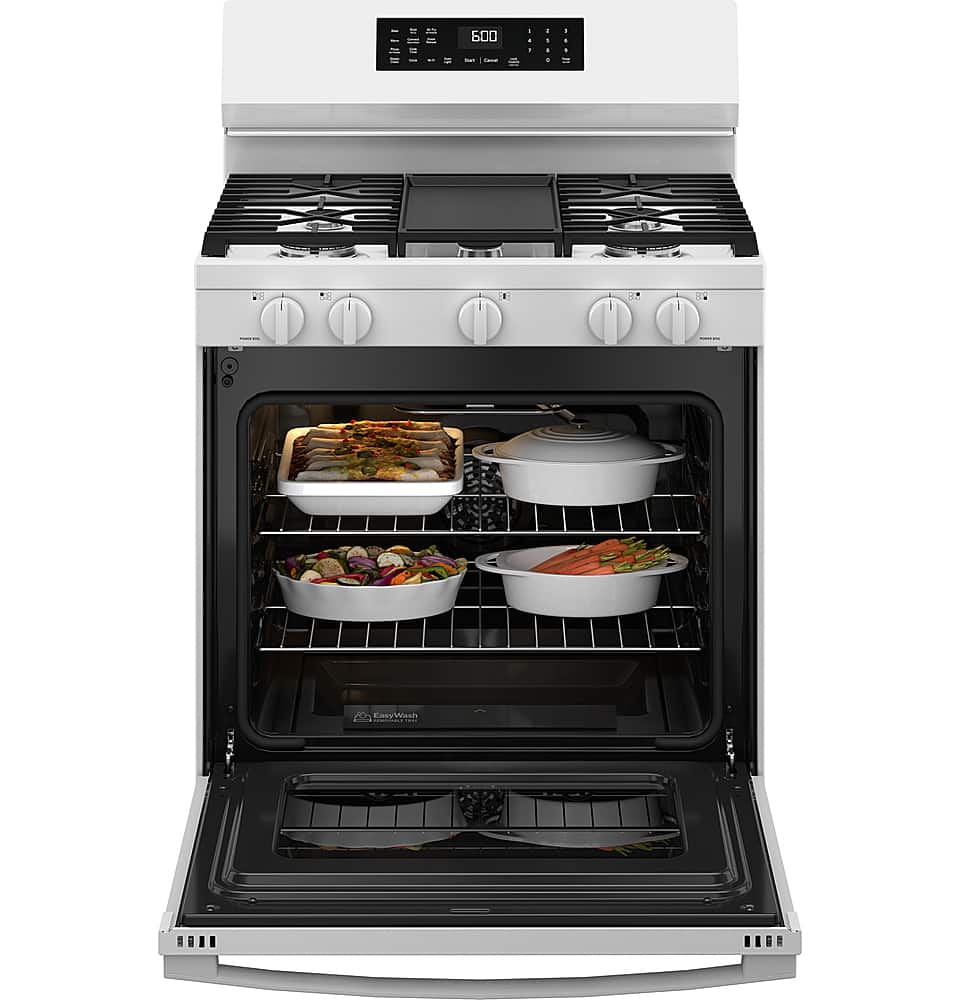
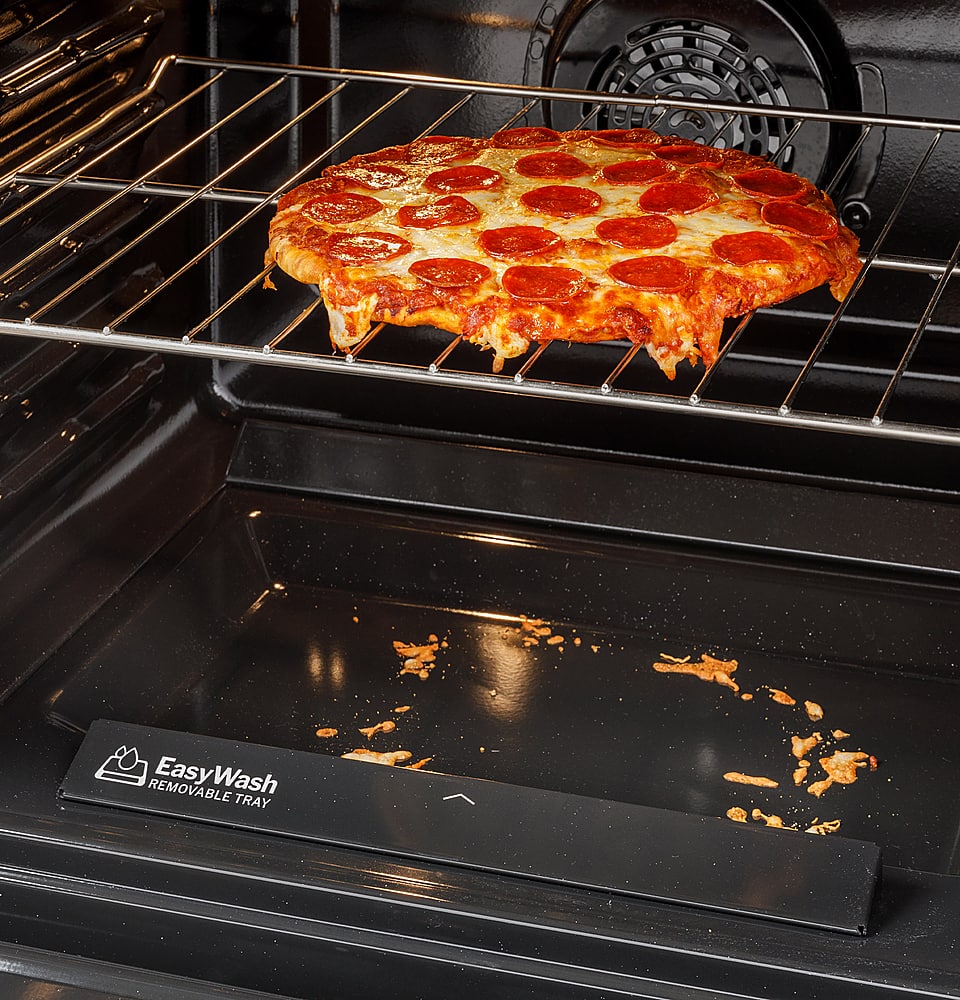
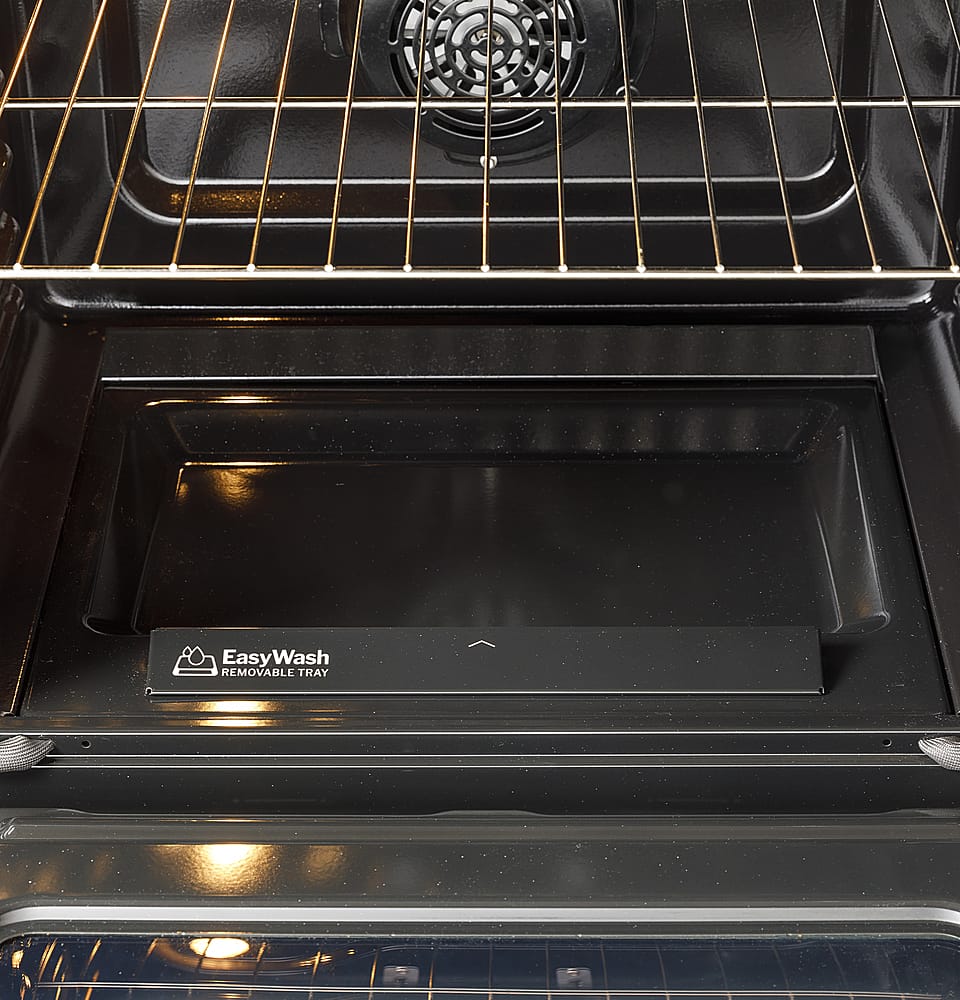
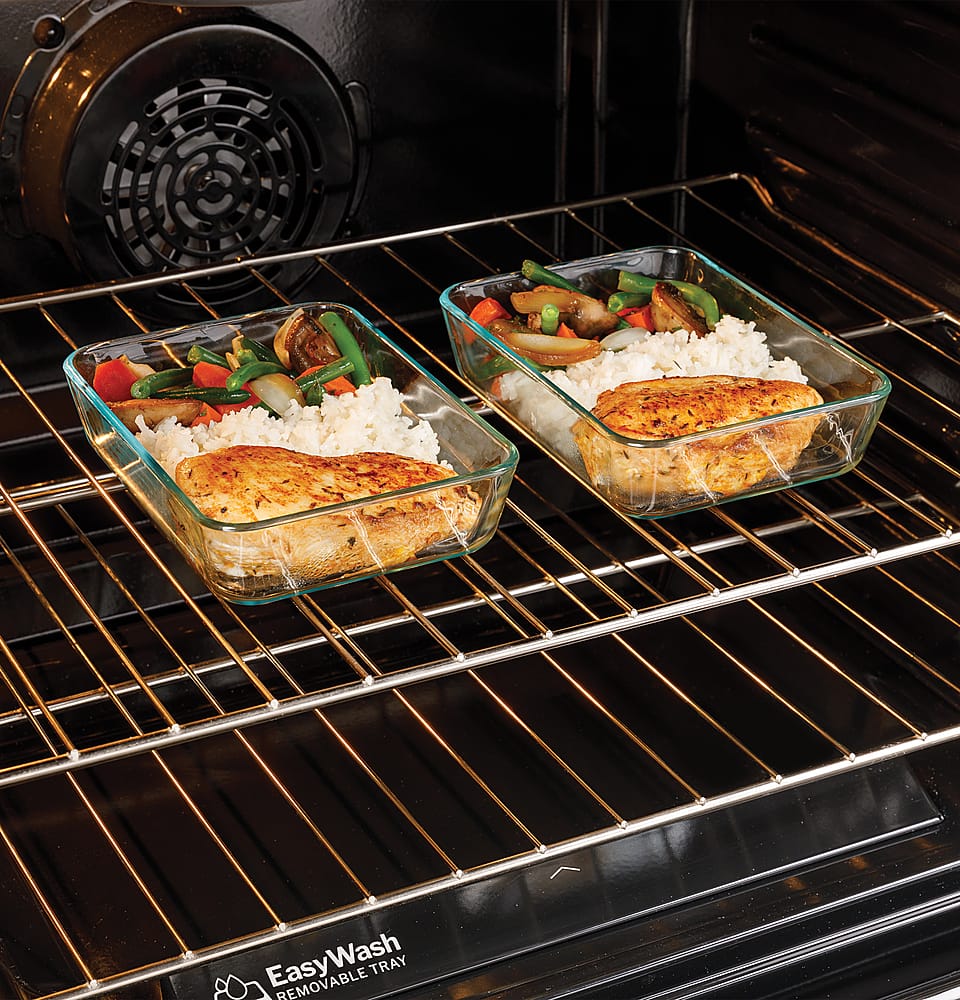
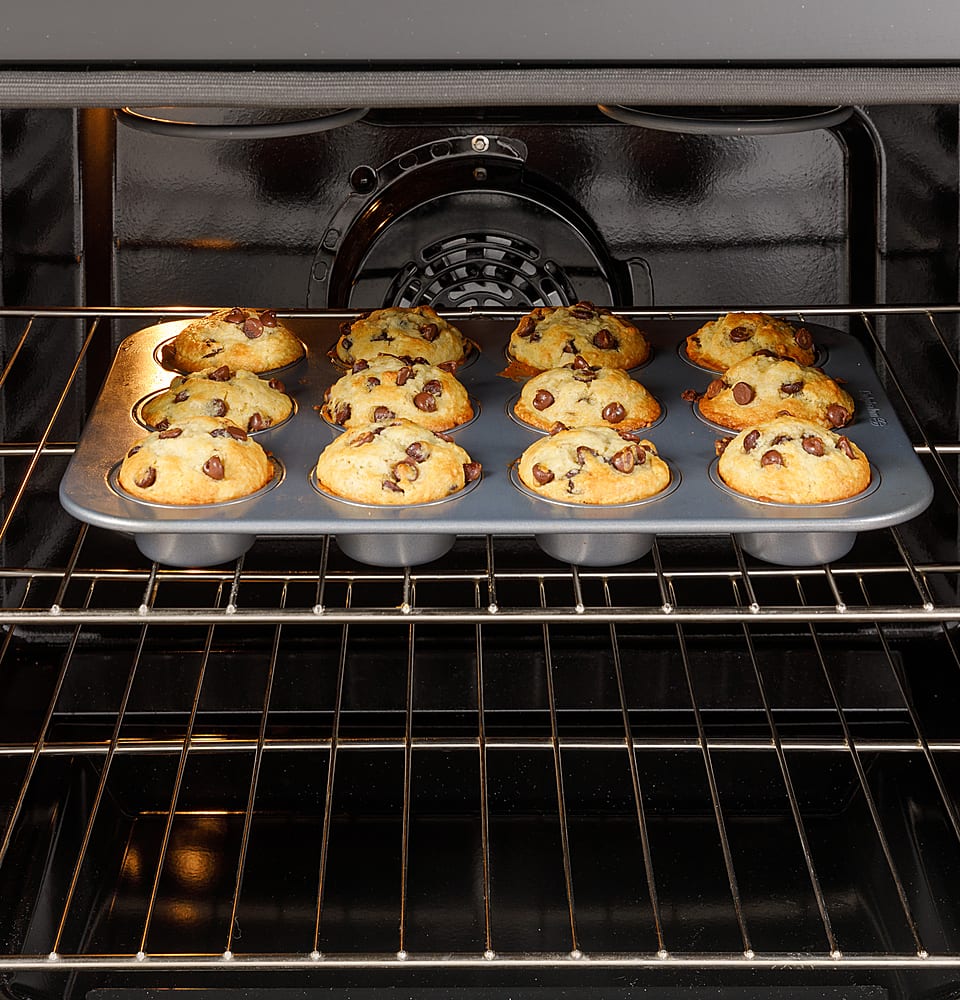
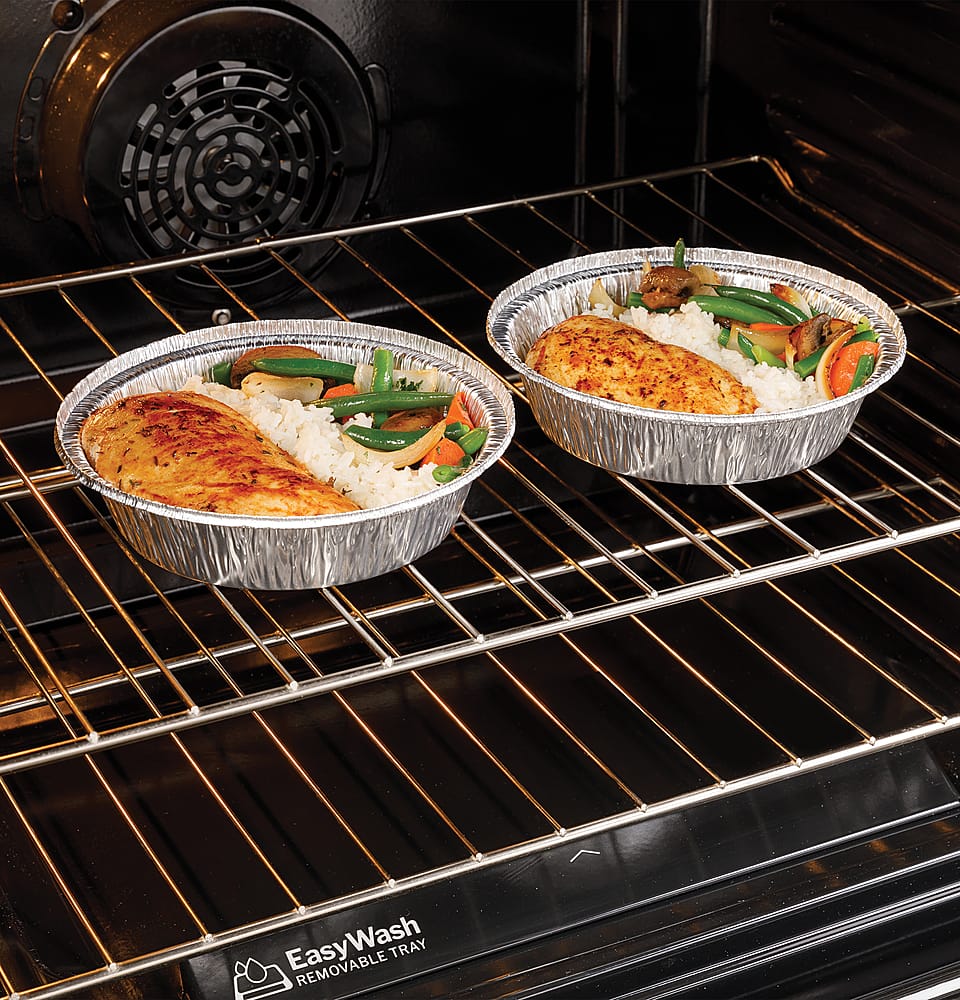
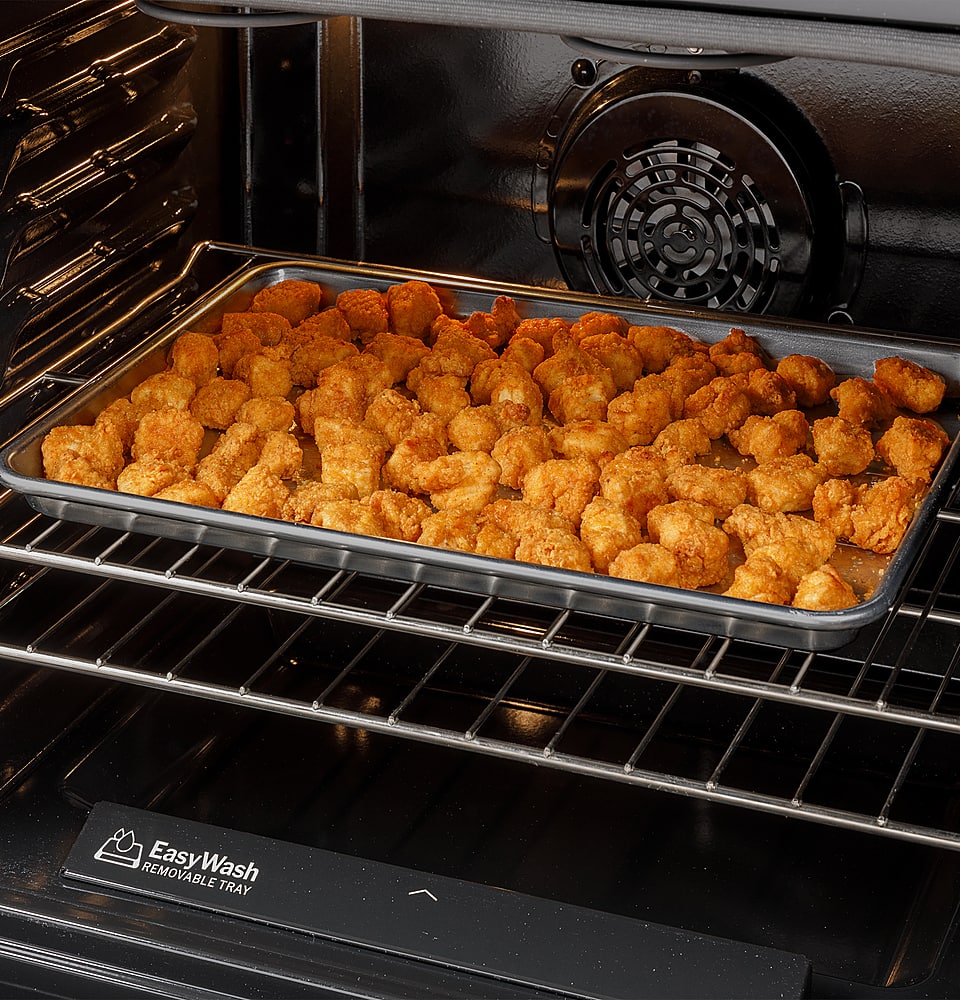
A:AnswerThe oven in this range model has traditional convection cooking technology. Convection uses a rear fan to circulate the hot air around the oven cavity.
A:AnswerThis range can be set between 170-550 degrees Fahrenheit in traditional cooking modes. The Warm function heats to 180 degrees to prevent food born bacteria growth. This model cannot be set to 160 degrees.