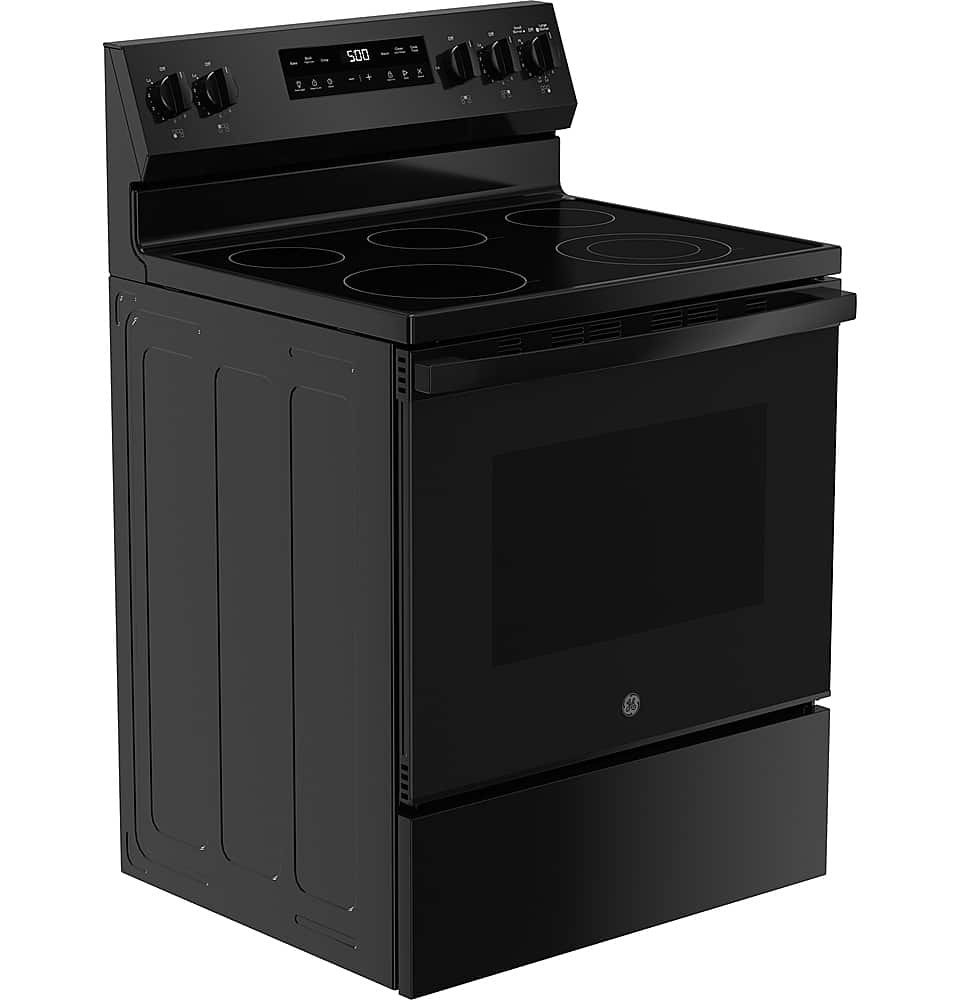
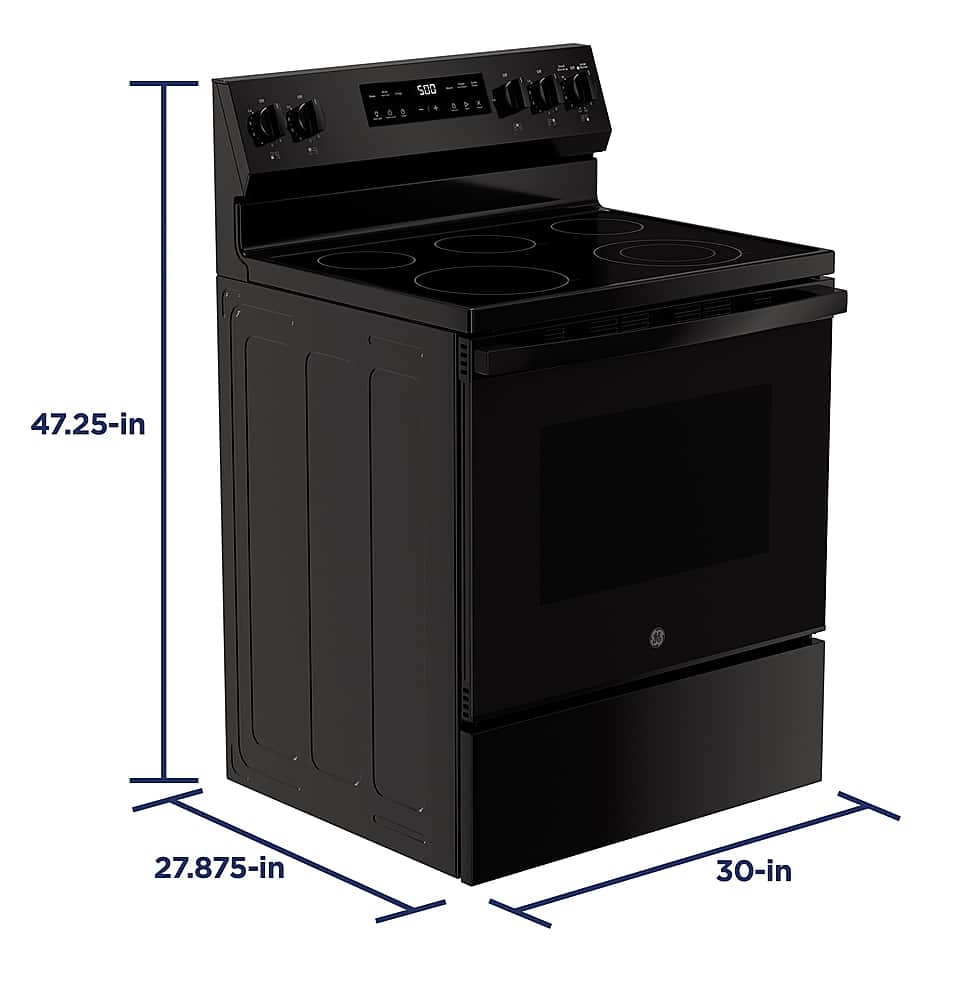
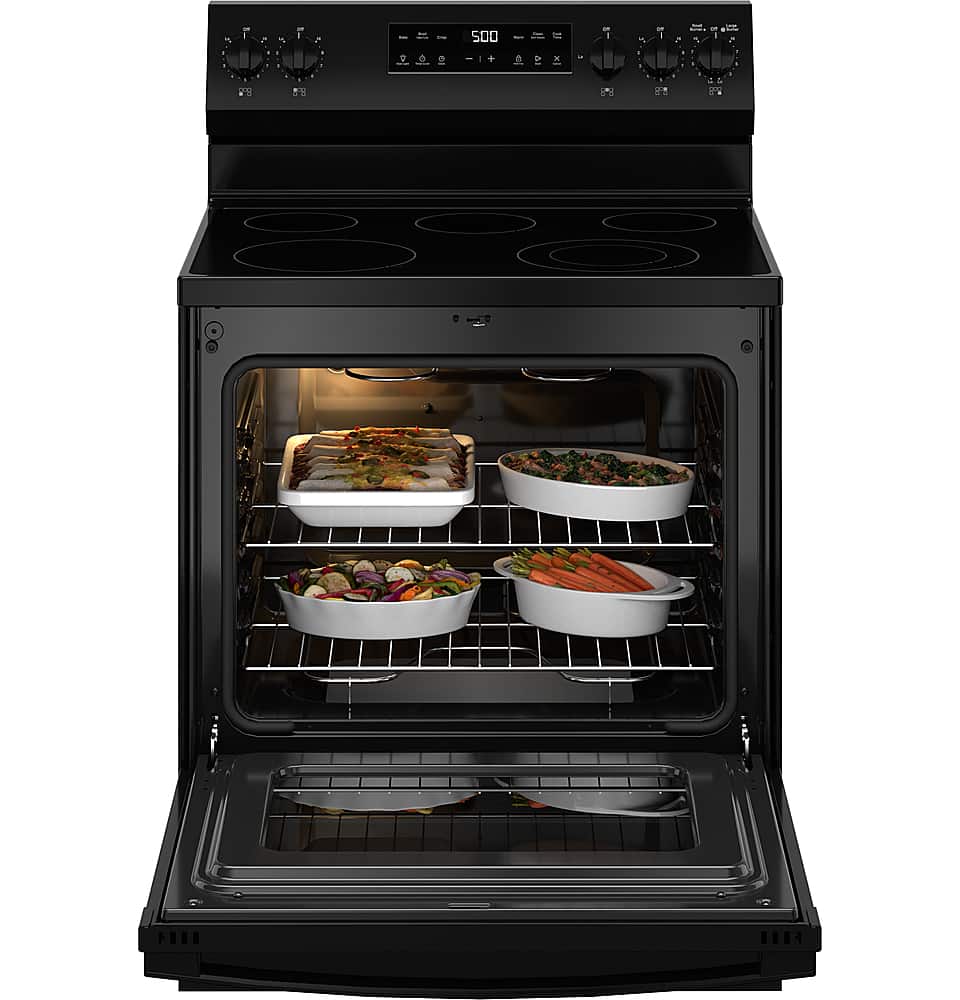
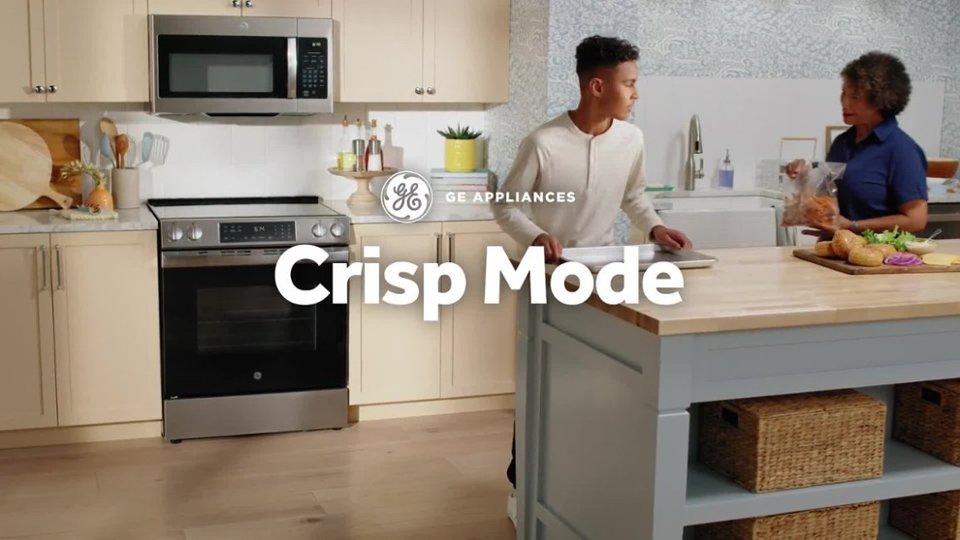
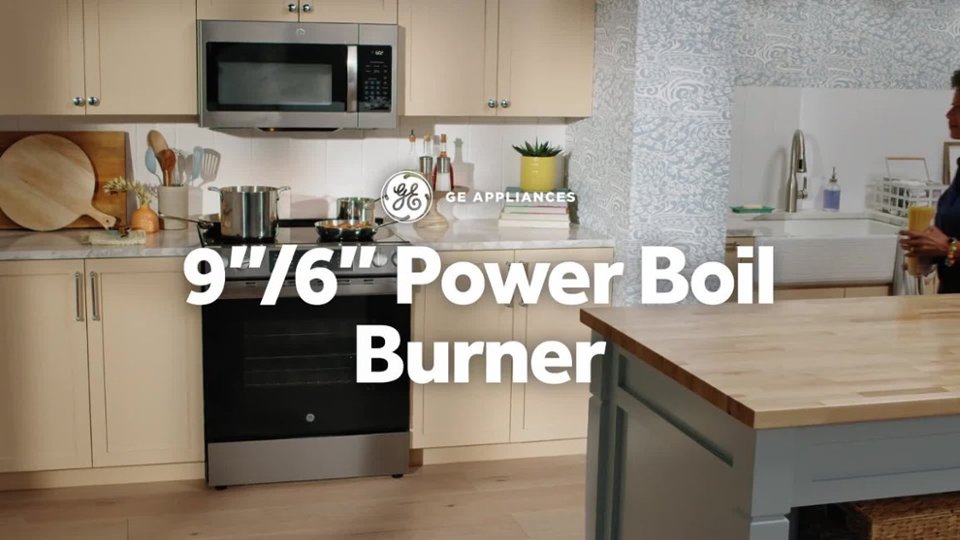
A:AnswerThis unit comes with adjustable legs so the height to the cooking surface can range from: 35 5/8" - 36 1/2". This height is similar for other 30" free-standing electric ranges that we offer.
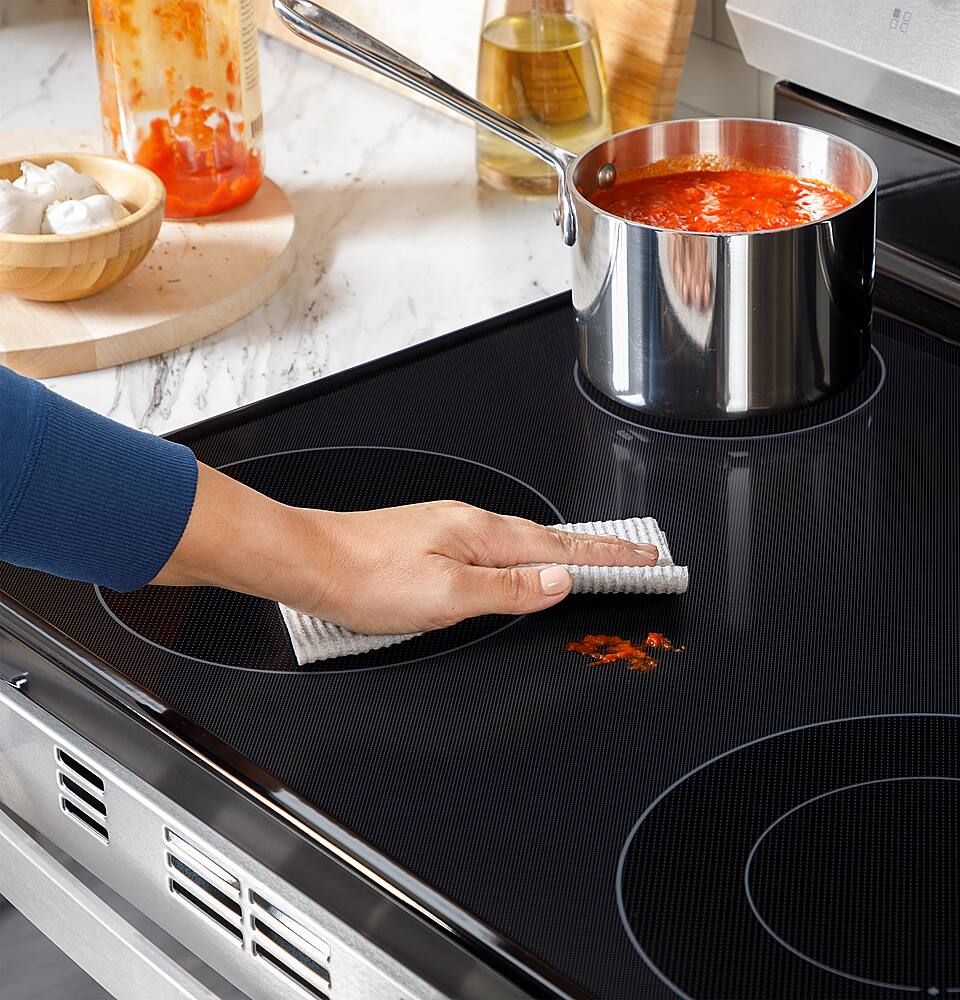
A:AnswerWe encourage you to review the Care and Cleaning Guide for the cooktop starting on page 21 of the Use and Care Manual for additional information on proper cleaning practices for the radiant cooktop. You can locate the Use and Care Manual in the "From the Manufacturer" section of this product page.
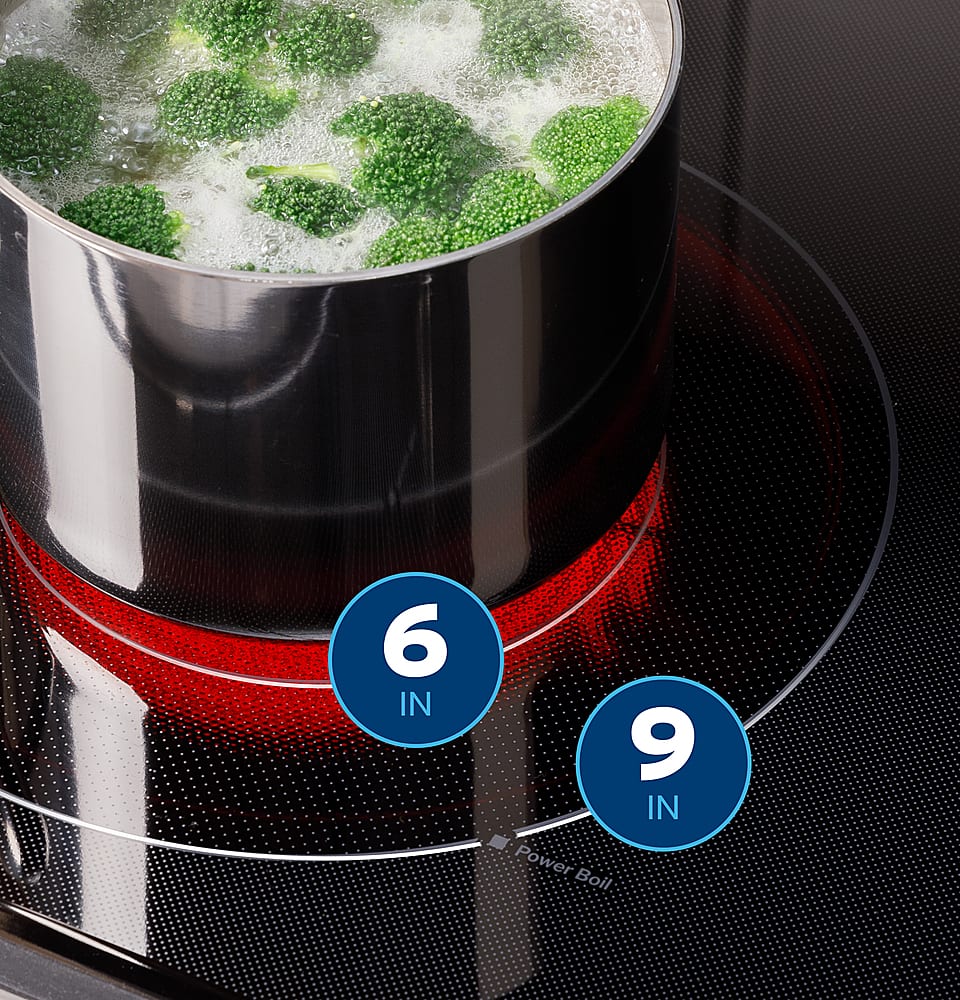
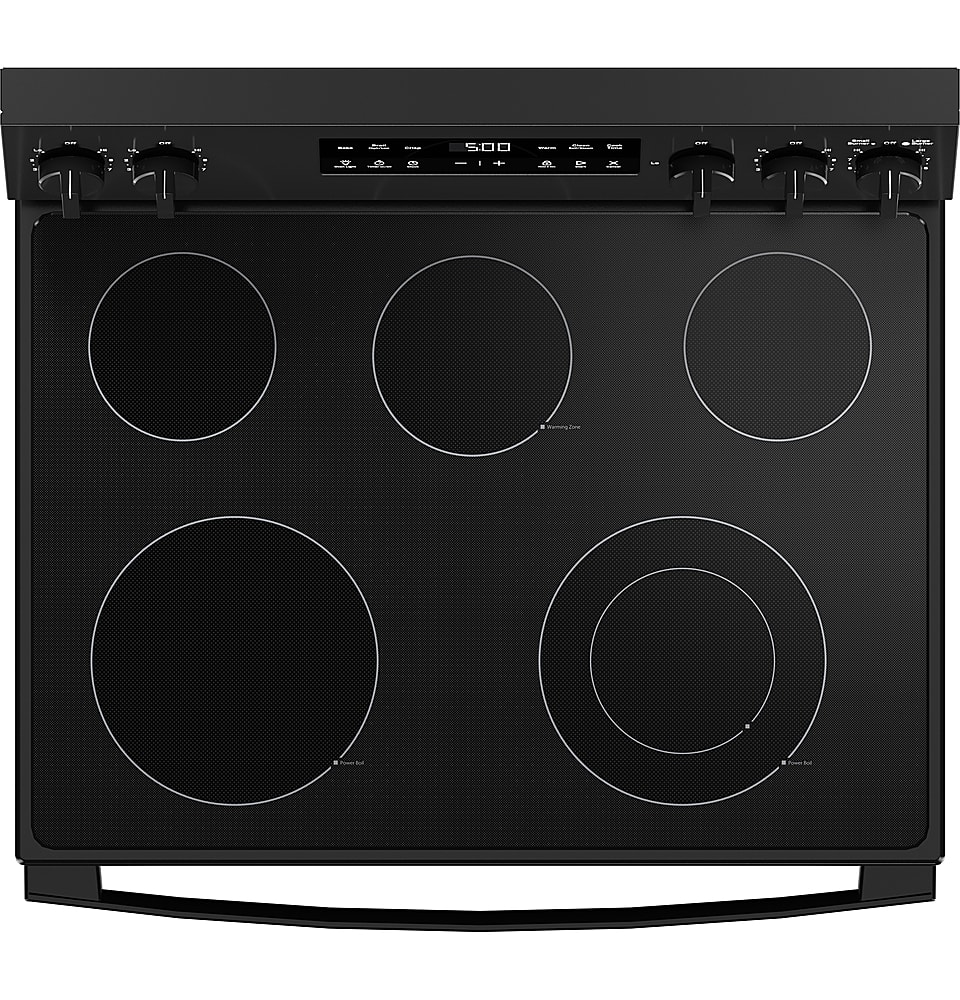
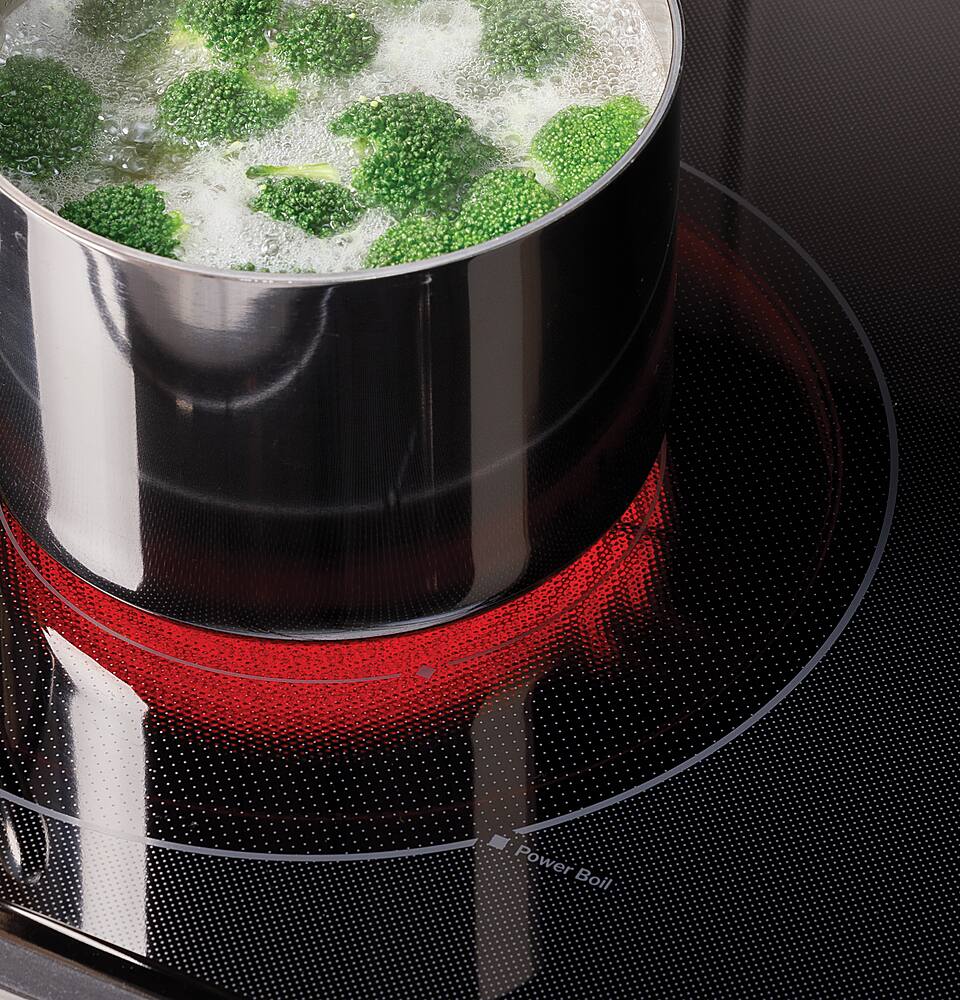
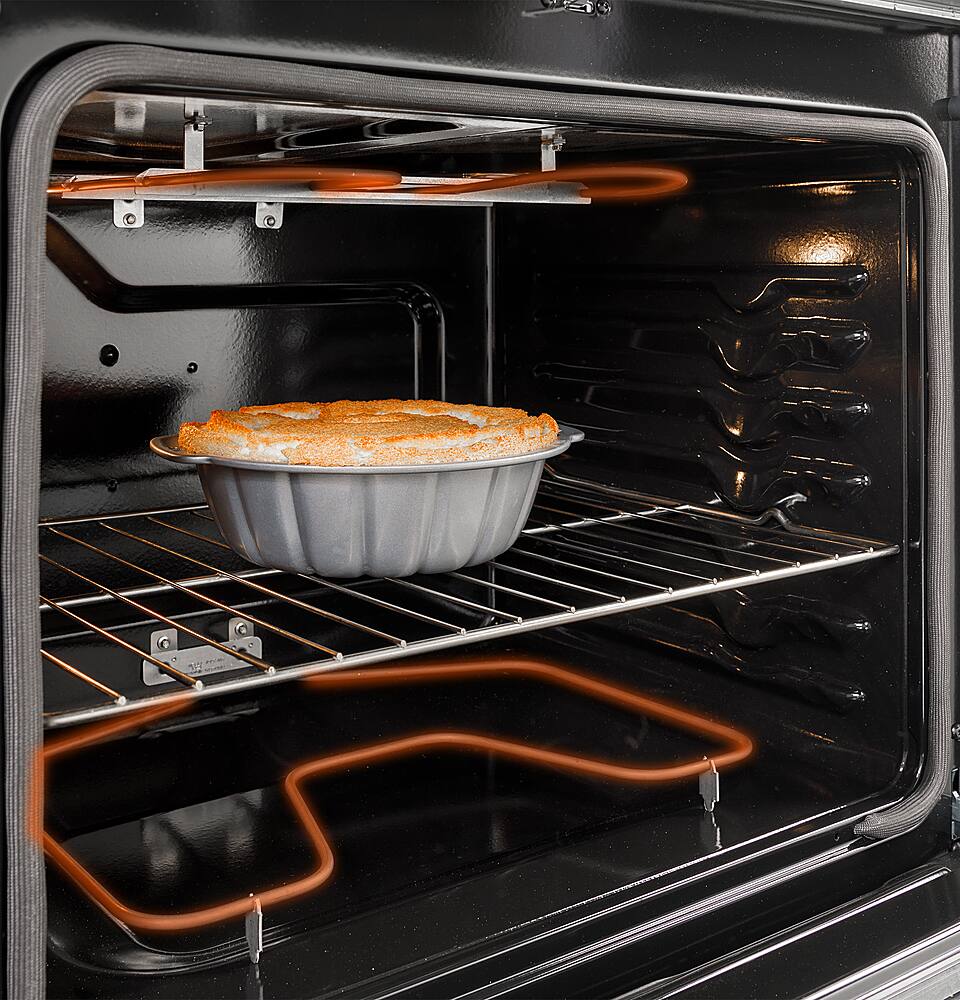
A:AnswerThe inner smaller element will glow. The 9th photo on Best Buys site will show you how it is supposed to look. If the large burner perimeter is glowing when you have the small burner on, we recommend reaching out to Bodewell service. You can schedule an appointment with one of our Bodewell technicians by calling 1-833-4BODEWELL or online here: https://www.bodewell.com/schedule-repair-service.
A:AnswerWe are happy to help you with this range. Best Buy does deliver for an additional charge. Please enter your zip code on the site and you'll see the costs involved in delivery and installation.
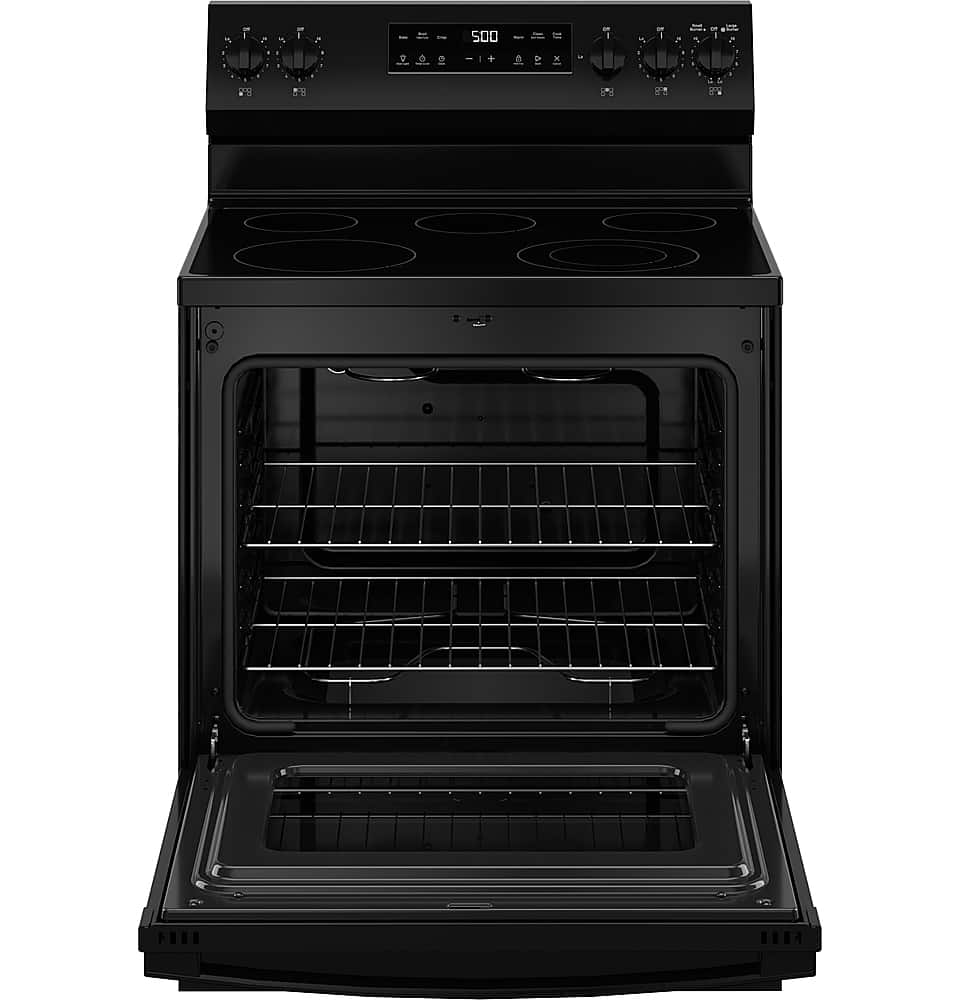
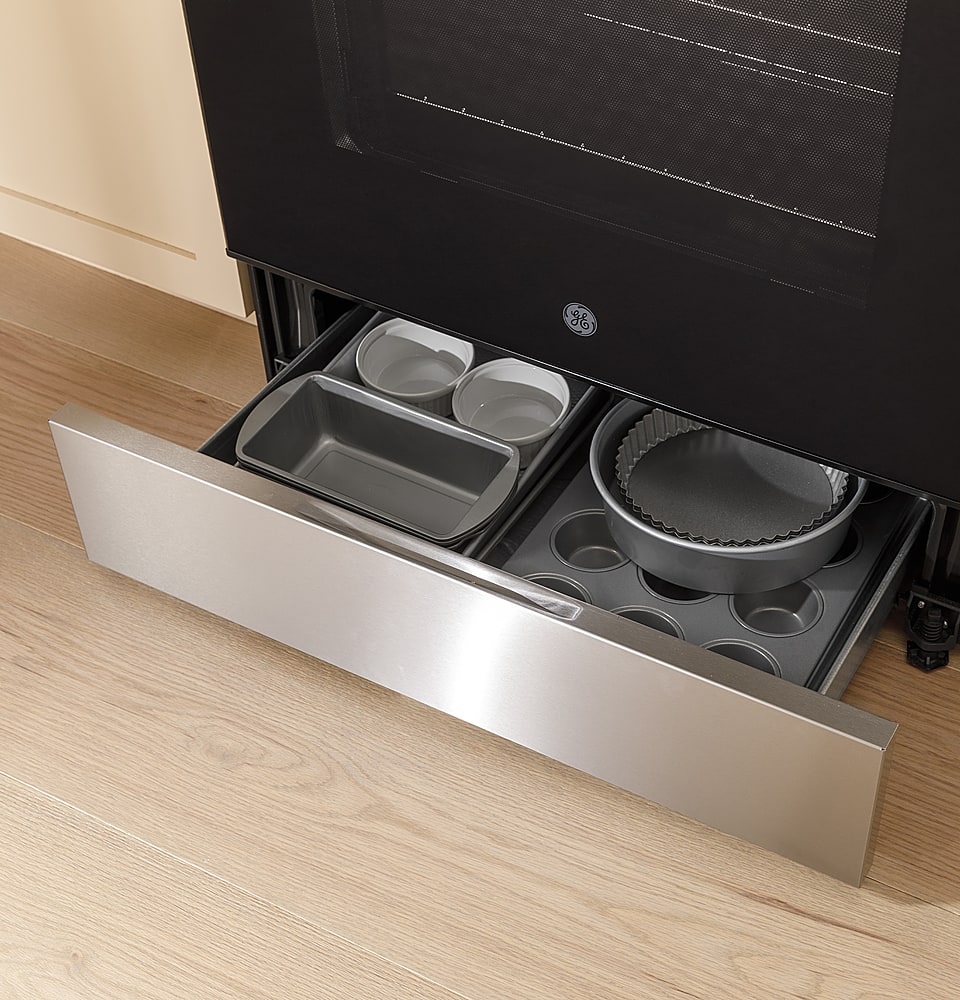
A:AnswerThe range weighs approximately 148 lbs. The storage drawer is removable and makes cleaning the floor underneath easier. If moving, We recommend lifting the front and placing a moving blanket, large piece of cardboard or something similar under the front legs. Pull the range forward, but do not pull on the door handle. Then lift the rear and place something under these legs to prevent scratching. Some floor materials are more easily scratched than others.
A:AnswerYes, you can use a canner on a glass cooktop. When canning on a Range or Cooktop, the first step is to use a good quality canner. With most cooking, you should not use a pot or pan that extends more than 1" beyond the burner. When canning with a water-bath, pressure canner, or pressure cooker, you can use larger diameter pots. The boiling water temperatures don't normally affect the cooktop surface the same way as other types of cooking. Joyce@GEAppliances
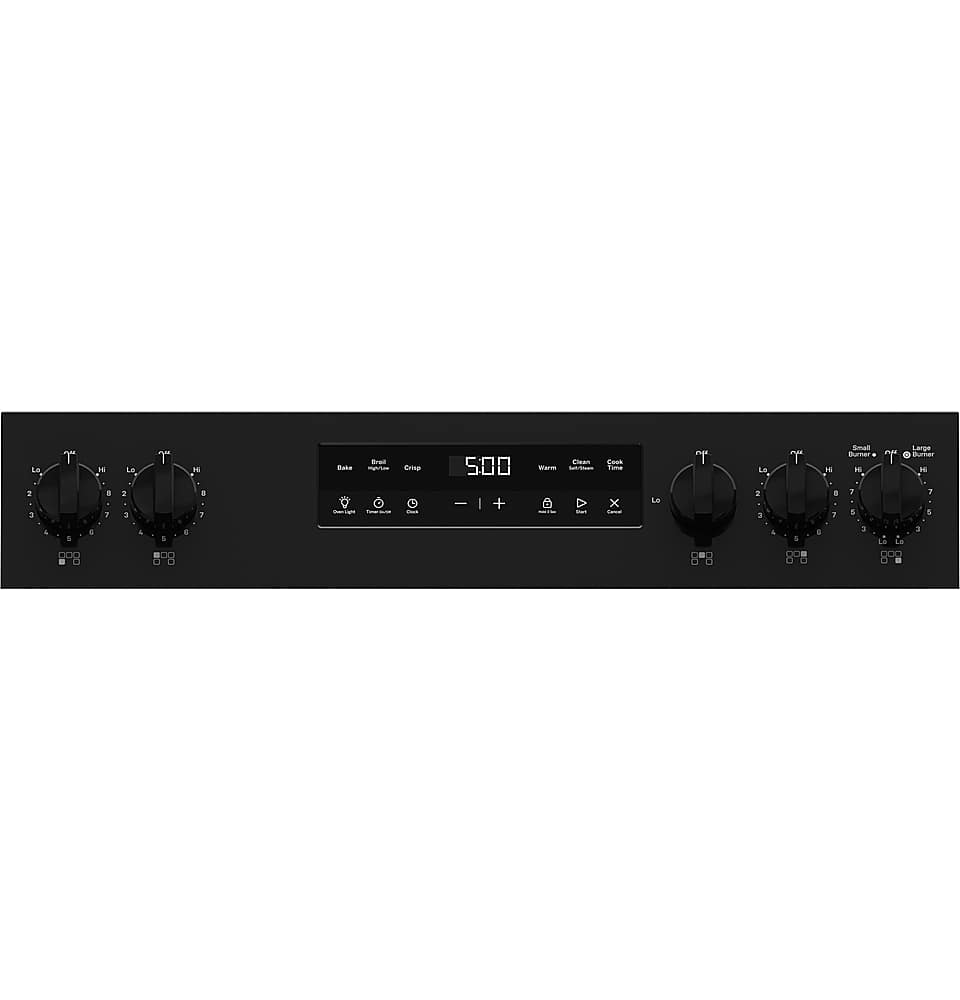
A:AnswerThe Lock Control feature has been activated. Lock Control locks out the control so that
pressing any pad does not activate the controls. To use this feature, press and hold the Lock Control
pad, for three seconds to lock or unlock the control. -Don@GEAppliances
A:AnswerTo better answer your question, please reach out to Best Buy support by calling 1-888-BEST BUY (1-888-237-8289) or by visiting the Support Center at the Best Buy website. They can either answer your question or direct you to your local store for further assistance.