A:AnswerHi Williams- Energy Guide labels are supplied with refrigerators, dishwashers, laundry products, and room air conditioners. The label is often on the appliance itself, and most can also be downloaded at GEAppliances.com. Some appliances, including microwaves are not subject to DOE (Department of Energy) requirements for energy usage and therefore do not have energy guide labels. View GE ENERGY EFFICIENT APPLIANCES: https://www.geappliances.com/ge/energy-star-appliances/ - Keep in touch! Sue
A:AnswerHi DLS- Yes, use the Vent Fan touch pad on the control panel to choose the desired fan speed (3-Speed including Boost). Thanks for choosing GE. Enjoy! Sue
A:AnswerHi sweetpppp - The cut-out height listed is actually the height of the microwave in the front- 16 1/2". It is 17 5/16"H in the rear. We suggest to view the Quick Specs at the following link for details: https://products.geappliances.com/MarketingObjectRetrieval/Dispatcher?RequestType=PDF&Name=PVM9005SJ_c3.pdf - Keep in touch! Sue
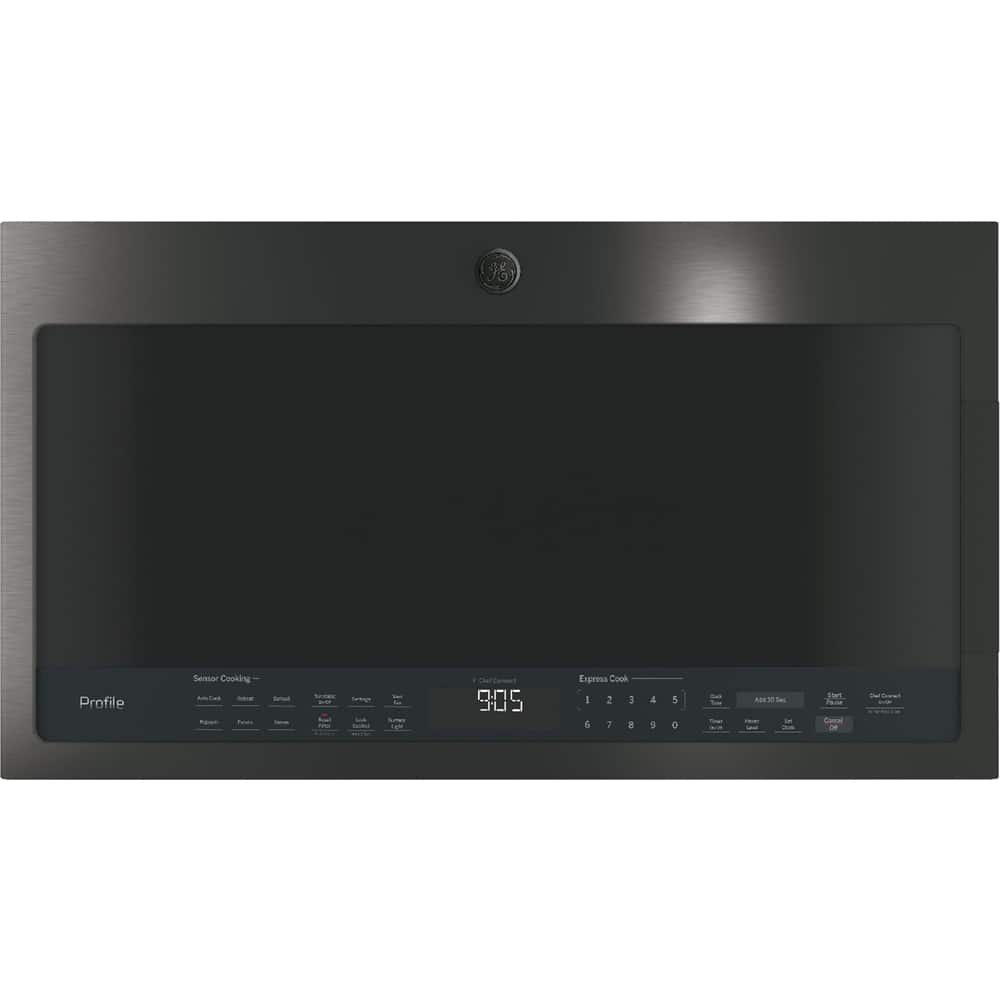
A:AnswerHi Ira- This microwave does not offer a Beverage option. It has the following Microwave Sensor Cooking Controls: Auto Cook, Defrost, Popcorn, Potato, Reheat, Steam Cook. Keep in touch! SUE@GEA
A:AnswerHi Shannon- It's great to hear from you! Wow, 20 years. That's a wonderful life span. While this model is not available in a built-in, we suggest our GE Profile™ Series 2.2 Cu. Ft. Built-In Sensor Microwave Oven PEB7227BLTS. It is compatible with GE® Required 27" Built-In Trim Kit JX7227BLTS and GE® Required 30" Built-In Trim Kit JX7230BLTS. We encourage you to view the Quick Specs at the following link for more details including dimensions: https://products.geappliances.com/MarketingObjectRetrieval/Dispatcher?RequestType=PDF&Name=PEB7227SL_BL_R2_17.pdf - You can also view the Trim Kit Installation Instructions at: https://www.myapstore.com/MarketingObjectRetrieval/Dispatcher?RequestType=PDF&Name=49-40782.PDF - Thanks for continuing to choose our appliances for your home. We're glad to have you in the GE Appliances Family! SUE@GEA
A:AnswerHi SNOOPDOG- Yes, the microwave can be converted to recirculating (non-vent). When the microwave is converted to recirculating and not vented to the outside, the air will be recirculated through a disposable charcoal filter (included) that helps remove smoke and odors. Thanks for choosing GE. Enjoy! SUE@GEA
A:AnswerHi Juan- Thanks for choosing GE. We are sorry to hear your microwave does not heat. We know this is disappointing. Make sure the “Timer” function was not inadvertently used. Check to ensure the door is closed firmly. Close it firmly, but do not slam. This confirms the engagement of the door's safety mechanisms. Reset the electronics by unplugging or by turning off power at the circuit breaker for 30 seconds or so. For further assistance, please contact GE Appliance Service at 1-800-432-2737 or schedule a service appointment online: https://www.geappliances.com/ge/service-and-support/service.htm?ICID=GEARsupportflyout-service - We hope this is helpful. Keep in touch! SUE@GEA
A:AnswerHi Amethyst - When replacing an over-the-range microwave, the mounting bracket included with the new microwave should be used since the mounting bracket is specific to each model. The new screws, bolts, and exhaust adapter should also be used. All 30" over-the-range microwaves are approximately the same width, and are designed to fit into a 30" wide cabinet opening. GE® 1.7 Cu. Ft. Over-the-Range Microwave Oven JVM6172DKWW has comparable features- Convenience Cooking Controls, Turntable with On/Off and two-speed, 300-CFM venting system. Keep in touch! SUE@GEA
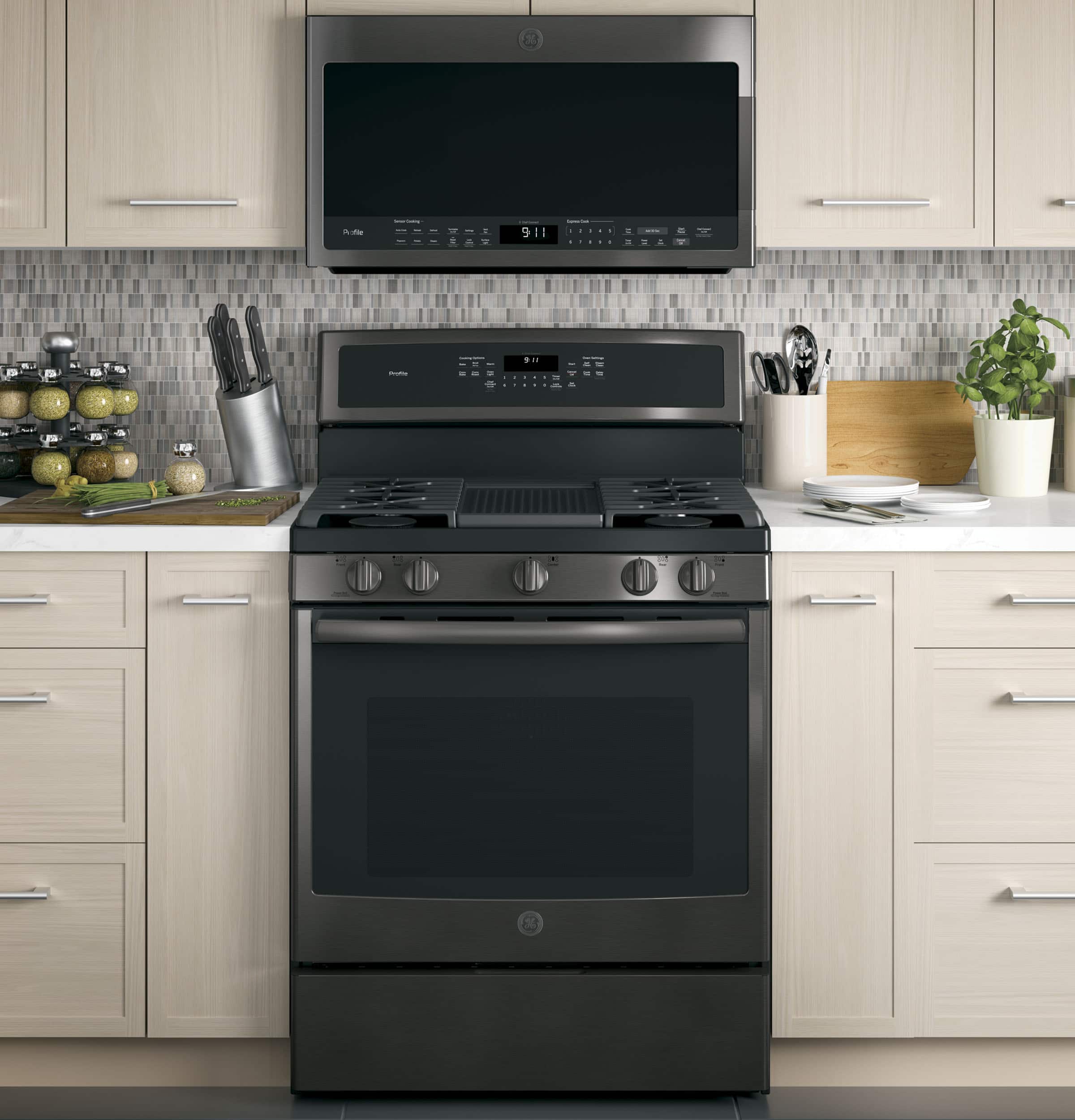
A:AnswerHi Trude- All current GE Appliances over-the-range microwaves (including convection) and Advantium ovens can be installed over gas cooking products with combined surface burner BTU rating under 65,000 BTUs. See the following link: http://products.geappliances.com/appliance/gea-support-search-content?contentId=18417 - Thanks for choosing GE! SUE@GEA
A:AnswerHello Rob,
I am sorry to hear that you are having an issue with your microwave oven. I am glad to assist you.
Try disconnecting power on your microwave at the power source for about 30 seconds to reset the electronics. On some occasions the electronics may develop a glitch. Removing the power supply to the unit may allow the electronics to reset.
If this suggestion does not resolve the situation, I recommend scheduling a service appointment with an authorized GE Appliance technician who can accurately diagnose and correct the issue. For safety reasons, we cannot offer do-it-yourself repair advice on microwave ovens due to high voltage (capacitor holds a high voltage charge even after it has been unplugged).
You can schedule an appointment online at:
http://geappliances.com/service_and_support/service/
Or if you prefer to call you can reach our scheduling department at:
1-800-432-2737
Monday – Friday: 7 a.m. – 10 p.m. ET
Saturday – Sunday: 8 a.m. – 6 p.m.
Lisa from GE Appliances
A:AnswerWe no longer manufacture a 36"W microwave; however, we have 36" filler kits for almost every model. One of the few models that will not work with a 36" filler is the PVM9005. If you check out other GE microwaves, the filler kit is listed in the product specifications. Thanks for checking with us! LEDA@GE
A:AnswerHello Gail,
Thank you for your interest in GE Appliances. I am happy to help. The dimensions are as follows:
W-29 15/16 in x H-17 5/16 in x D-16 5/32 in
Thank you for checking with us. Lisa from GE Appliances.