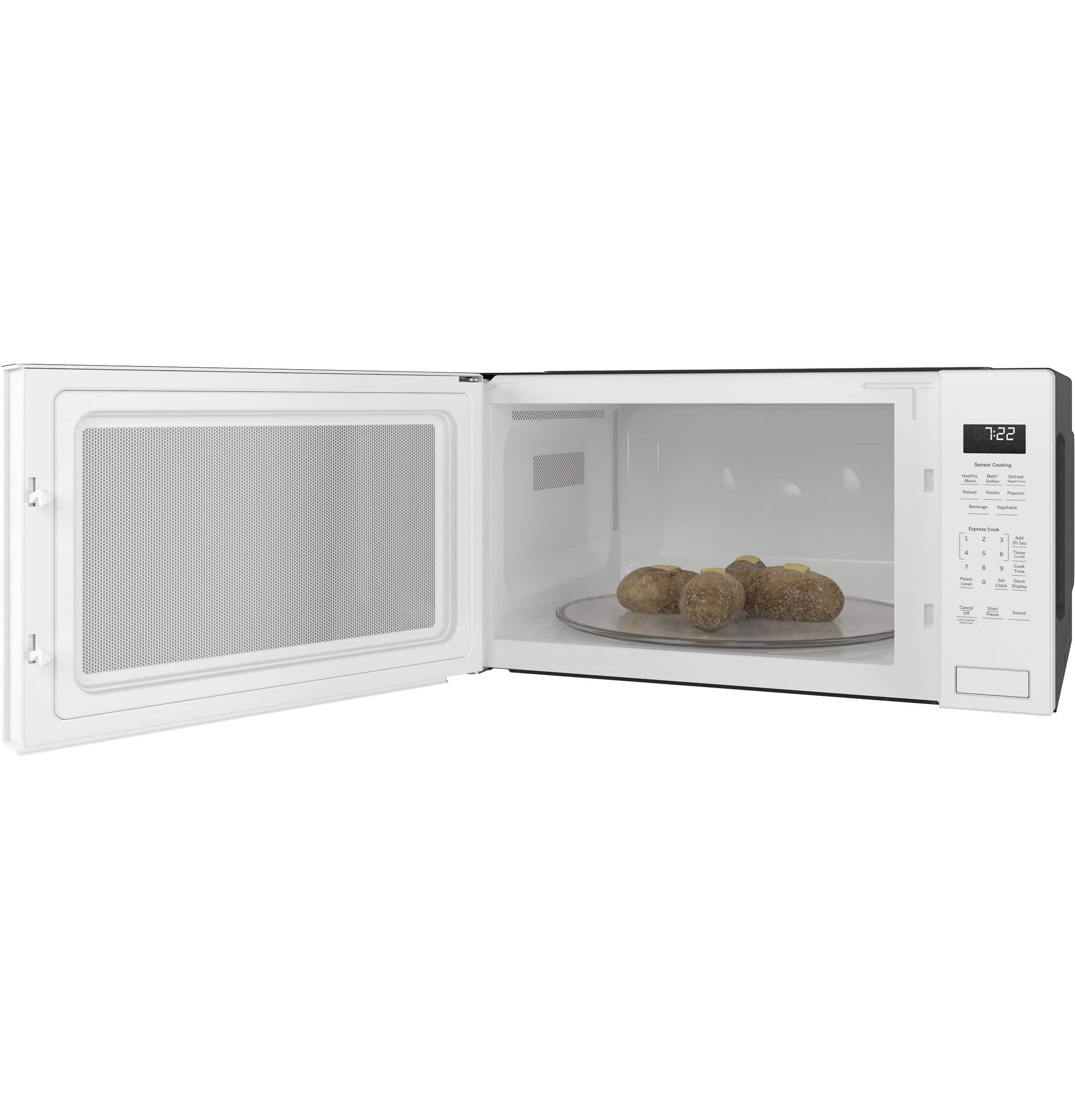
A:AnswerHello – We would suggest an over the range model such as JNM7196DKBB because it has recirculating vents, which means it’s not externally vented so you wouldn’t need any duct work to complete the install. We hope this information is helpful with making your decision. Please let us know if there is anything else we can assist with. Kind regards. – Don@GEA
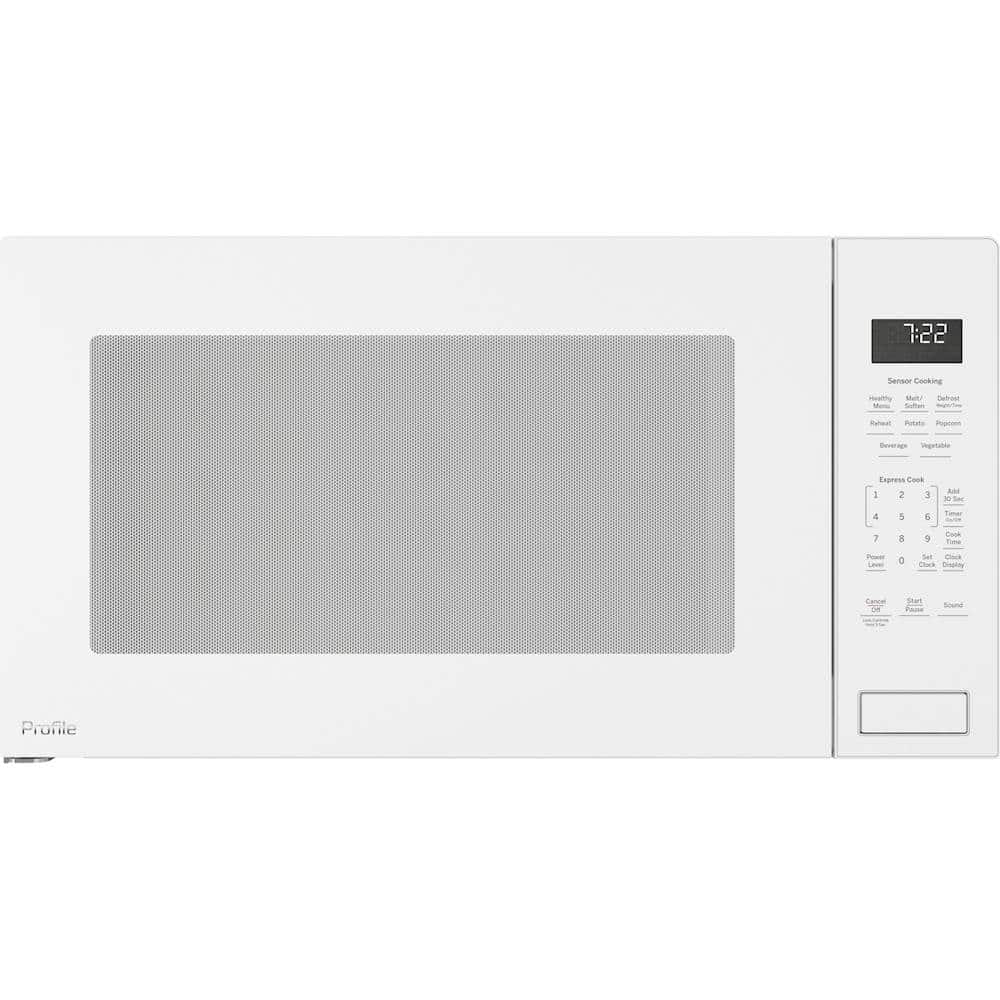
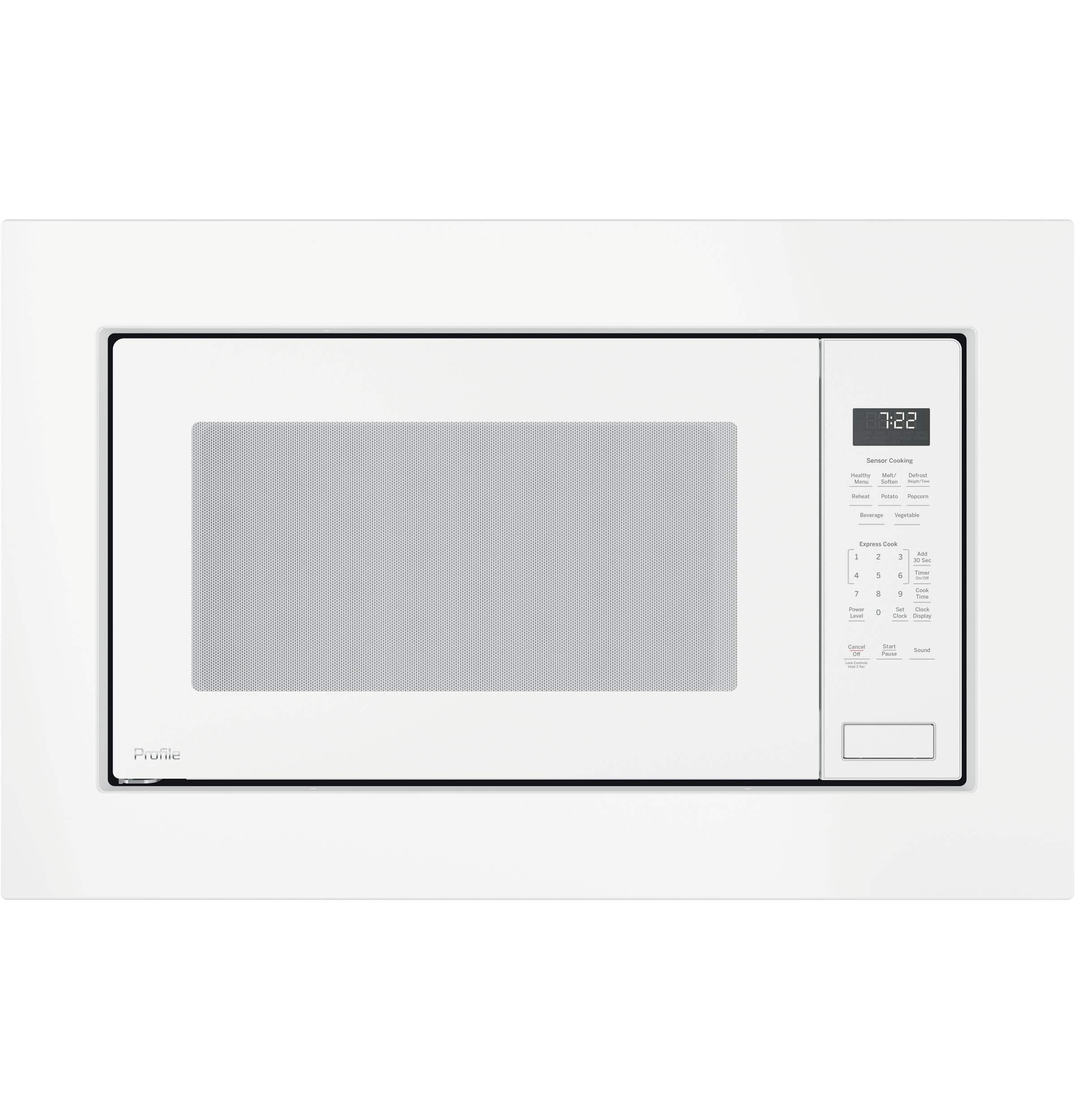
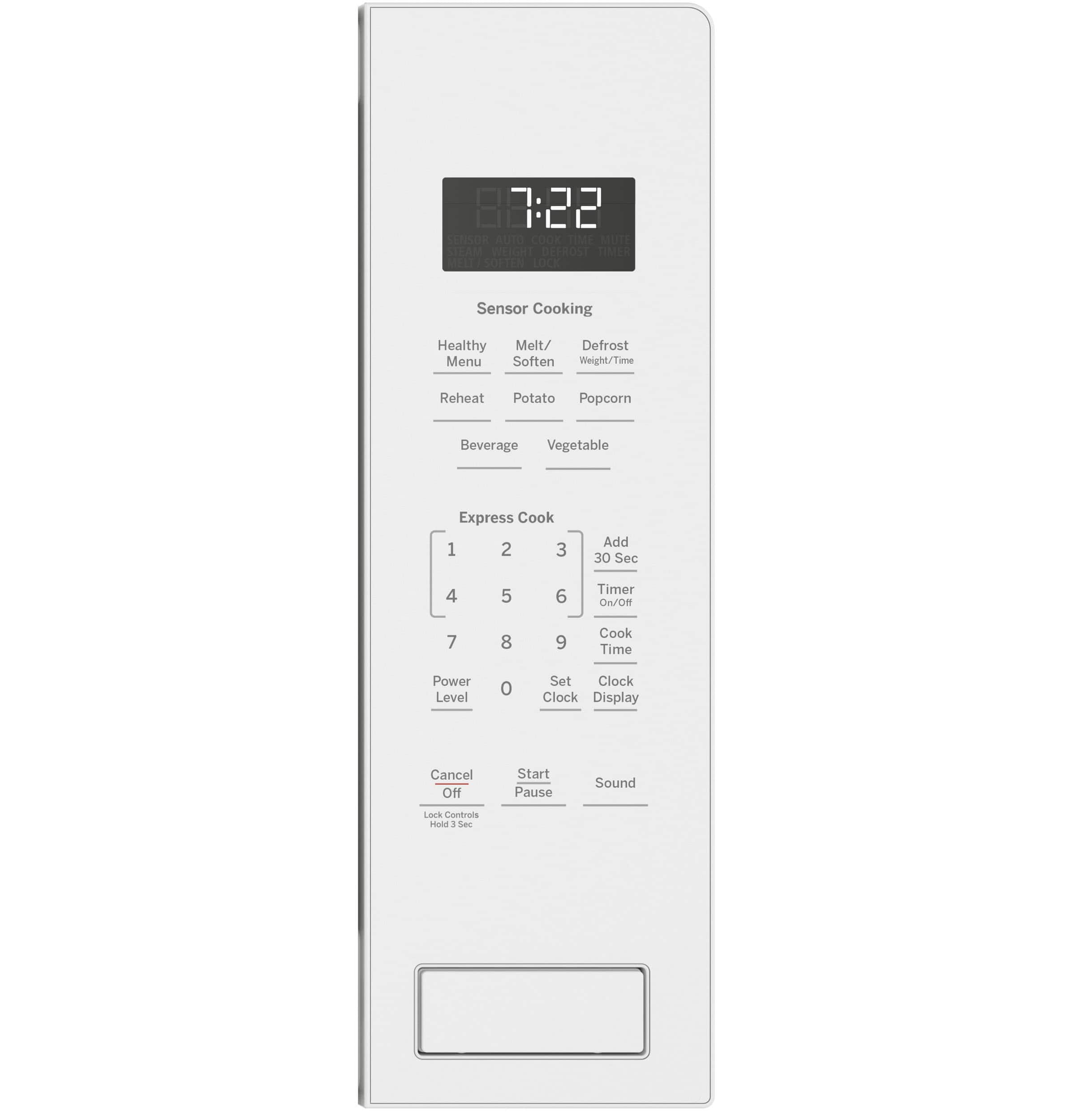
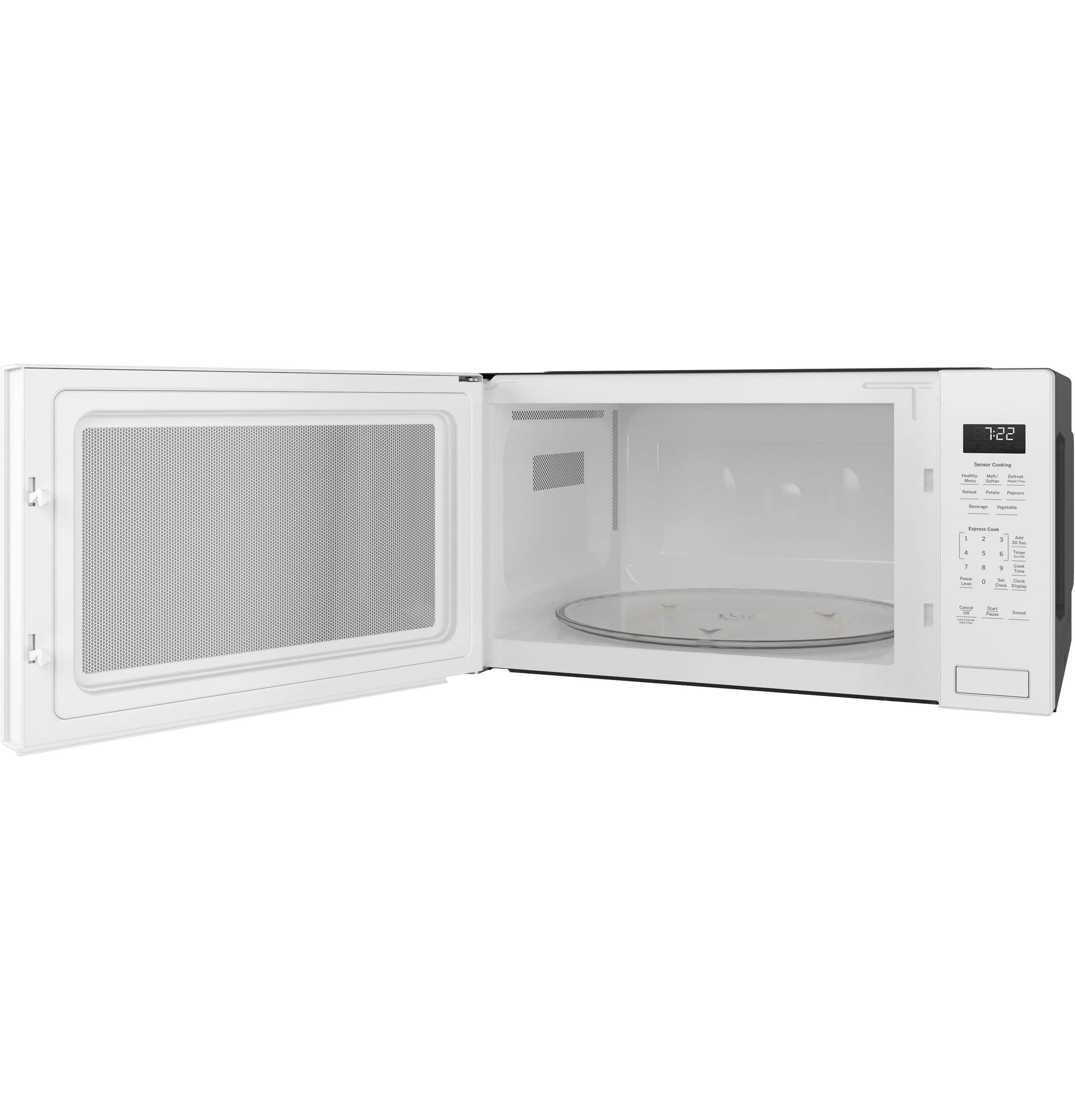
A:AnswerThank you for asking this great question! There are two trim kits that you can choose between depending on your preferred size. JX7227DLWW and JX7230DLWW are the compatible trim kits for this model of microwave. If you have any additional questions, please reach out to us! All the best – Matthew@GEA
A:AnswerHello, thank you for asking this great question! Our countertop microwaves are not rated in dba/decibels, as the way it is installed can make a difference in the sound level. Additionally, the types of materials found in the surrounding cabinetry can also affect the sound level. All the best – Matthew@GEA
A:AnswerGreetings,
Thank you so much for reaching out and for your interest in our microwaves! Model PEB7227DLBB would be a fine replacement for your microwave. The existing trim kit would not work. You would need to use either JX7227DLBB (27") or JX7230DLBB (30") for the trim kit. We're here if you have any other questions. Have a great one! Mike@GEA
A:AnswerHey there, we appreciate you reaching out to us. We're sorry to say that trim kits are model specific so you'd actually need to purchase a new one if wanting a built-in look. The compatible trim kits for your new microwave would be 27" model JX7227DLBB (Black) and 30" model JX7230DLBB (Black). Please let us know if there's anything else we can do for you. We appreciate your loyalty to us and we're here if you need anything else. - Guy@GEA
A:AnswerHi - Thank you for having purchased a GE Appliances microwave oven. This unit can be installed above a GE wall oven providing you use the appropriate 27" (JX7227DLBB) or 30" (JX7230DLBB) built-in kit designed for that purpose. We appreciate your loyalty to our brand. Kind regards - Vikki@GEA
A:AnswerHey there, and thanks so much for your loyalty as a GE Appliances consumer! We truly appreciate you wanting a new microwave of ours to replace your older model. Unfortunately, your cutout would be a little small for our current models and trim kits; we regret any inconvenience that may cause. But if you’re able to arrange for a minor modification to the width of the cutout, the model you asked this question on (PEB7227DLBB) may indeed be a good fit for you. It is compatible with trim kits JX7227DLBB and JX7230DLBB. The trim kits differ in their external dimensions (JX7227DLBB is 26 ¾” W and JX7230DLBB is 29 ¾” W) but inside the cutout space both would need dimensions of 16 ¾” H, 25 ½” W and a minimum depth of 19 ½” or 22”. Though your cutout height is larger than what is needed, the height dimensions of the trim piece would cover the opening if installed correctly. We hope this information helps! If you have any other questions or concerns, we are happy to offer assistance any time, here or over social media. Thanks for being part of our GE Appliances family! -Sarah@GEA
A:AnswerHi there and thank you for considering this great microwave for your home. A trim kit isn’t a requirement for the installation of your microwave nor is a professional. These are optional and completely up to you. If we can answer any additional questions, let us know. Have a wonderful day. -Gina@GEA
A:AnswerWe did this…not easily…the old base did not fit the new microwave but we needed the front few inches of the old base to keep the trim kit attached. We cut the metal plate to use just the front few inches for the trim kit. We used lumber rails cut from 4x4 to elevate the new microwave to the appropriate height in the cabinet, counter sunk the feet to keep the unit from shifting (universal kit you can purchase states you will likely have to shim to level anyway which why we opted to just adapt). So yes it’s possible, with lots of work! See photo: yes the original kitchen installers used the wrong trim color, though the original unit matched the wall oven
A:AnswerHi there - Thanks for reaching out; we'd be glad to assist you! Unfortunately model PEB7226SF1SS is no longer being manufactured. Also, our trim kits are model specific, so you would need to purchase a new compatible trim kit for your new microwave. For a replacement, we recommend microwave model PEB7227ANDD and trim kit JX7227SLSS. We hope you find this helpful! Best wishes. -Shayla@GEA
A:AnswerHello - we're more than happy to assist with this question! After checking dimensions and requirements on current models, we can confirm that your microwave doesn't perfectly match the specifications for these newer models. Our standards for sizing and dimensions have changed compared to the ones highlighted for your microwave, which creates discrepancies with certain measurements (ex. the depth of the cabinet opening). -- With that said, we were able to find microwave model #PEB9159DJBB, which is a countertop microwave that can be turned into a built-in unit. The two trim kit options are the following: *JX9153DJ (30") *JX9152DJ (27"). -- The dimensions for the cabinet opening are still slightly different and we strongly suggest reaching out to a local cabinet maker to adjust your opening. You can find the measurements for the opening in the "Quick Specs" document online. -- We apologize for any inconvenience this might cause. Have a great day. - Pablo@GEA
A:AnswerWe ordered this GE Microwave and the trim kit in April. Received the microwave in early June. Best Buy said the trim kit was back ordered until late June. Went by the Hot Springs store the date the trim kit was due and they told us it was no longer available and they cancelled our order. I called Best Buy customer service, spoke to someone and they said the trim kit will be in the store July 19th. We’ll see! Wish I had your trim kit!
A:AnswerOh my, we're terribly sorry to hear your microwave quit working. We can imagine how worrisome this would be and we never want this for our consumers. If it actually did anything that could've been harmful at all, please message us on social media so our team can help you. With that said, we're sorry to say that trim kits are model specific and that will not fit model PEB7227ANDD. Its compatible 30" trim kits are the following: JX7230BLTS, JX7230FMDS, JX7230SLSS, and JX7230ELES. We're wishing you the best and we're always available if you need anything else. - Guy@GEA
A:AnswerHello. That's a great question! No, for model PEB7227ANDD you would need to use one of the following trim kits: JX7227BLTS (Black Stainless); JX7230BLTS (Black Stainless); JX7227FMDS (Black Slate); JX7230FMDS (Black Slate); JX7227SLSS (Stainless steel); JX7230SLSS (Stainless steel); JX7227ELES (Slate); JX7230ELES (Slate). We hope this helps, and should you have any additional questions, please reach out to us!- Kianna@GEA
A:Answermicrowave is fine but trim kit is on backorder. they it wont be available until July. However it was May then changed to June and now has changed to July. I have the microwave but NO trim kit. Must be coming from China. We replaced al our appliances with GE and still have our white one for now. If you don't want to wait you might look for another brand. I will say we have all GE and they all work very well and have never had a problem with any of them.
A:AnswerHi there! The name of the color for model JE2160CF001 is Bisque. As for the trim kit, JX7227DLWW is the kit needed for PEB7227DLWW, which is different from the one for JE2160CF001. Please let us know if you have any additional questions and we’ll be happy to answer -Gina@GEA
A:AnswerHey there and thanks for being part of our GE Appliances family. Any of our 30 inch over-the-range microwaves can be used to replace this unit, however, you may also want a filler kit due to the gap. You may be interested in unit JVM6172DKBB as it is similar in capacity and wattage. If you’d like the optional filler kit, it is model JX36BBB. Please let us know if we can be of additional assistance. Have a wonderful day. -Gina@GEA