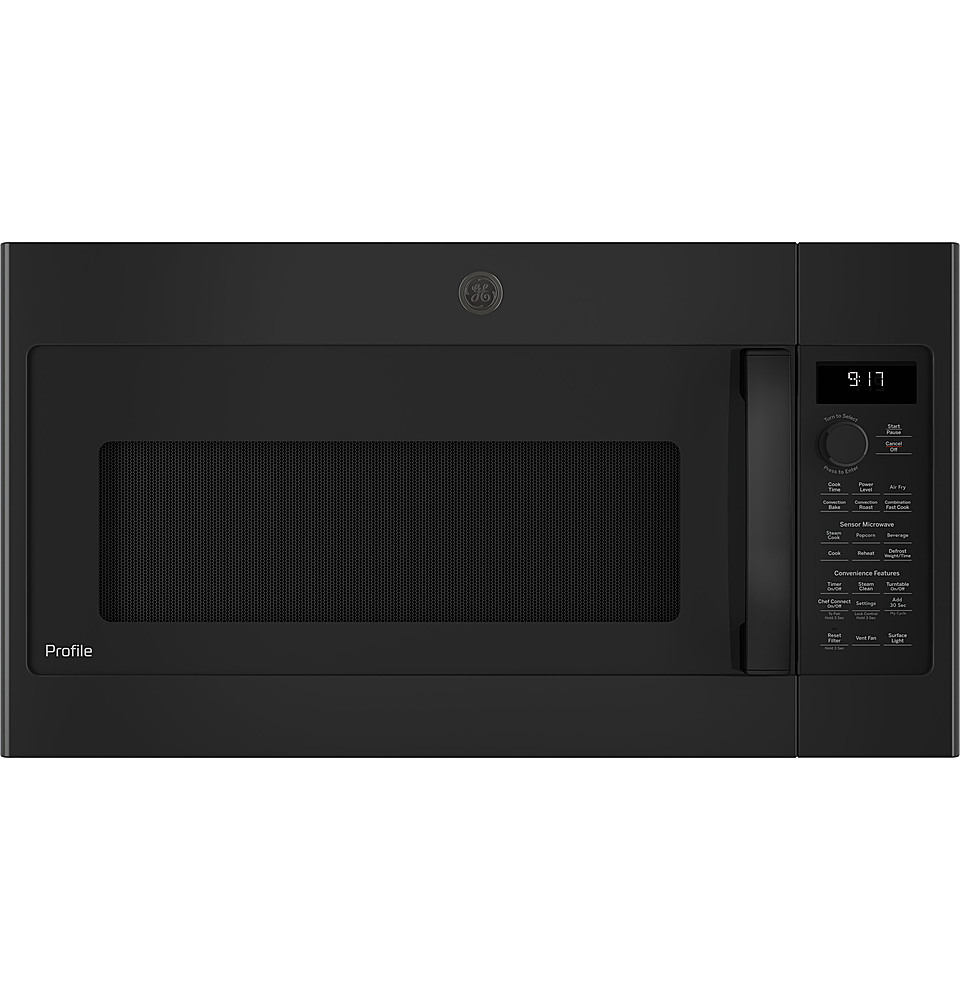
A:AnswerThis model would make a great addition to your home. All 30" Over-the-Range Microwaves are approximately the same width and are designed to fit into a 30" wide cabinet opening. Therefore, any of our current 30" Over-the-Range microwave models will work as a replacement for an existing 30" Over-the-Range microwave model. When replacing an Over-the-Range microwave, the mounting bracket included with the new microwave should be used since the mounting bracket is specific to each model. The new screws, bolts and exhaust adapter should also be used.
A:AnswerWe appreciate you reaching out. There is not a way to change the brightness of the display for this model unit. We apologize for any inconvenience this may cause.
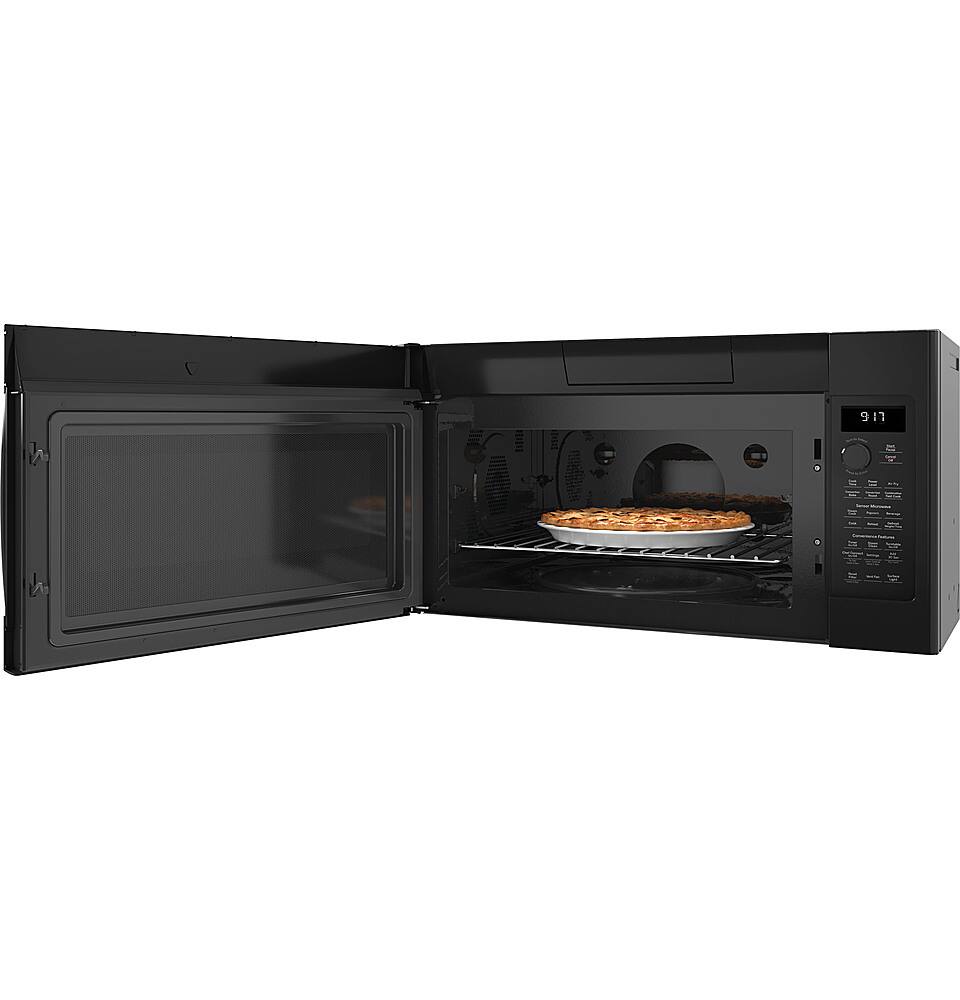
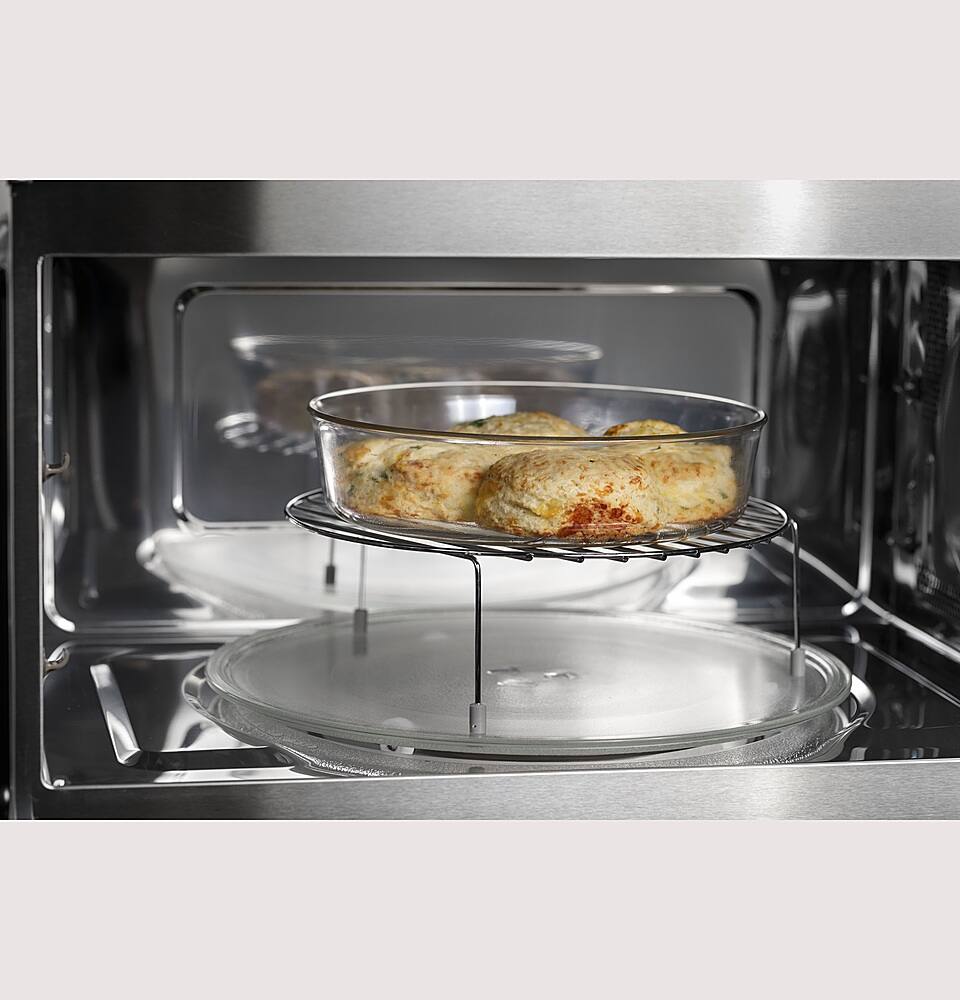
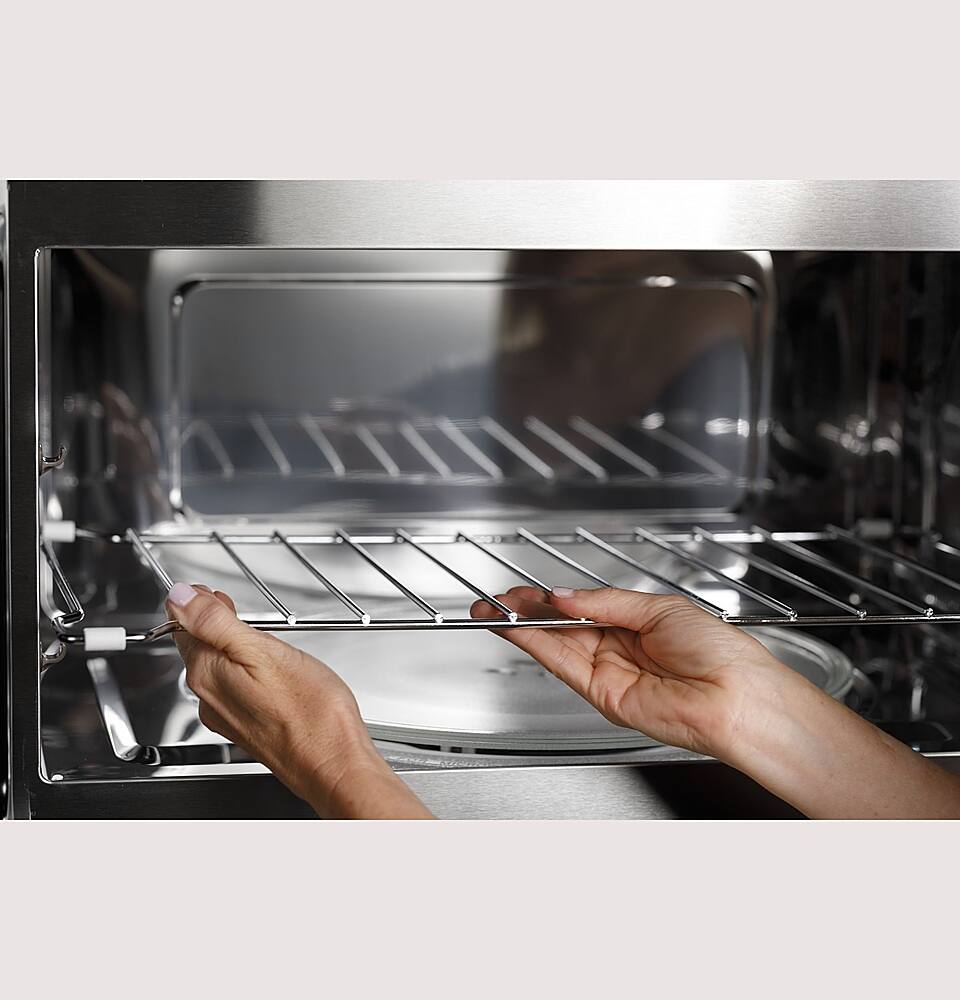
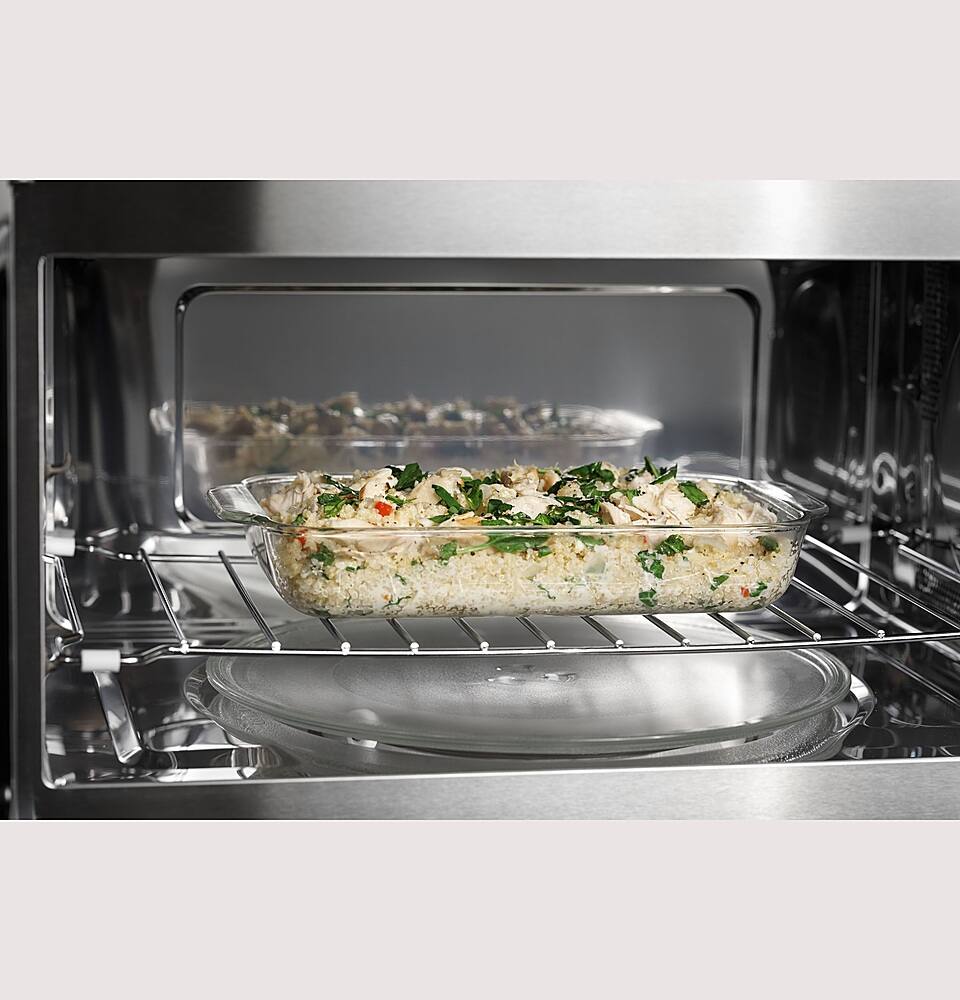
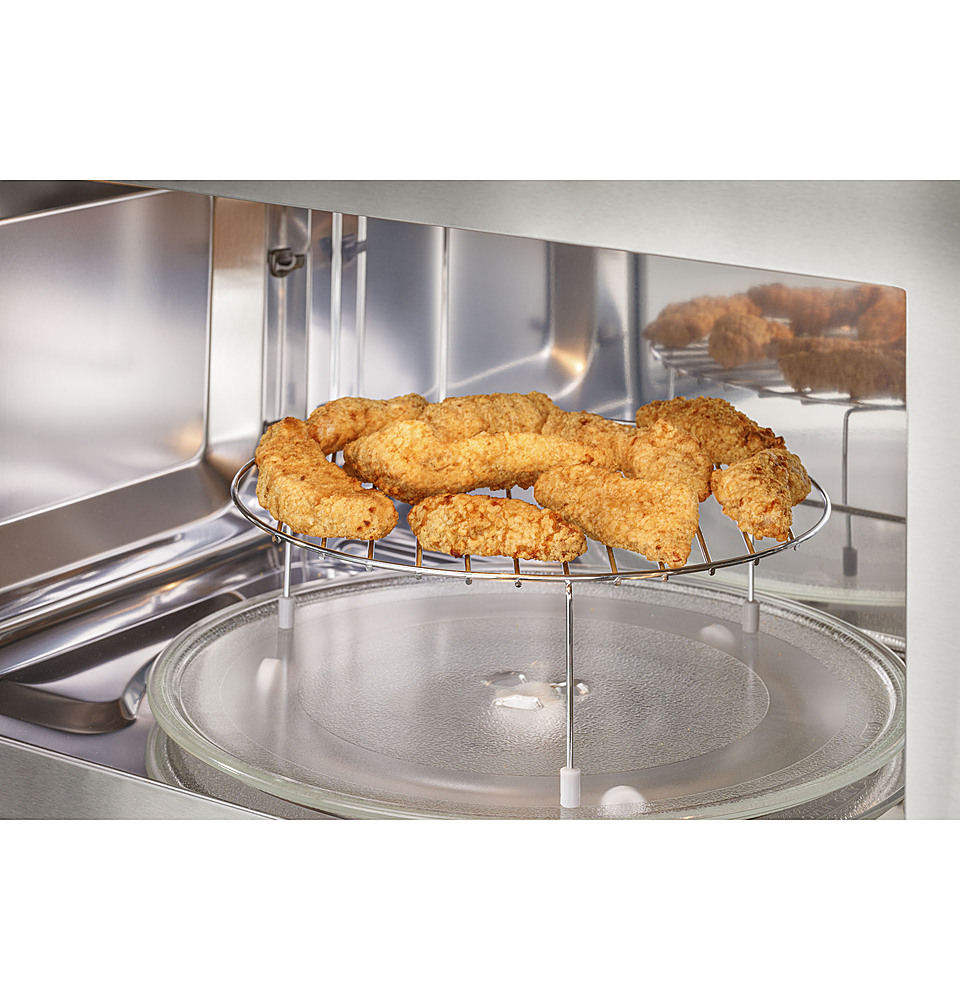
A:AnswerIn this convection microwave oven, a fan in the rear of the microwave blows air across a heater and directs it into the oven. Besides the convection heater in the unit there is not a separate heating element.
A:AnswerThis microwave is not fingerprint resistant stainless steel. We do have model JVM6175YKFS that is fingerprint resistant stainless steel and would be a lovely addition to your kitchen! We'd also like to let you know that all of our 30" over the range microwaves are compatible to replace each other. You will need to use the hardware and brackets that come with your new unit, as they are specific.
A:AnswerWe are sorry to hear you are having this issue with your microwave. If your microwave comes on by itself (fan and turntable running), first determine whether it is running and heating or whether just the fan and lights are coming on. We recommend testing the microwave's heating mechanism
by placing an ice cube or water (cool or room temperature) into a microwave-safe glass bowl or mug and close the door. Allow the unit to run on its own for 1 minute. If the cube melts or if the water gets warm, the magnetron tube (heating mechanism) is coming on and we recommend unplugging your microwave and reaching out to Bodewell Service by calling 1-833-426-3393 M-F 8:00-8:00 EST. S-S Closed.
A:AnswerWe appreciate your purchase and your feedback on the design of the door. It is normal for the door not to stop. It doesn't have a door stop. This model has many great features and one of our consumer favorites is the Turntable on/off feature. We can understand how upsetting it can be when a new appliance doesn't meet your expectations and hope the more you use it the more you will like it.
A:AnswerThis microwave is designed for over-the-range installation and cannot be installed within a closed cabinet or a cut-out space where the bottom is covered. It cannot be installed as a built-in microwave. We recommend checking out model PEB7227ANDD if you are interested in a built-in microwave.
A:AnswerThis model would make a great addition to your home. All 30" Over-the-Range Microwaves are approximately the same width and are designed to fit into a 30" wide cabinet opening. Therefore, any of our current 30" Over-the-Range microwave models will work as a replacement for an existing 30" Over-the-Range microwave model. When replacing an Over-the-Range microwave, the mounting bracket included with the new microwave should be used since the mounting bracket is specific to each model. The new screws, bolts and exhaust adapter should also be used.
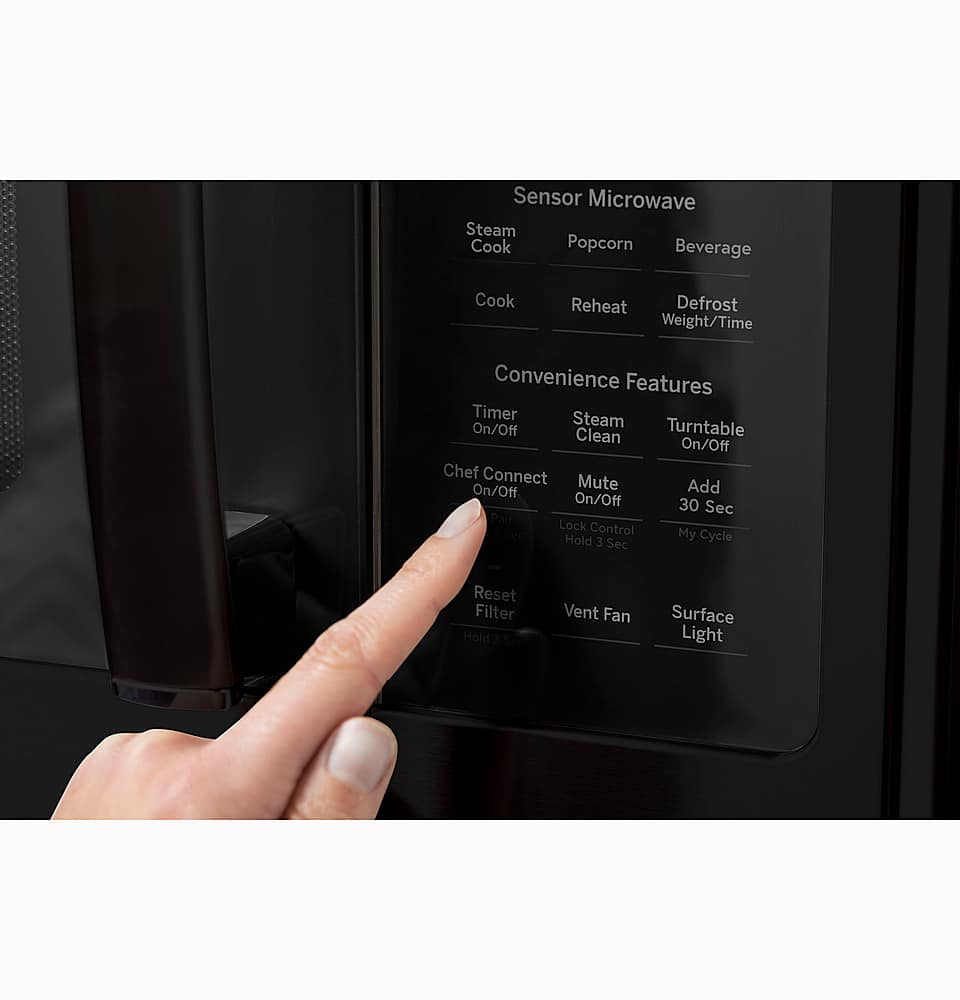
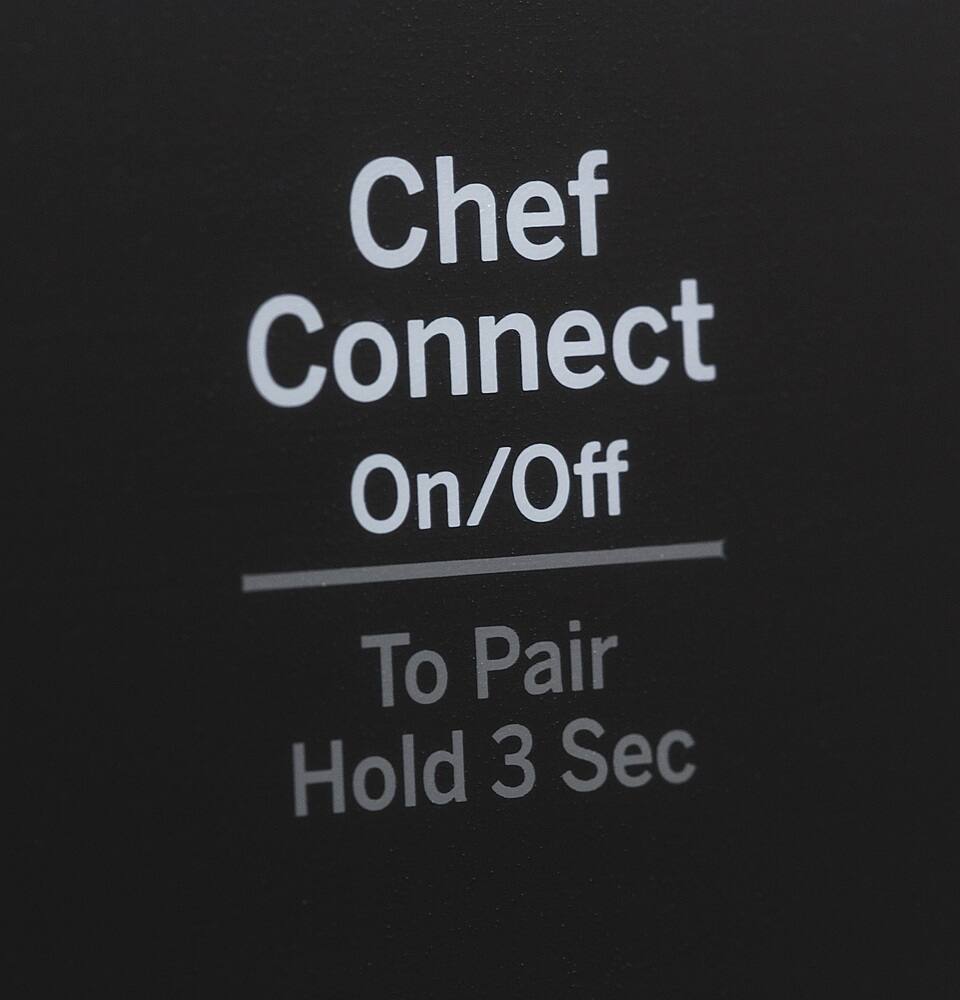
A:AnswerNo, the PVM9179SRSS model does not have the capability to be connected to Wi-Fi. This unit does offer the Chef Connect feature that allows you to connect your microwave to a GE Appliances range to sync your vent fan, cooktop surface lights, and clock via Bluetooth technology.
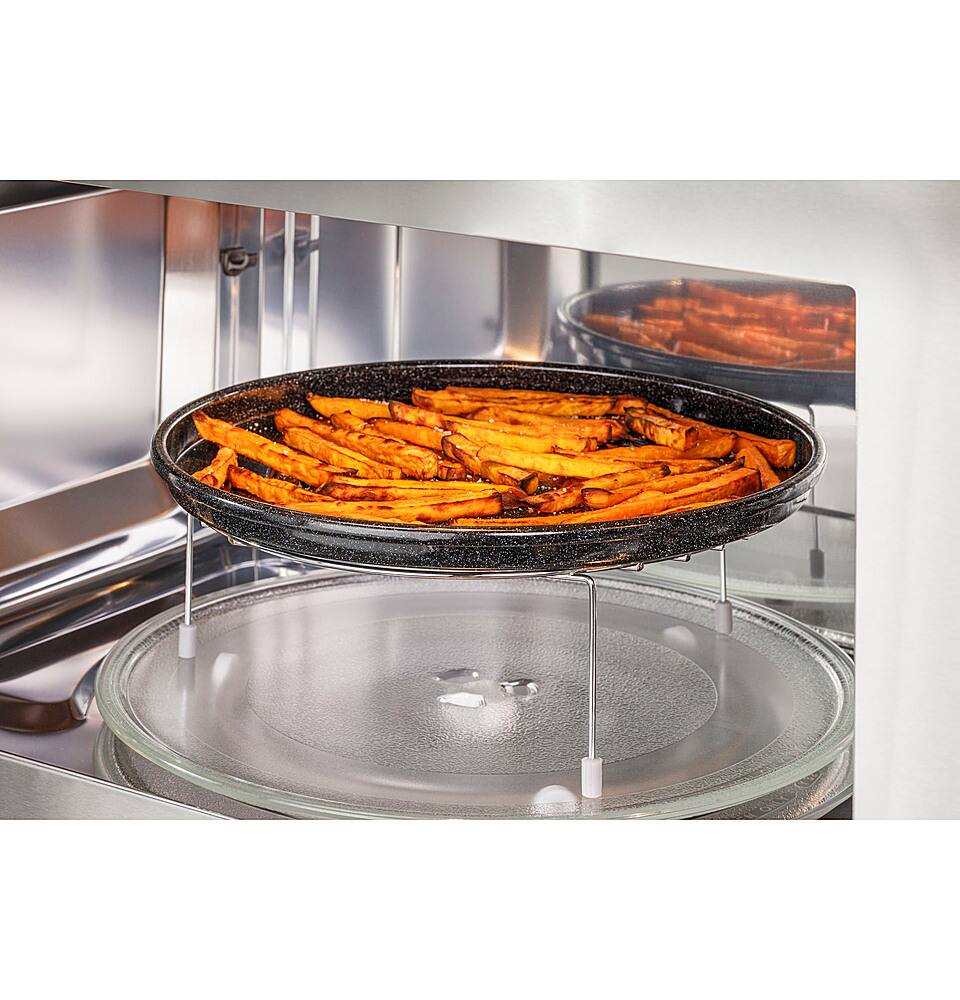
A:AnswerThanks for reaching out. To set the Air Fry cooking feature manually. Press the Air Fry button. Turn the dial to select "Manual" and press the dial to set. Turn the dial to select your cooking temperature. Turn the knob clockwise to select the temperature in 5°F increments up to 400°F. If needed, turn the dial counterclockwise to decrease by 5°F to 325°F. Turn the dial to select the Cooking time and press the dial or the Start/Pause button to start the cycle. Additional cooking information and tips can be found in the online Owner's Manual.
A:AnswerThe Steam Clean feature generates steam to re-hydrate dried spills/splatters making cleaning easier. To use this feature, please follow the steps in the "Steam Clean" section on pg. 22 of the Owner's Manual.
A:AnswerWe would need the full model number of your current unit to properly compare it to other models. This PVM9179SRSS model does not offer the Advantium technology. We recommend you take a look at the PSA9120SPSS.
A:AnswerWe recommend using the mounting bracket and hardware that will be packaged with the new microwave to ensure proper installation and safe operation.
A:AnswerThis model has a few different control features than the Advantium 120. These include the following: Air Fry, Chef Connect, as well as Combination Fast Cook. It does use an LED light for the cooktop light and a halogen light for the interior!
A:AnswerHello - Yes, This oven is for installation over ranges up to 36" wide. If the space between the cabinets is greater than 30”, a Filler Panel Kit may be used to fill in the gap between the microwave oven and the cabinets. The Filler Kit you would need for this model is part number JX36BSS. Thanks for checking with us. Best regards! -Don@GEAppliances
A:AnswerHello- Thanks so much for reaching out to us. We are happy to help you find a great replacement. Your current microwave is 1.1 cubic ft. and 825 Watts, and the dimensions are the following: 15 1/2 H x 29 15/16 W x 14 1/4 D If you don't need convection, we recommend JVM6175DKWW if you would like to have convection, please take a look at our Profile PVM9719DRWW model. If you have any questions in the future, please let us know. We are here to help! Joyce@GEAppliances