A:AnswerI have been able to do it with a Moto G7 Power, but it wasn't easy. I don't know if it works differently with a Z3. Maybe it was optimized for Apple or Samsung, or maybe Motorola has some weaknesses in their product, IDK. The trick is that both your phone and the Chromecast need to have a WIFI signal that is NOT coming from your phone. And signal strength and reliability matter. It will frequently pause or occasionally quit casting if not.
A:AnswerIf you use VLC version 3.0 or greater, you can cast to your chromecast from the "playback | Renderer" menu. Furthermore, if you enable Windows media sharing, you can use VLC to play shared content (aka DLNA) with "Playlist | Local Network | Universal Plug 'n Play."
A:AnswerThe Spectrum TV Android app supports chromecast. It was the primary reason I bought my chromecast. You will have to install the Spectrum TV app on your smartphone to enjoy this feature, however.
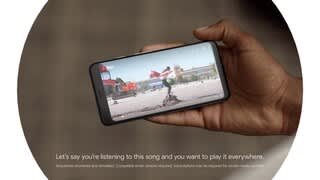
A:AnswerThe Chromecast does not provide you with content, such as broadcast channels or premium content/streaming services. The device serves as a bridge between your smart device (phone, tablet) and your television. It effectively allows you to "cast" streaming content from your phone to your television. It is used to turn a standard TV into a Smart TV with your phone or tablet as your controller or remote. To get local channels that you can stream from your phone to your TV using Chromecast, you would need to sign up for a service like Hulu or YouTube TV (both of which are compatible with Chromecast).
A:AnswerReset the Chromecast by holding down reset button on dongle for around 5 seconds. You will see the light flash then go solid. Then just follow prompts on TV. It will take you through the setup as if it were a new setup.
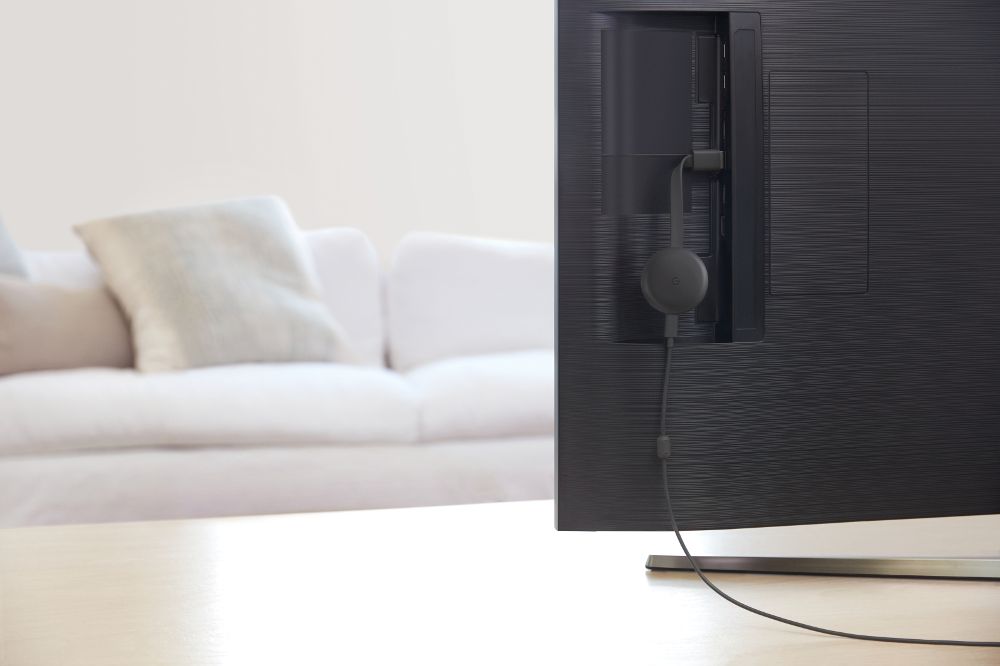
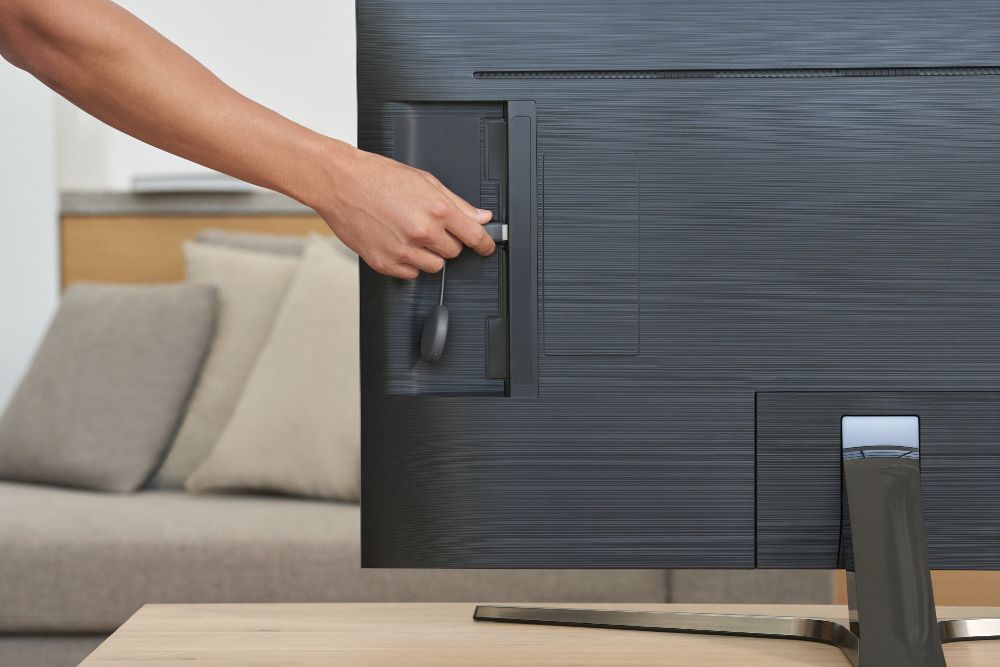
A:AnswerI bought mine October 29th because hbo max isn't on roku yet and it streams hbo max perfectly from my phone to my tv without a glitch. Just hook it to your TVs hdmi port, plug it in to a wall outlet, turn on WiFi on your phone or tablet, download the Google home app on your phone or tablet, open Google home and search for devices, connect to Chromecast and let it update then your ready to cast. It's easy to use and works like a charm. You can cast anything from your phone or tablet to your tv without a problem