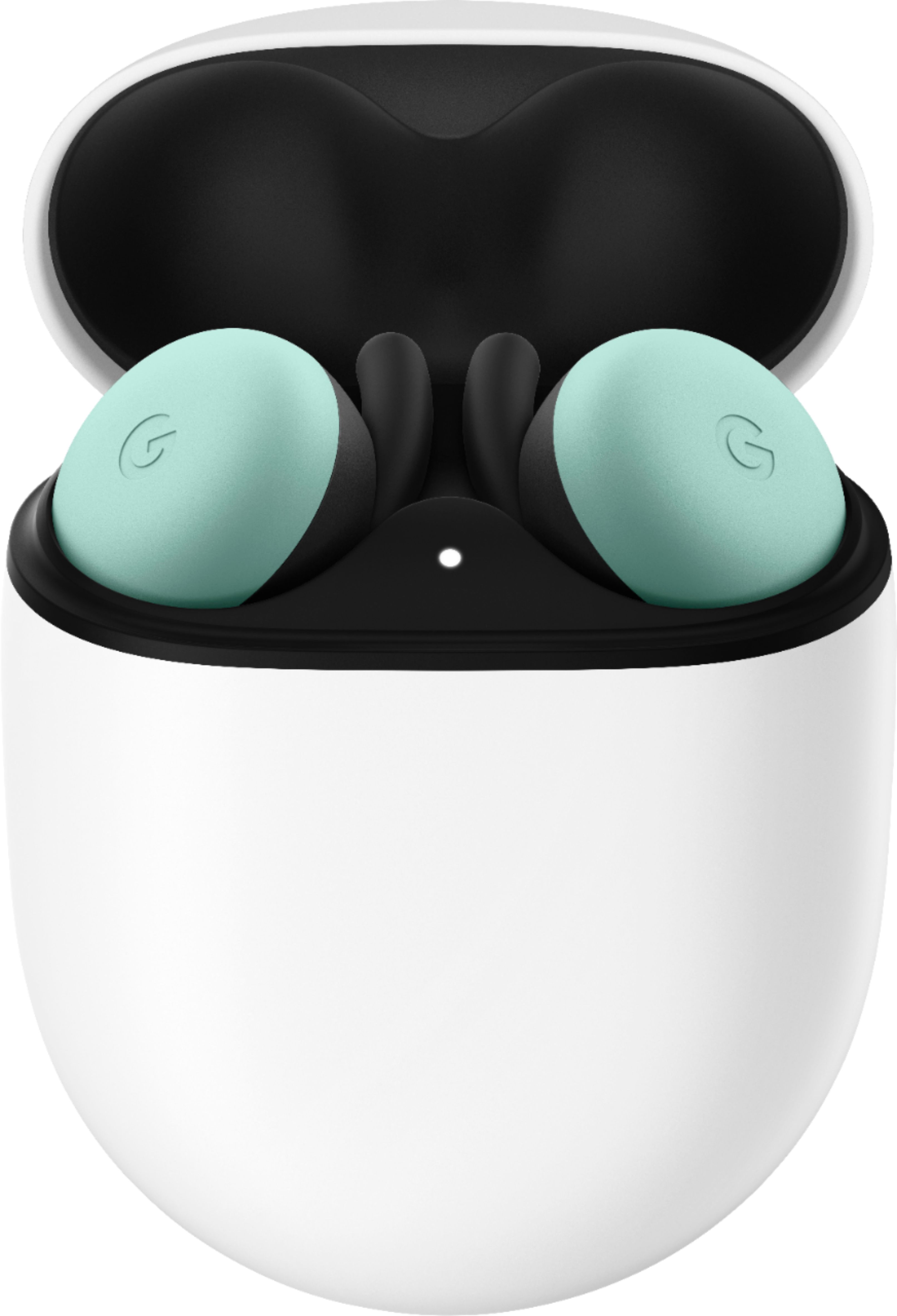
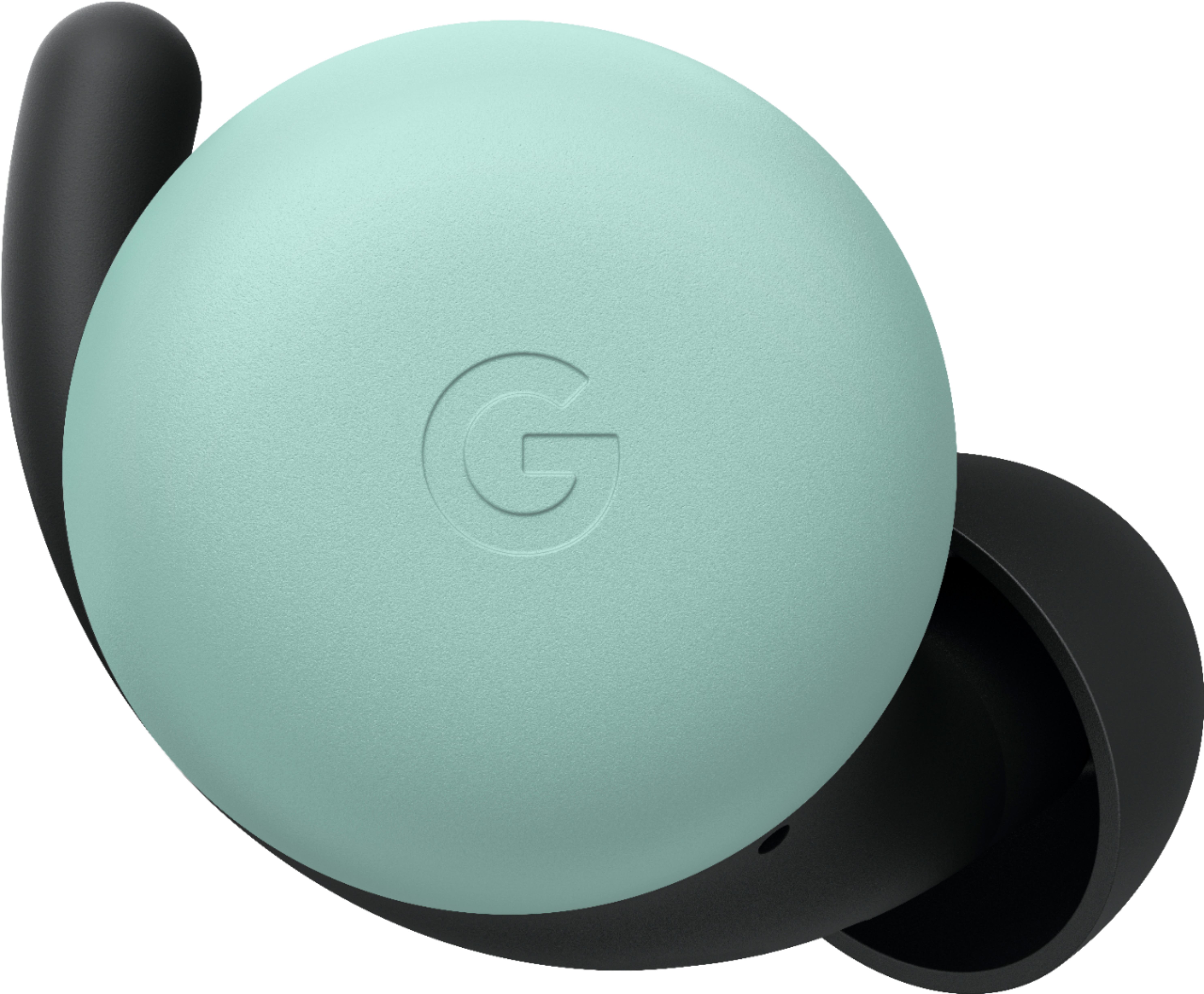
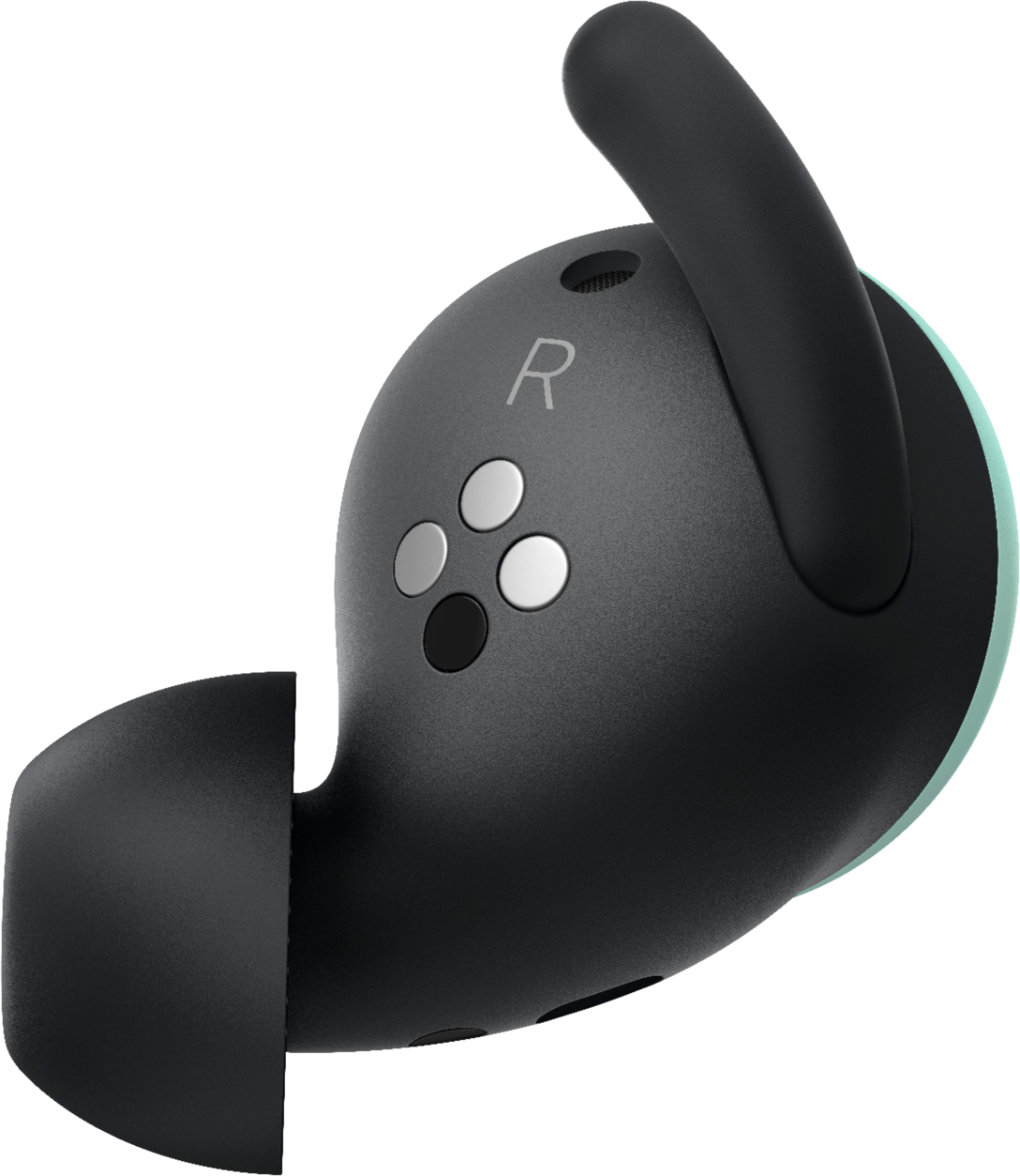
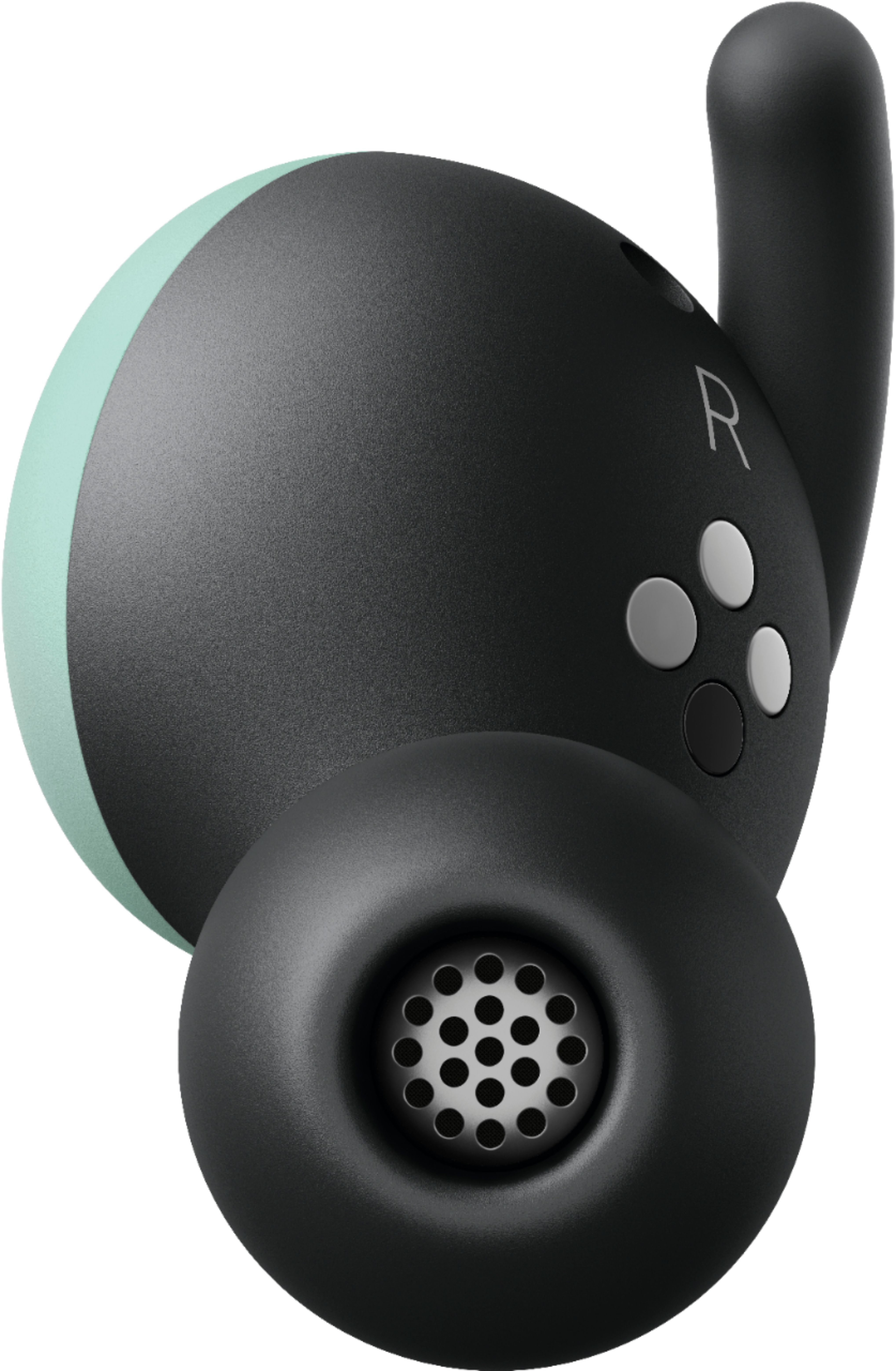
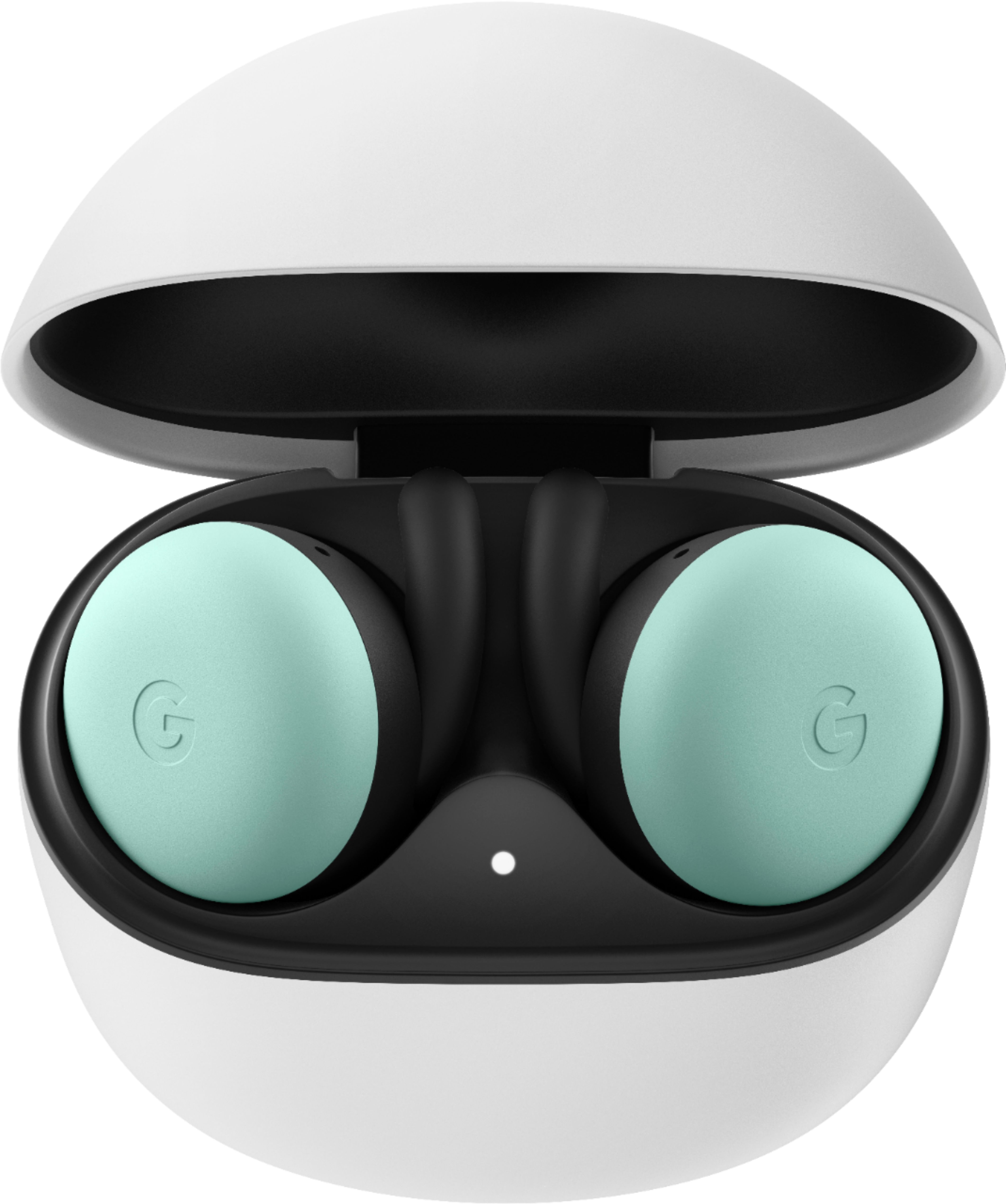
A:AnswerPixel Buds work as standard Bluetooth headphones when paired with your iOS device. While Google Pixel Buds don't support Google Assistant on iOS, you can still enjoy the great audio, clear calls and capacitive touch controls on the earbuds. For more details, check here: https://support.google.com/googlepixelbuds/answer/7545575
A:AnswerIf you did not buy geek squad protection and it's over the 30 days with no manufacturing flaws then you could pay a restocking fee or just get a gift card back with money on it. Some of us pre-ordered them and they took forever to get in and there was no return in them after that thanks that was so cool
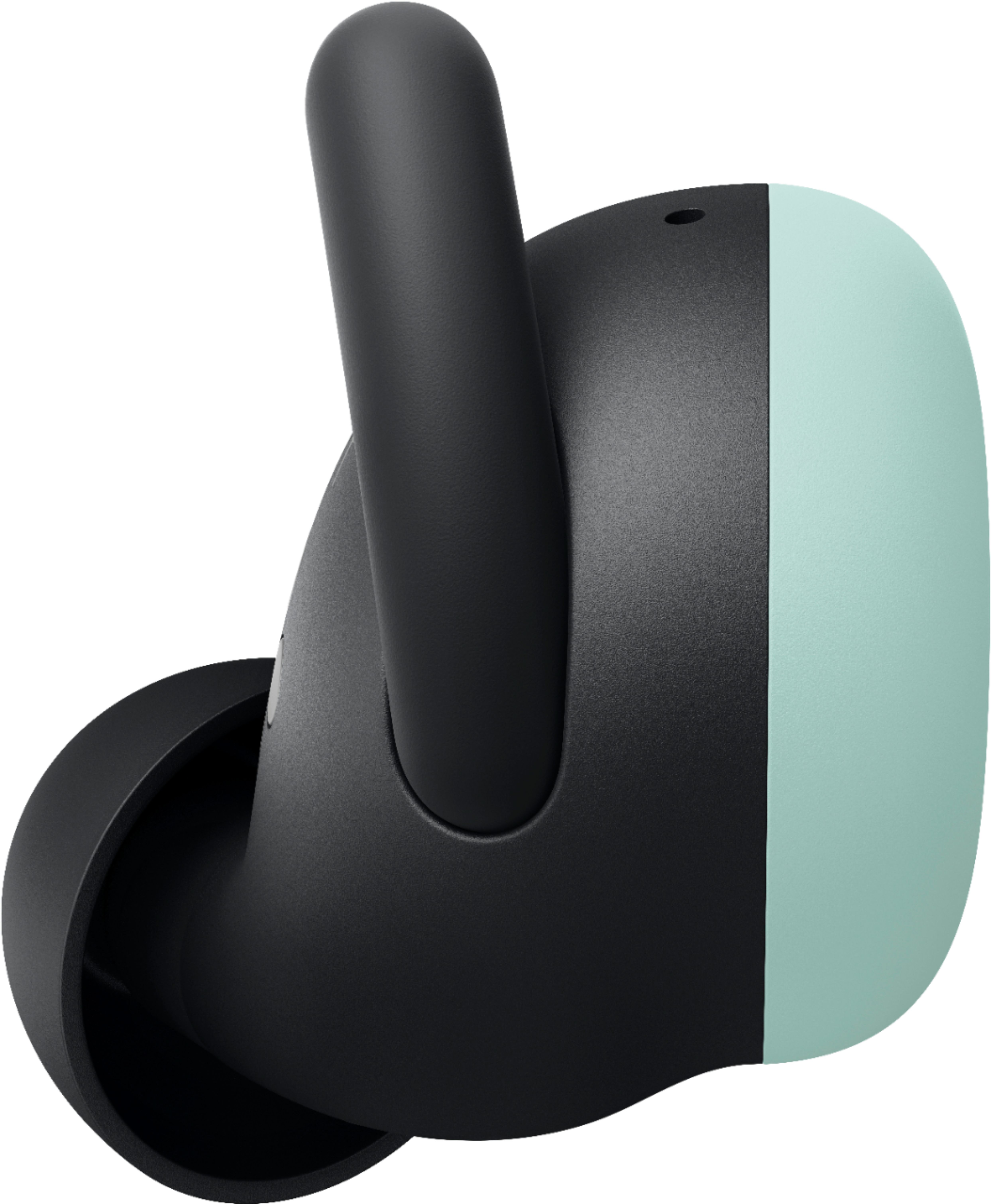
A:AnswerGoogle Pixel Buds are pre-attached with medium ear tips and come with small and large ear tip sets in the box. You can switch to other to the size that fit the best.
After inserting each earbud, you can rotate the bud back and forth until it comfortably stays in place when you move your head or tap either earbud.
A:AnswerThe Pixel Buds 2 seem to be optimized for all the Pixel phone lines. They will work on other Android devices as well. You can even use them with the iPhone platform, though I have had mixed results using them with an iPhone 11.
A:AnswerPixel Buds are compatible with iPhones and any other device that supports Bluetooth 4.0 or higher. However, you may lose some Google Assistant features.