A:AnswerChanging the resolution on the camera likely won't help with this issue. GoPro's newest cameras, like the HERO, all require a microSD card with a V30 and Class A2 rating.
A:AnswerYes, you should be able to mount nearly all GoPro cameras onto a crossbow. There is a GoPro mount called the Gun/Rod/Bow Mount that was designed specifically for this purpose. Other mounts, such as the Flexible Grip Mount or a standard adhesive mount, may also work.
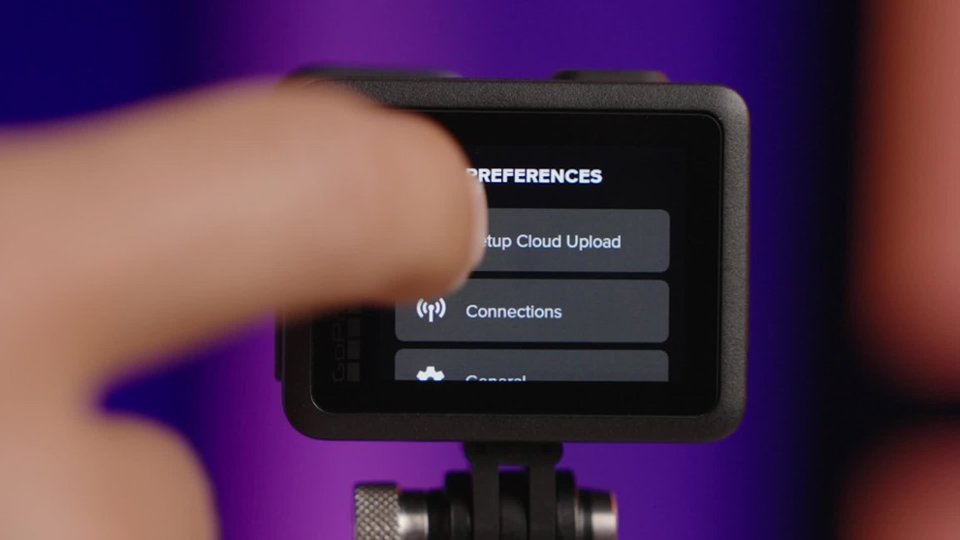
A:AnswerYes, the GoPro app will allow you to connect your GoPro to a smartphone so you can control the camera, use the preview to set up your shots, and watch playbacks of the photos and videos you capture.
A:AnswerThere is a Protective Sleeve for the HERO which features a lightweight, shock-absorbing design that protects the camera from dings and scratches without adding bulk, but there is not a full protective housing for the HERO.
A:AnswerNo.ine came with a defective battery and wouldn't hold a charge. The battery is built in to the camera. You charge the unit as a hole. Also you need to purchase an SD card. It does not come with one
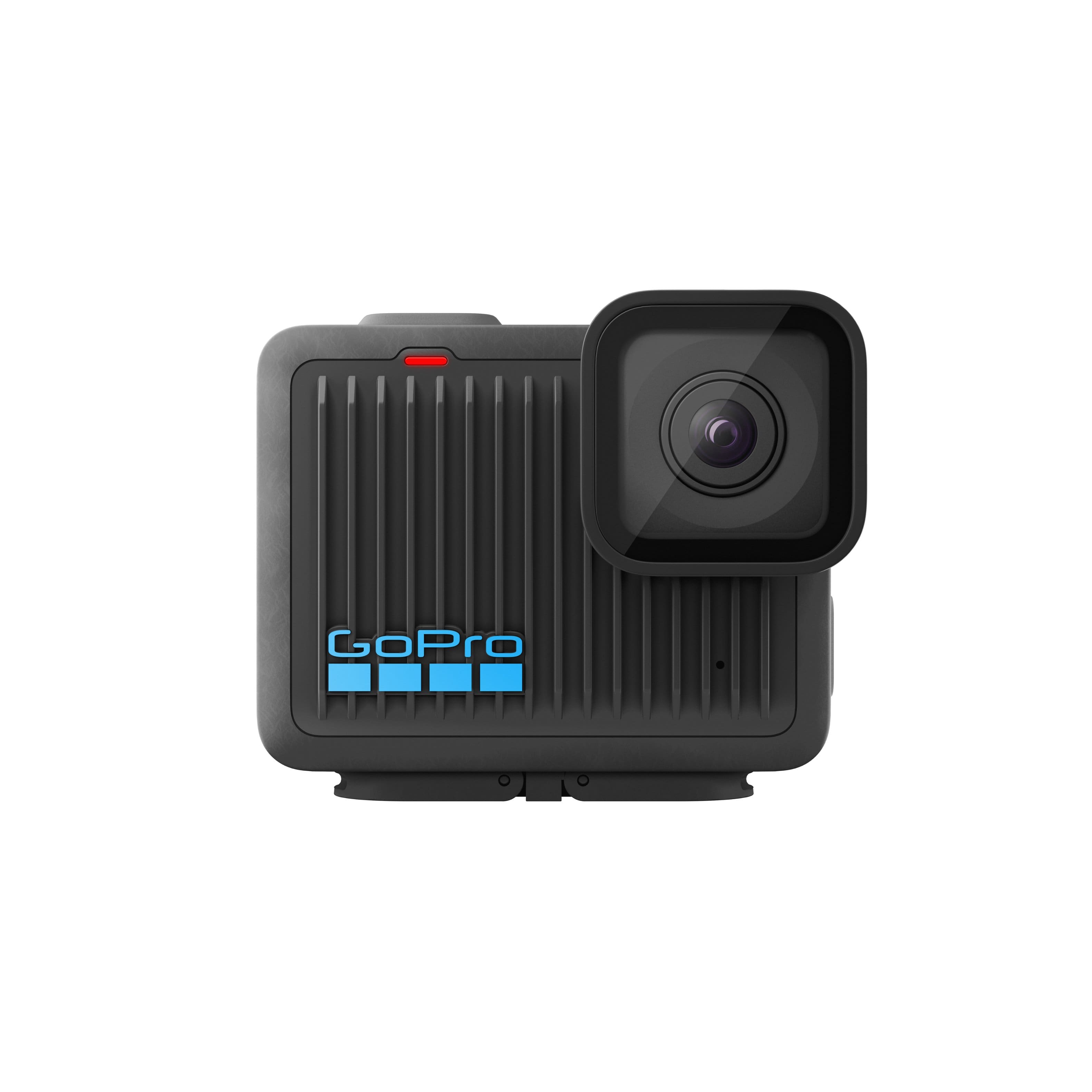
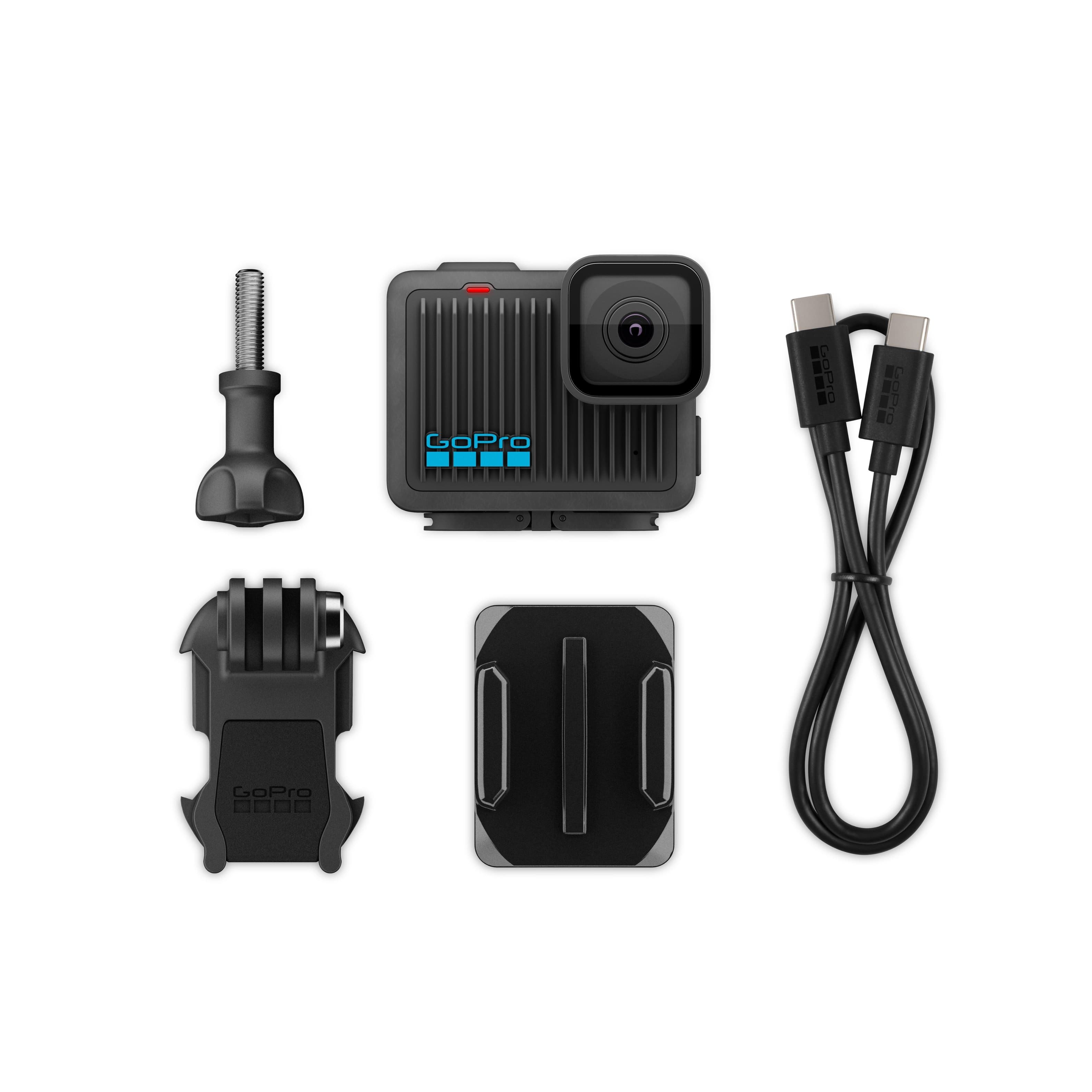
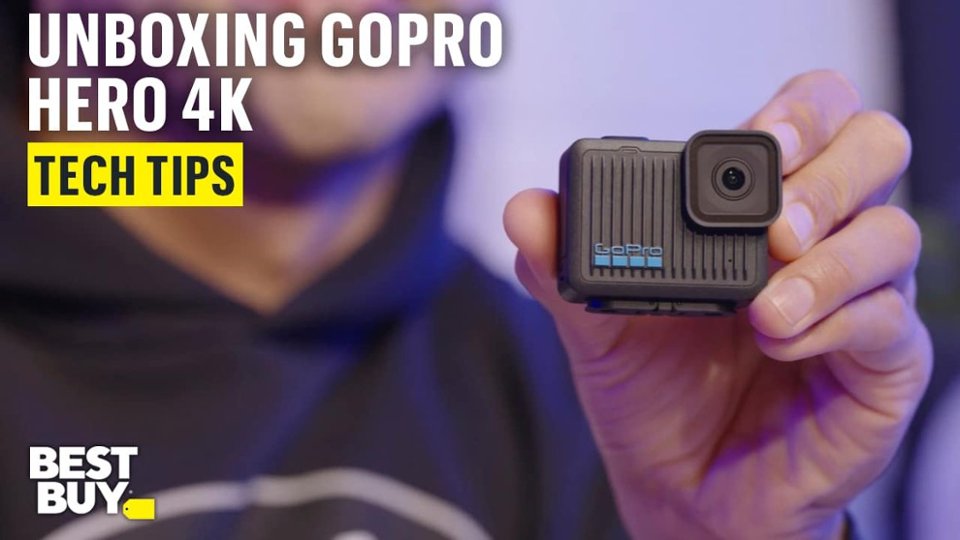
A:AnswerIn addition to the HERO camera, you'd get a curved adhesive mount, a mounting buckle, a thumbscrew, a USB-C cable for charging and transferring content, and some GoPro stickers.
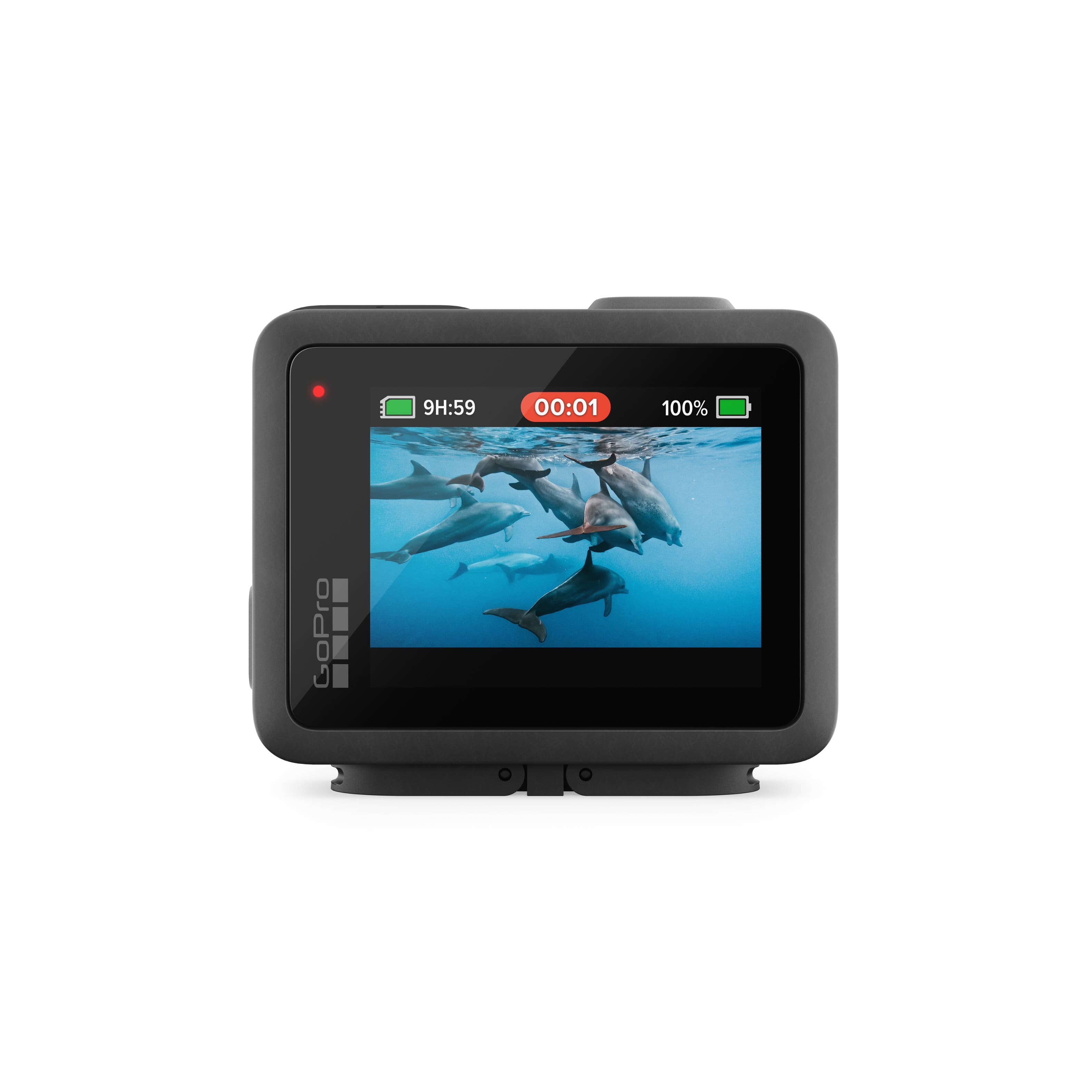
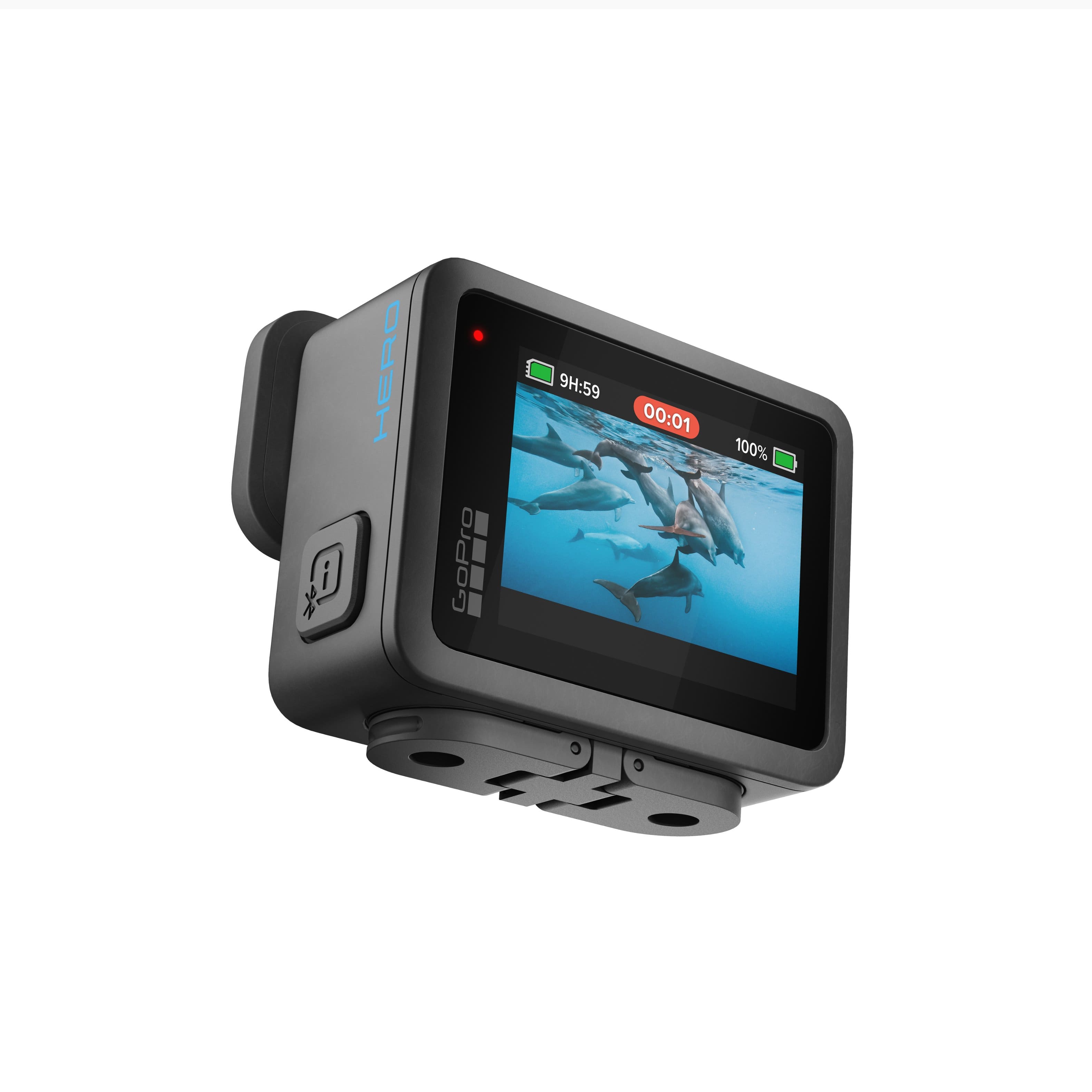
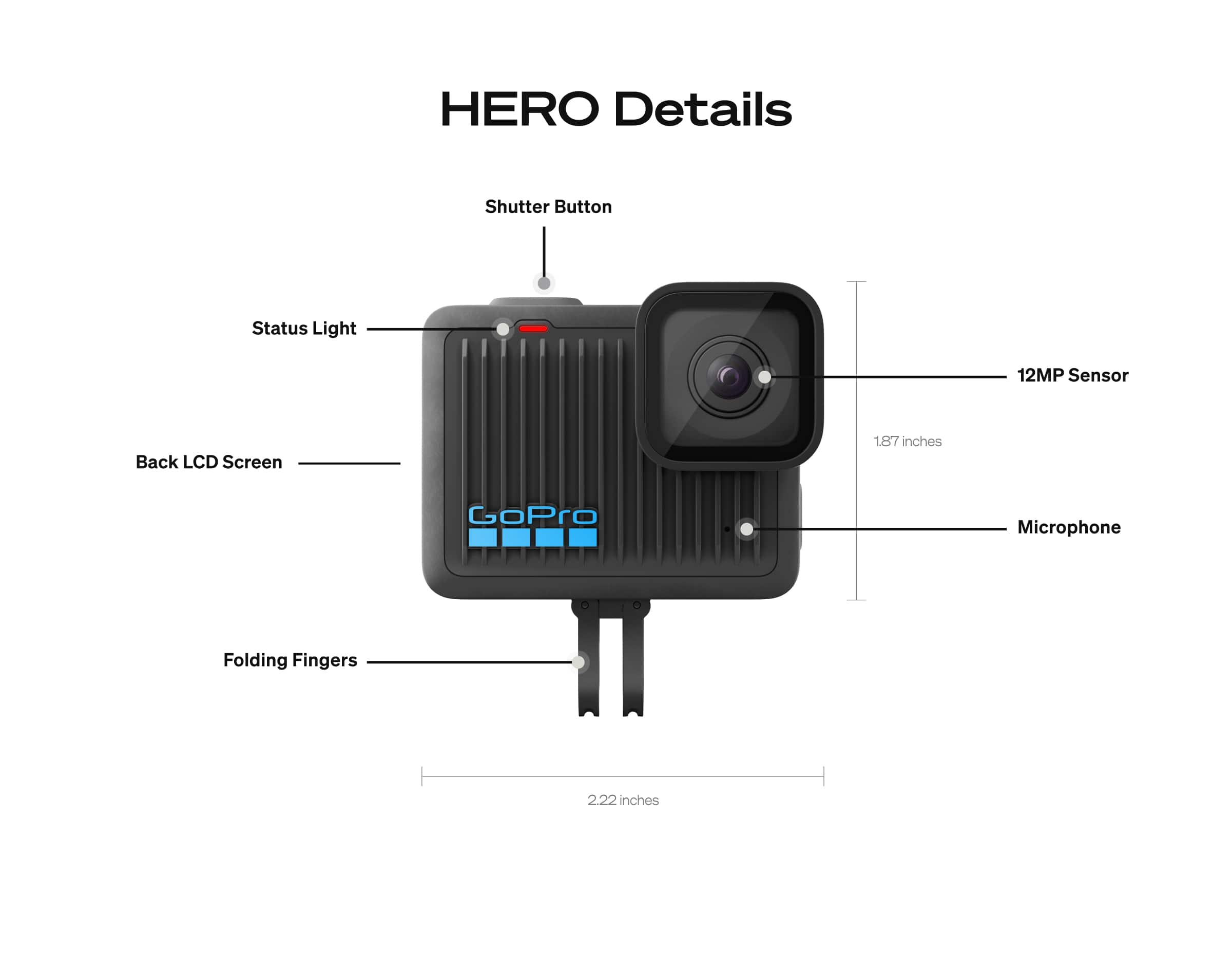
A:AnswerYes, you can use the HERO without pairing it to the GoPro app. You can use the buttons on the camera itself to toggle between the photo, video and slo-mo settings, and to start and stop recordings or to take photos.
A:AnswerStandard 32gb SanDisk extreme @ 1 hr max video ____ recommended 2.7k not 4k speeds ___ (not the extreme plus = per SanDisk the write speeds don't increase until 256gb)
A:AnswerThe HERO only works with its internal microphone. If you're interested in connecting an external mic, take a look at the new HERO13 Black. When connected to an adapter like the GoPro Media Mod, it can connect with an external microphone.