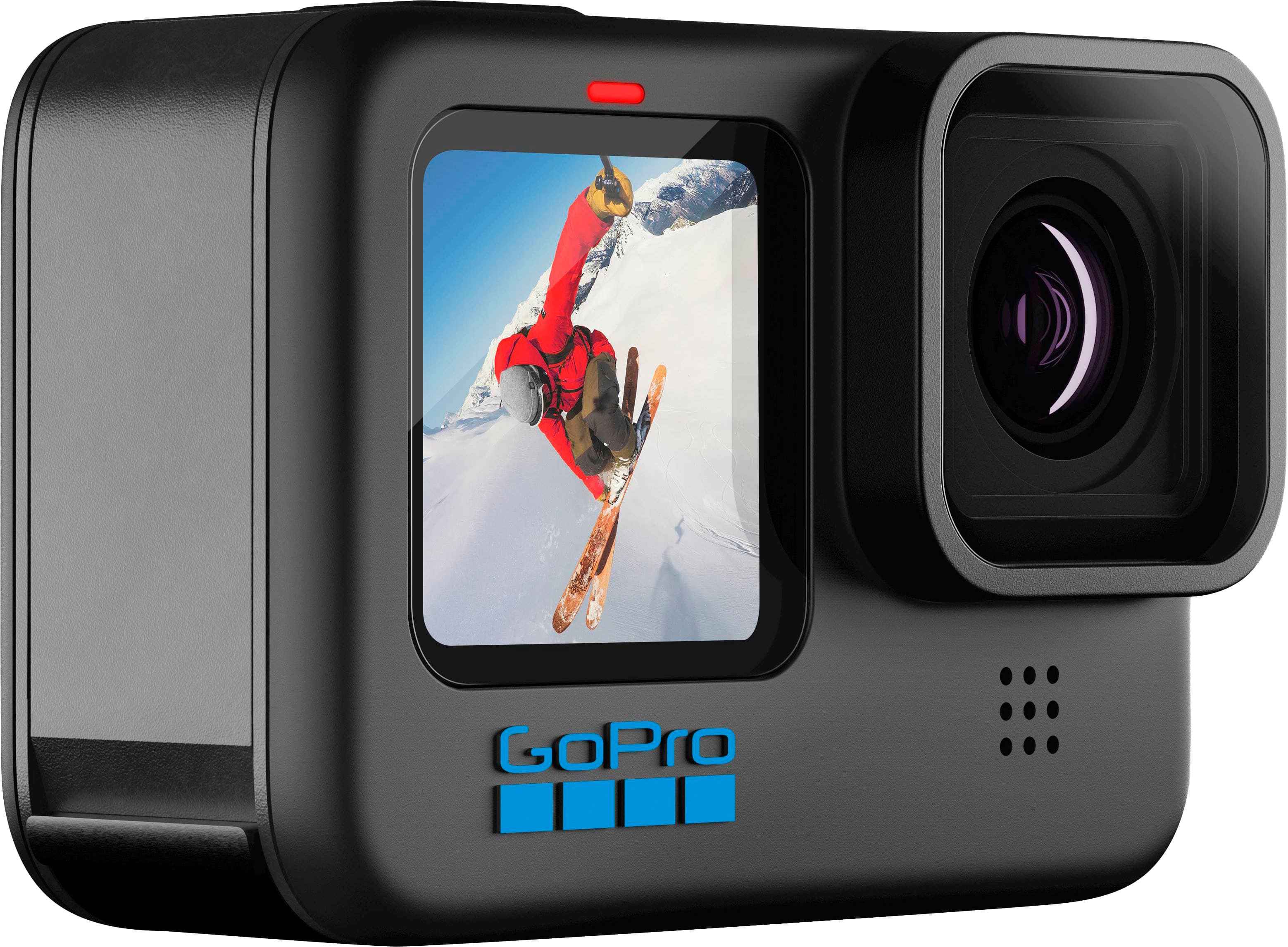
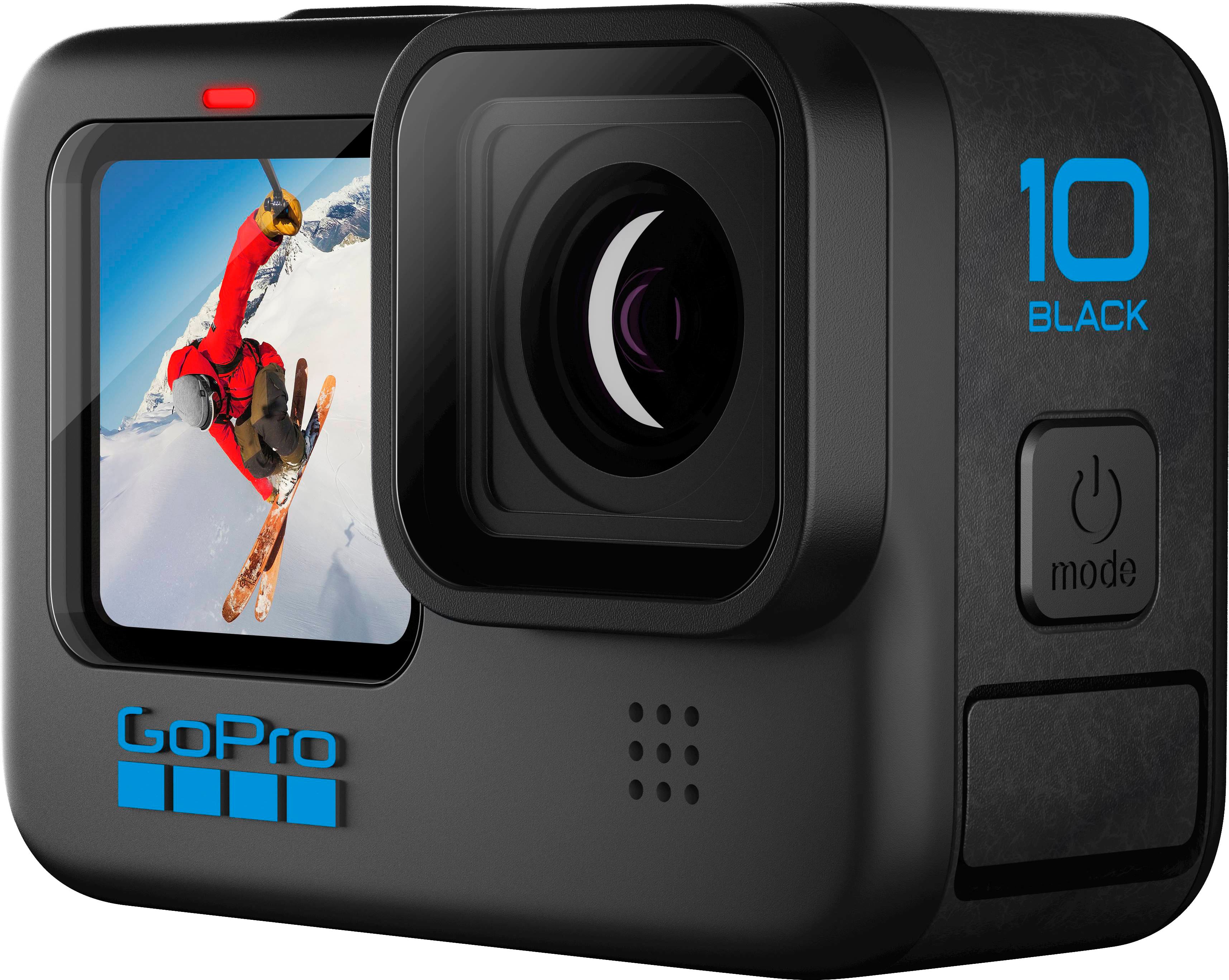
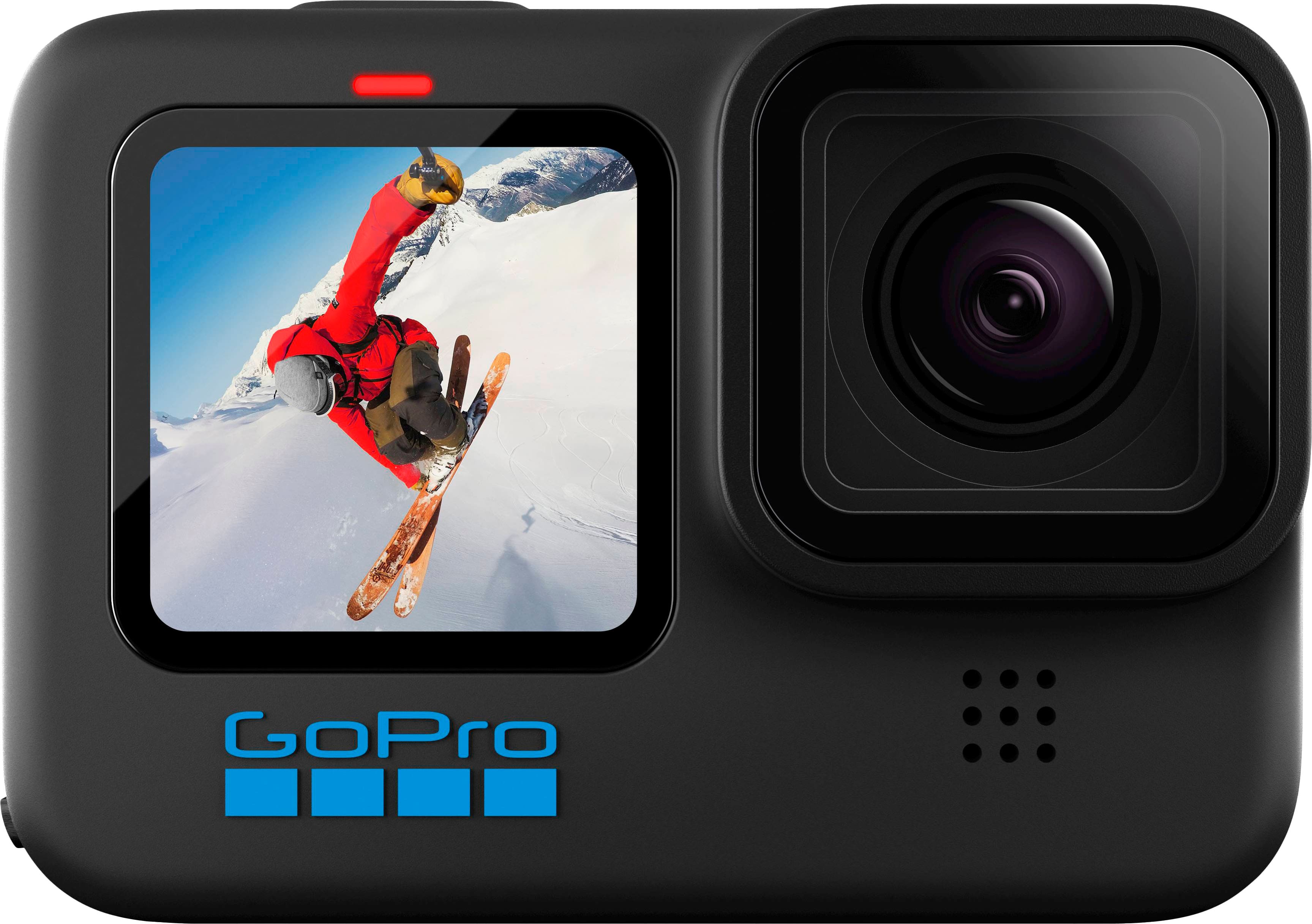
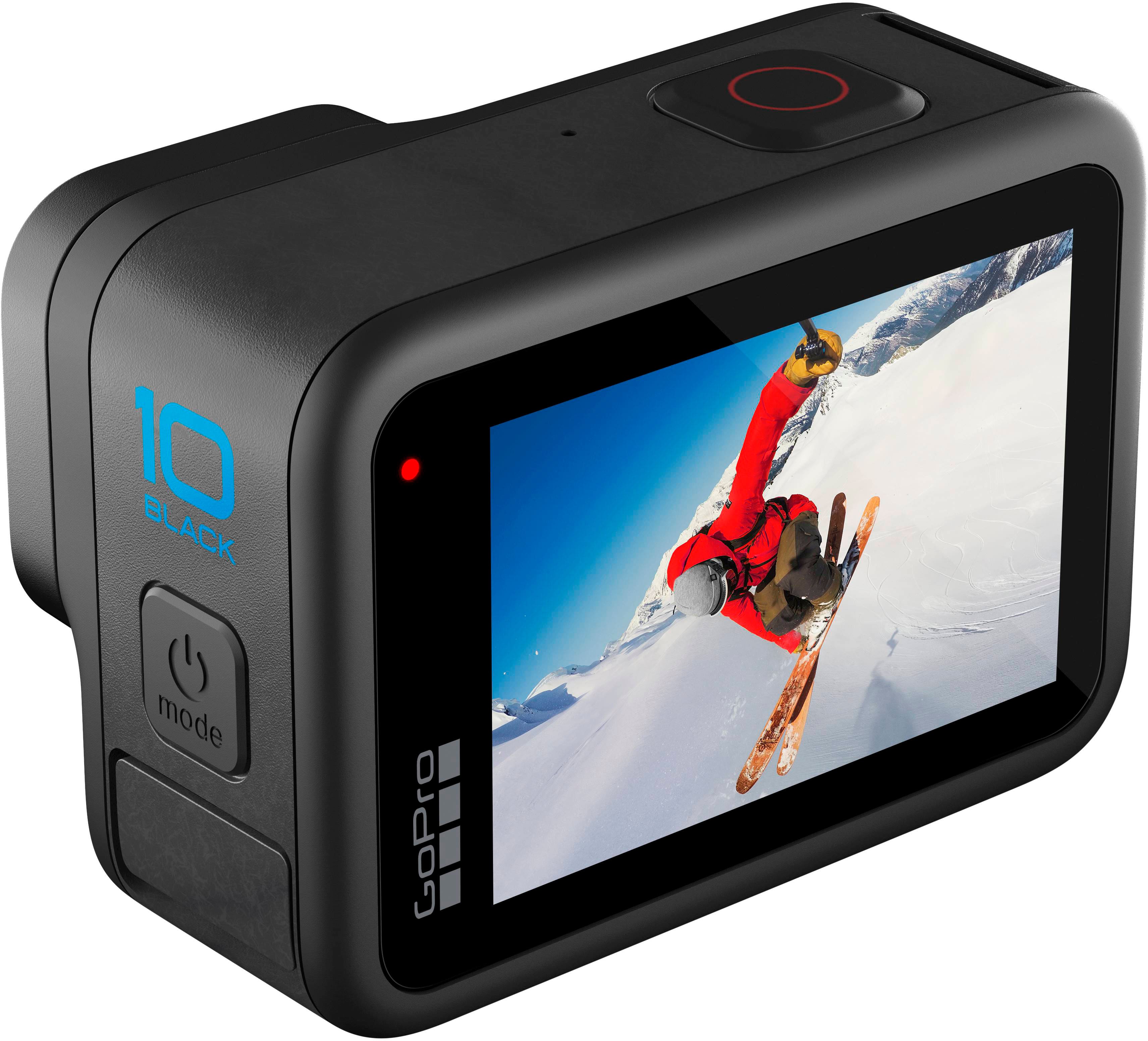
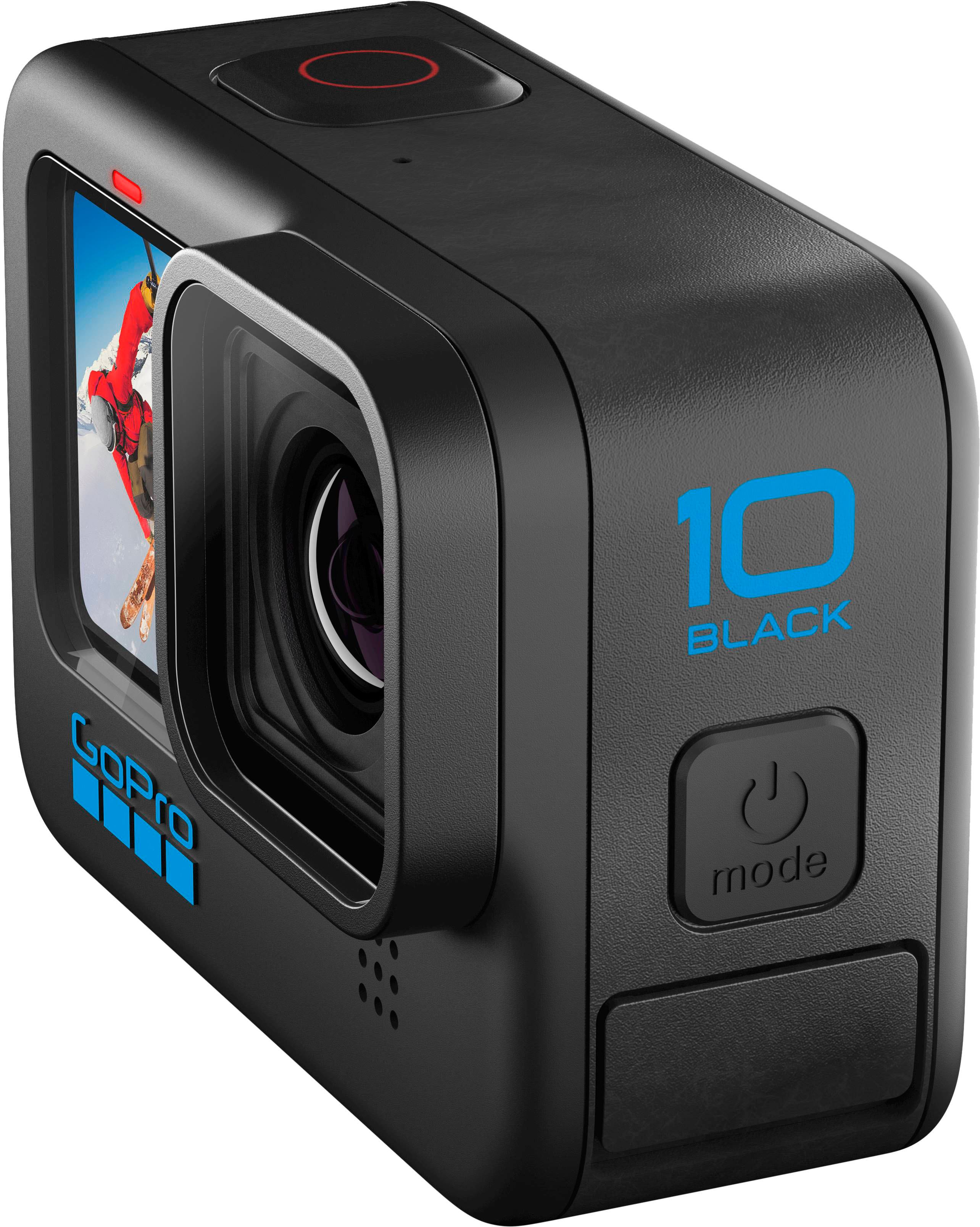
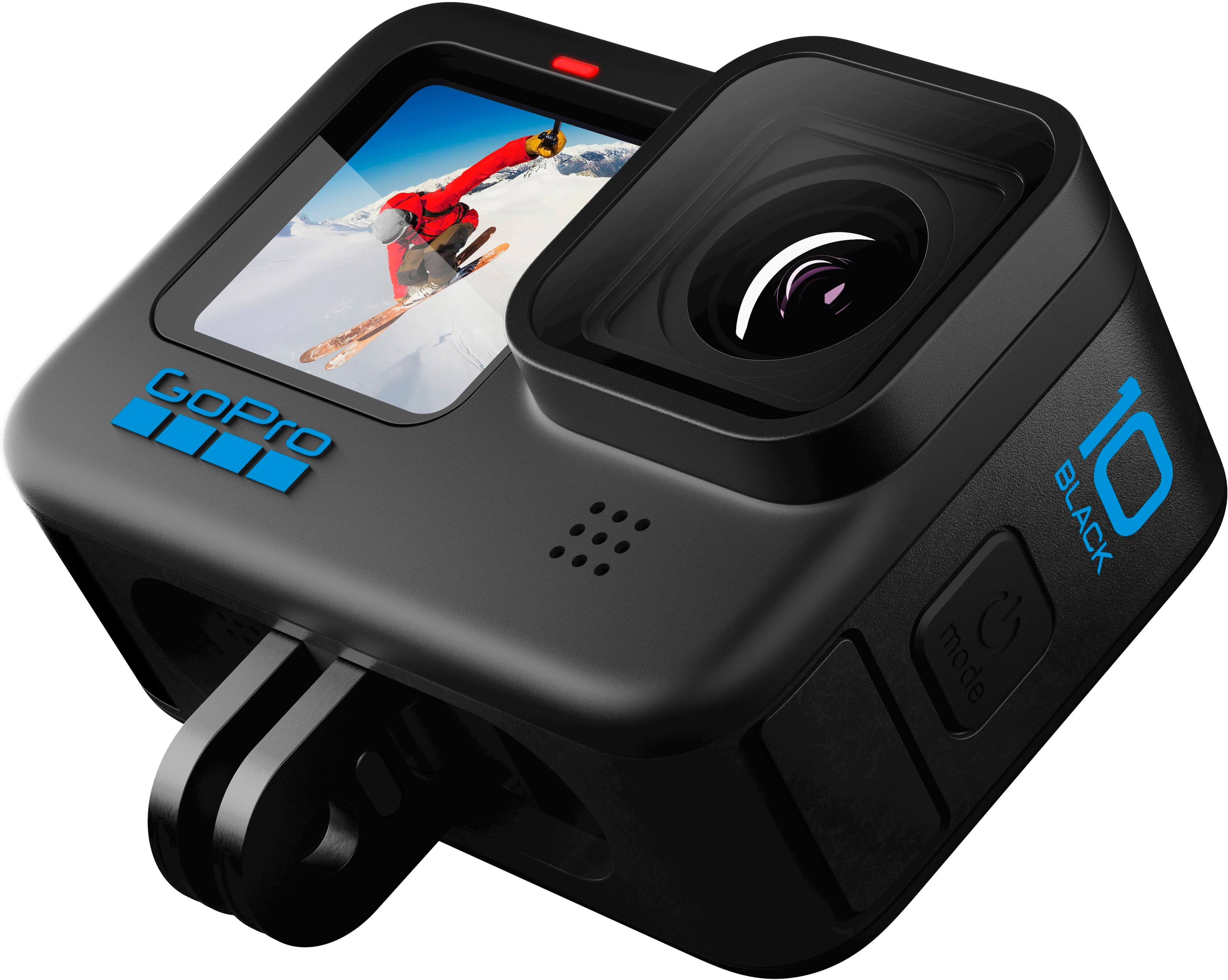
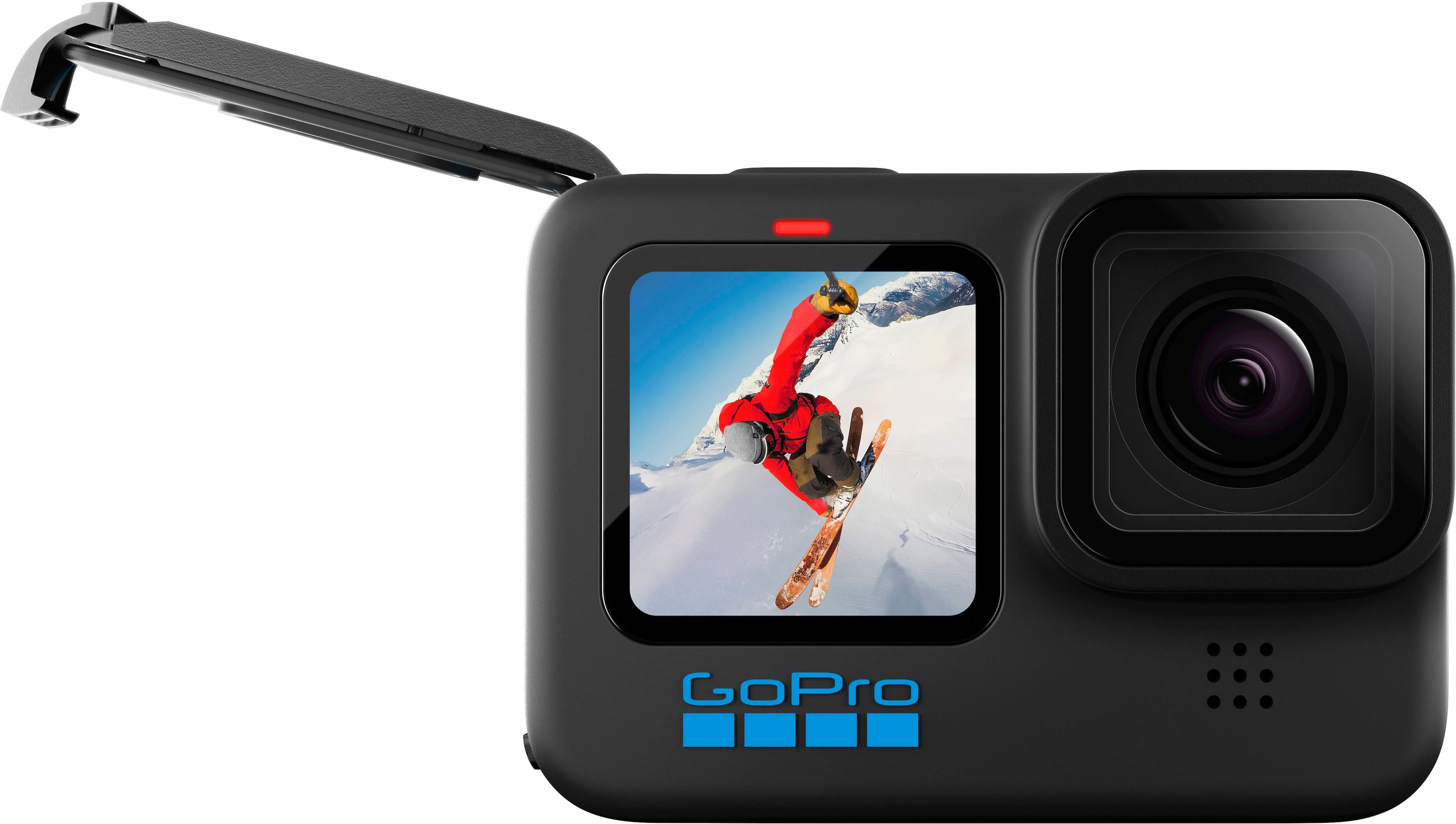
A:AnswerThe battery for the HERO3 model will not work with the HERO10 Black. The HERO10 Black comes with a battery and a USB-C cable for charging, but if you want extra batteries, they are available separately.
A:AnswerThis varies based on the resolution and framerate that you are shooting in. You would be best utilizing an external application on your PC or uploading it to a location such as YouTube to share clips of anything more than a few seconds.
A:AnswerThe HERO9 Black comes with a rechargeable battery, a USB-C cable, a curved adhesive mount, a mounting buckle and thumb screw, and a carrying case.
A:AnswerNo, there isn’t any flash function either. The low light picture function along with the video function isn’t great. But the rest of the camera I love.
A:AnswerYes. A couple ways…
There is a cloud based system that is a paid service of GoPro called Quik
Another option is getting a memory card reader for your computer. The GoPro requires a memory card for use.
A:AnswerNo. The videos start when you press record and end when you press it again or you can have it run for a specific length of time but if you want to link videos together in a reel type fashion you would need to go onto your computer or the GoPro app and physically edit them together yourself
A:AnswerThere are special filters designed for underwater use that are attachable and not a setting on the camera itself. An example of these filters would be the PolarPro DiveMaster Filter Kit.