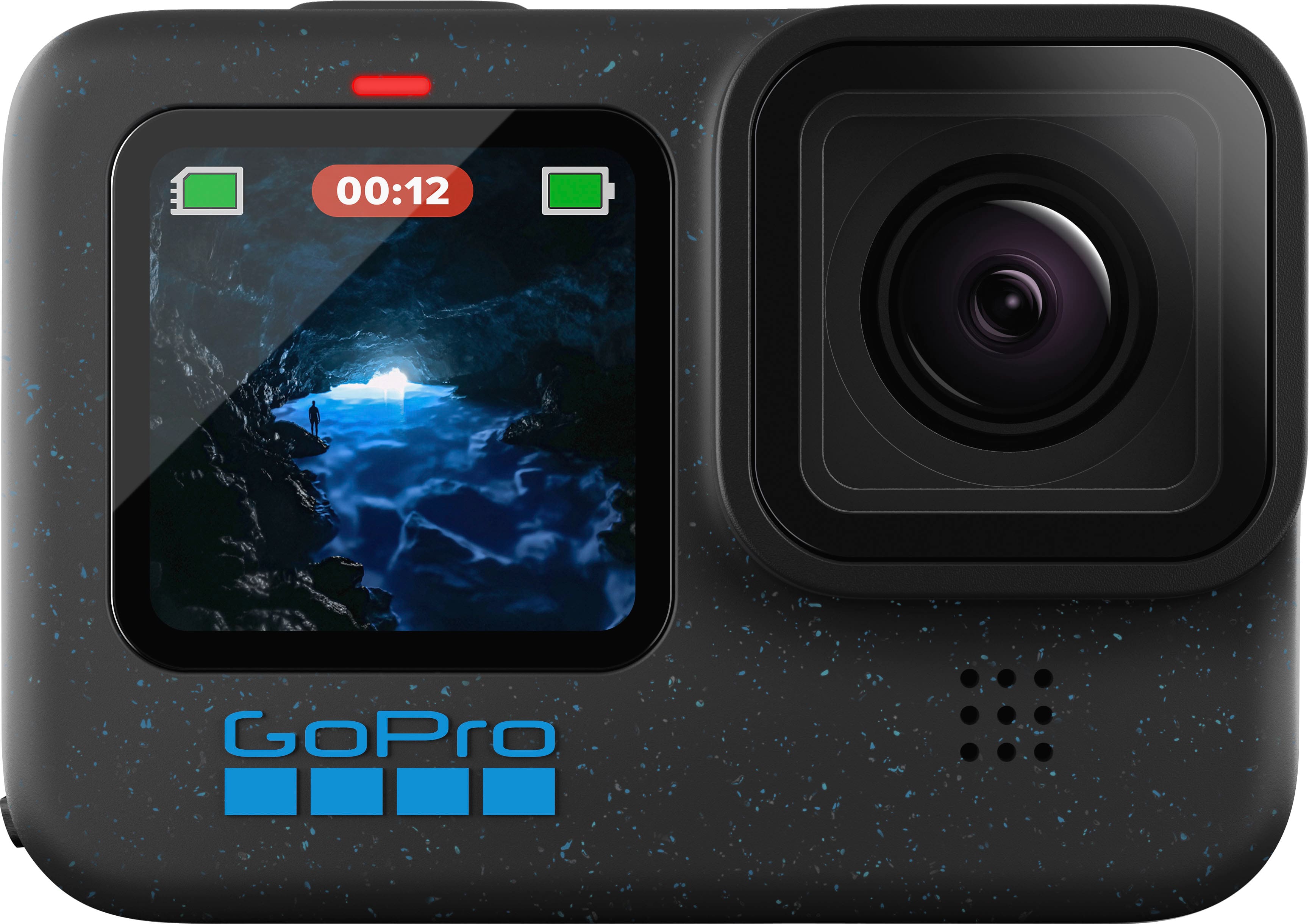
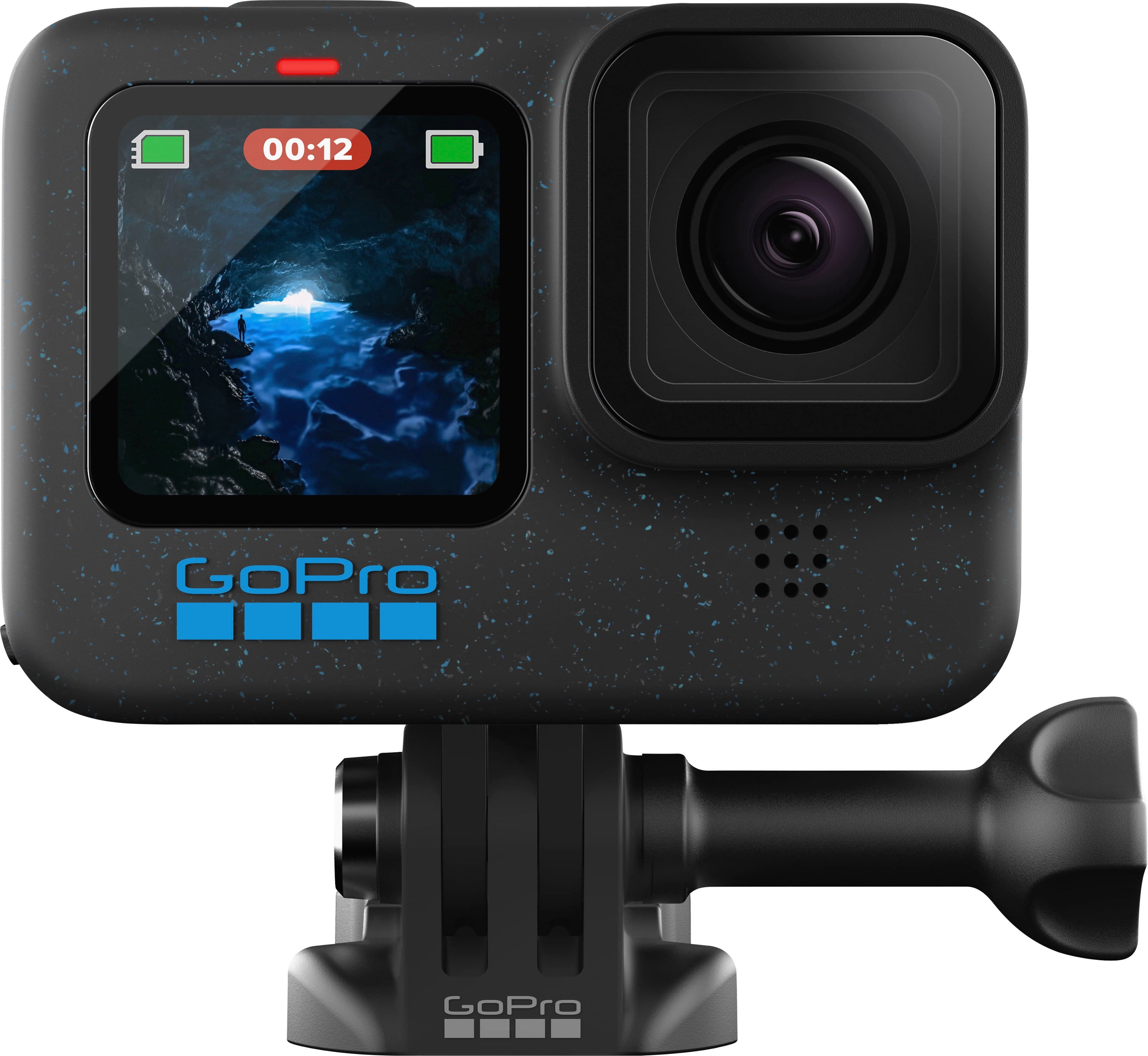
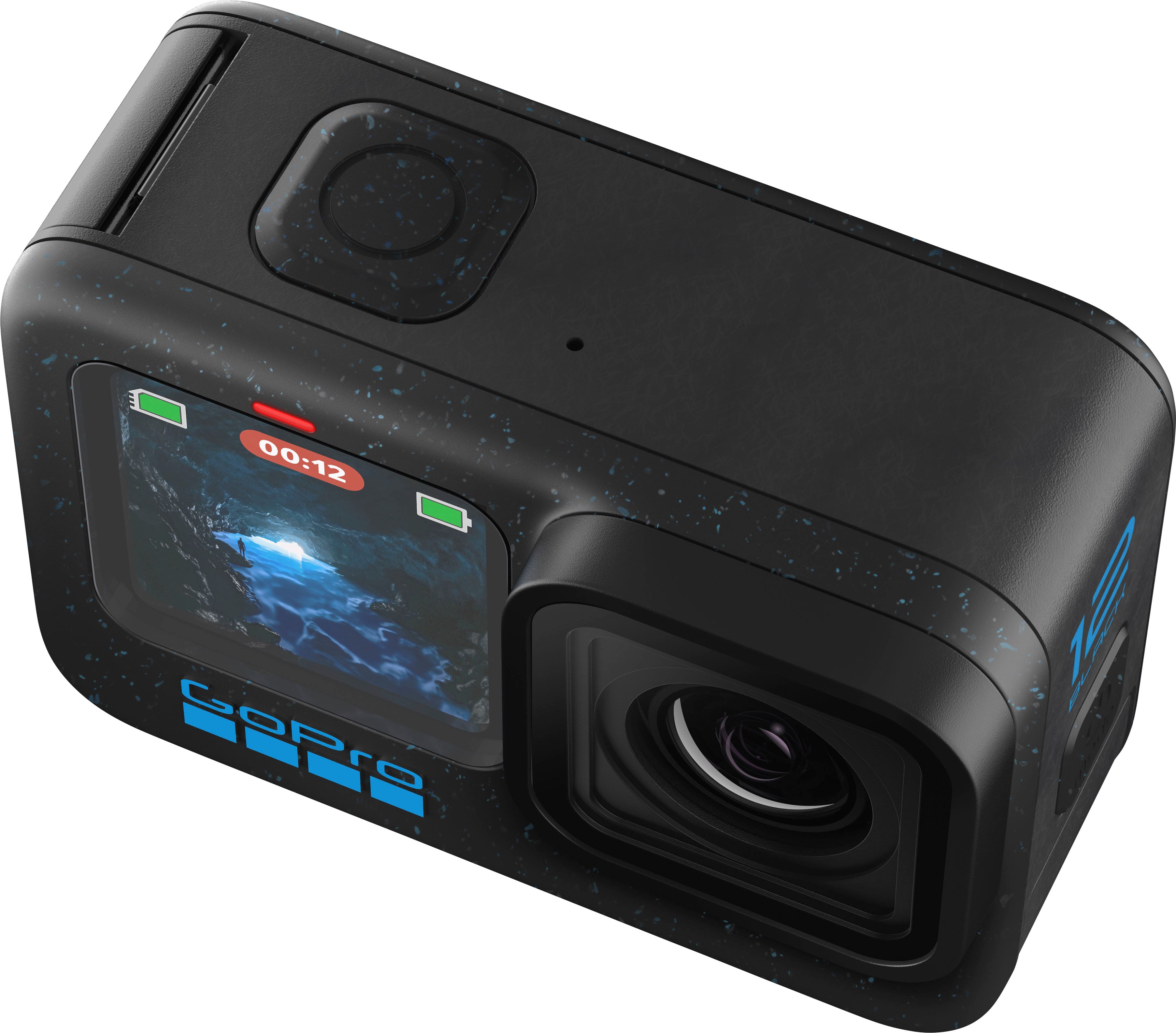
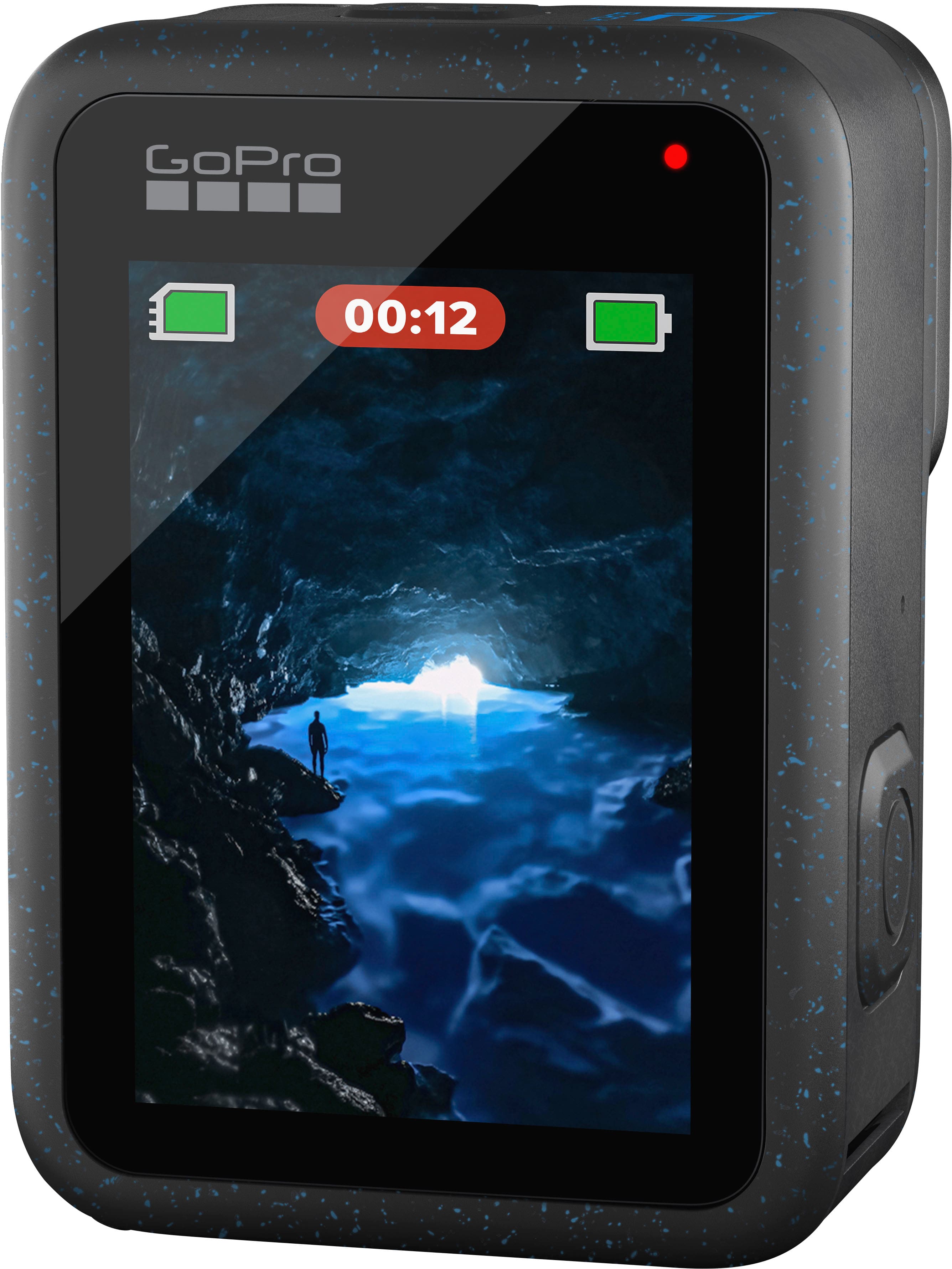
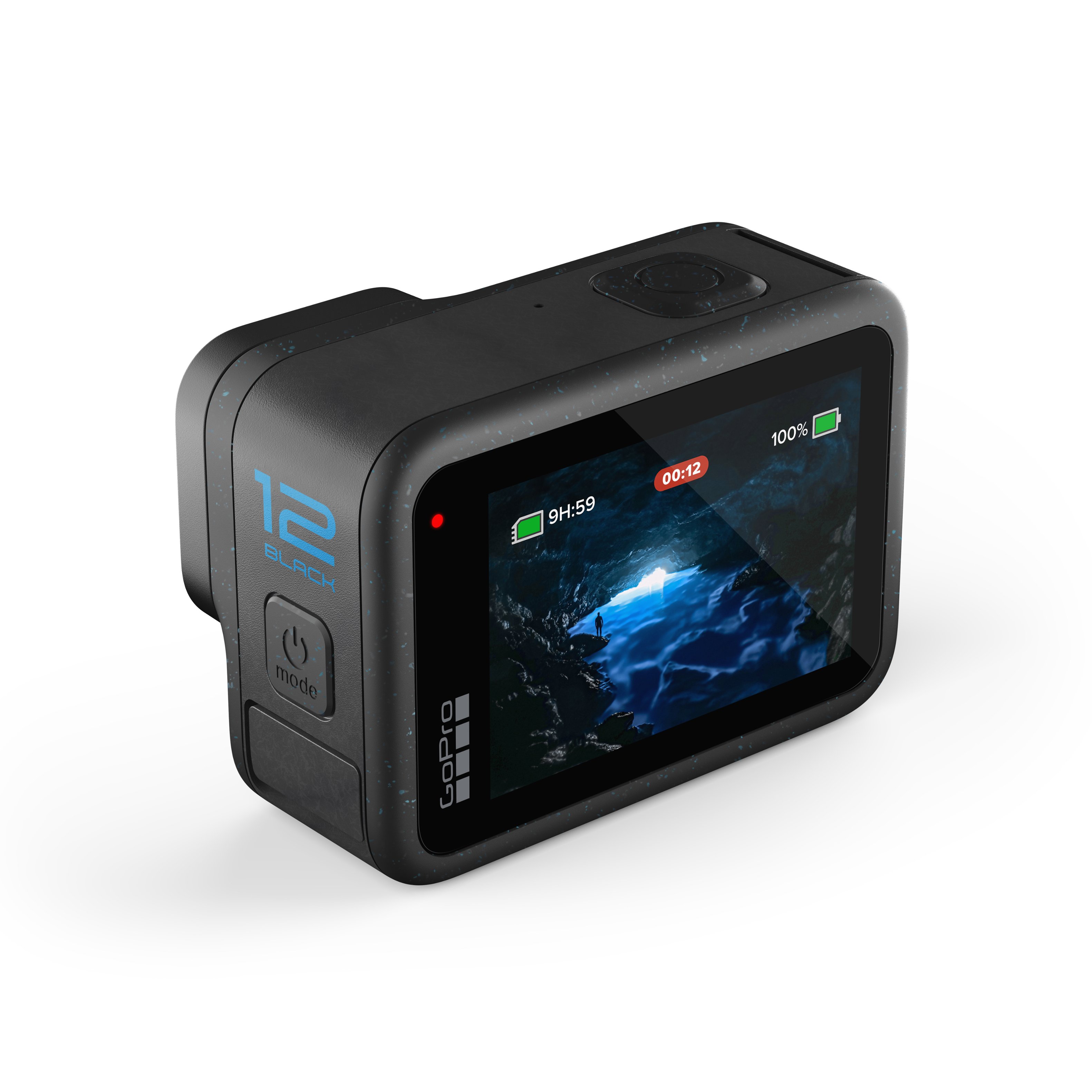
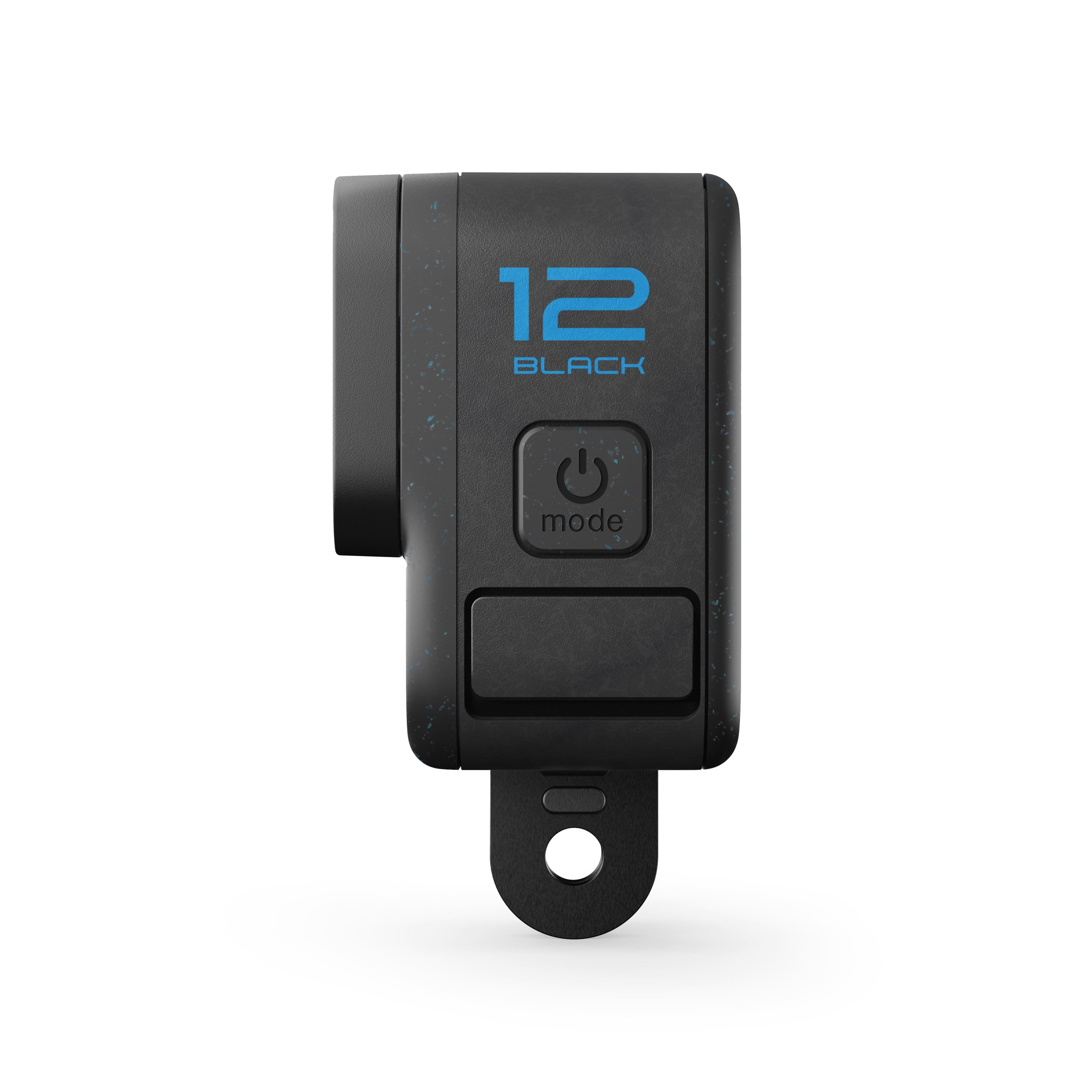
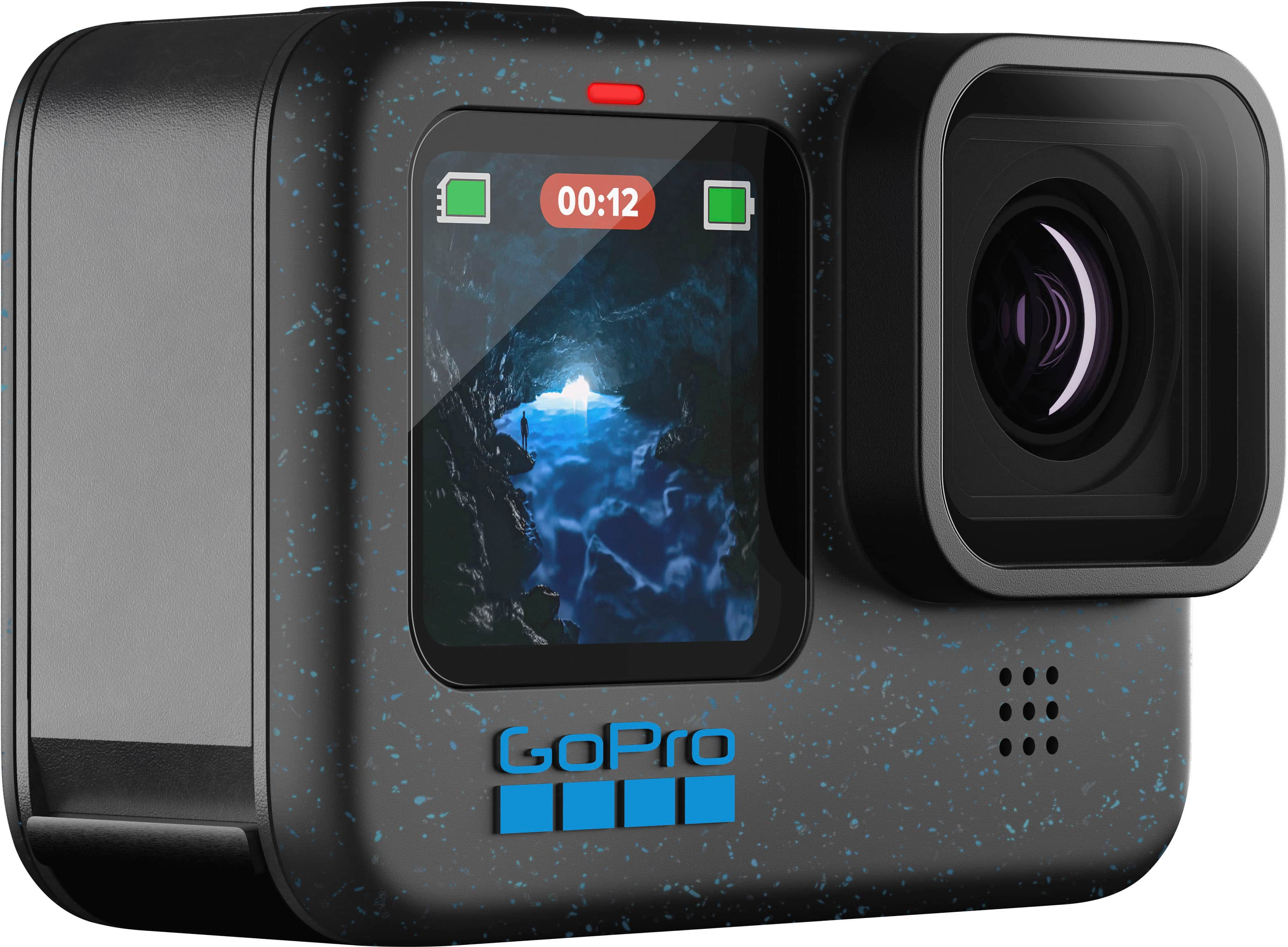
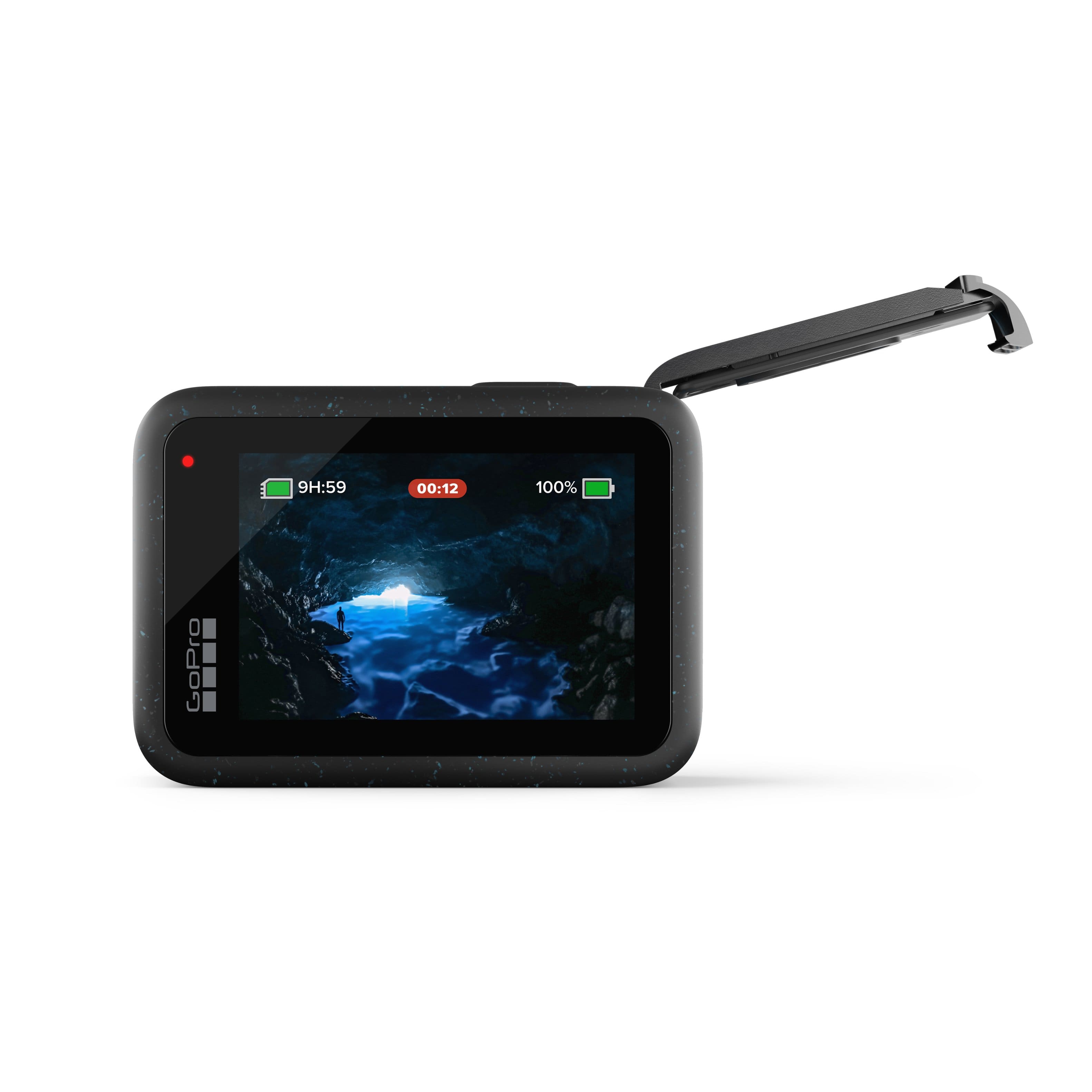
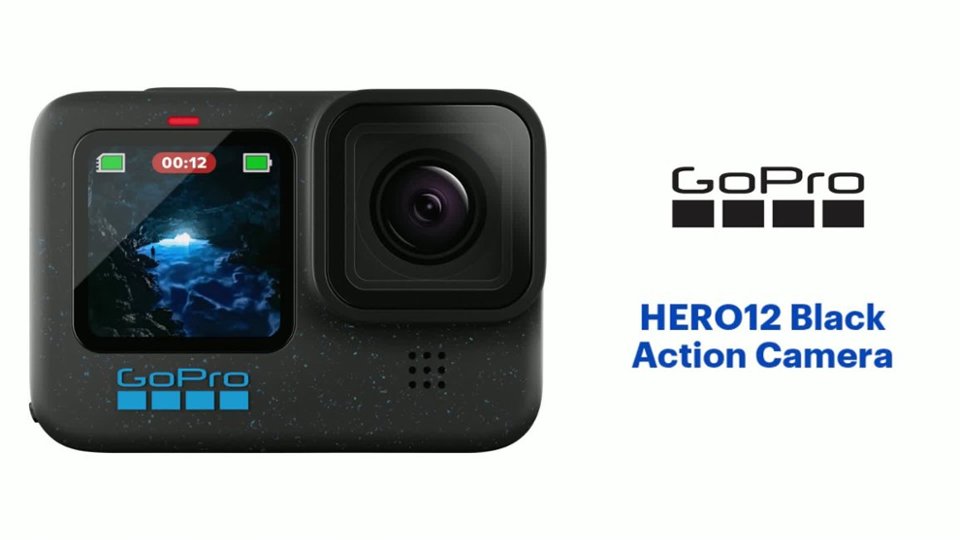
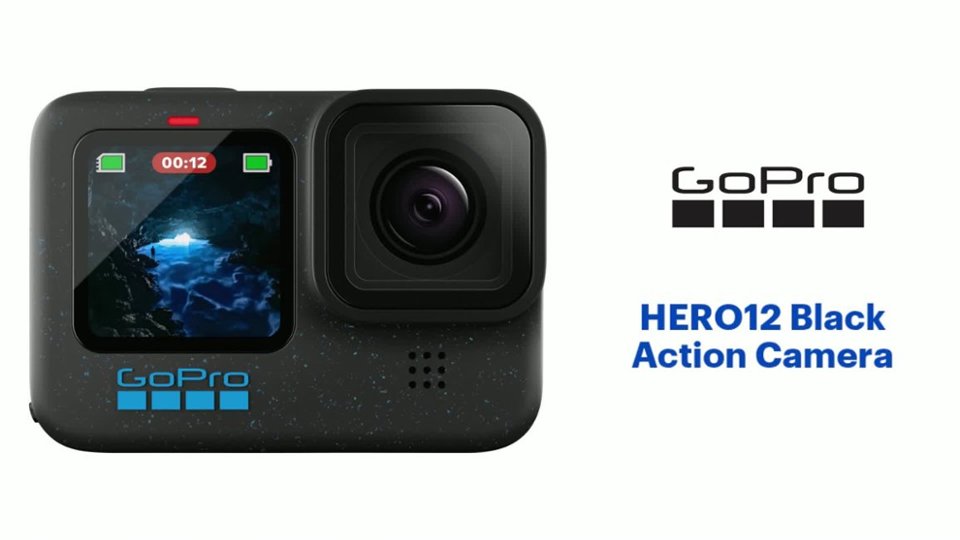
A:AnswerI have been using my new GoPro to film sea life in the Florida Keys, and it has been fantastic! It has captured a lot of sea life in full motion with excellent results. Its main claim to fame, of course, is that it is an underwater camera, but I'm sure it would work really well for your purposes too. There are special settings for action shots that I haven't explored, but they might be of special use to you. I highly recommend it!
A:AnswerYes, the HERO12 Black records audio. It can also accept an external microphone if used with an adapter like the GoPro Pro Mic Adapter or the Media Mod for the HERO12 Black.
A:AnswerThe HERO12 Black uses a microSD card. We recommend using a name-brand card that has a V30 or UHS-3 rating. The HERO12 Black can handle cards up to 1TB in size.
A:AnswerThe HERO12 Black can be used with nearly any tripod that uses the standard 1/4-20 type of screw-in attachment. And of course, the HERO12 Black can be used with GoPro mounts and tripods, too.
A:AnswerThe HERO12 Black is waterproof on its own down to 33 feet, so it should handle most use cases. If you are planning to dive deeper than 33 feet, there is a separate dive housing you can use to protect the camera in deeper water.
A:AnswerYes, the HERO12 Black can be used as a webcam and it can be used to live stream. There are instructions on the GoPro site for how to set these features up depending on if you're using a Mac or PC.
A:AnswerYes, as long as you use the GoPro Scuba Case which is rated to just shy of 200ft (per GoPro's website) which is well beyond recreational max depth limits.
A:AnswerNot directly with any retailers. (Plausible if your camera is broken and replacement claim is placed = same or better camera) then with GoPro subscription you get a "no questions asked" replacement (just need to state/prove broken = Bypassing warranty and ***user damaged item*** as in a physical crash/accident)
A:AnswerThere are a few options to get your best shots. For example, you can adjust the exposure and settings in the camera to get the best shot, you can use dive filters on the lens of the camera, and you could also apply digital filters and adjustments in the editing programs you use after you shoot your videos and photos.