A:AnswerHello Obi. Thank you for your interest in the 32H5500F. Yes this television is a 2020 model. If you have any further questions please give us a call at 1-888-935-8880 or email us at service@hisense-usa.com.
Thanks Again,
We look forward to hearing from you!
Harley with the Hisense Support Team
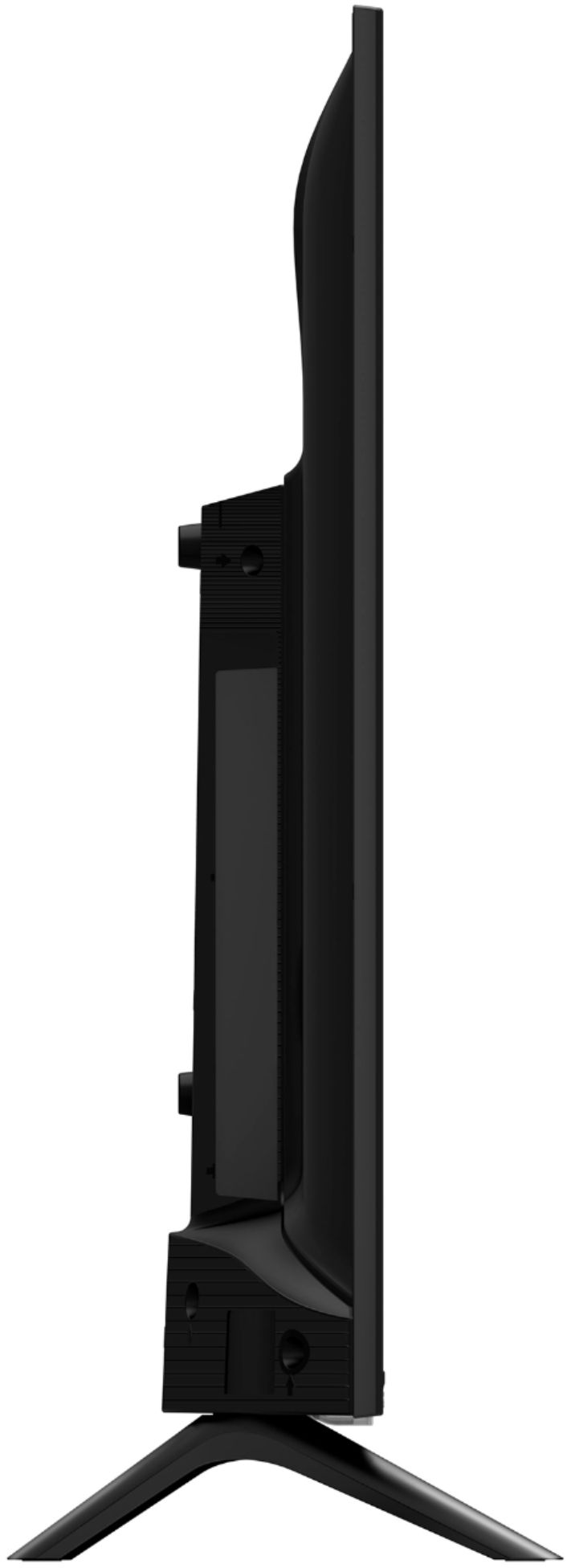
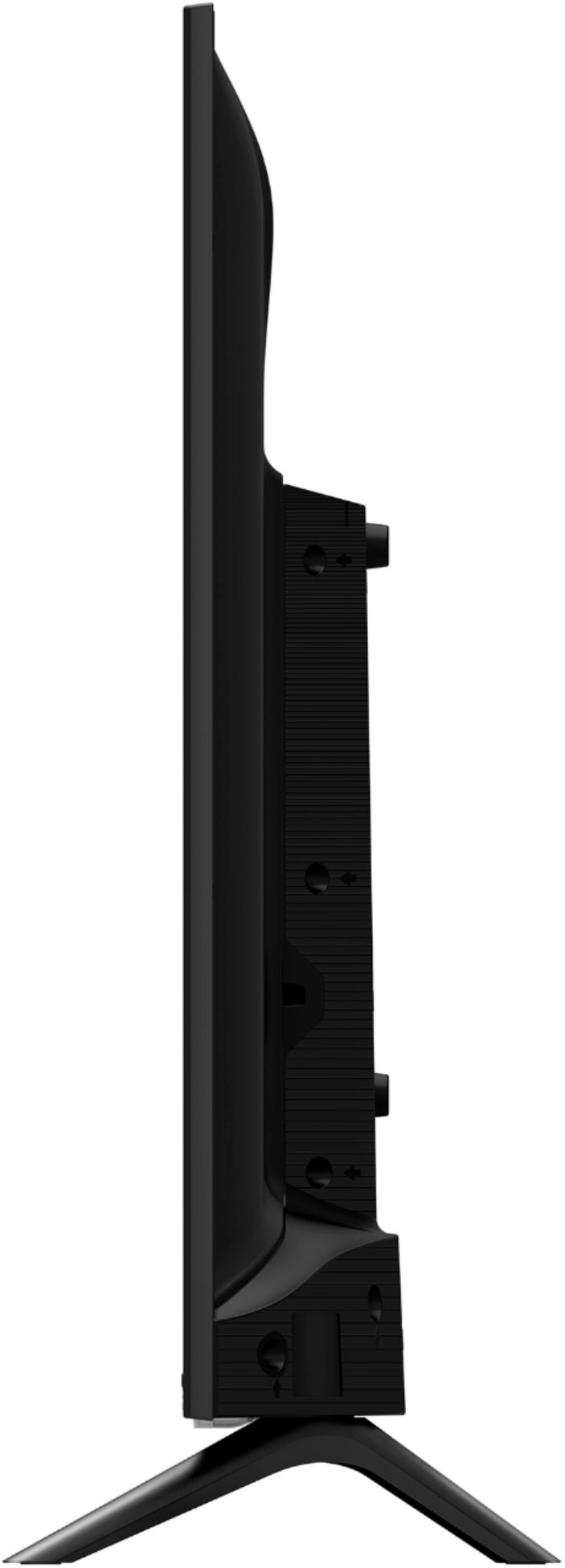
A:AnswerHello Brad, Thank you for your interest in the 32H5500F. Yes the television does have a Digital Optical Audio Cable input. If you have any further questions please give us a call at 1-888-935-8880 or email us at service@hisense-usa.com.
Thanks Again,
We look forward to hearing from you!
Harley with the Hisense Support Team
A:AnswerHello Hisense Customer, Thank you for your interest in the 32H5500F. You are able to cast from apps that support the ChromeCast feature. If you have any further questions please give us a call at 1-888-935-8880 or email us at service@hisense-usa.com.
Thanks Again,
We look forward to hearing from you!
Harley with the Hisense Support Team
A:AnswerThe TV runs Android TV OS so you can easily download some simple web browsers to surf the web or you can find info to side car load browsers like Firefox on to the TV. I saw apps that allow you to cast to the TV, but I didn't buy the TV for that function so I don't know how well it works.
A:AnswerHello Gina, Thank you for your interest in the 32H5500F. No this television does not support the Spectrum TV app. If you have any further questions please give us a call at 1-888-935-8880 or email us at service@hisense-usa.com.
Thanks Again,
We look forward to hearing from you!
Harley with the Hisense Support Team
A:AnswerHello Hisense Customer, Thank you for your interest in the 32H5500F. No you would not be able to download the Peloton app on this television. If you have any further questions please give us a call at 1-888-935-8880 or email us at service@hisense-usa.com.
Thanks Again,
We look forward to hearing from you!
Harley with the Hisense Support Team
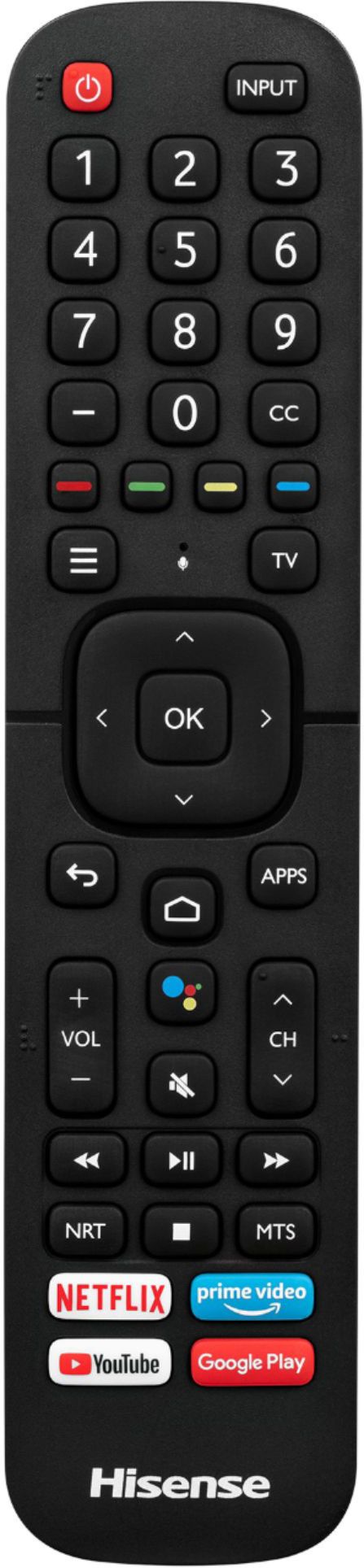
A:AnswerHell0 Tomboy, Thank you for your interest in the Hisense 32H5500F. Yes the remote has the sleep timer button between the channel and volume button, just above the play/pause button. If you have any further questions or concerns please give us a call at 1-888-935-8880 or email us at Service@Hisense-usa.com. Thanks Again, Harley with the Hisense Support Team
A:AnswerHello Hisense Customer, Thank you for your interest in the Hisense 32H5500F. Regrettably, in order to delete channels, Please perform a factory reset by going to Menu>> Settings>> Device preferences>> Reset>> Reset your TV back to the factory default. If none of these troubleshooting tips fix the issue, please reach out directly to our support team at 1-888-935-8880 or email us at Service@Hisense-usa.com. Thanks Again, Harley with the Hisense Support Team