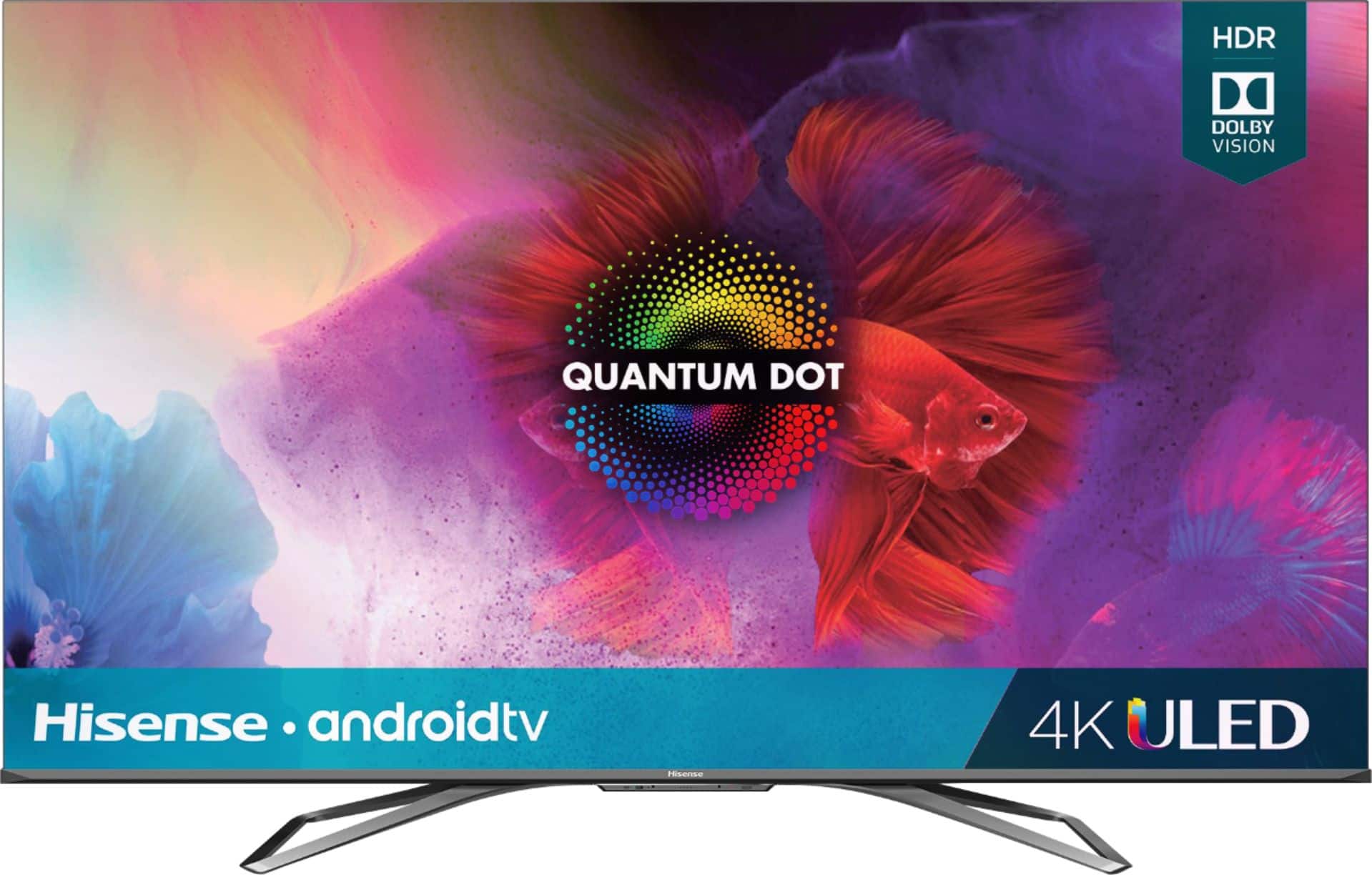
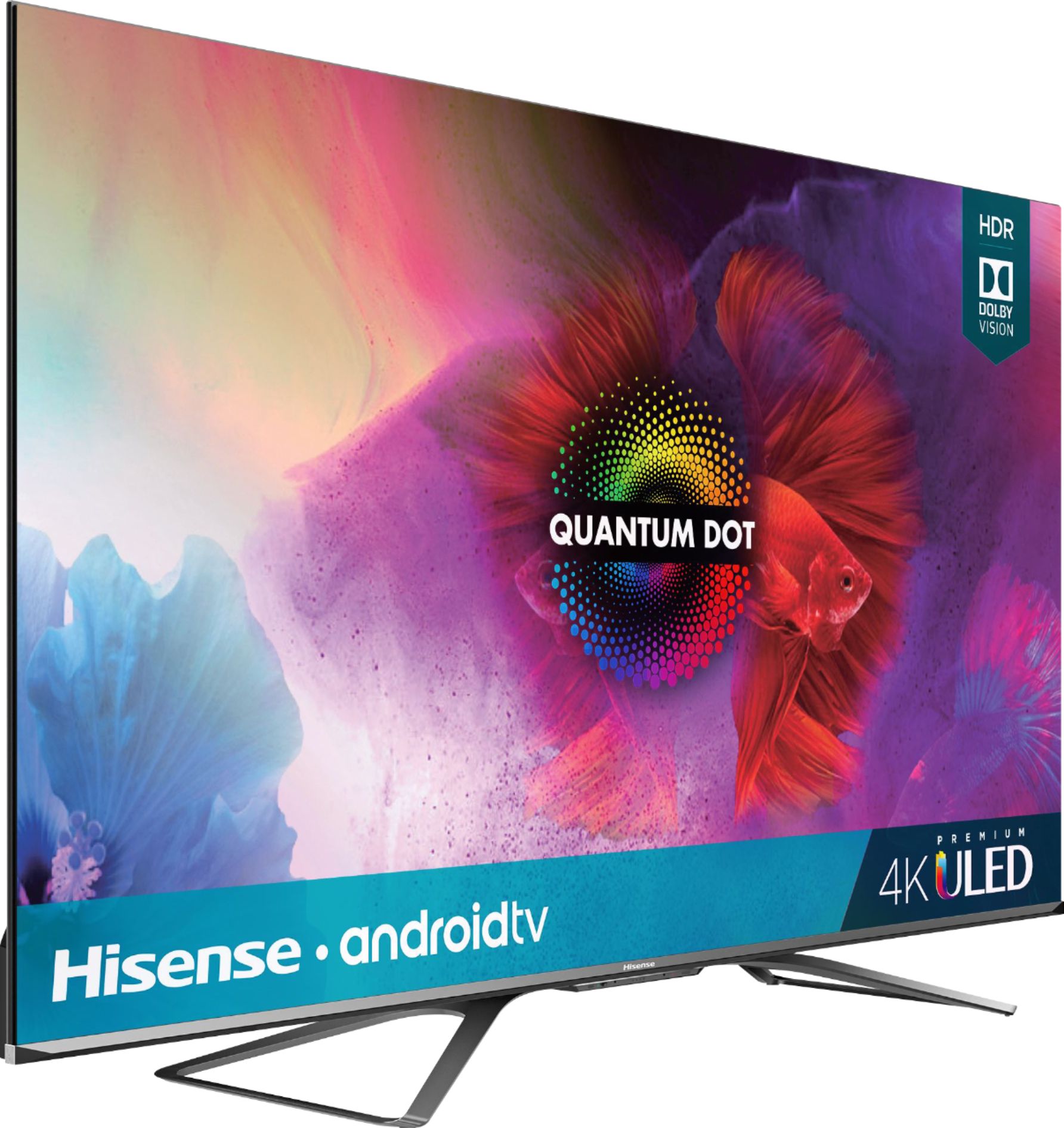
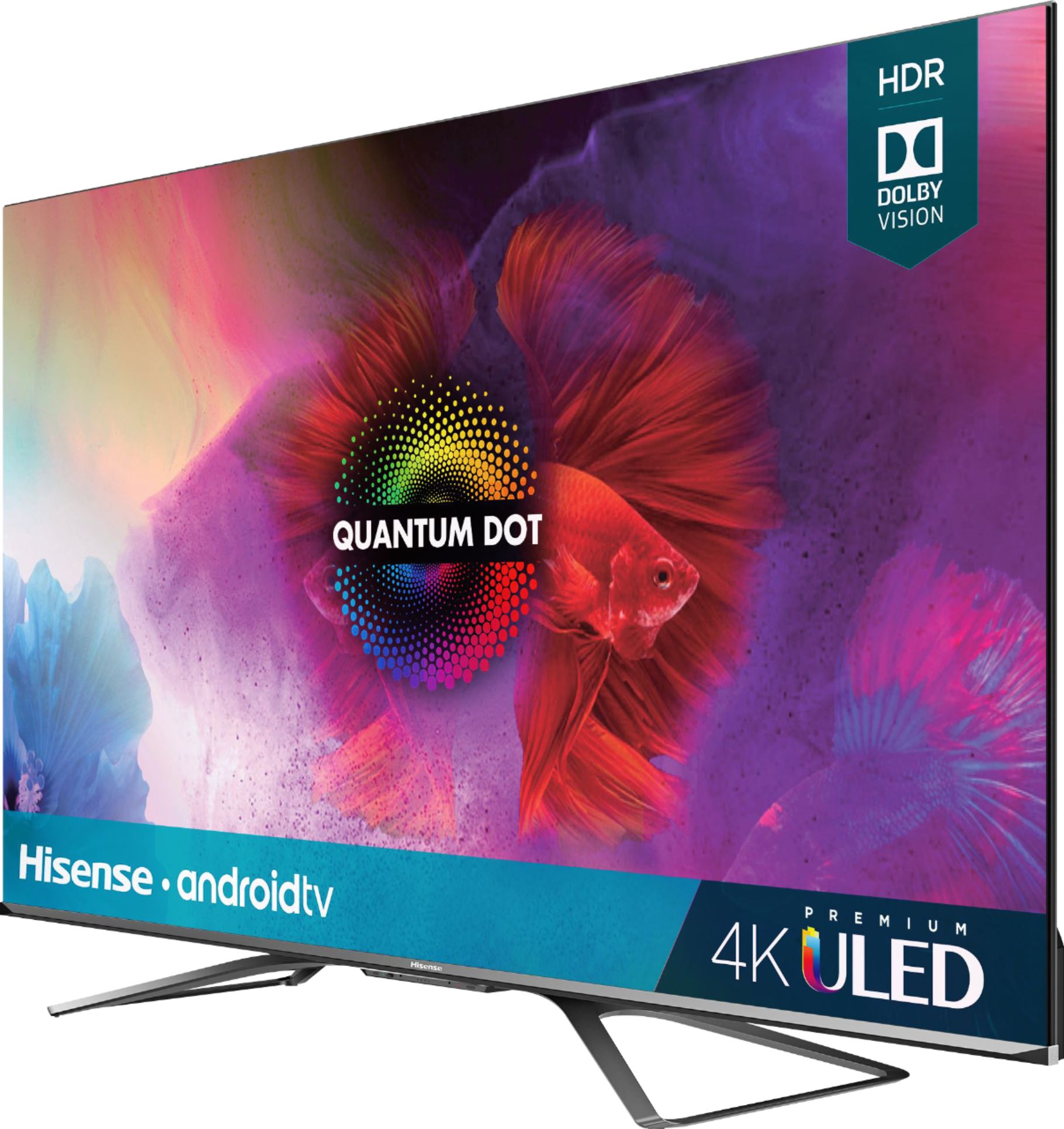
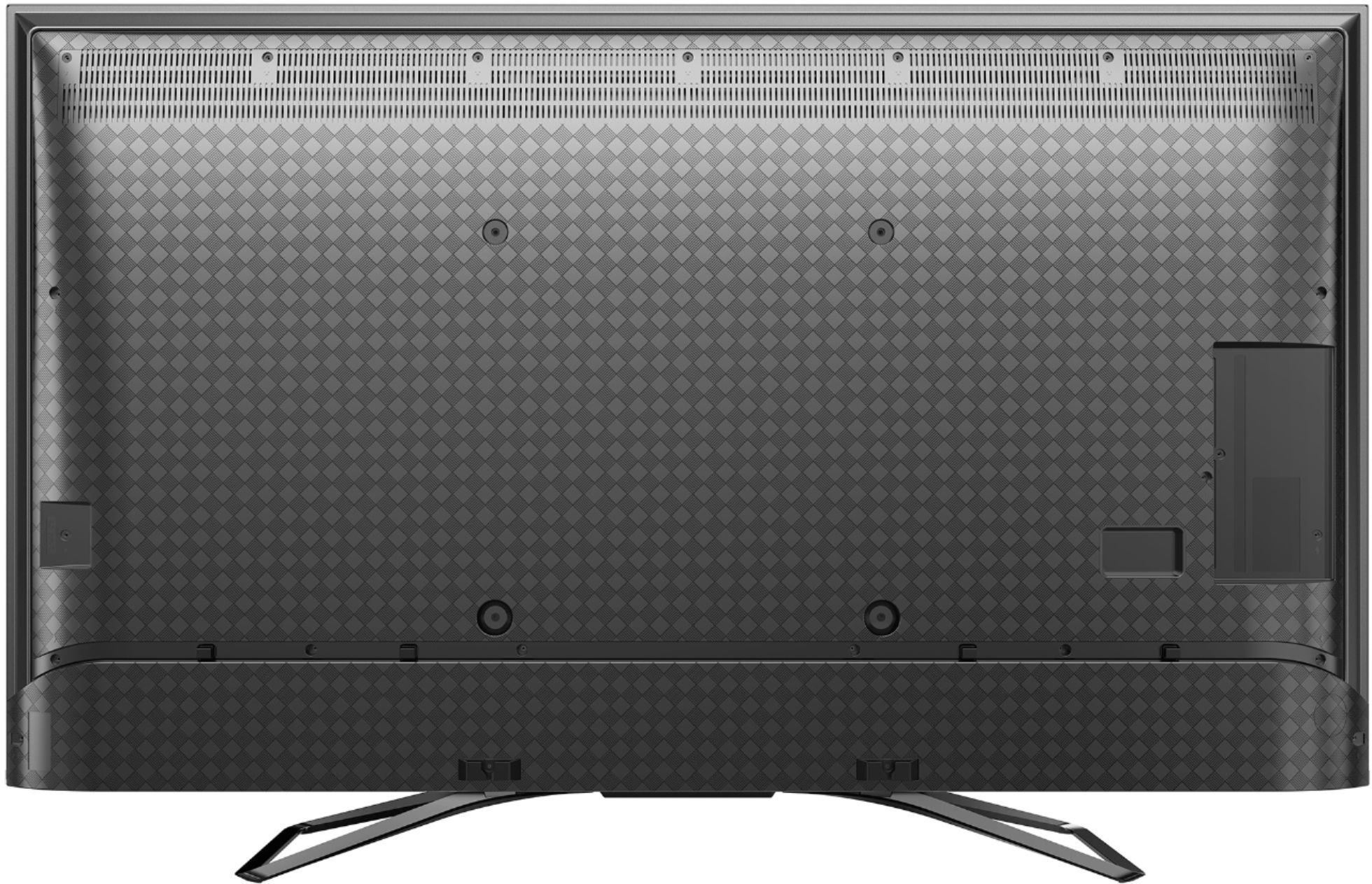
A:AnswerHello Hisense Customer, Thank you for your interest in the 55H9G. Please reach out to your local BestBuy for information on stock availability. If you have any questions about the unit please give us a call at 1-888-935-8880 or email us at service@hisense-usa.com.
Thanks Again,
We look forward to hearing from you!
Harley with the Hisense Support Team
A:AnswerHello Hisense Customer, Thank you for your interest in the 55H9G. Yes you are able to download apps to this television. The MLB app is available for download. You would be able to cast from apps on your iPhone that supports Chromecast. If you have any further questions please give us a call at 1-888-935-8880 or email us at service@hisense-usa.com.
Thanks Again,
We look forward to hearing from you!
Harley with the Hisense Support Team
A:AnswerThe direct answer to your question is NO. Don’t know why “hisenseproductexpert” decided to give you an answer without answering your question. Airplay is not supported on Hisense smart TVs. There are other ways to accomplish what you’re trying to do, but AirPlay is not an option
A:AnswerHello Hisense Customer, Thank you for your interest in the 55H9G. Hisense televisions are designed to last as any flagship brand and we will be more than happy to assist if a issue arises within the manufacturer's warranty. If you have any further questions please give us a call at 1-888-935-8880 or email us at service@hisense-usa.com.
Thanks Again,
We look forward to hearing from you!
Harley with the Hisense Support Team
A:AnswerHello Myrtle, Thank you for your interest in the 55H9G. No the television does not support ATSC 3.0. If you have any further questions please give us a call at 1-888-935-8880 or email us at service@hisense-usa.com.
Thanks Again,
We look forward to hearing from you!
Harley with the Hisense Support Team
A:AnswerYou have to order the tv from best buy, just look up the tv and give them the SKU and they can order it for you and have it ready for pick-up in about a week.
A:AnswerHello Hisense Customer, Thank you for your interest in the Hisense 55H9G and for taking the time to provide us with a feedback. We're truly sorry that you've encountered this issue with all you're HDMI ports not working. We really want to get to the bottom of this as much as you do, please reach out directly to our support team at 1-888-935-8880 or email us at Service@Hisense-usa.com. We look forward to hearing from you! Thanks Again, Harley with the Hisense Support Team
A:AnswerHello Thomas, Thank you for your interest in the 55H9G. Please contact your local BestBuy for information on stock availability. If you have any further questions please give us a call at 1-888-935-8880 or email us at service@hisense-usa.com.
Thanks Again,
We look forward to hearing from you!
Harley with the Hisense Support Team
A:AnswerHello Astairman, Thank you for your interest in the 55H9G. Please contact your local BestBuy for stock availability. If you have any further questions please give us a call at 1-888-935-8880 or email us at service@hisense-usa.com.
Thanks Again,
We look forward to hearing from you!
Harley with the Hisense Support Team
A:AnswerWho knows last years H9F WAS hard to get. But the H9G IS coming. When they show up there gone quick! Best Buy offers no pre order on this H9G which is strange. I would thing they would offer a preorder since Amazon is a competitor.? I just hope Hisense made enough of the H9G.
A:AnswerHello Scooby, Thank you for your interest in the 55H9G. No the television does not support HDMI 2.1. If you have any further questions please give us a call at 1-888-935-8880 or email us at service@hisense-usa.com.
Thanks Again,
We look forward to hearing from you!
Harley with the Hisense Support Team
A:AnswerYour neighbor probably stumbled on to your wifi and thinks it would be cute to steal internet usage from you. Try turning off bluetooth so he will get the message.
A:AnswerI have been able to force a 1080p@120hz signal using a high bandwidth HDMI cable (Audiano 8K Ultra High Speed HDMI 2.1 cable) on my PC with custom resolution settings. I have heard of people doing 2560X1440@120hz but I have yet to get this to function on my setup.
A:AnswerHave you yet paired a bluetooth device to the TV? The option did not become available to me until after I paired a device. To do that, go to the TV menu, settings, remotes and accessories, add accessory and the TV will go into pairing mode. Once you have a device paired and connected, the Bluetooth audio output option should no longer be greyed out and be available for selection.