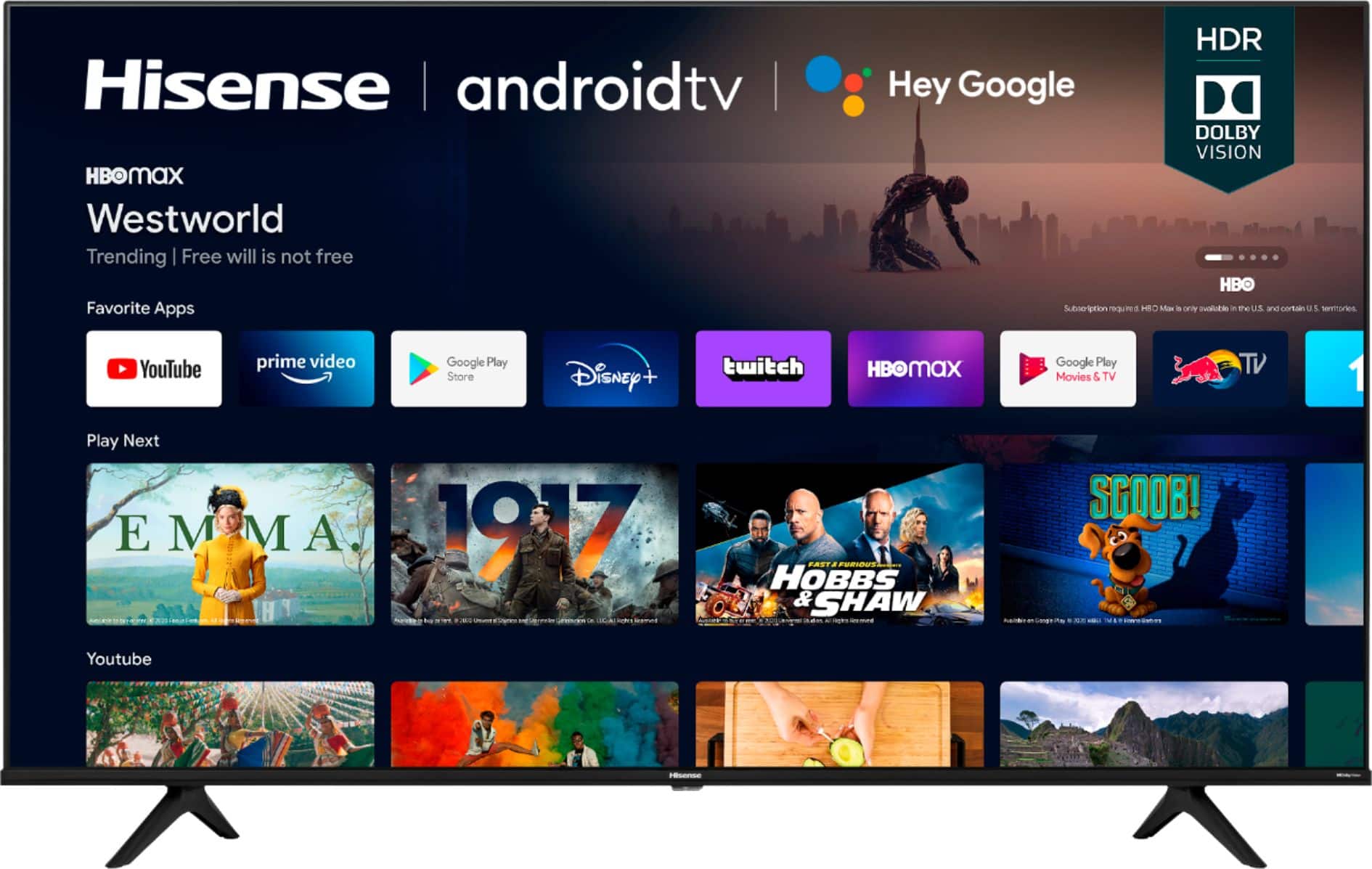
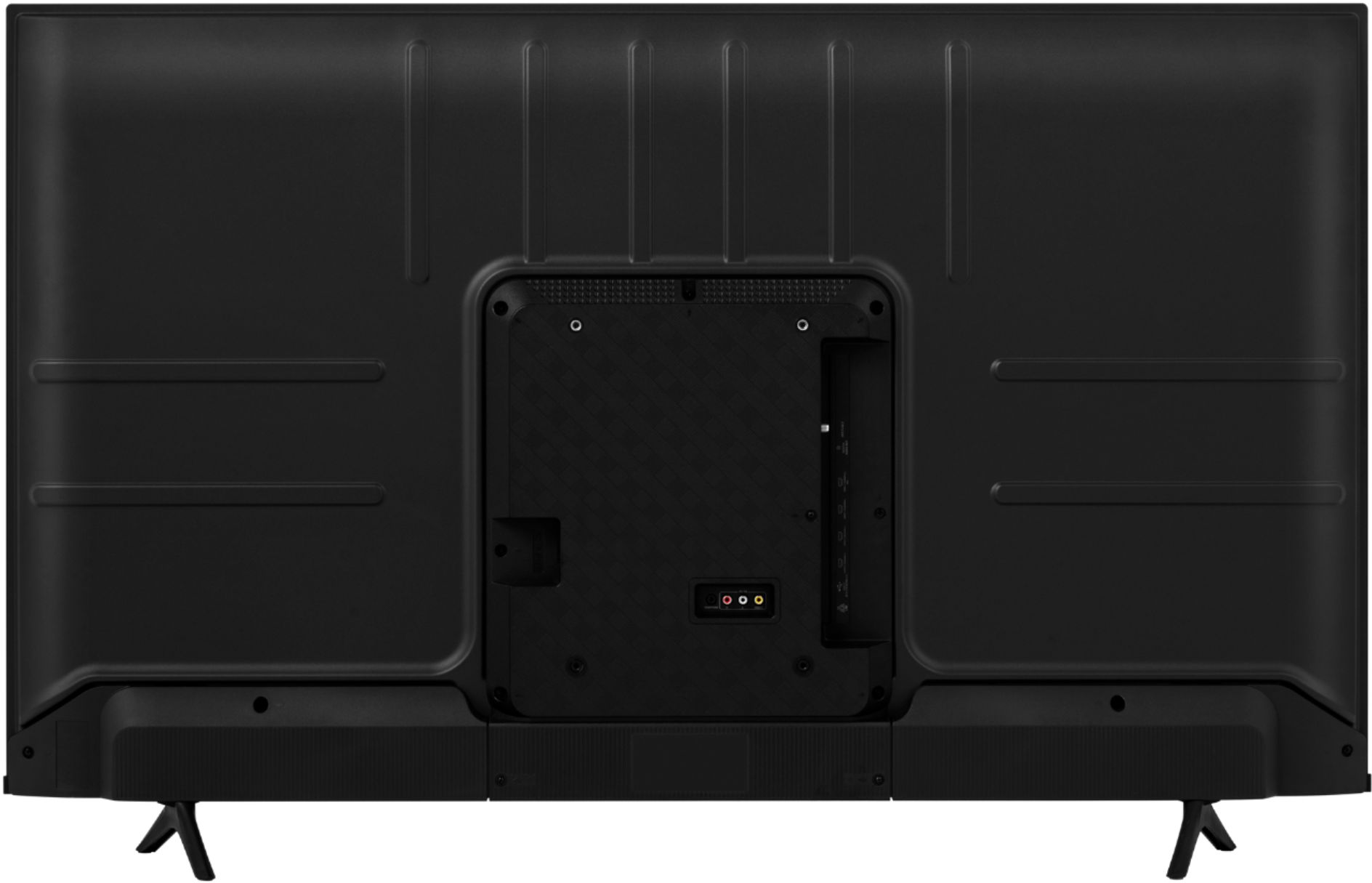
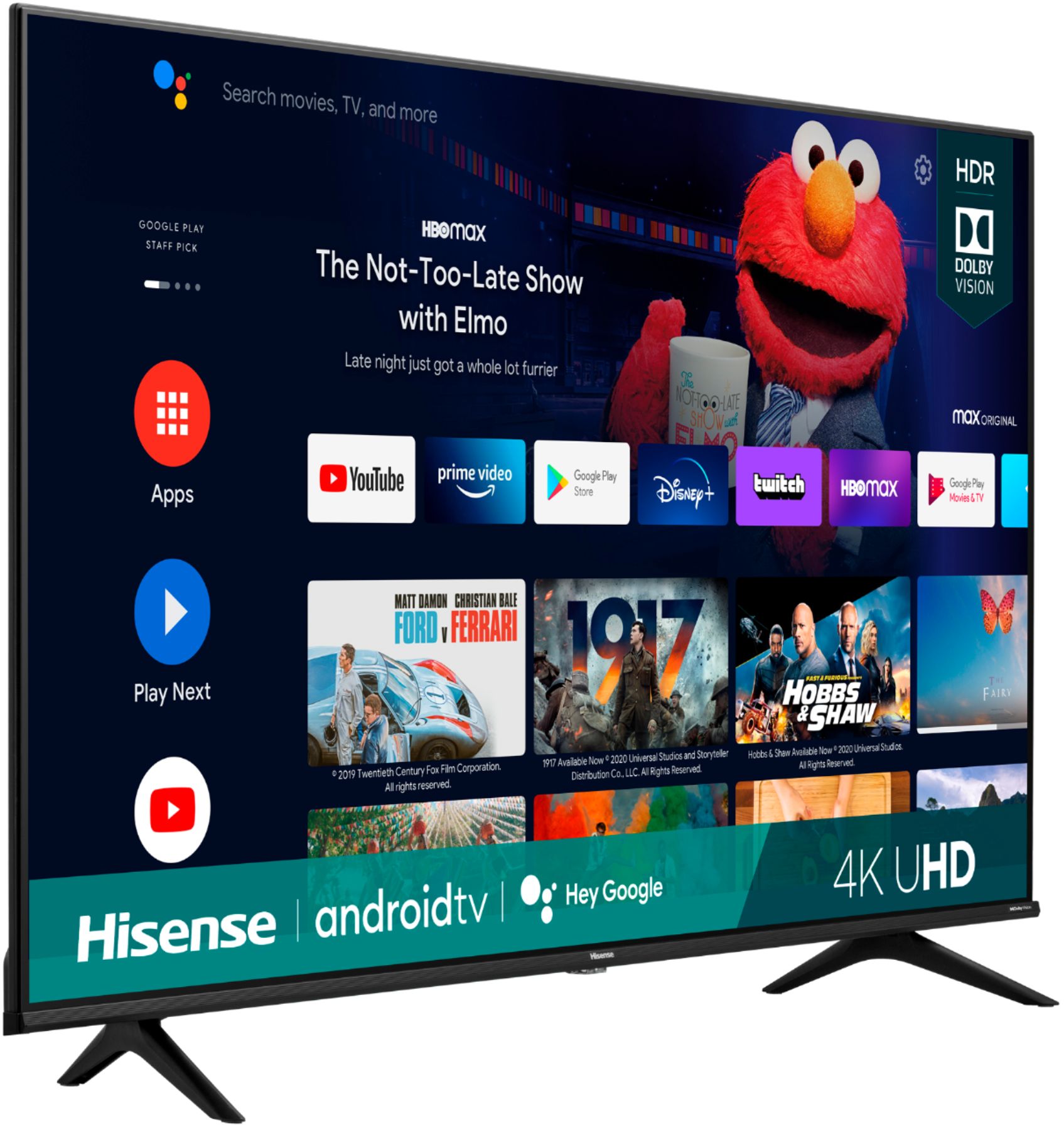
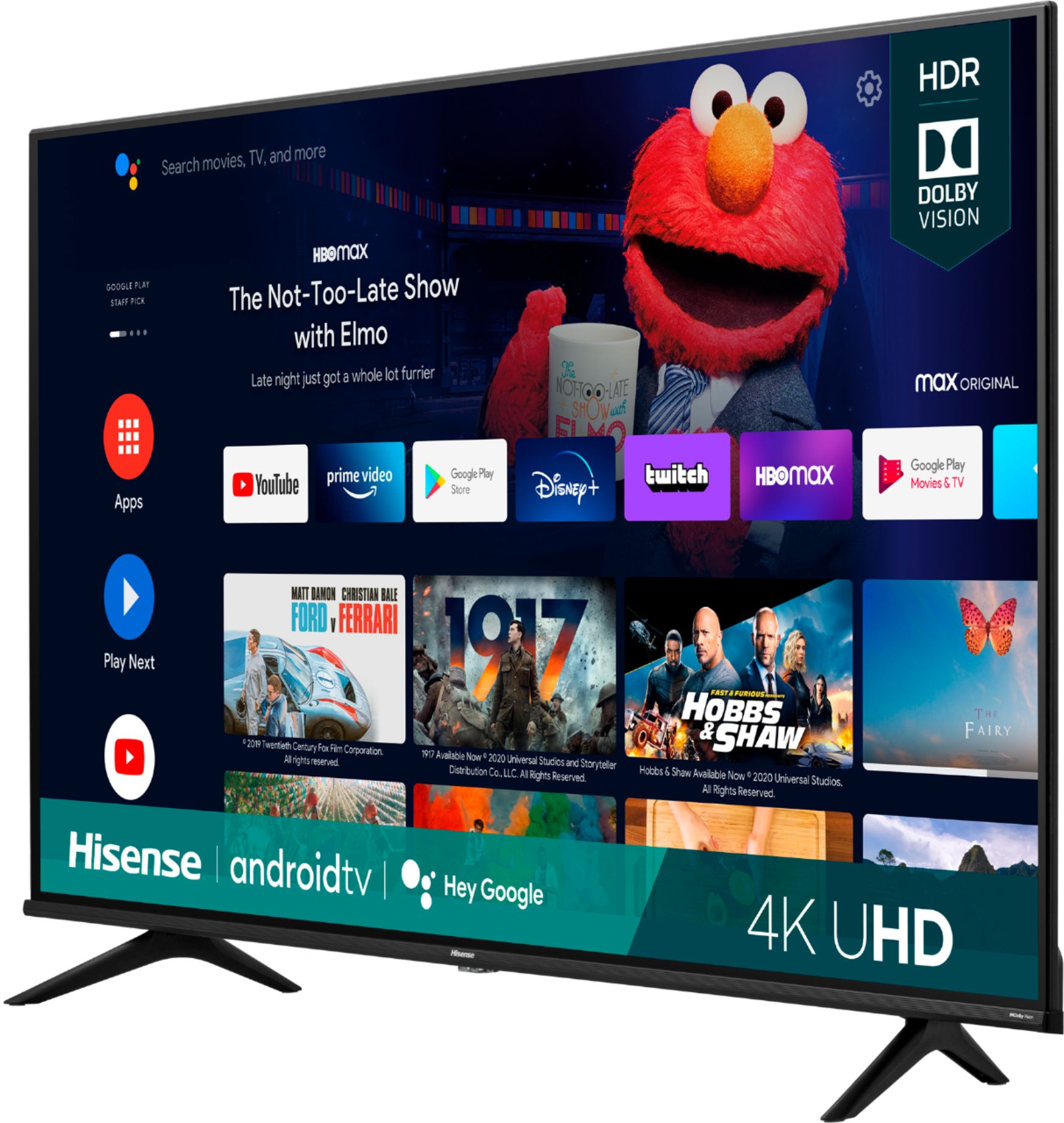
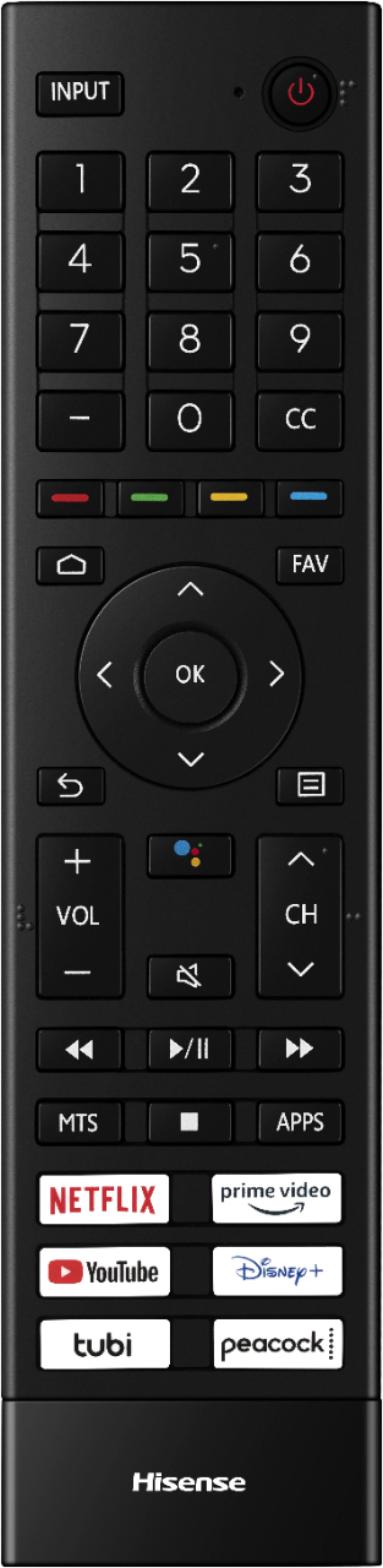
A:AnswerHello Moshe, thank you for your interest in the Hisense 60A6G. To adjust the closed caption size, press the Menu button on your Hisense remote (three horizontal lines) and select Live TV Closed Captioning > Digital Caption Style > Custom. If you have any further questions or concerns, please give us a call at 1-888-935-8880 or email us at Service@Hisense-usa.com. Thanks again, Harley with the Hisense Support Team.
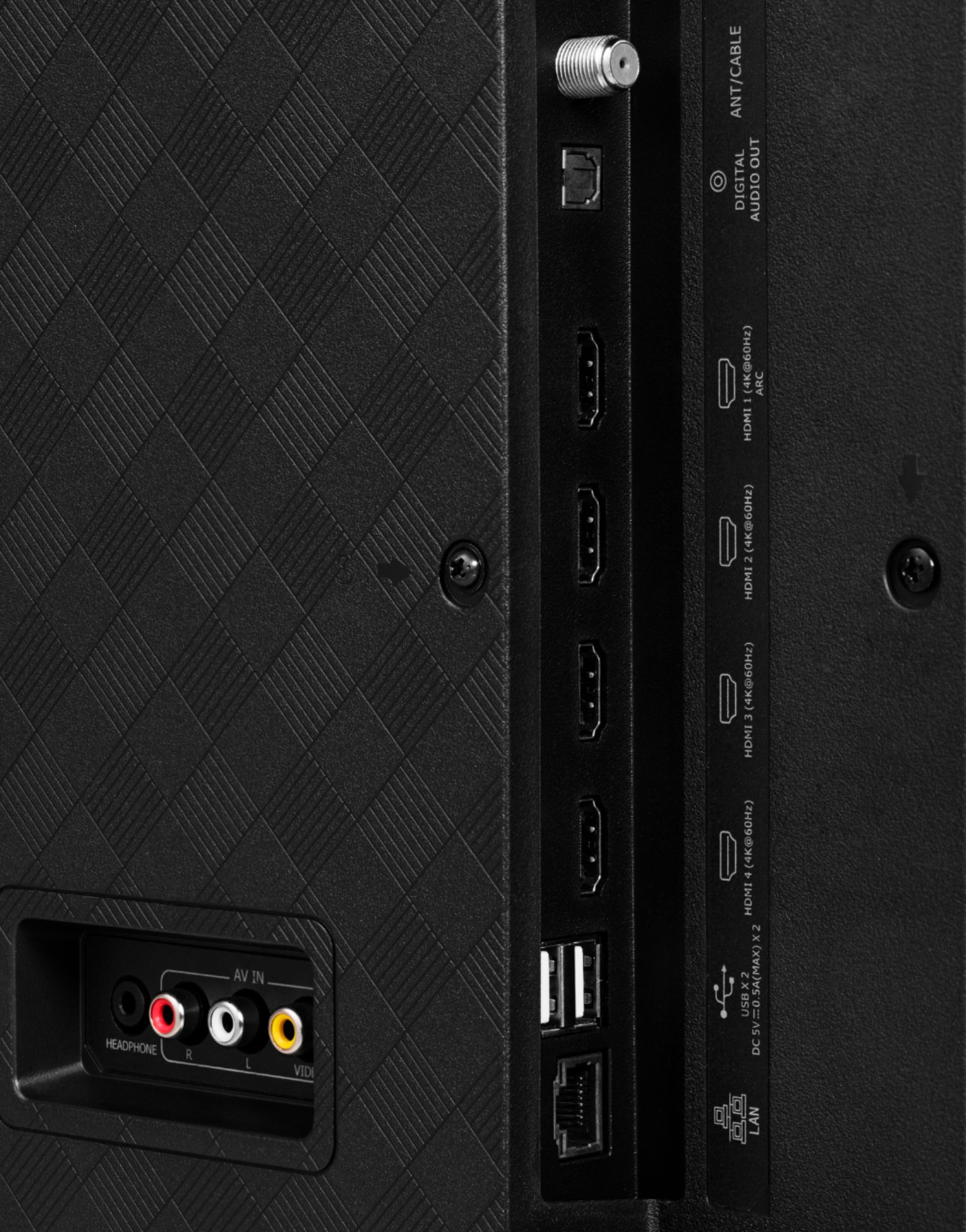
A:AnswerHello Rebecca, thank you for your interest in the Hisense 60A6G. This unit uses HDMI 2.0 or higher. If you have any further questions or concerns, please give us a call at 1-888-935-8880 or email us at Service@Hisense-usa.com. Thanks again, Harley with the Hisense Support Team.
A:AnswerHello Angel, thank you for your interest in the Hisense 60A6G. Yes, this unit has an auxiliary port. If you have any further questions or concerns, please give us a call at 1-888-935-8880 or email us at Service@Hisense-usa.com. Thanks again, Harley with the Hisense Support Team.
A:AnswerHello Jason, thank you for your interest in the Hisense 60A6G. Yes, this unit does have a voice remote control. If you have any further questions or concerns please give us a call at 1-888-935-8880 or email us at Service@Hisense-usa.com. Thanks again, Harley with the Hisense Support Team.
A:AnswerHello DK, Thank you for your interest in the Hisense 60A6G. This TV has a Motion Rate of 120, the 4k and 120 Hz features are activated based on the compatibility of the external device used. If you have any further questions or concerns please give us a call at 1-888-935-8880 or email us at Service@Hisense-usa.com. Thanks Again, Harley with the Hisense Support Team