A:AnswerI actually ordered mine at the discounted price the Tuesday before Thanksgiving. So I'd imagine it's not going to be on sale for much longer. Having said that i have seen it at this sale price before.
A:AnswerUnfortunately there isn't a second bad to add an additional SSD. You could use an external drive for additional storage, or you could replace the existing SSD with one with a higher capacity.
A:AnswerNo idea when the sale will end but I can tell you this laptop has gone up $50 in price since Cyber Monday. Looks like the $449 price is now $499. Pays to act quickly!
A:AnswerYou can do this but you really want the system to run in dual channel mode. Its best to put two sticks of the same in the system. So for example 16gig by running 2 x 8 gig sticks. Or if you really want to push it 2 x 16 gig = 32 gig.
A:AnswerYes, for photography this machine will be awesome. I do a little photography myself and the combo of ryzen 5 with the GTX are coming in very handy when it comes to video and photography editing.
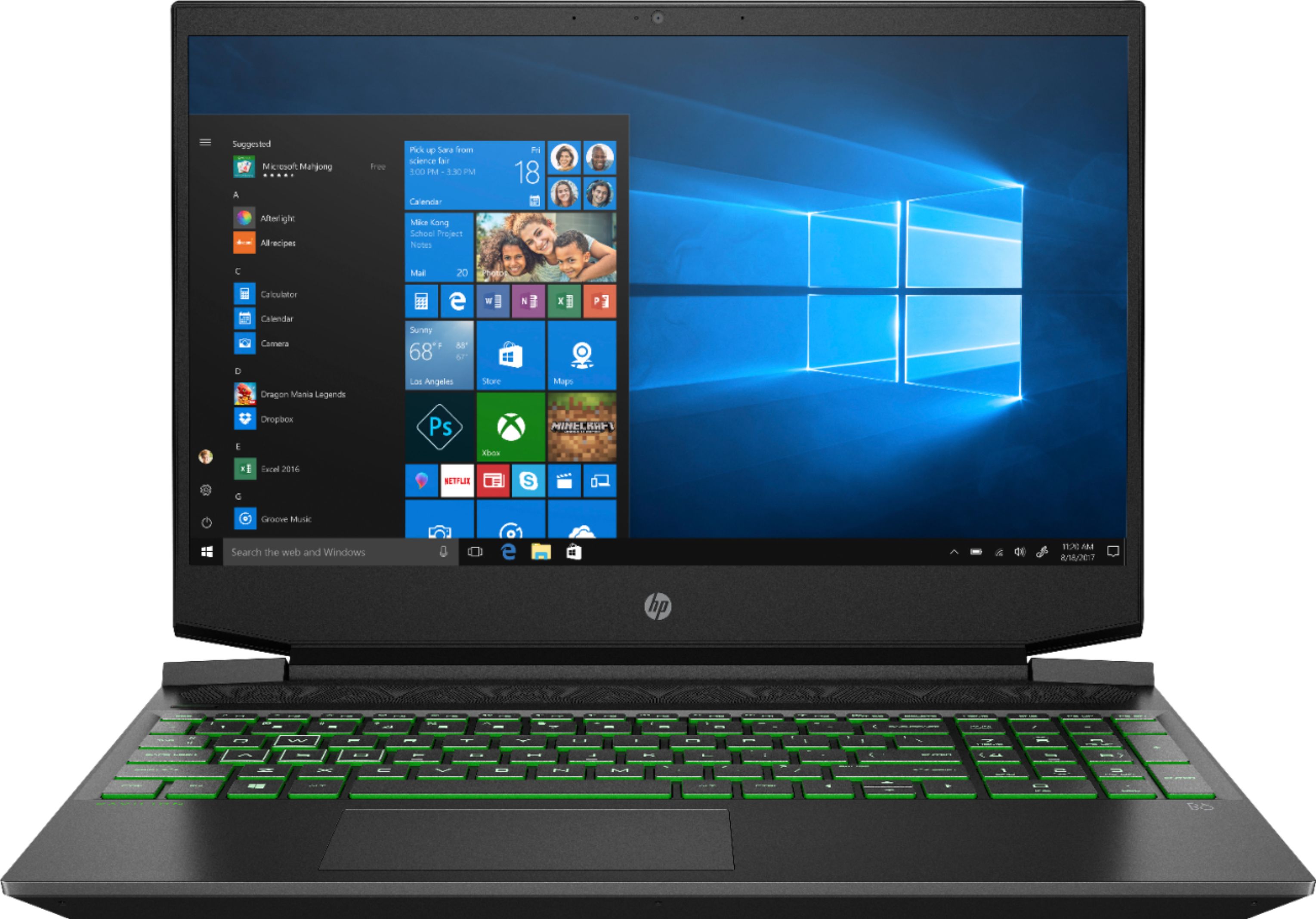
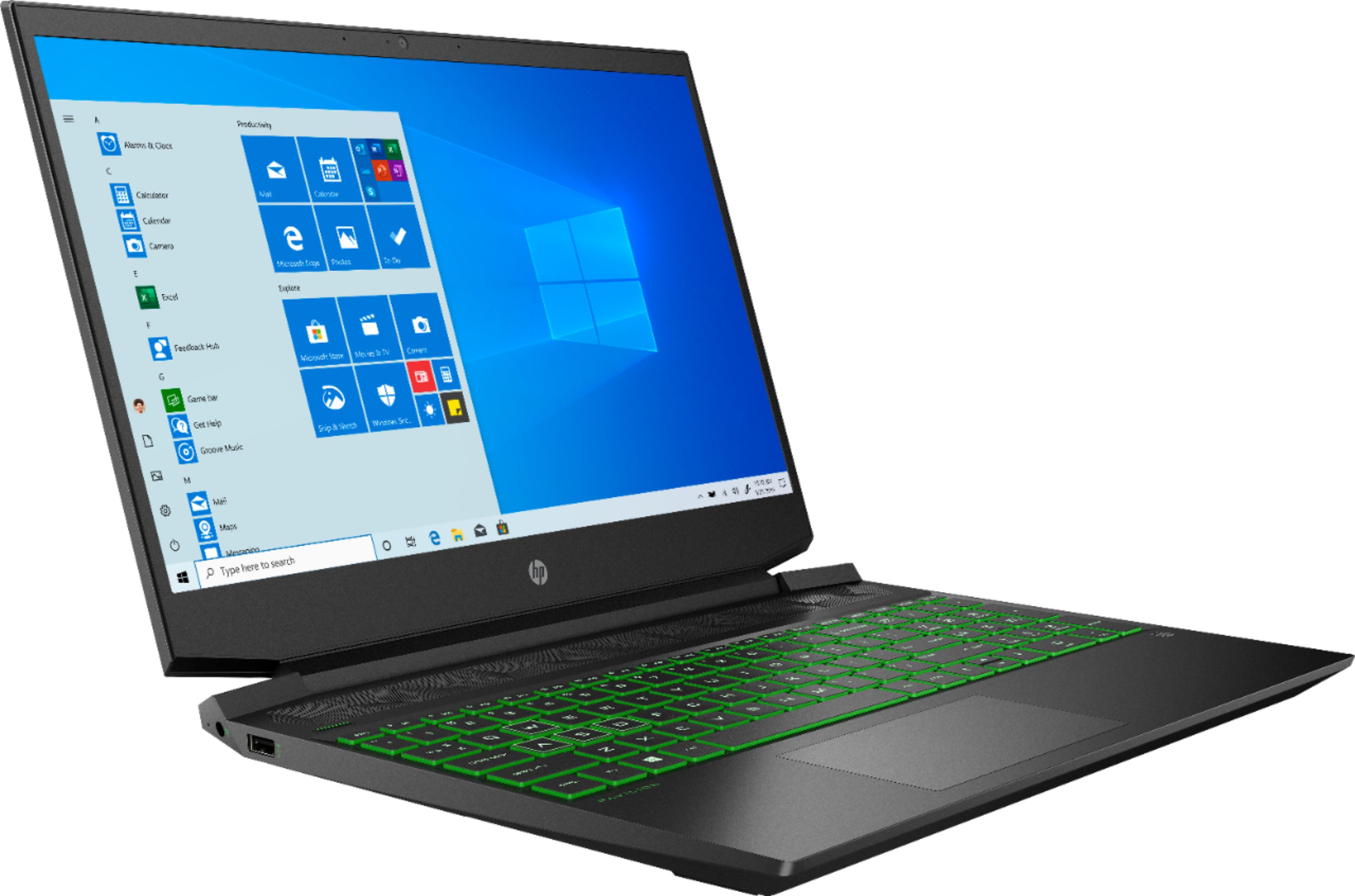
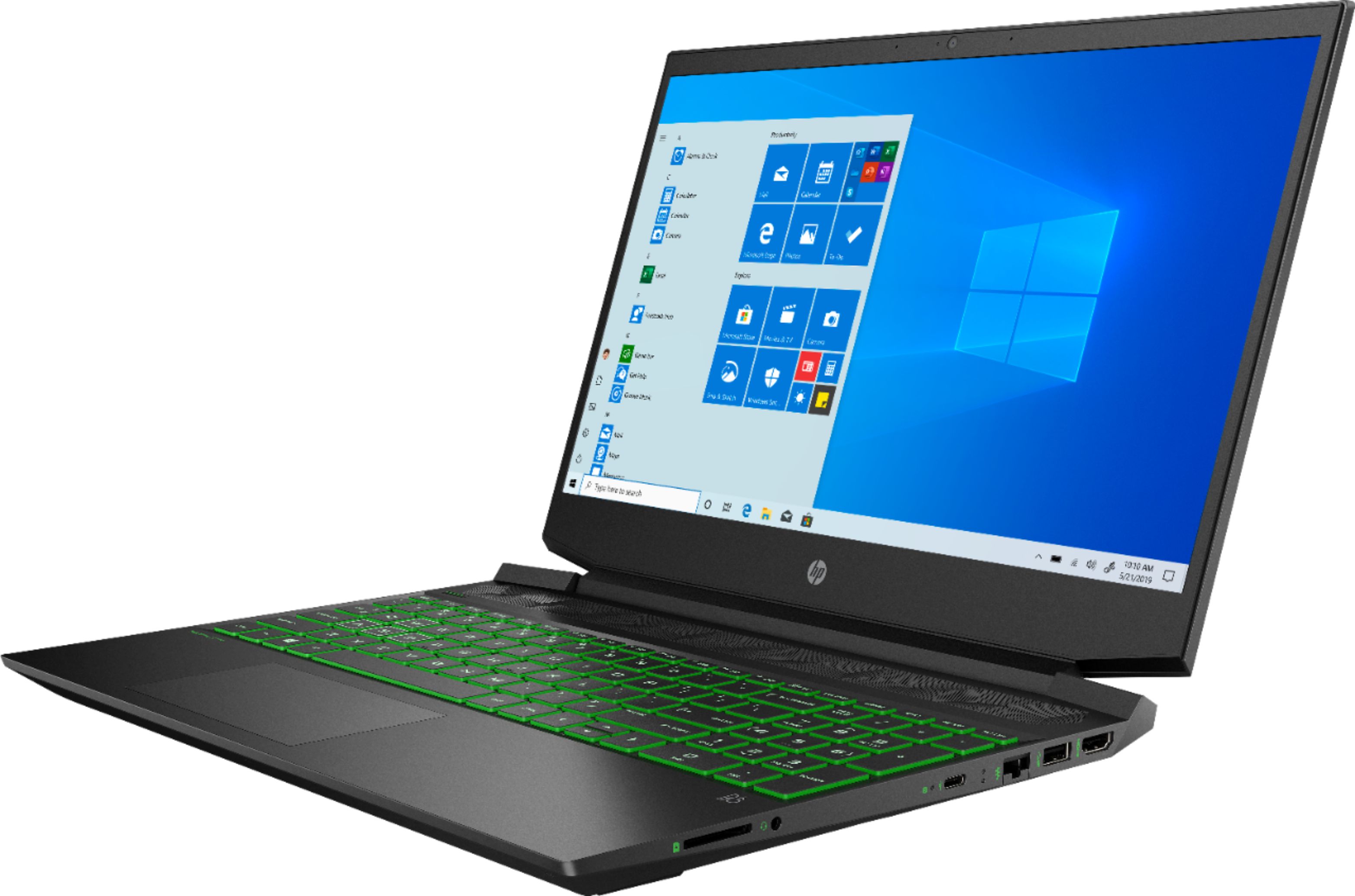
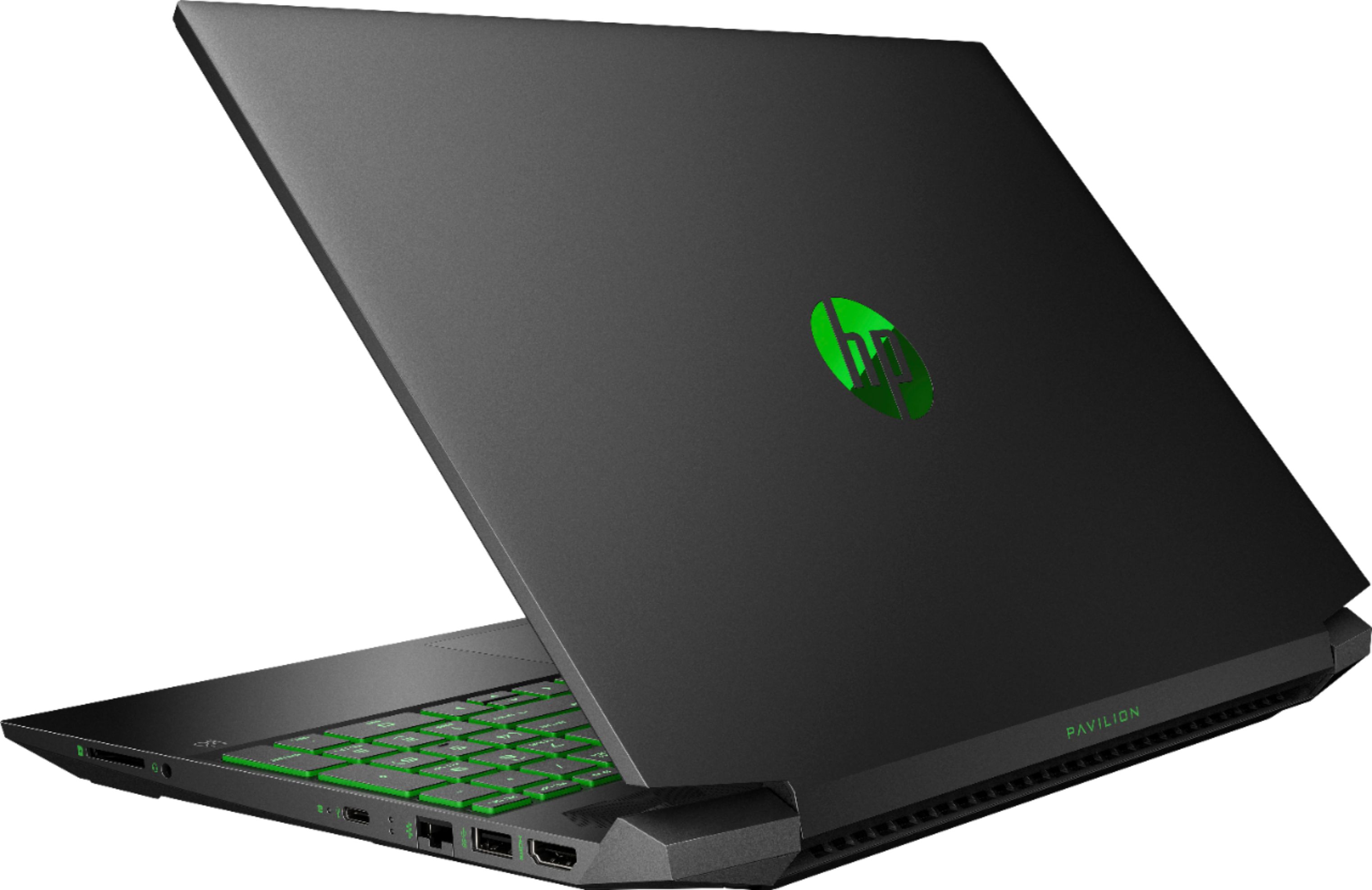
A:AnswerFor a student this machine would be perfect. It can game but if gaming is not your thing, this laptop will happily surf the web, play movies, help you study etc etc looks really good but is a little heavy. Don't get me wrong its not bone crushing heavy but in a back pack its going to get a little heavy after a while. I'd personally recommend it to a student on a budget. Besides your going to look really cool sitting in class with that green glowing keyboard ;o)
A:AnswerMaxed out you will get about 40 - 60 fps. At medium settings (the way you should be playing Fortnite) you will get about 100fps. So you should have no problems winning the game with this little laptop.
A:AnswerNo idea, but I can tell you this laptop has already increased in price by $50 since Cyber Monday. I'd expect it to go back to full price either as soon as supplies run out or shortly after Christmas. And from what I can tell supplies are starting to run out.