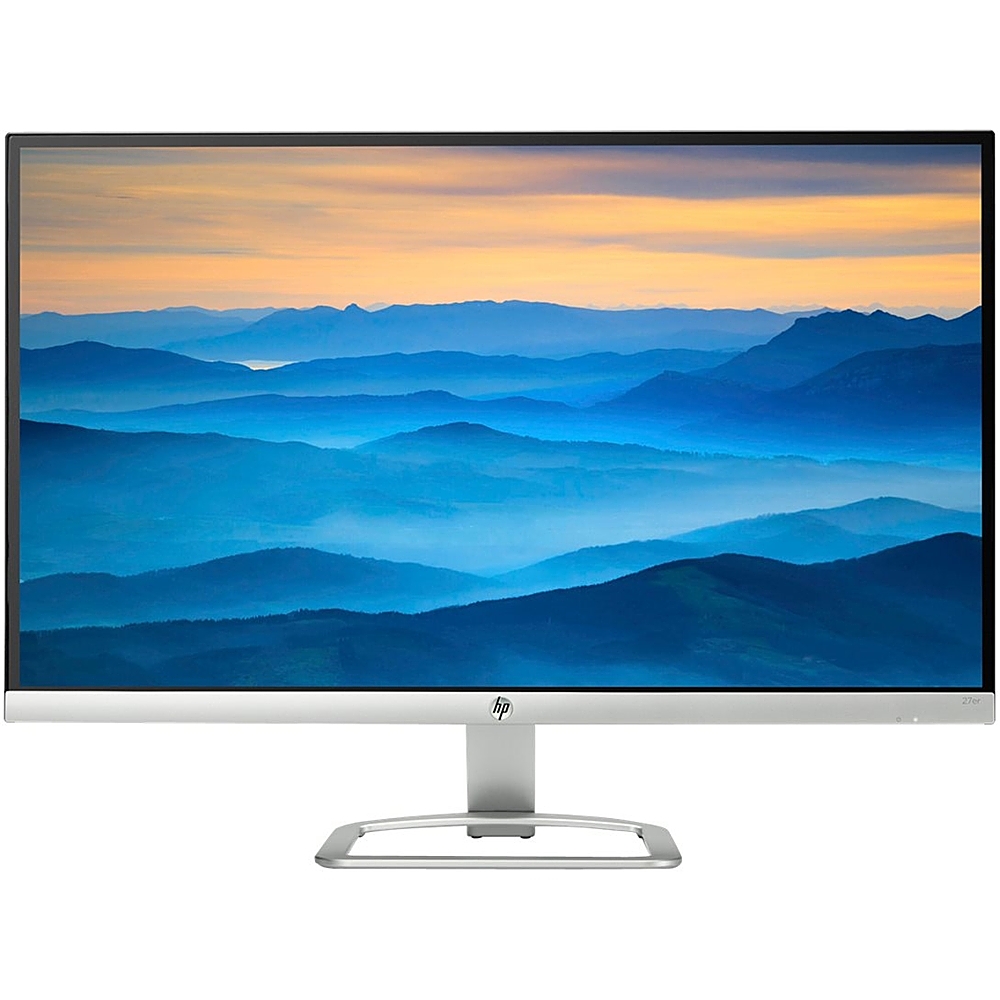
A:AnswerThe HP 27f has anti-glare and anti-static display features while the 27er has the Low Haze Panel display feature.The 27f also has a brighter panel at 300 cd/m² versus 250 cd/m² on the 27er.
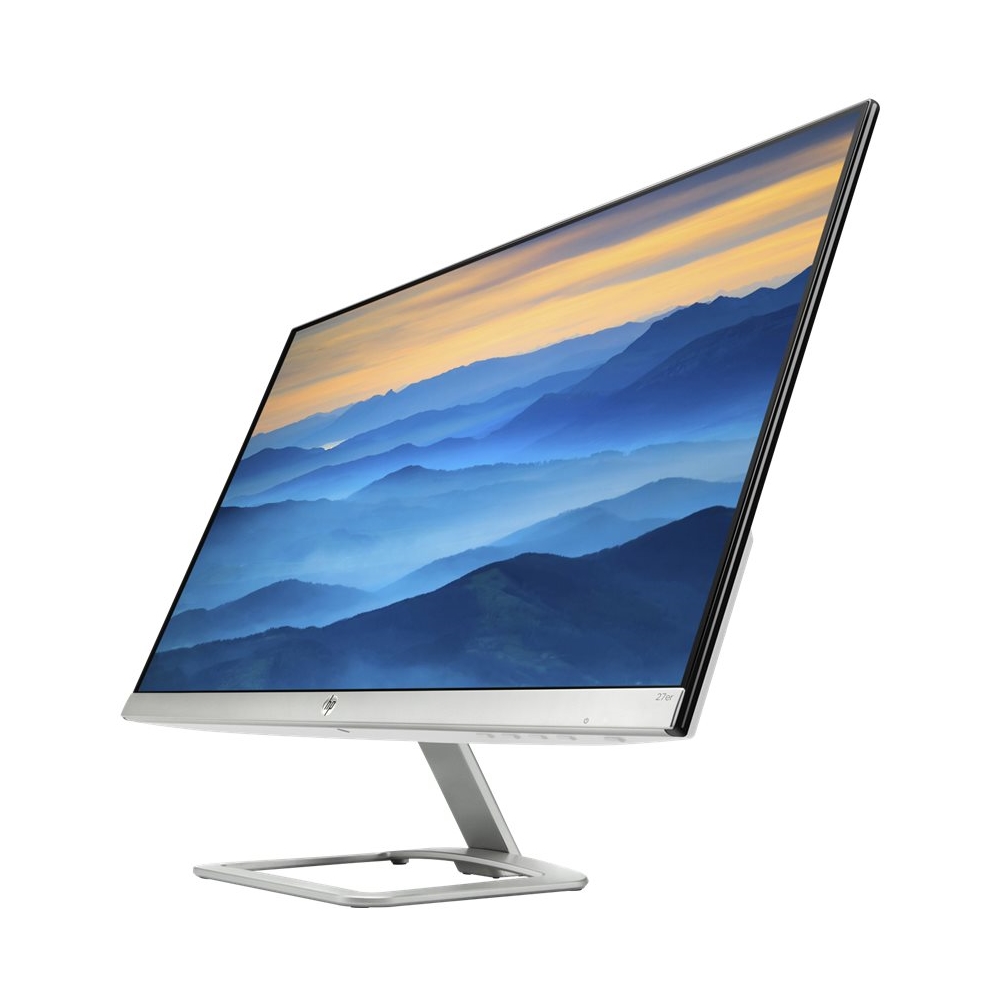
A:AnswerThank you for your question! Both of the monitors feature blizzard white and natural silver as the color scheme. The trim and stand is silver while the back is white.
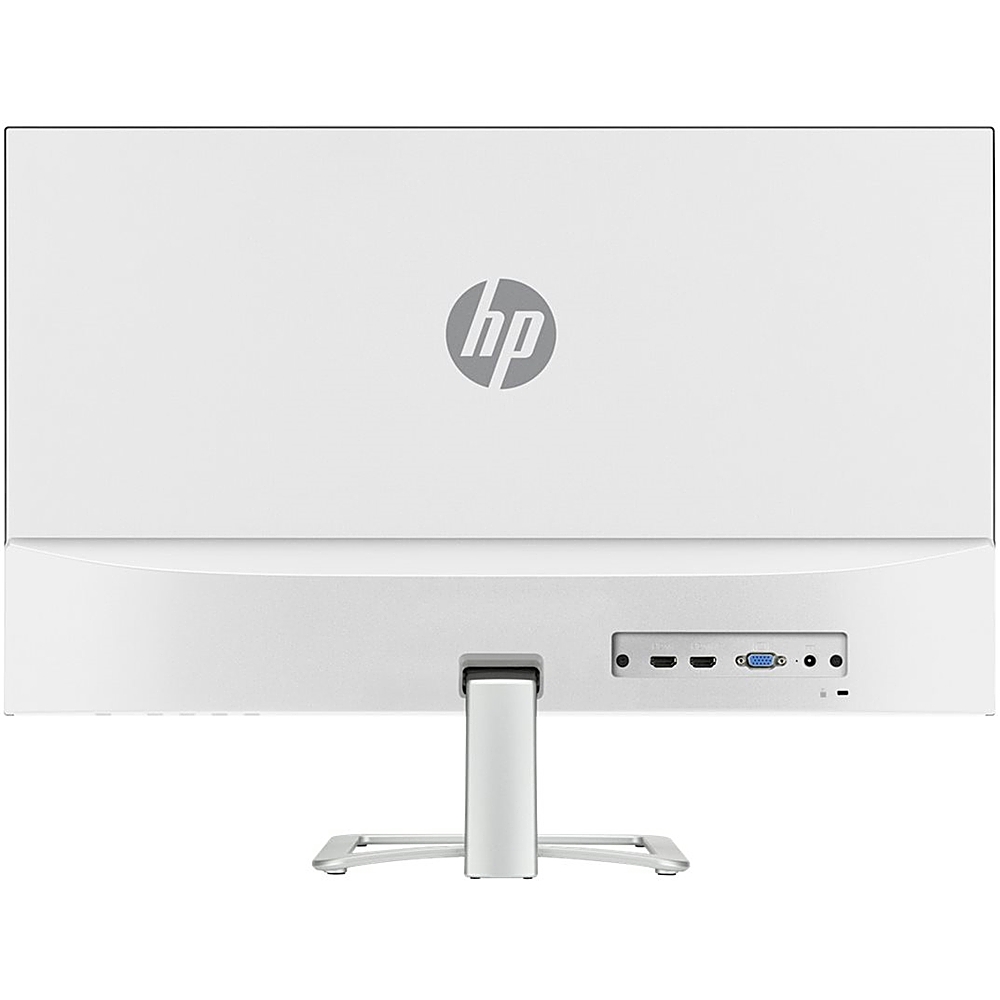
A:AnswerYes, with another part. I found a way to connect this monitor to other mounts using the stand connector on the back of the monitor. Online you can find connectors that adapt/extend the stand connector to other standard mount connectors and bolt patterns. I connected two of these monitors to a raised desk dual arm mounts.
A:AnswerThe MacBook Air doesn't come with either a VGA or an HDMI port, which the "HP Team" should know or should have looked up before answering. It depends on which generation Air you have. Older ones have miniDisplayPort/Thunderbolt 2 ports, new ones have Thunderbolt 3/USB-C ports. In either case you'll need an adapter to connect to the monitor's HDMI or VGA port. (Use HDMI, not VGA.). But with the adapter, it'll work fine.