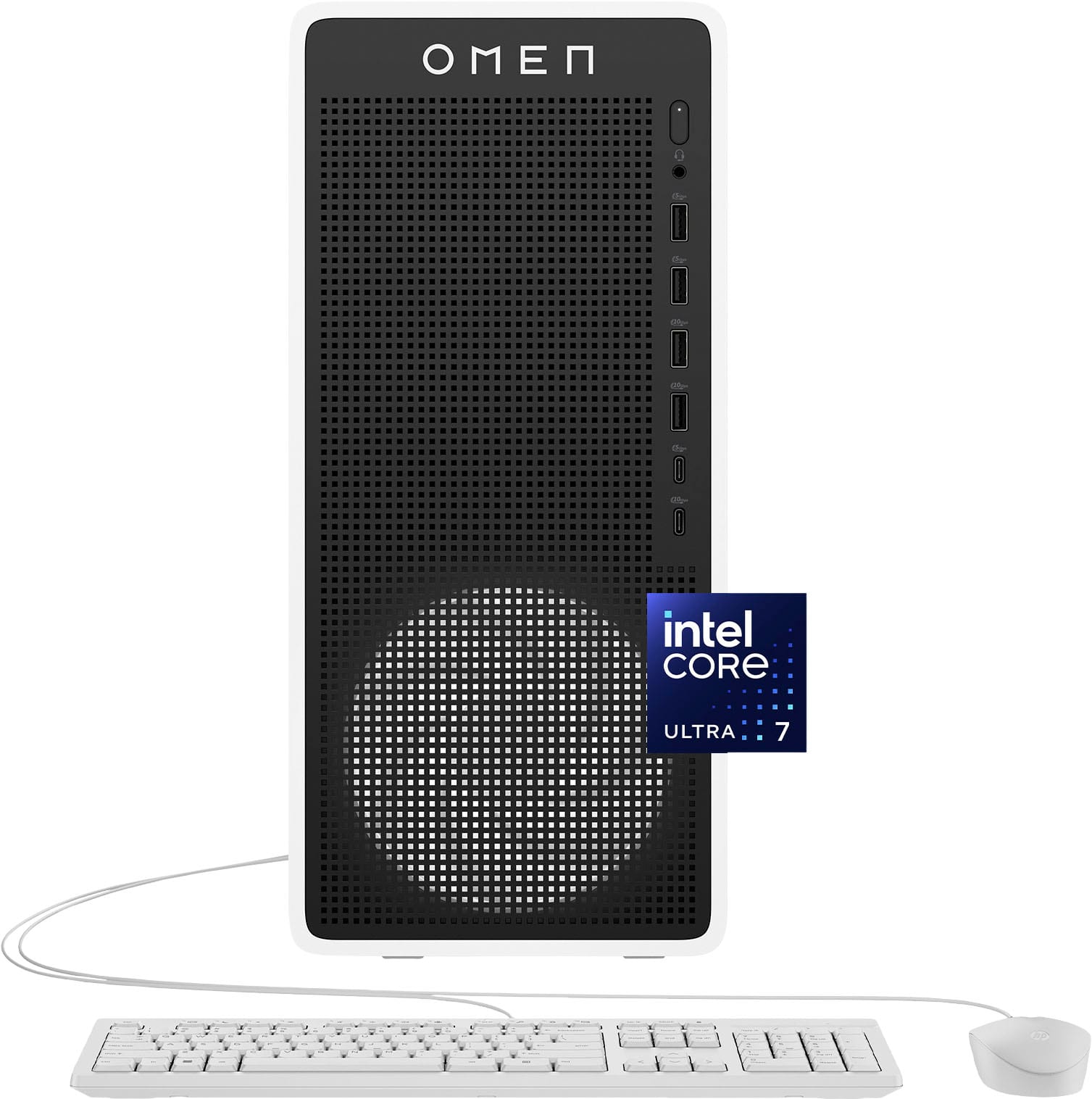
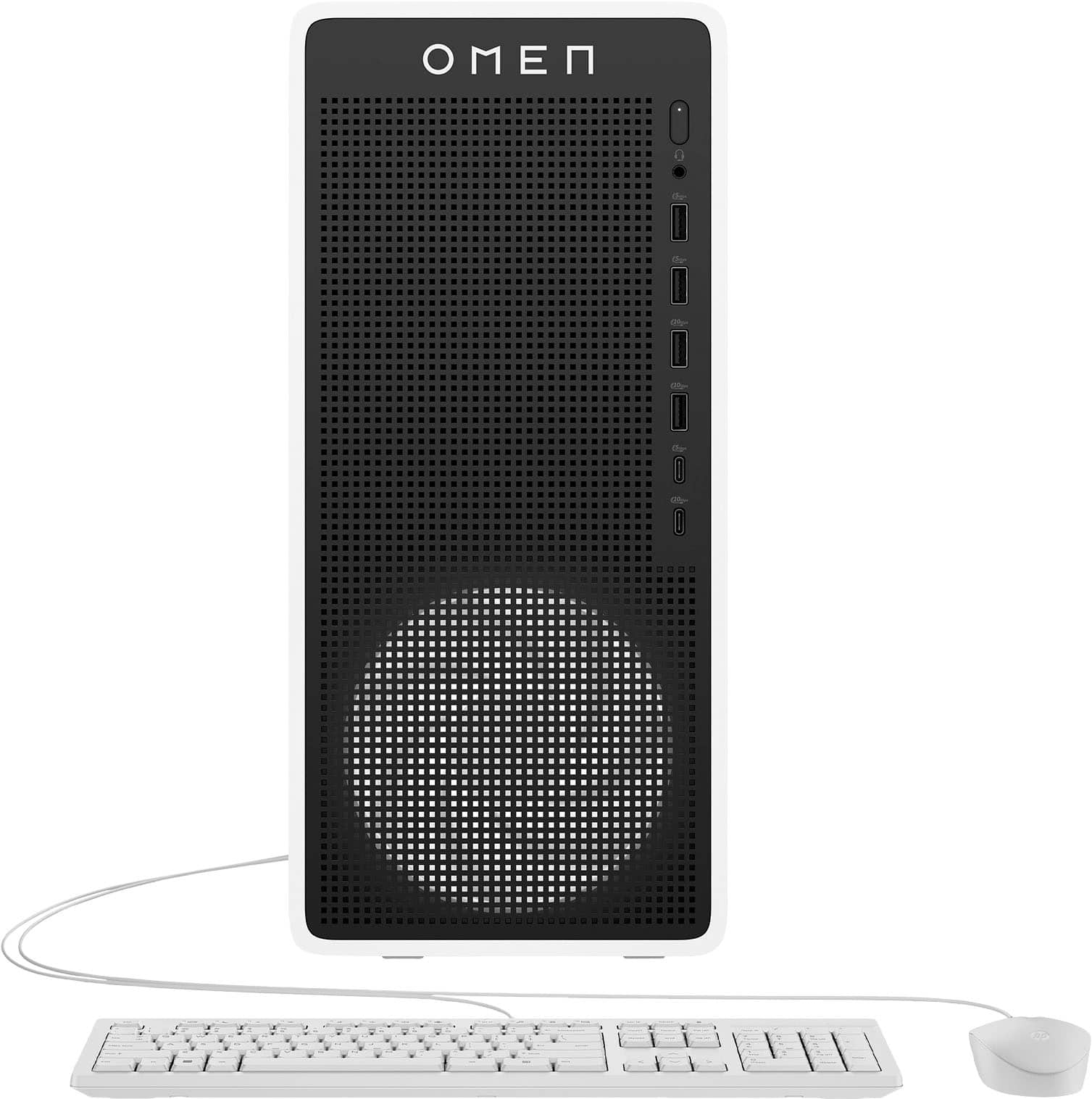
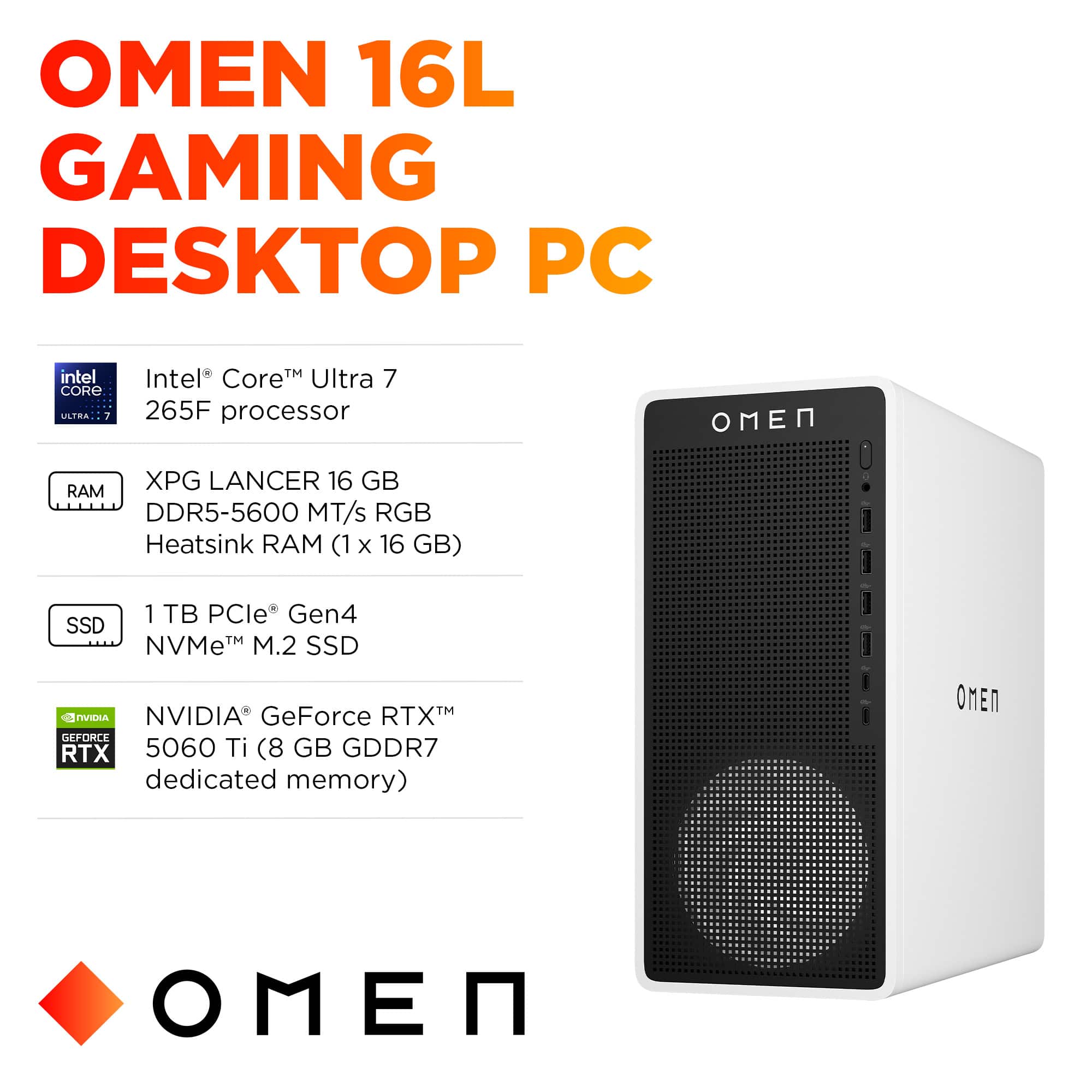
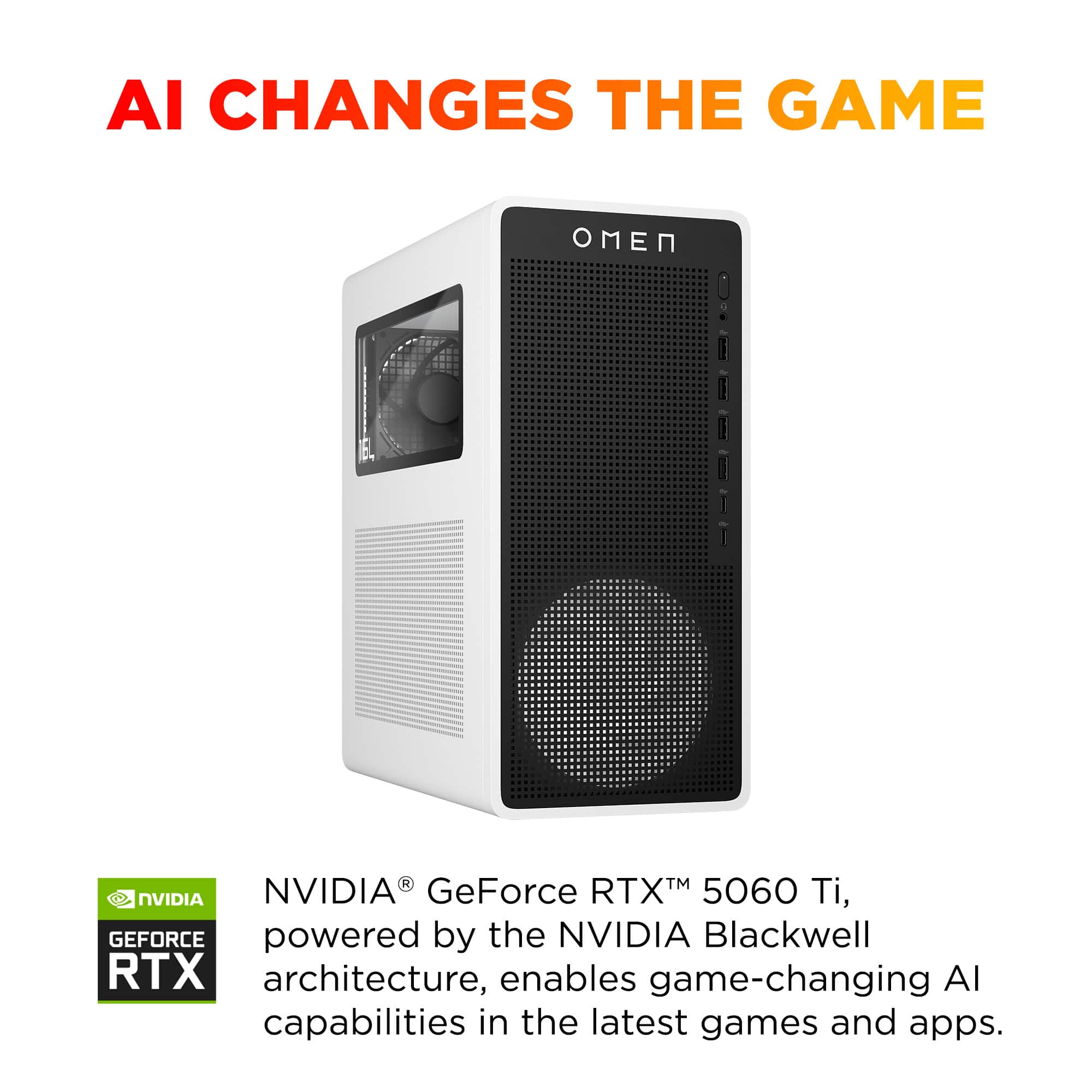
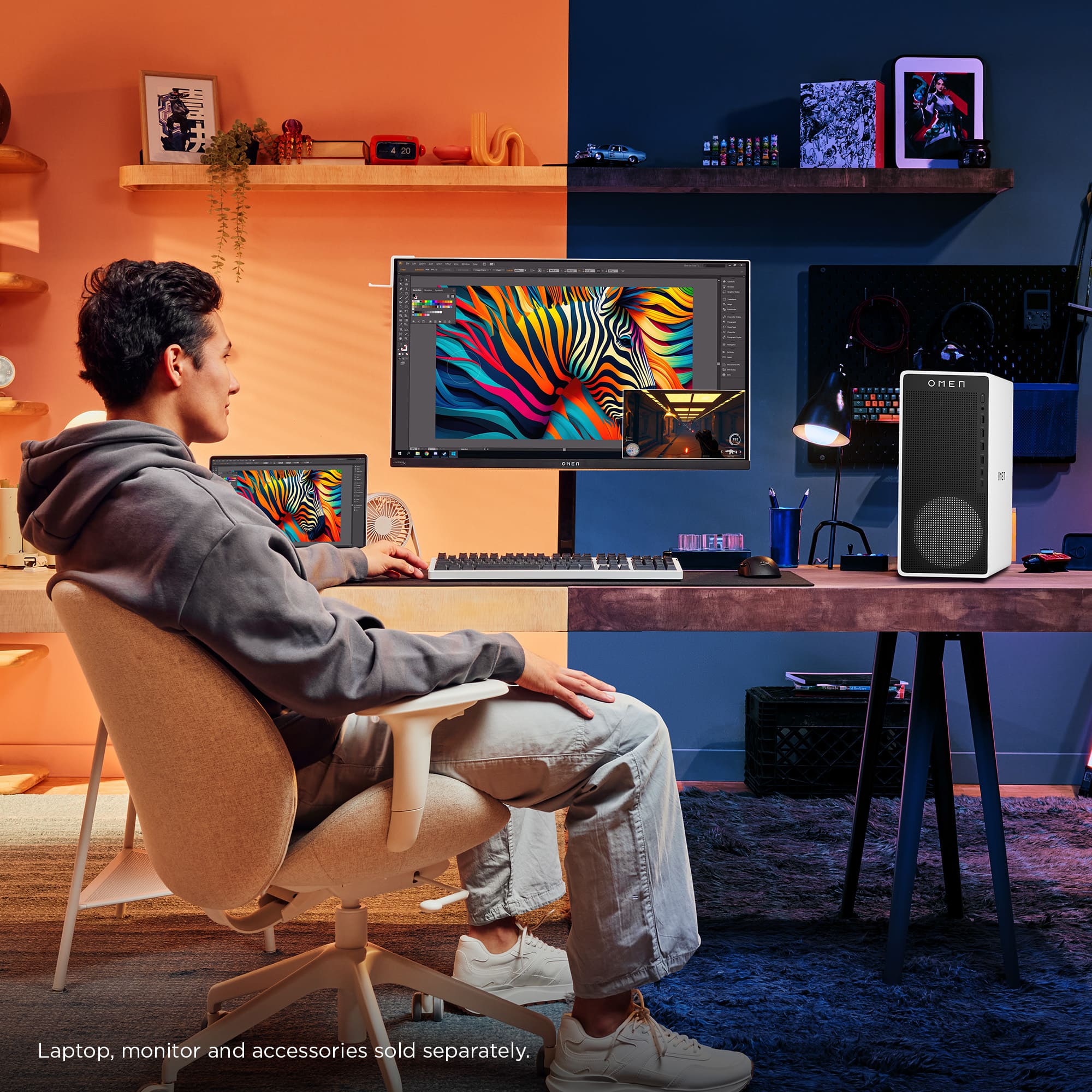
A:AnswerThe HP Omen 16L supports DDR5 RAM (UDIMM, 288-pin, Non-ECC) at speeds of DDR5-5200 or DDR5-5600. It has 2 DIMM slots, and each slot supports up to 32GB, giving you a maximum of 64GB total. You can upgrade with standard DDR5 desktop memory kits from brands like Crucial, Kingston, Corsair, or G.Skill.
A:AnswerThe HP Omen 16L uses an HP proprietary motherboard (HP doesn't publish the exact model name, but it's an Intel LGA 1851 socket board designed for Arrow Lake processors). The Intel Core Ultra 7 265F is not integrated — it's a socketed CPU, so technically it could be swapped for another compatible Arrow Lake processor like the Core Ultra 5 225F or Core Ultra 9 285K.
However, upgrading the motherboard itself is tricky. HP uses custom form factors, front panel connectors, and power configurations that may not be standard ATX. If you replace the motherboard with an aftermarket one, you'd likely also need a new case and possibly a new power supply to make everything fit and work properly.
So in short: CPU upgrades within the Arrow Lake family are possible, but a full motherboard swap would essentially mean rebuilding the PC.
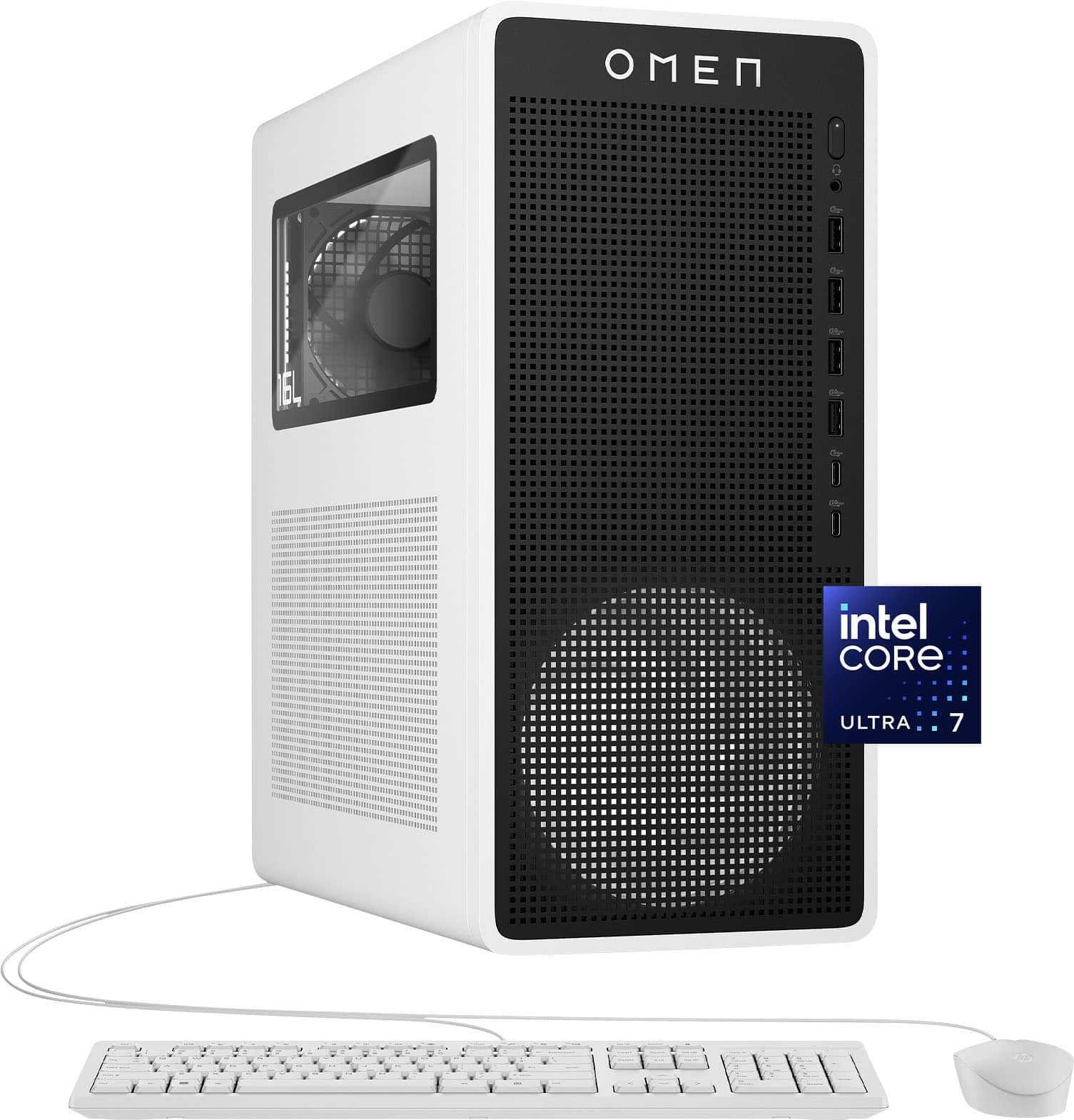
A:AnswerYes, this PC can run SteamVR out of the box. The Intel Core Ultra 7 265F and NVIDIA GeForce RTX 5060 Ti easily meet the requirements for SteamVR and most VR headsets like the Meta Quest, Valve Index, and HTC Vive. You'll have smooth performance in popular VR titles without needing any upgrades.
A:AnswerYou're not out of luck! The RTX 5060 Ti has a DisplayPort output on the back in addition to the HDMI port. You can use a DisplayPort to HDMI cable or a DisplayPort to HDMI adapter to connect your second monitor. This will give you full expanded desktop support since both connections go through the GPU.
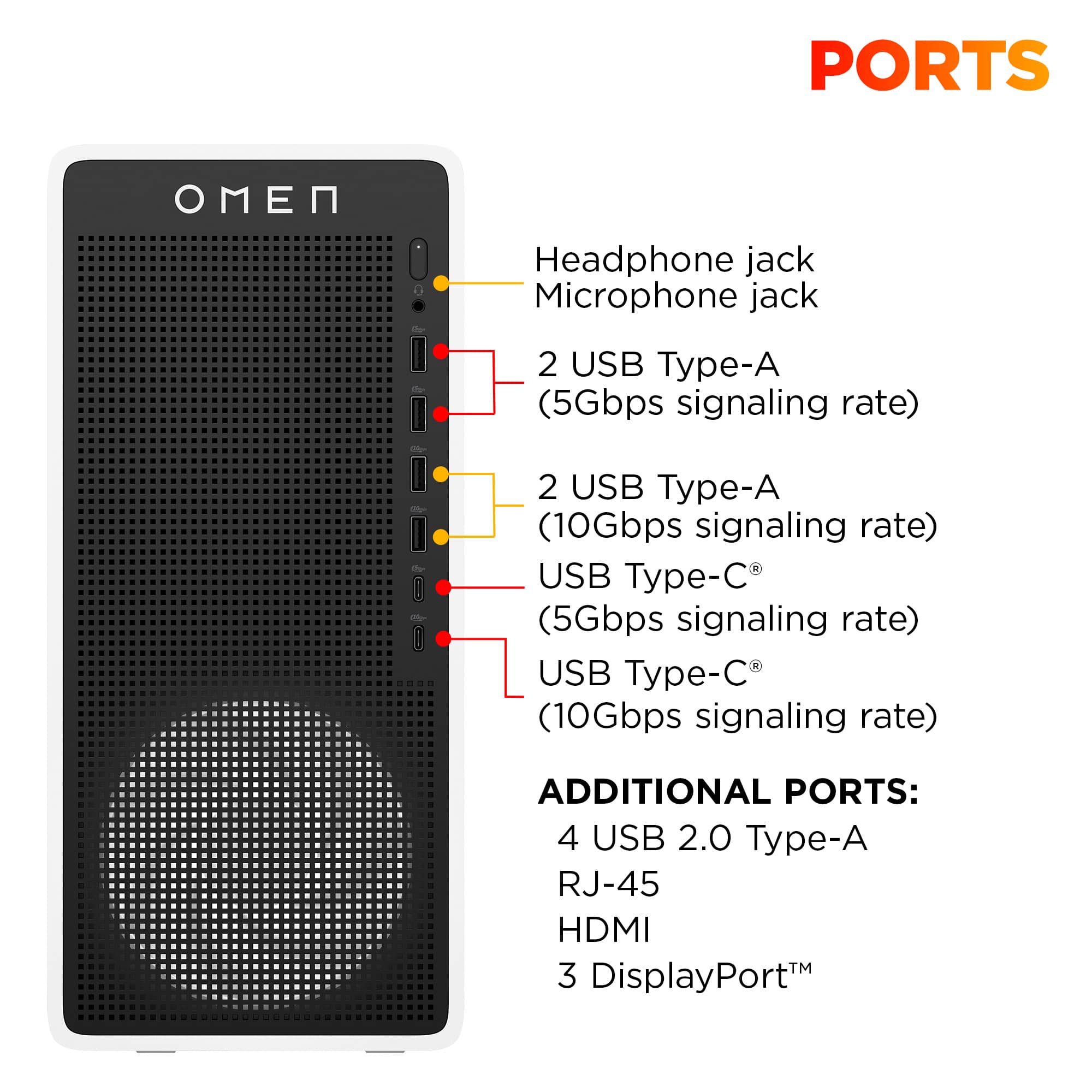
The front USB-C ports don't work for video output because they're not connected to the graphics card — they're data-only ports. For multi-monitor setups, you need to use the ports on the back of the GPU (the horizontal ports near the bottom of the PC).
A:AnswerThe motherboard is a Mentali_R and, from HP's website: it supports 8GB, 16GB (one comes with it), and 32GB DDR5 UDIMMs.
It can support up to 96GB (unbuffered) with 48GB DIMMs on 64-bit computers.
A:AnswerSince you've already ruled out the monitor itself, let's work through the most common causes:
First, the basics:
Check the cable connection - Make sure the cable is firmly seated in both the monitor AND the computer. Try unplugging and reconnecting both ends.
Try a different cable - DisplayPort, HDMI, etc. cables can be defective even when new.
Try a different port on your computer - If your computer has multiple video outputs, test each one.
Check your computer's graphics setup:
Does your computer have both integrated graphics (built into the motherboard) AND a dedicated graphics card? If so, make sure you're plugging into the graphics card ports (usually in the middle/lower part of the back of a desktop), not the motherboard ports.
If you have a laptop, some models have limitations on how many external displays they can support.
Windows display detection:
Right-click on your desktop → Display Settings
Scroll down and click "Detect" under Multiple Displays
If it still doesn't show up, try manually selecting "Extend" or "Duplicate" from the dropdown
A:AnswerSounds like you'd be better off building your own computer, versus buying a prefab then adding the same amount of components as the cost of the computer.