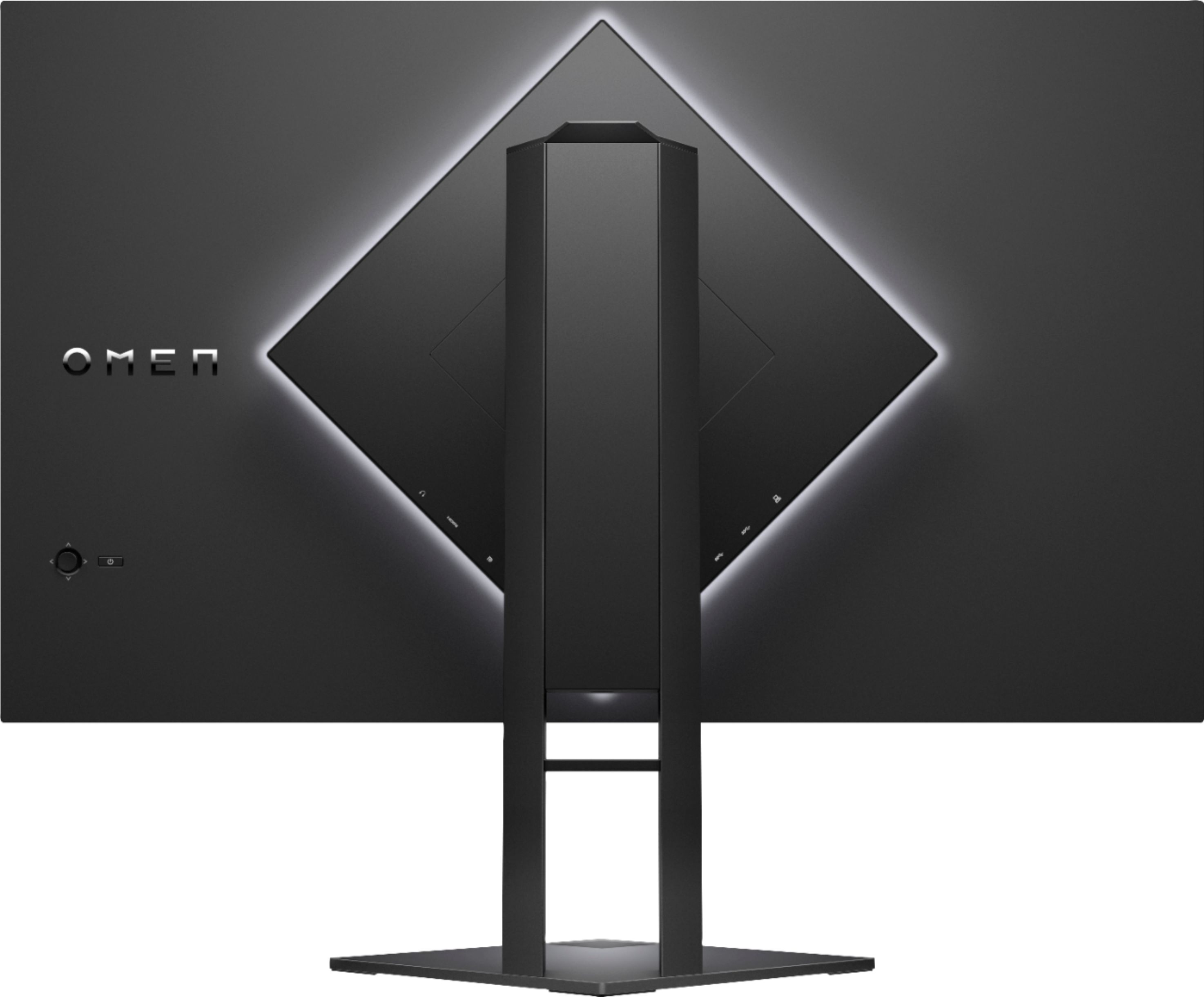
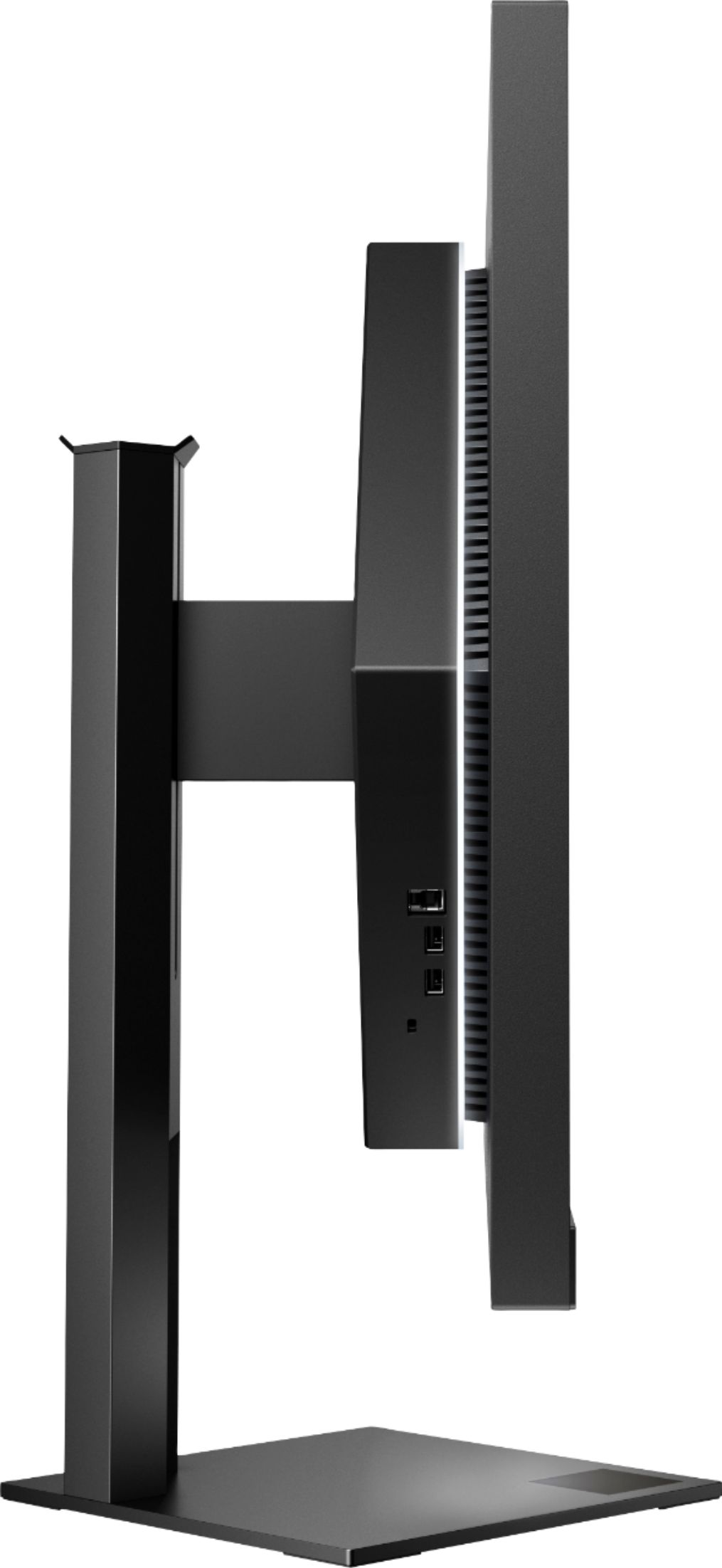
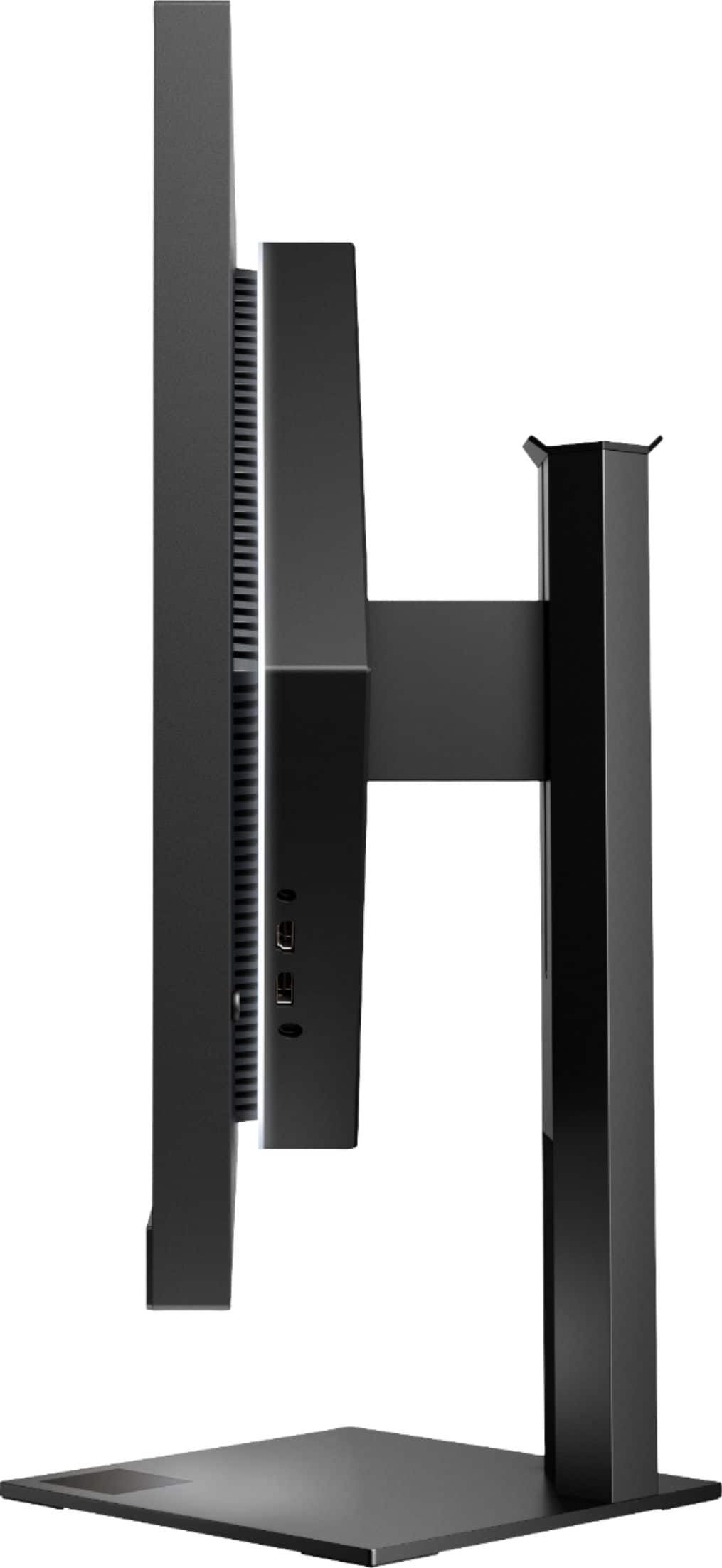
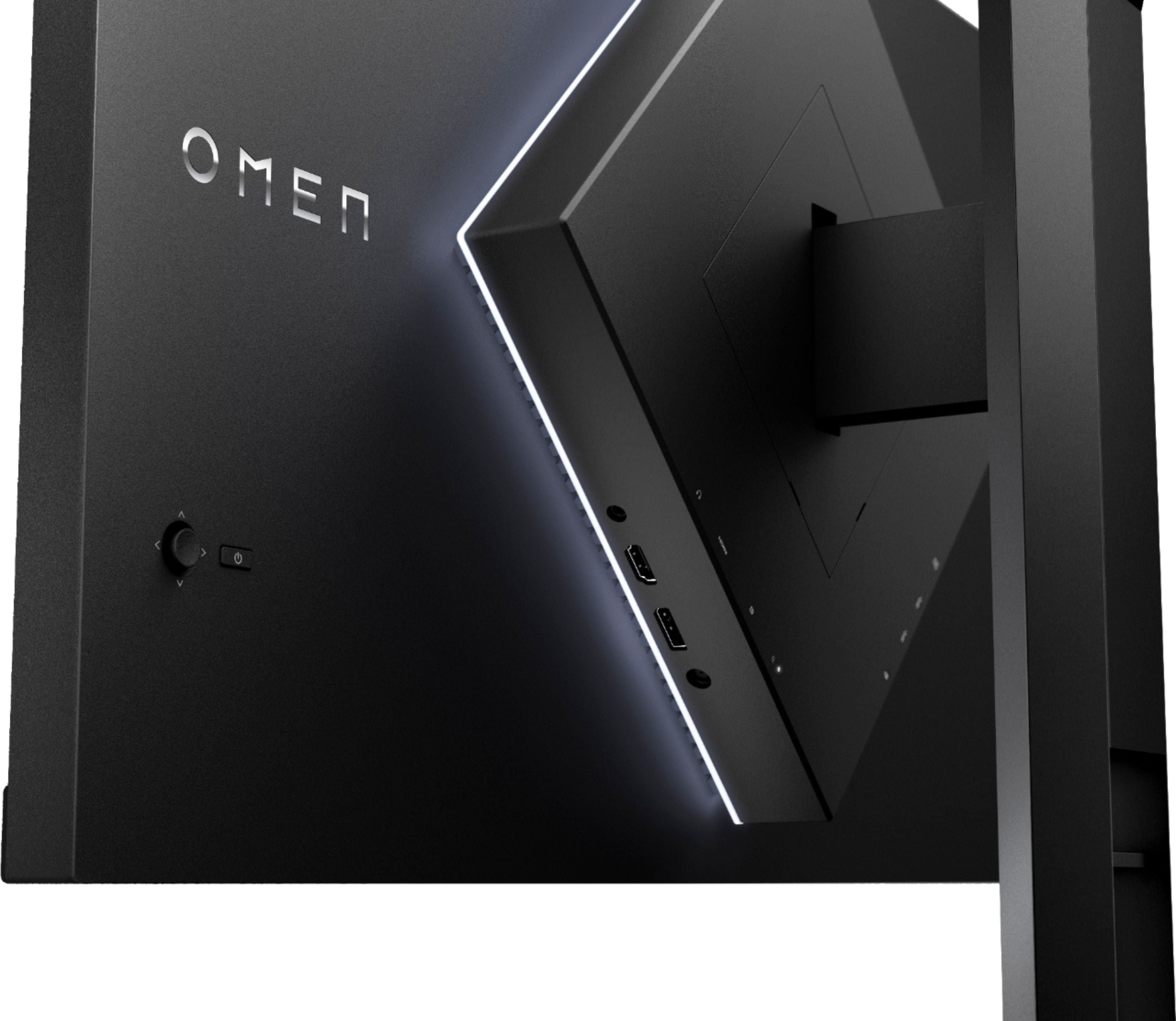
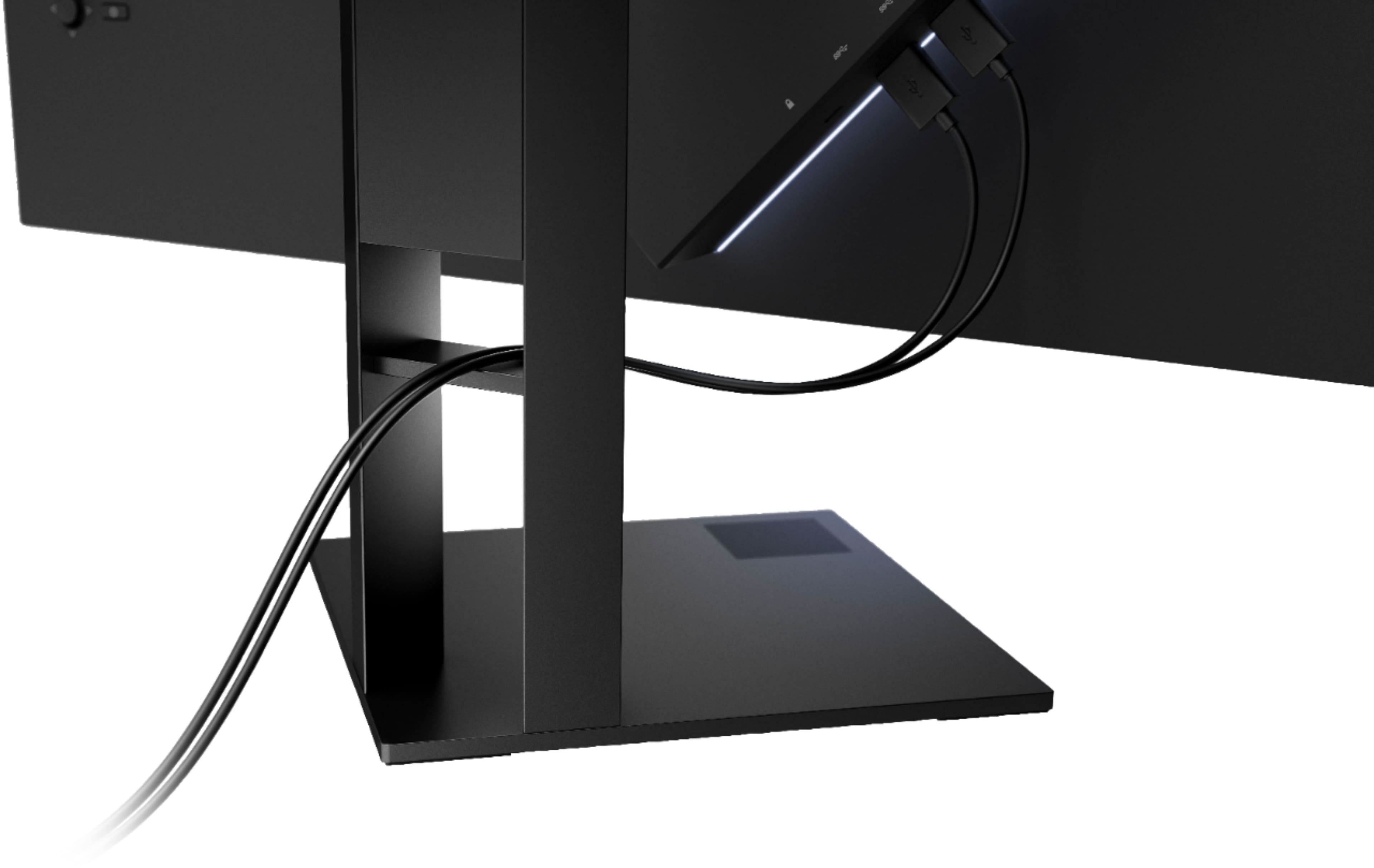
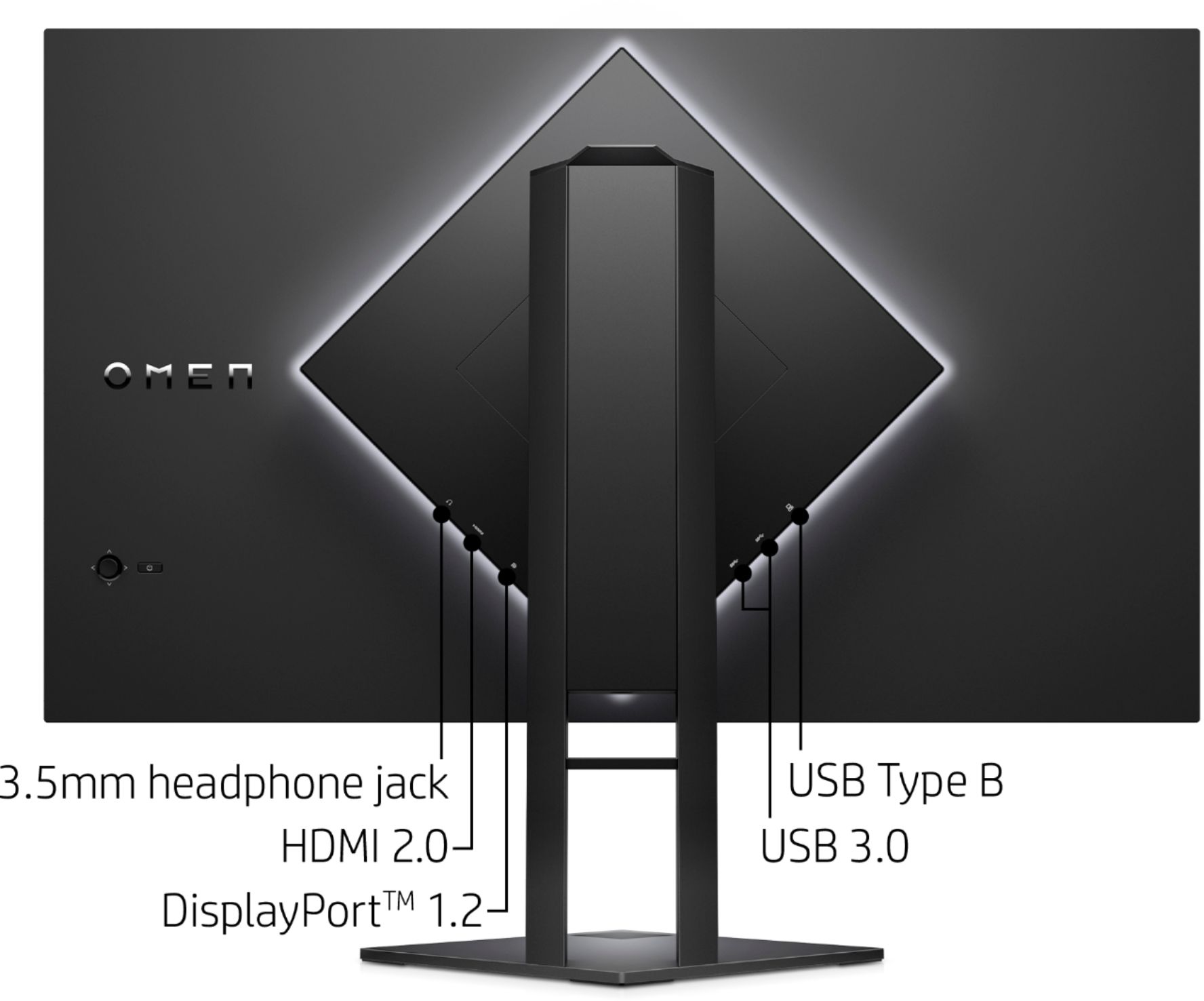
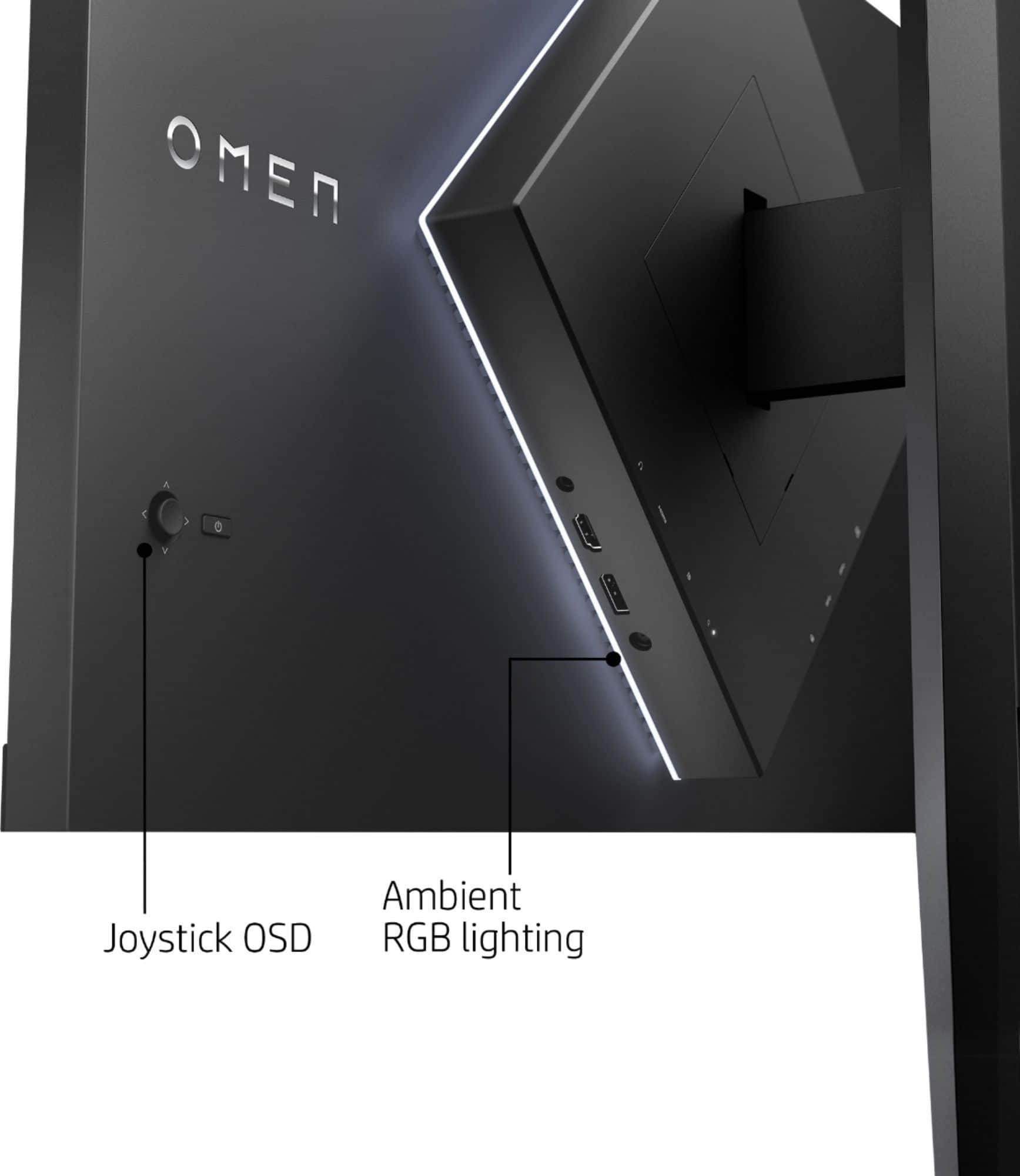
A:AnswerThe USB ports on this monitor act as a USB hub for your computer. Any item plugged into the USB ports on this monitor are connected to the PC and can be accessed by the PC. In order for this to work, a USB cable (Provided) is connected to your PC from the monitor. Once the USB dongle from the Headset is plugged into the monitor, and the monitors USB cable is plugged into the PC. If the Headset uses a proprietary dongle, it should work right away, otherwise, you may need to search for the headset in your Bluetooth settings.
A:AnswerI just returned my monitor for this very reason. I am sorry I don't have a fix for you but you are not alone in having problems with this monitor. It is a real shame because the picture on this monitor is great and the features are good for the price but the exterior lighting really ruins it.
A:AnswerI had this same issue with my Glorious Model D mouse. The lights would stay on even when I turned off my PC. This happens because the monitor has USB ports that continue to send power even when the monitor is turned off. This feature is meant for if you are charging a device through your monitor, so the device will continue charging when you are not using the monitor. Either switch around the USB port and see if any of them don’t do this, or just plug the device into your PC or laptop rather than your monitor. I moved my devices to my PC and the issue is gone
A:AnswerYes, but you need a good gaming PC in order to utilize the potential of this monitor, a PS4 will not cut it nor any current consoles can reach 165Hz
A:AnswerI have a Polk soundbar but it is connected to my pc. I would assume any speaker would be fine just depends on the quality of the sound you want.