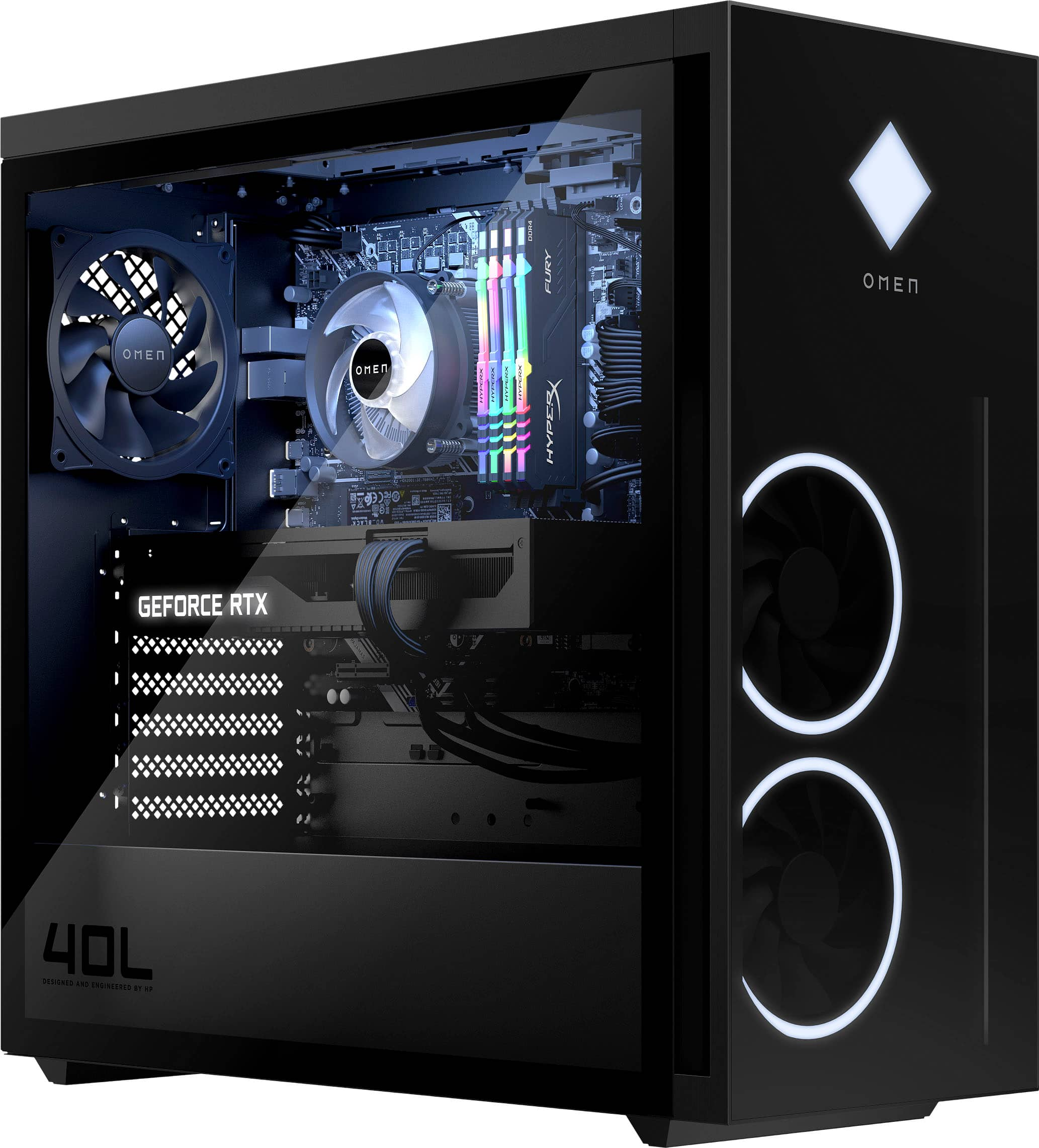
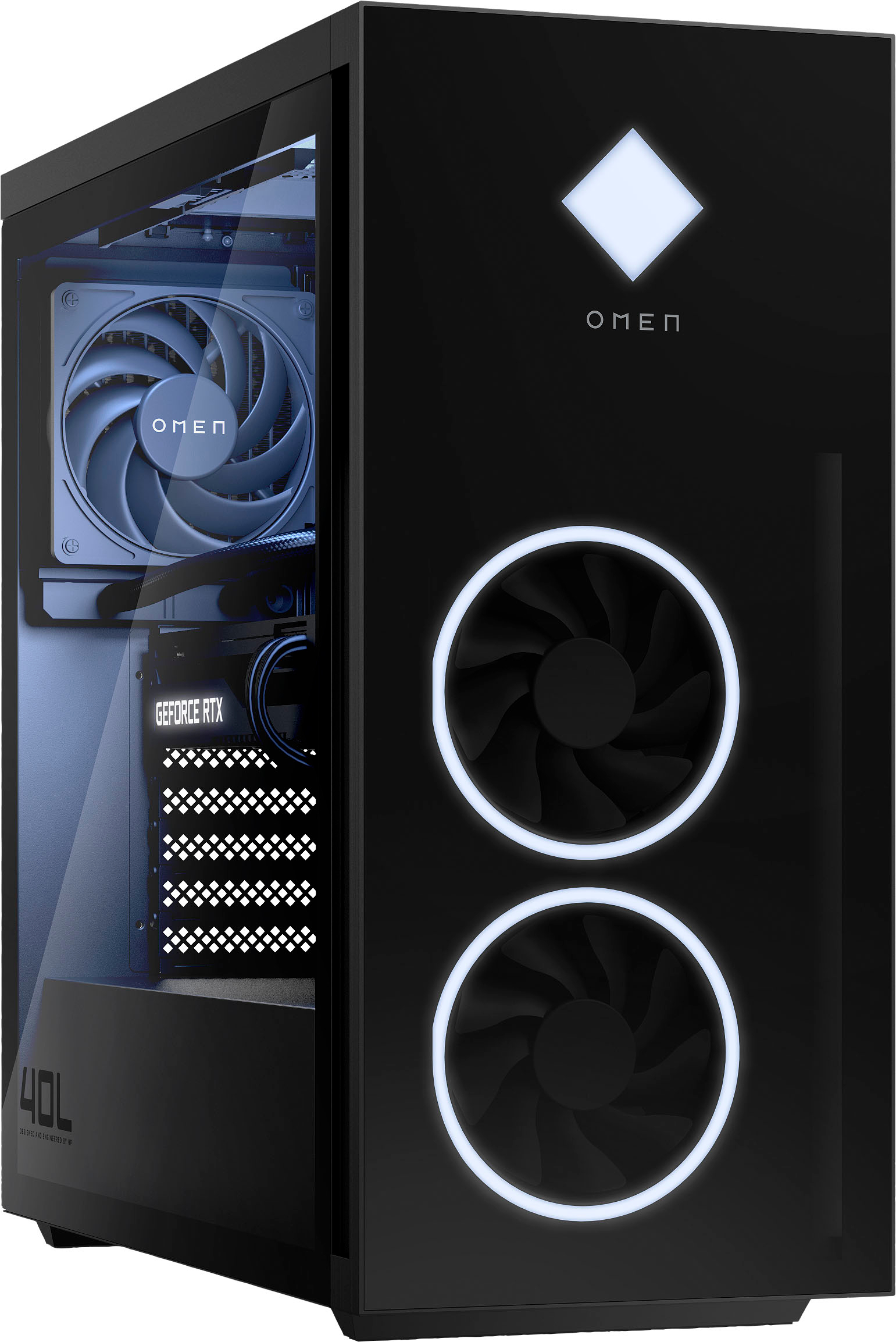
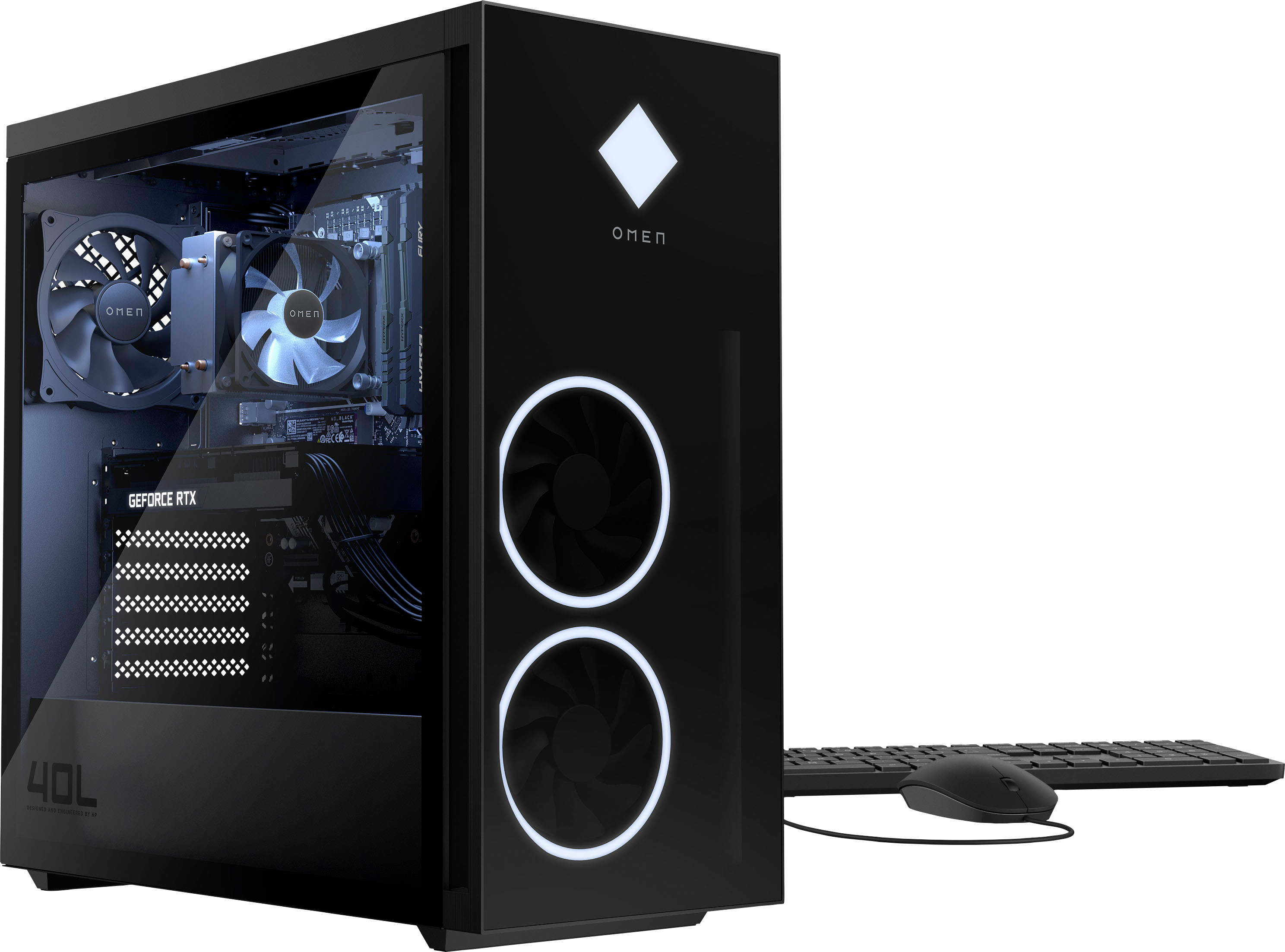
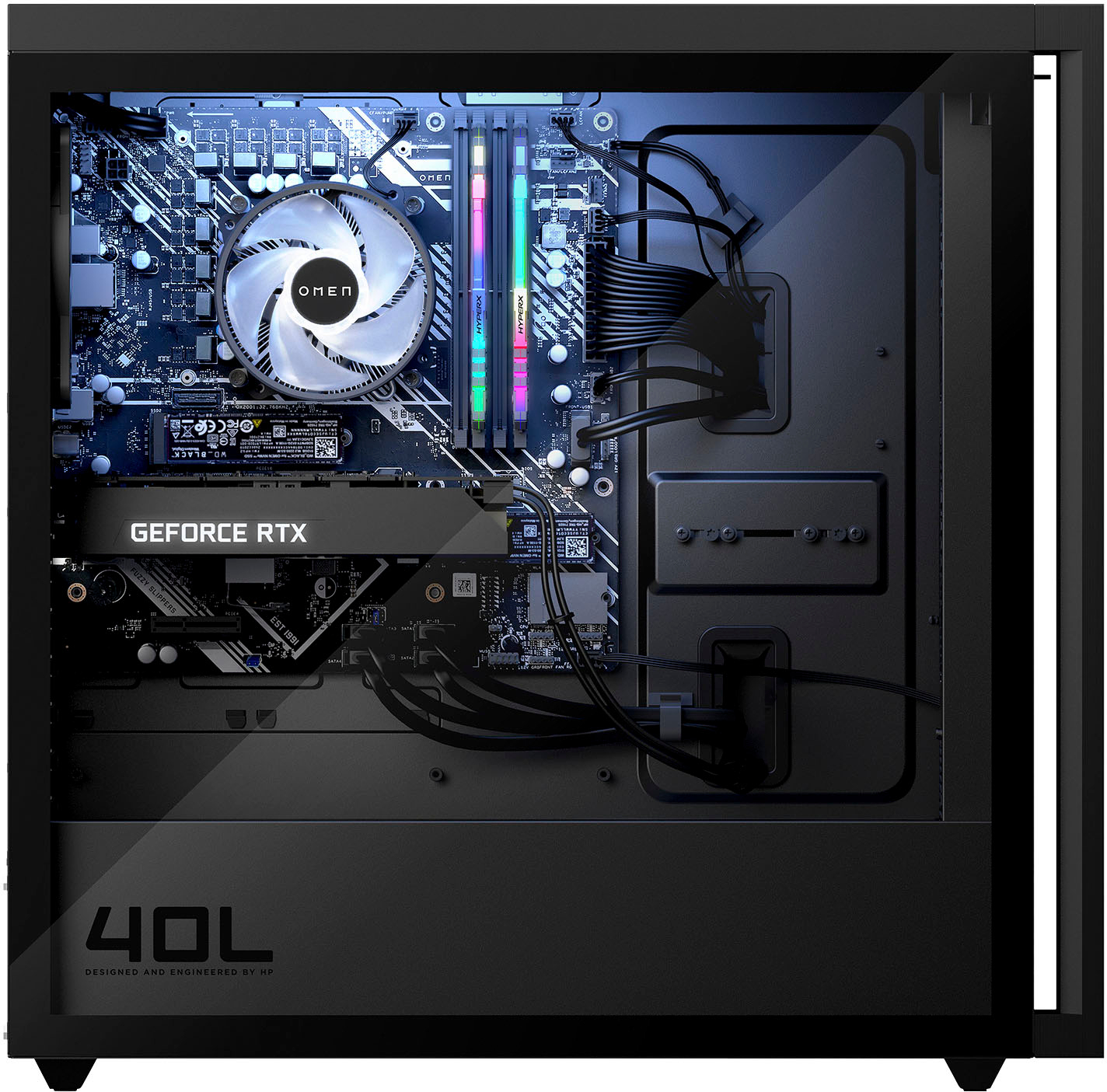
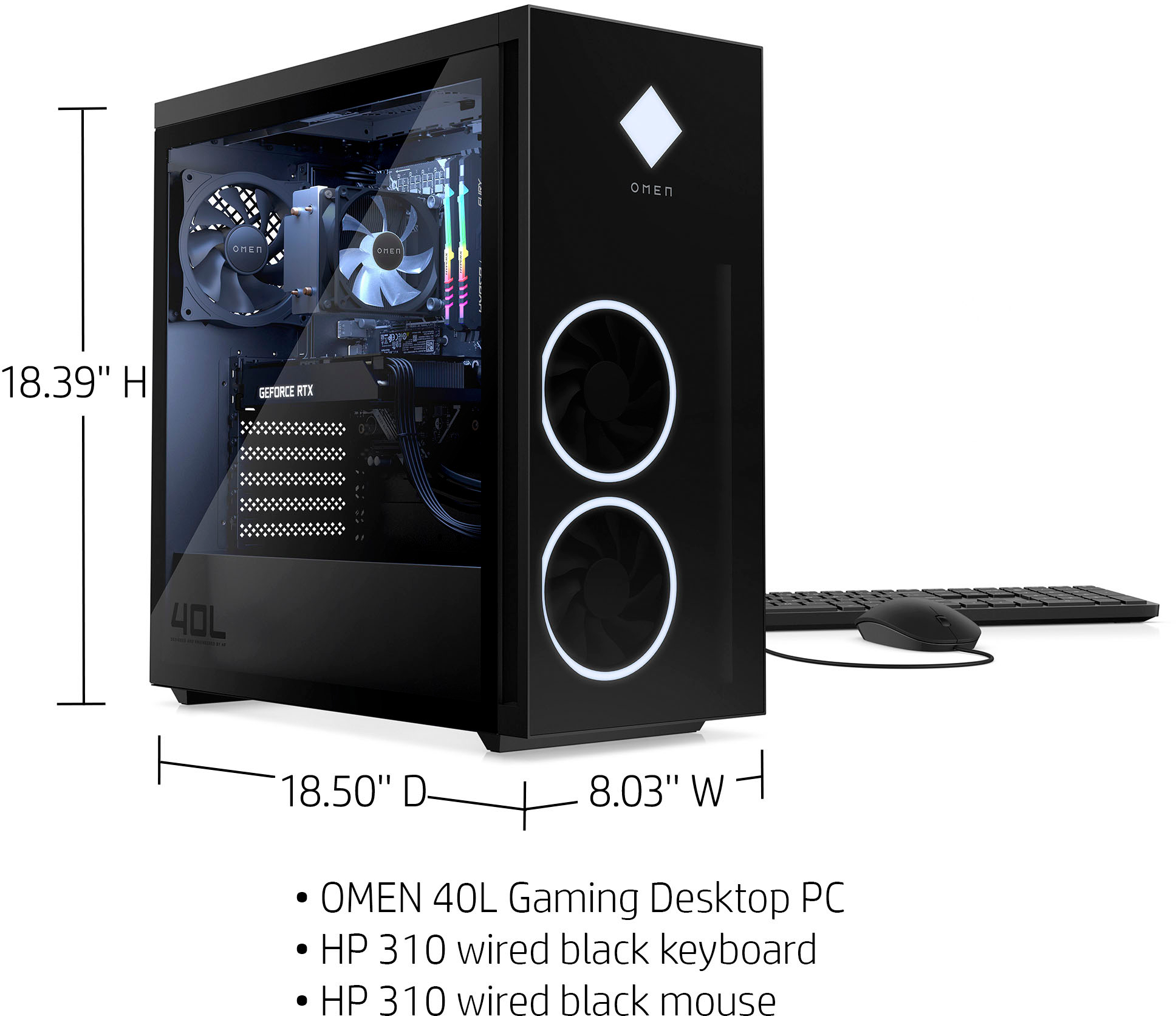
A:AnswerHello there! That's a great question. The OMEN 40L Desktop GT21-0014 only supports upgrading to a 240 mm liquid cooler installed at the front of the chassis. The Hydro Series™ H100i Extreme Performance CPU Cooler uses a top-mounted radiator and will not be compatible. Thank you for your question and hope this helps!
A:AnswerPut it in performance mode. Thermal control on turbo. Your ingame settings seem to be the determining factor on how you’re going to push the limits on the pc. My temps with these settings on the pc peak 75-81 Celsius while gaming. Ingame settings like call of duty are on normal/standard, no tweaking other than fov. And the game still looks great and top tier. Rendering clips will ramp up fans. But you have control on settings. It’s legit with gaming.
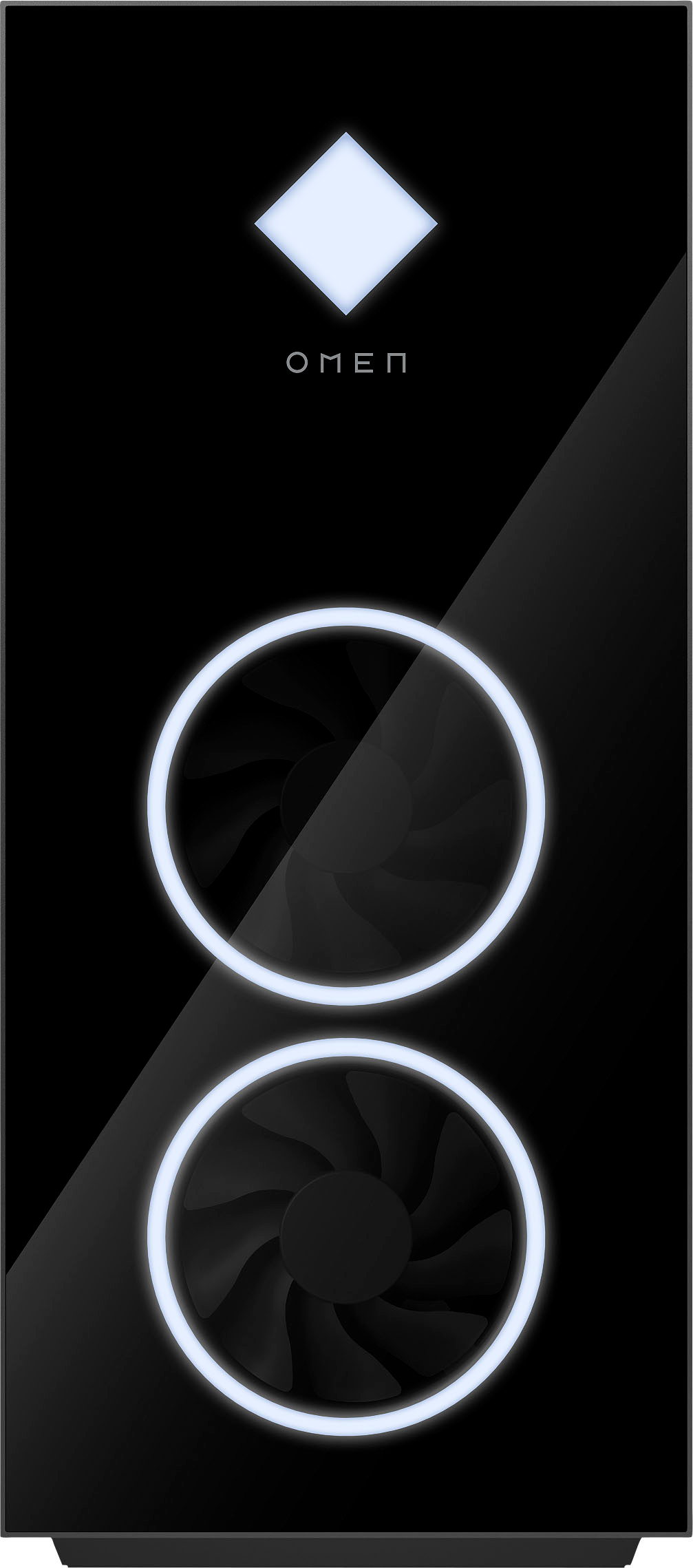
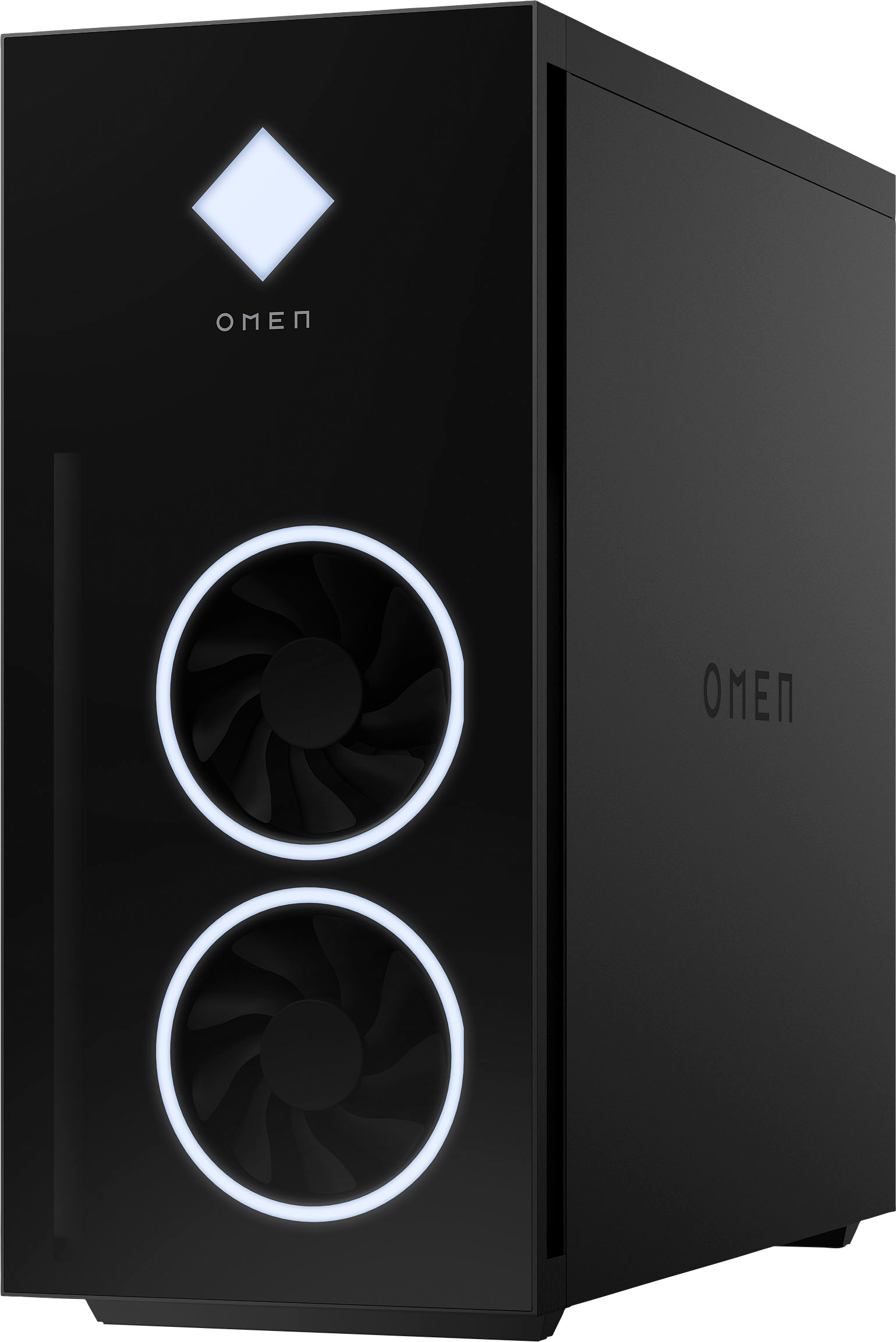
A:AnswerYou shouldn’t have children near any pc tower. No food or drink is a good rule of thumb. Glass will break. My advice is to have the pc in an area off the floor, and not accessible to children, don’t put it in a playroom, if you value your purchase. Fans are plastic for the most part, the glass is for visual aesthetics. But you shouldn’t be putting your hands towards moving parts of any sort. If you have no choice in the choosing of where the pc is going, I would lay some ground rules, and stick with them rules. It’s not a toy, it’s your investment, treat it well.
A:AnswerIt should be able to run those four modules at their rated speed. Your best option would be to contact the HP support team so they can troubleshoot the issue to determine if it's a configuration error or a problem with the motherboard. In the interim, try reinstalling the original memory and see if it runs at it's rate speed of 3200.
A:AnswerThis OMEN Gaming Desktop has the NVIDIA GeForce RTX™ 3060 graphics card with 12 GB GDDR6 dedicated memory. It has the power of Ampere—NVIDIA’s 2nd generation RTX architecture.
A:AnswerHere are the systems spec.
TECHNICAL SPECIFICATIONS
Processor
Up to Intel® Core™ i9-12900KF (3.2 GHz base frequency, up to 5.2 GHz with Intel® Turbo Boost Technology, 30 MB L3 cache, 16 cores, 24 threads)
Graphics
Up To a NVIDIA® GeForce RTX™ 3090 (24 GB GDDR6X dedicated) with NVIDIA® DLSS, Ray Tracing and Reflex technology.
Memory
Up to HyperX 64 GB DDR4-3467 MHz XMP RGB Heatsink RAM (4 x 16 GB)
Memory Slots
4
Storage
4 total bays (2 support both 2.5" and 3.5" form factor storage
2 support 2.5" form factor storage only)
Operating System
Up to Windows 11
Expansion Slots
Total 2 Expansion Slots
1x 16 lanes PCI-E Gen5 (Gen5 ready)
1x 4 lanes PCI-E Gen3
External I/O Ports Top:
2 USB 2.0 Type-A
2 SuperSpeed USB Type-A 5Gbps signaling rate (Battery Charging 1.2, HP Sleep and Charge)
External I/O Ports Rear:
2x USB 2.0 Type-A
1x SuperSpeed USB Type-A 5Gbps signaling rate
1x SuperSpeed USB Type-A 10Gbps signaling rate
1x SuperSpeed USB Type-C® 5Gbps signaling rate
1x SuperSpeed USB Type-C® 10Gbps signaling rate
A:AnswerYou will want to check the recommended specs of the VR unit you are using. The recommended specs will vary based on the exact VR unit you are using.
A:AnswerI'm sorry to hear that. There could be a number of causes, so your best option is to contact the HP support team directly so they can troubleshoot the issue with you in real time.