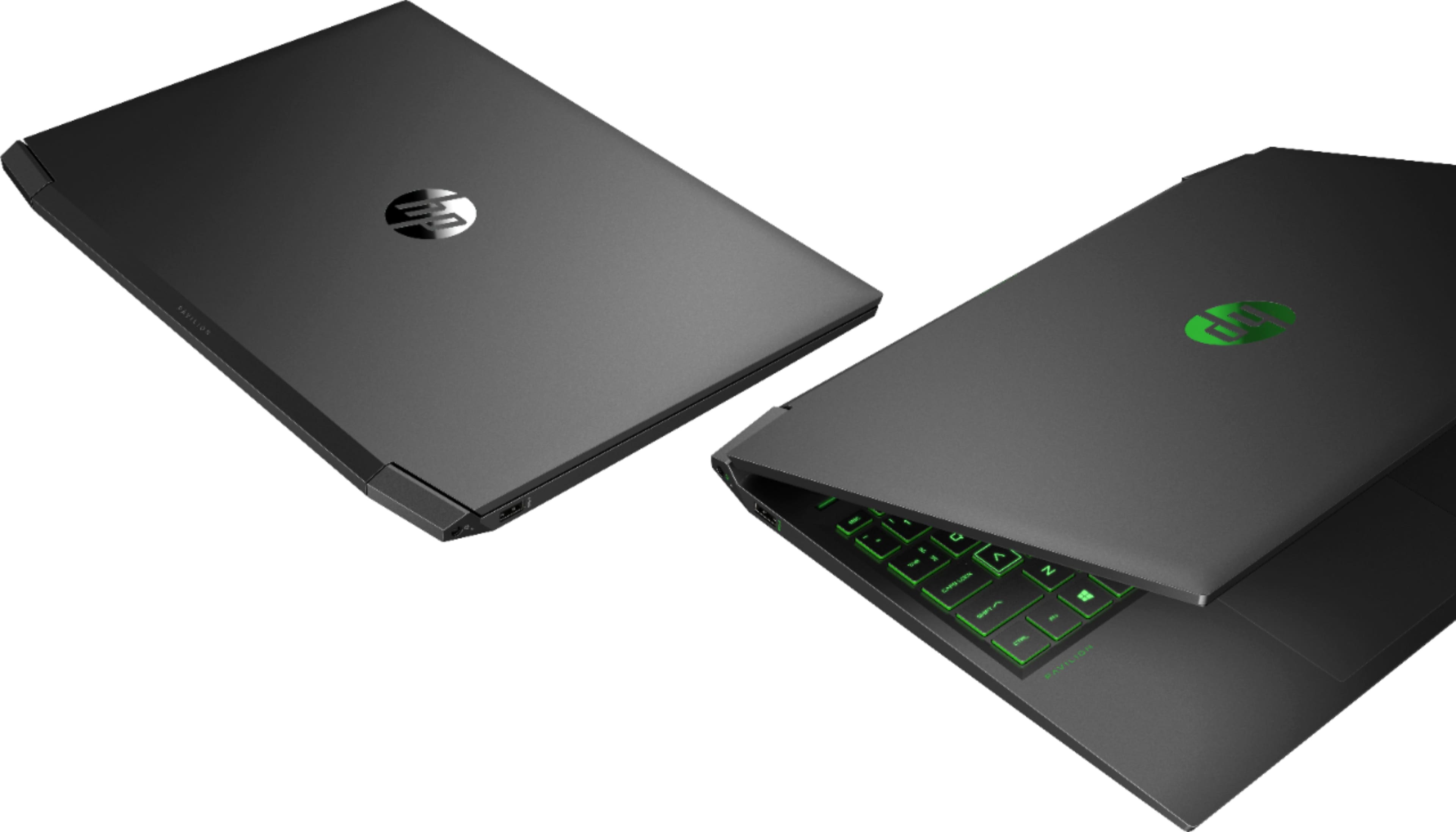
A:AnswerFor Windows 11, it is a free upgrade from Windows 10. It will ask you to do it in the update section if you have not done so already. The machine itself is considered non-upgradeable and it would be recommended that any upgrades be done by a certified expert. If you are curious about upgrading this machine, you can contact HP Support or Geek Squad. If Geek Squad does the upgrades, it does not void the warranty of the machine, but HP will not cover the new parts.
A:AnswerYou should have no problem getting the RAM upgraded to 32 gigabytes. And while the internal drive can be replaced with a 1 terabyte drive, there is not a slot to add a second one. You can use a external SSD with it as well.
A:Answeri upgraded to 32 gigs of ram using two 16 gig ram sticks into the laptop. specifically the brand i bought is called Ballistix. hopefully this helps.
A:AnswerThanks for your question. No there is not a free M.2 SSD slot. You can however, remove the existing SSD and replace it with a higher capacity SSD. Also, there is a 2.5” bay with a spacer and cables in it, so that you can add a SATA HDD or SSD.
A:AnswerHello, after checking for the specifications for this it has been found that there are no special hardware requirements for GS Auto Clicker so it will work even with older computers. Thank you for being an HP customer!
A:AnswerHi Ryan. Thanks for your question. The laptop has 2 memory slots which each have the following: 8 GB DDR4-2933 SDRAM (2 x 4 GB). You can upgrade to 16GB uses 2 x 8GB PC4-25600 DDR4-3200MHz non-ECC Unbuffered CL22 260-Pin SoDimm.
A:AnswerHello, there! The HP Pavilion Gaming Laptop - 16-a0032dx (2C387UA) actually has a built-in HP TrueVision HD Camera with integrated dual array digital microphones. You may still use an external webcam if you choose to, although the built-in camera is perfect for all video calls and meetings! Thank you for your question!
A:AnswerHi Scott and thanks for your question! Click on your search box at the bottom of your Windows screen. Type in display and choose duplicate or extend to a connected display. Choose your preferred option from there.
A:AnswerThank you for the question. Yes, can run VR applications with this gaming laptop. Please reach out to the developers of the applications you wish to use, to ascertain what their particular requirements might be.
A:AnswerThank you for asking. A gaming laptop will typically have a dedicated graphics card and a minimum of 8GB RAM. Unless you're a heavy gamer or need it for video editing, you'll find a laptop with integrated graphics will be more than sufficient for general computing use.