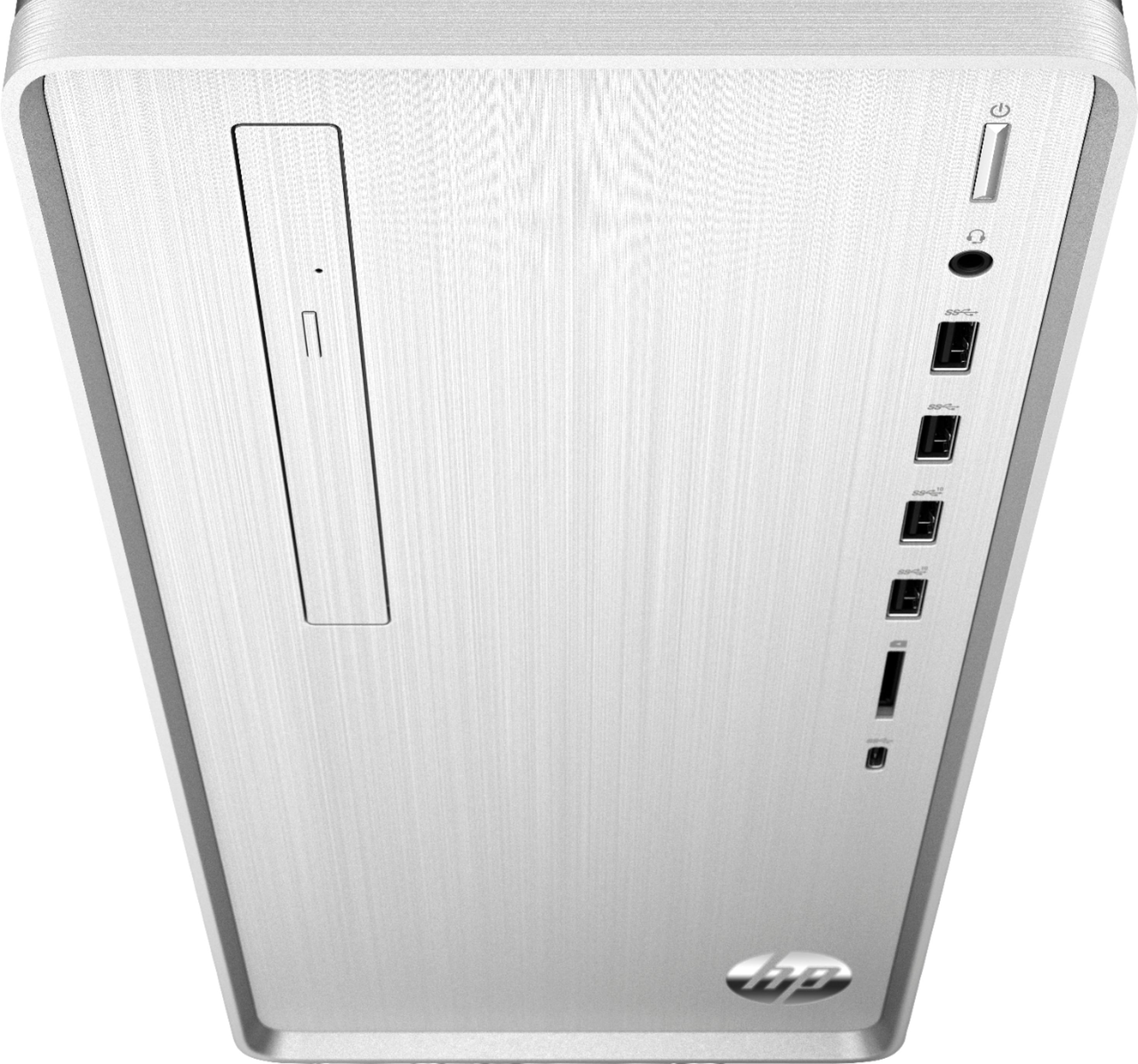
A:AnswerHere are the slots available for a graphics card: 1 PCIe x16 and 1 PCIe x1. This desktop has the Rother motherboard. Here are the details: https://support.hp.com/us-en/document/c06432435
A:AnswerDon't know about the sound software.
I can't say for sure, but see no reason why you couldn't upgrade to Pro.
And for sure Office can be installed.
In fact - it comes that way.
There is a trial version installed, and you can use it for a week or so,
and then you have to buy a license.
They sell it with a discounted offer to buy Office at the same time.
A:AnswerAccording to HP, there are no 3.5 or 2.5 bays available. Here are the specifications from HP: https://support.hp.com/us-en/product/hp-pavilion-tp01-0000-desktop-pc-series/29014367/model/31046771/document/c06440145
A:AnswerThe only expansion slot that is available for any storage expansion is the One M.2 socket 3, key M slot. You would need a M.2 solid state drive PCIe. It looks similar to a RAM stick, but the connections are on the short side rather than the long side of the stick. If you need assistance in finding the right storage, I recommend reaching out to a blue shirt in the computer department at Best Buy or reaching out to the Geek Squad. They will understand what this new type of storage is.
A:AnswerWith HP printers that have built in scanners, you should load the full HP software (not the minimal version) so that you have HP scan software. This will let you control and take advantage of all of the scanner's functionality.
A:AnswerThe power supply in this model is only 180 Watts, and most graphics cards will need more power. You might be able to find a low power GPU that works.
A:AnswerHi Frankie, this desktop is not a good option for games. I would look for a desktop that has a dedicated graphics card as that is what you will need to play games at a good frame rate.