A:AnswerFull feature 32-bit and 64-bit Windows 7 software and drivers are available for this product. You can easily access these at the following website:
http://h20000.www2.hp.com/bizsupport/TechSupport/SoftwareDescription.jsp?lang=en&cc=us&prodTypeId=15179&prodSeriesId=1118287&prodNameId=1118280&swEnvOID=4063&swLang=8&mode=2&taskId=135&swItem=cs-78680-1
However, these may, or may not be in the box on the unit that you buy, depending on “when” a specific unit was boxed. The downloadable software drivers are the same as what ships on the disc.
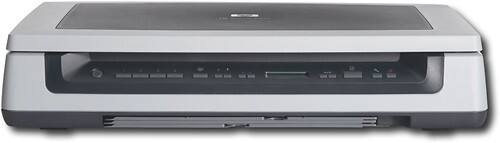
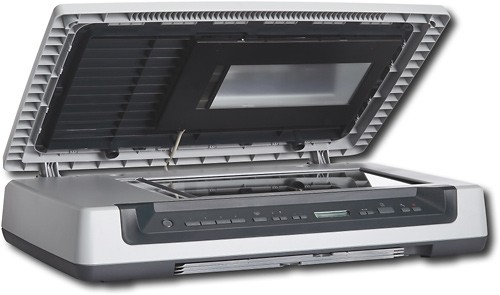
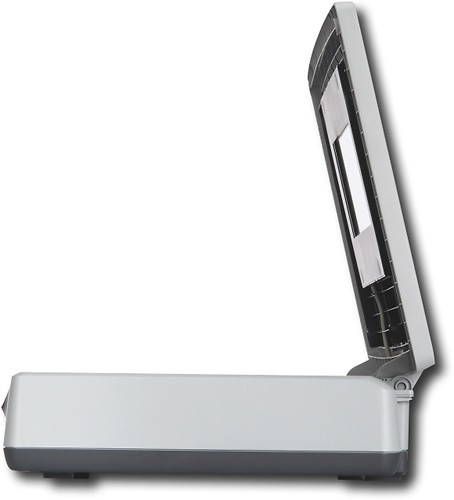
A:AnswerThe HP Scanjet Professional Image Scanner can handle negatives, slides, and film from 35mm to 4" x 5". This scanner will not scan negatives of 4" x 9".