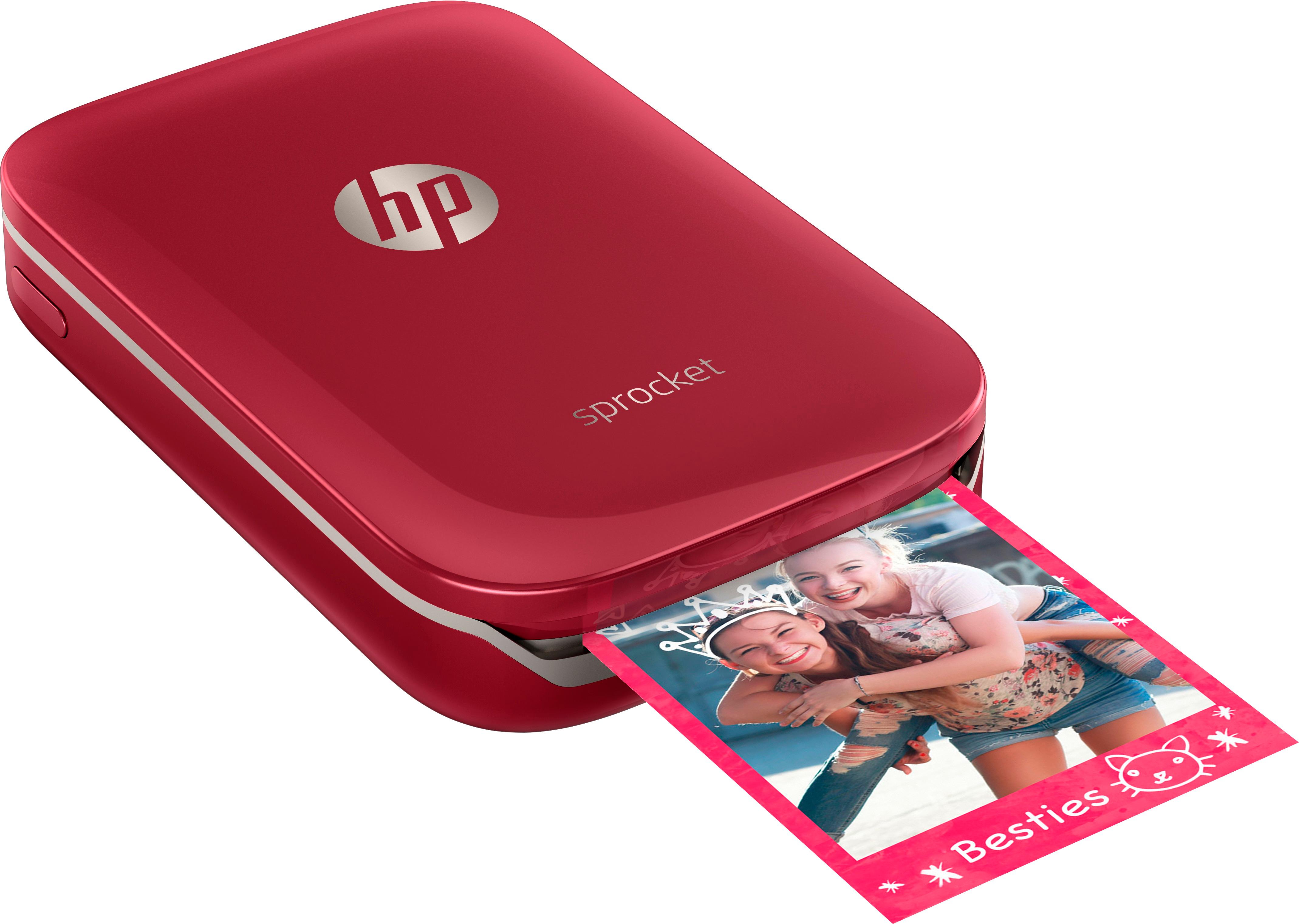
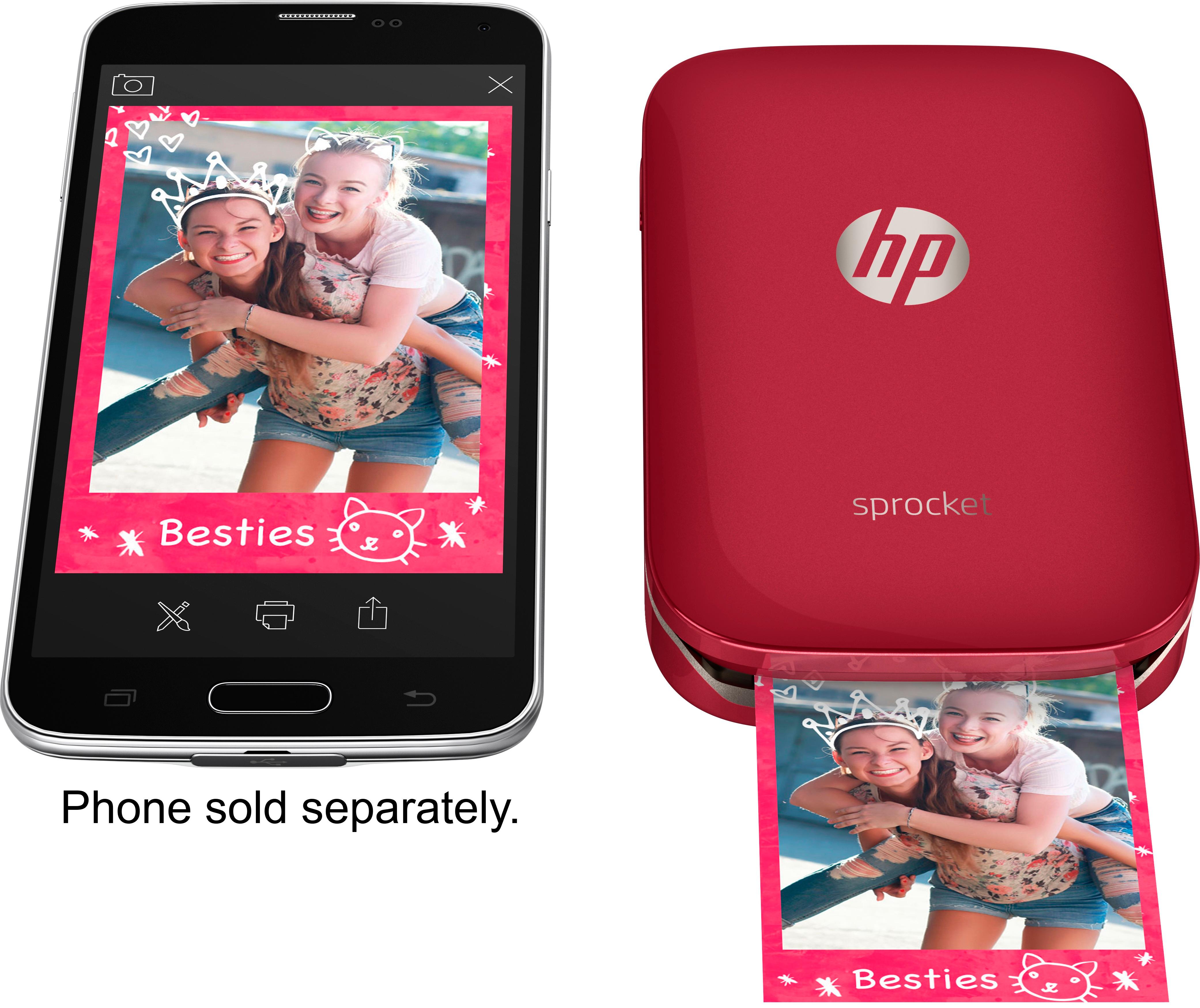
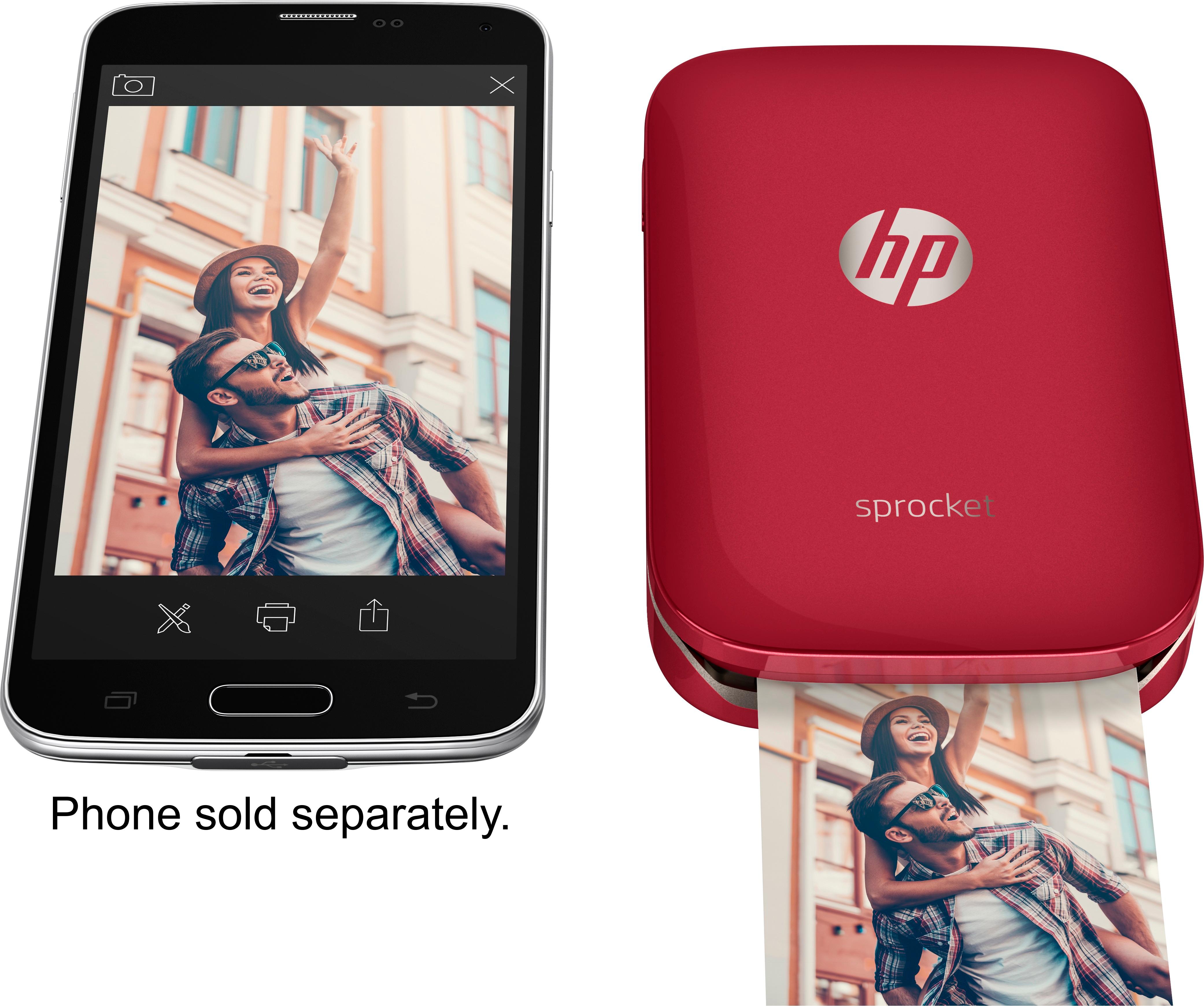
A:Answeryes my kids all share this printer. One has an iphone and one has a samsung edge. As long as the phones have bluetooth capabilities, then they care share the printer.
A:AnswerIf you can download the HP Sprocket app and connect via Bluetooth, then I do not see why you couldn’t. But it seems to be made for mobile devices like phones and tablets
A:AnswerYou have to use the sprocket app. The interface pulls pictures from your phone. You chose which one to print. You can edit it before printing (though it's not Adobe photoshop). Then tough the printer icon which has a green light if the phone and printer are connected by blutooth.
A:AnswerNo this prints 2x3 photos. I guess you COULD print an email, but you’d have to screen cap it, and have really good eyes. ;)
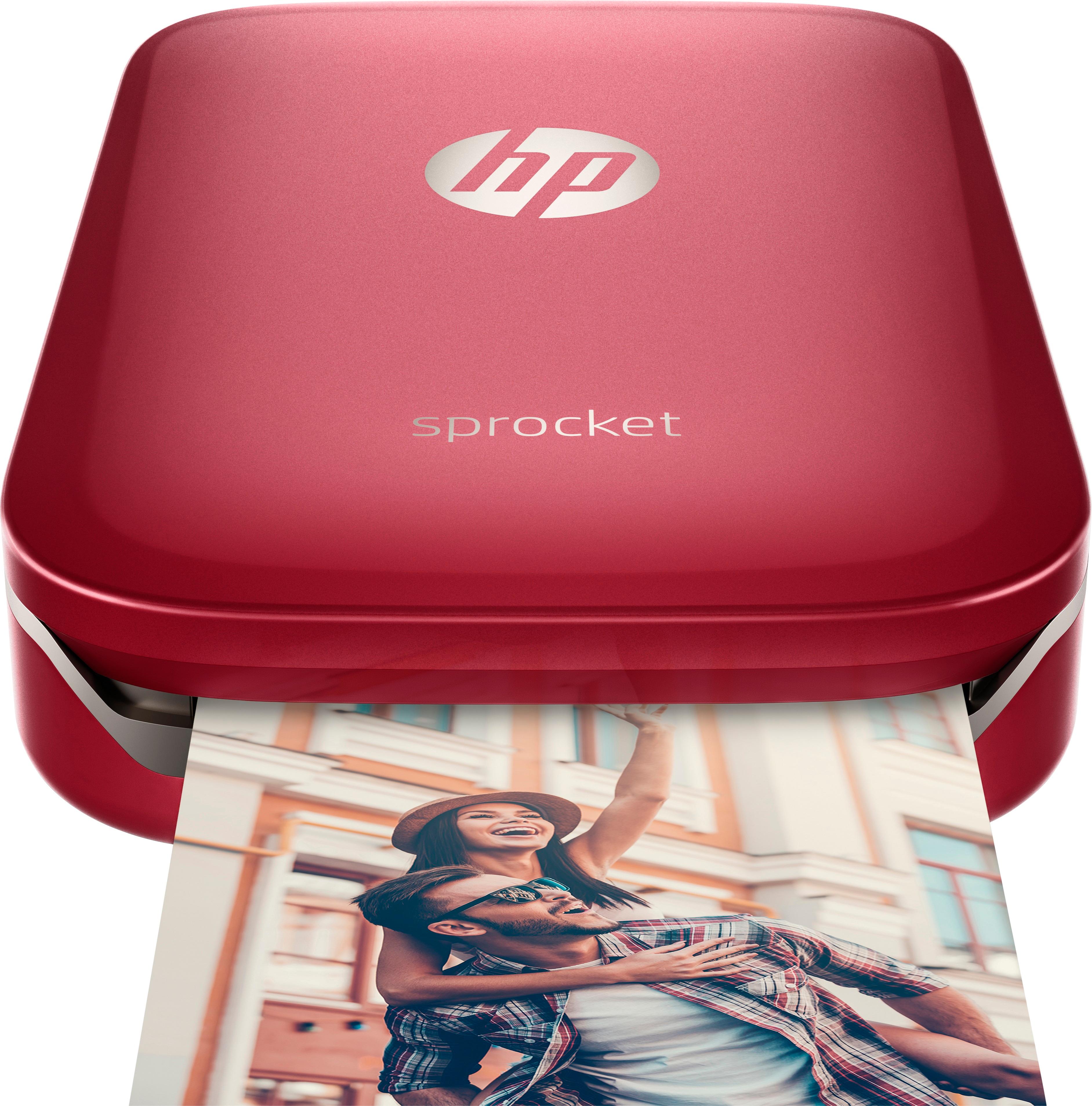
It’s just a fun gadget to print pictures, using a Bluetooth connection between your phone and the gadget.