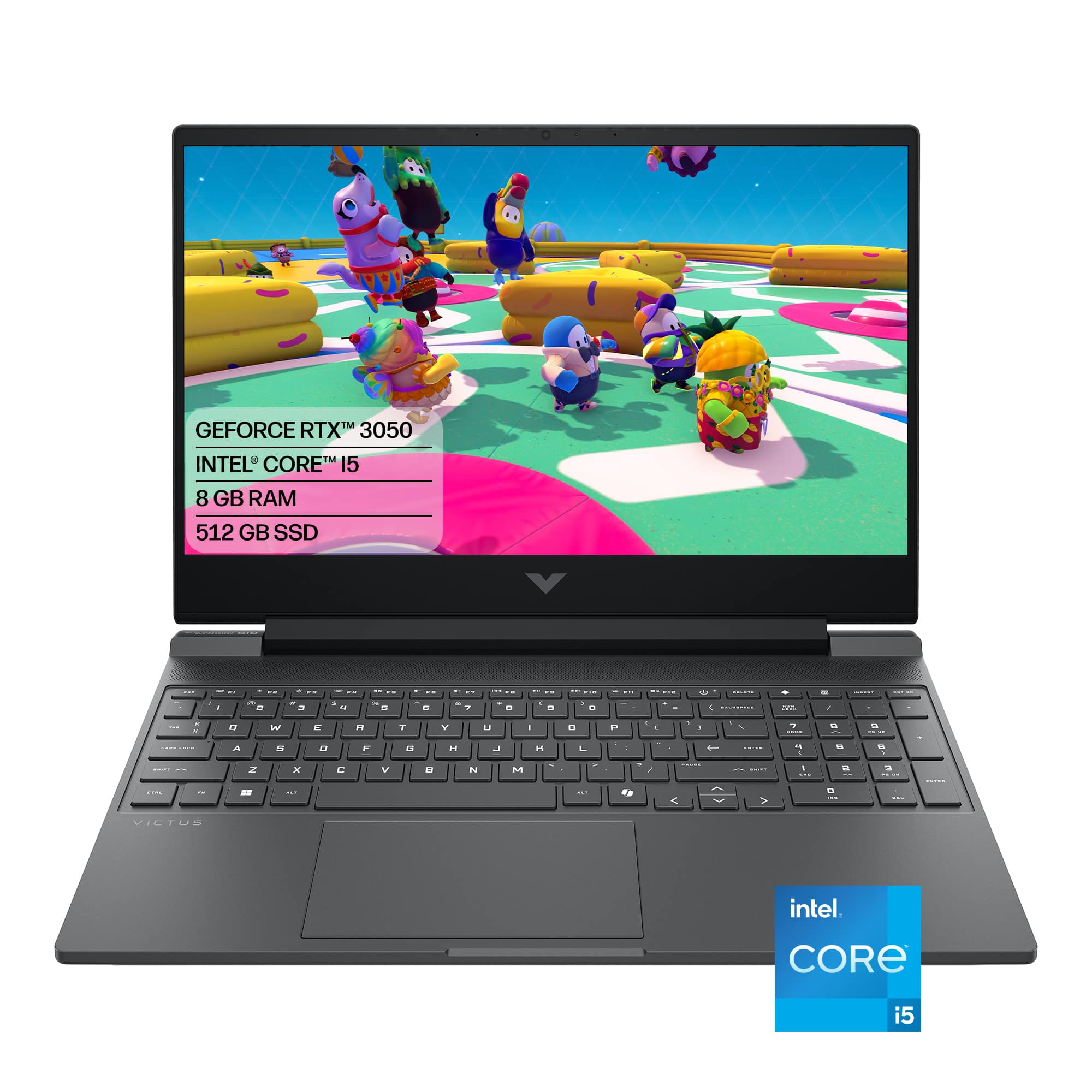
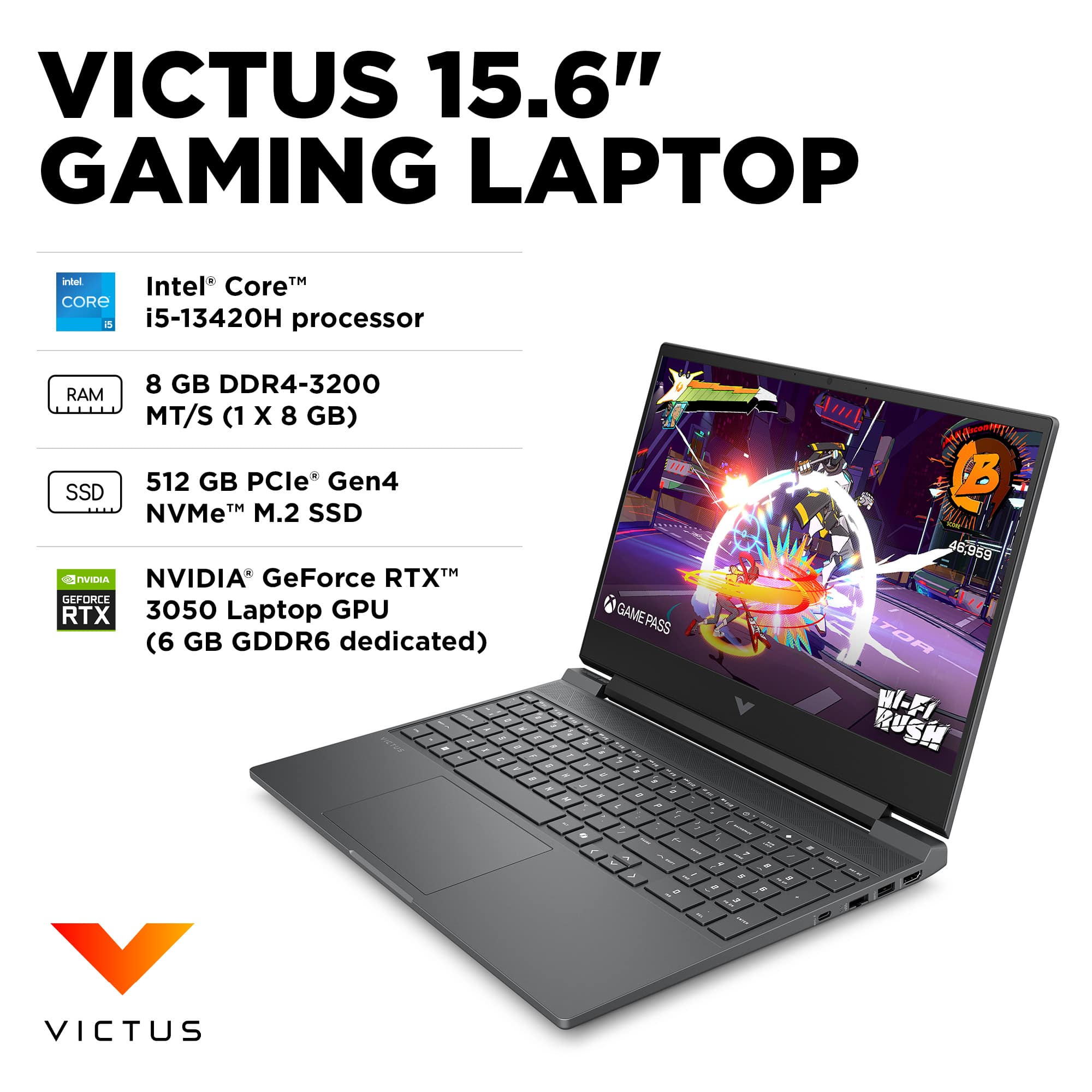
A:AnswerFor the most part, it is an excellent machine for 3d. This 13th Gen processor has high clock speeds (up to 4.6 GHz) that will easily handle snappy, responsive modeling and quick component creation, as well as an NVIDIA GeForce RTX 3050, which is more than powerful enough to push complex geometries smoothly while orbiting, panning, and zooming. The big HOWEVERS: SketchUp requires a minimum of 8 GB, but for smooth 3D modeling, 16 GB is highly recommended. If you open a few large files or have web browser tabs open at the same time, this laptop will slow down heavily. Furthermore, the 512GB SSD could fill up quickly. NVMe SSD speeds will ensure quick file loading and fast SketchUp startups. However, once you start saving large 3D architectural or rendering files, you may need an external drive down the line.
A:AnswerAs long as you don't do extensive multitasking, like run a Twitch stream, keep 20 browser tabs open, or watch YouTube on a second monitor, it will run RuneScape 3.0 with ease.
A:AnswerYes, this laptop will run The Sims 4, and then some, but your modding experience will depend on how much Custom Content (CC) you download. The Core i5 processor and dedicated RTX 3050 graphics card are overkill for the base game. However, heavy script mods and massive folders of custom hair, clothes, and furniture change the equation drastically. CPU and GPU are great, but the 8GB RAM is insufficient for heavy modding. If you use fewer than 10 big script mods (like MC Command Center or WickedWhims) and just a small amount of CC, 8GB will get by. On the other hand, If you hoard thousands of pieces of Alpha CC or download custom worlds and high-resolution reshade scripts, the 8GB of RAM will choke. Your game will experience severe simulation lag (Sims standing still while time runs), long loading screens, and random game crashes. The 512GB SSD is good for most purposes, but the Sims 4 with all expansion packs takes up over 50–60 GB on its own. Add the Electronic Arts/The Sims 4/Mods folder, and you have 50GB–100GB more eaten up. If you want to dump endless amounts of CC into your game without a care, spend roughly $30 to $40 to upgrade the laptop to 16GB of RAM. It will instantly eliminate memory bottlenecks and let the laptop handle whatever you throw at it.
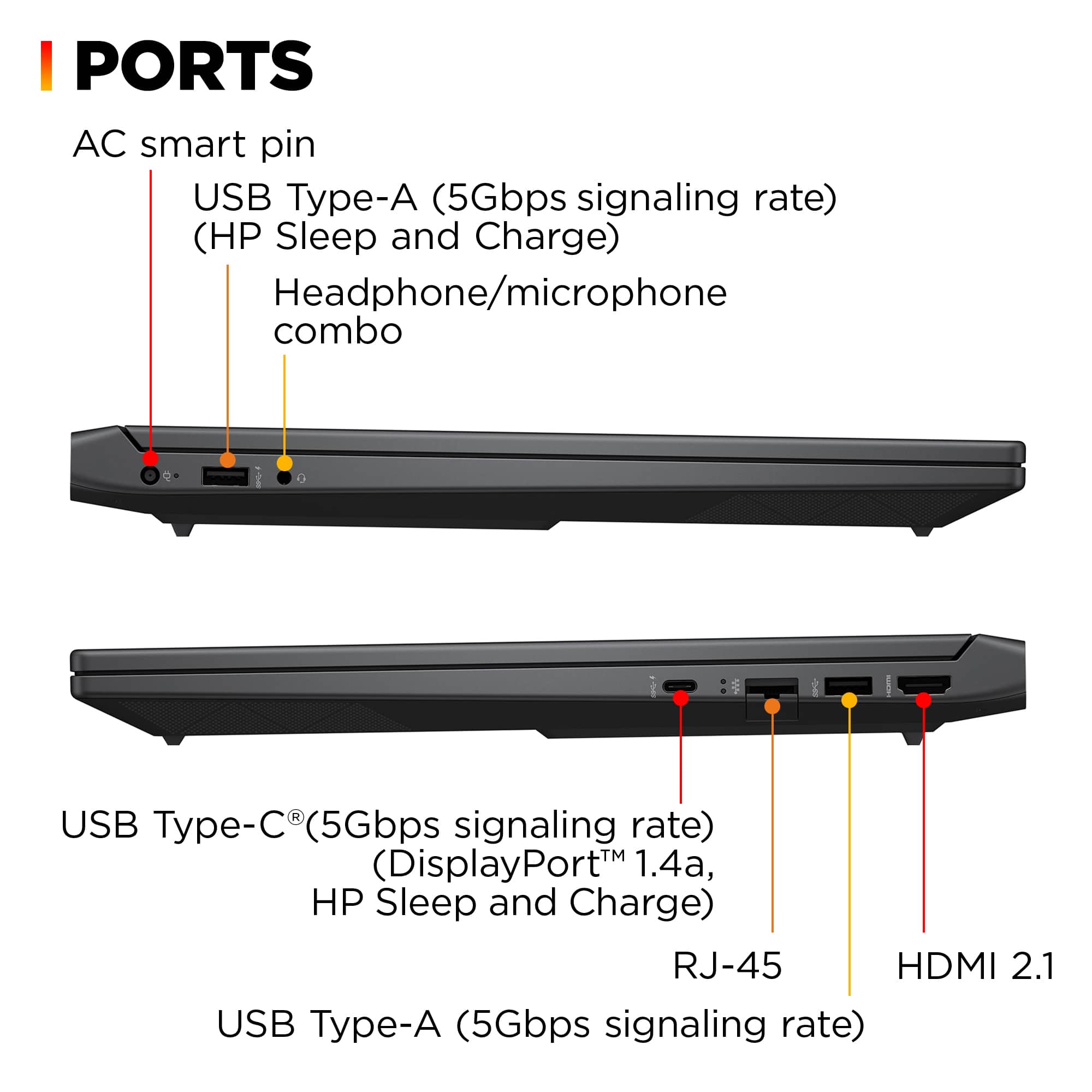
A:AnswerYes. More RAM can be added to this laptop. It has two RAM slots, one occupied by an 8GB module and the other free. It supports up to 64GB (2x32GB) DDR4 SODIMM 3200MHz.
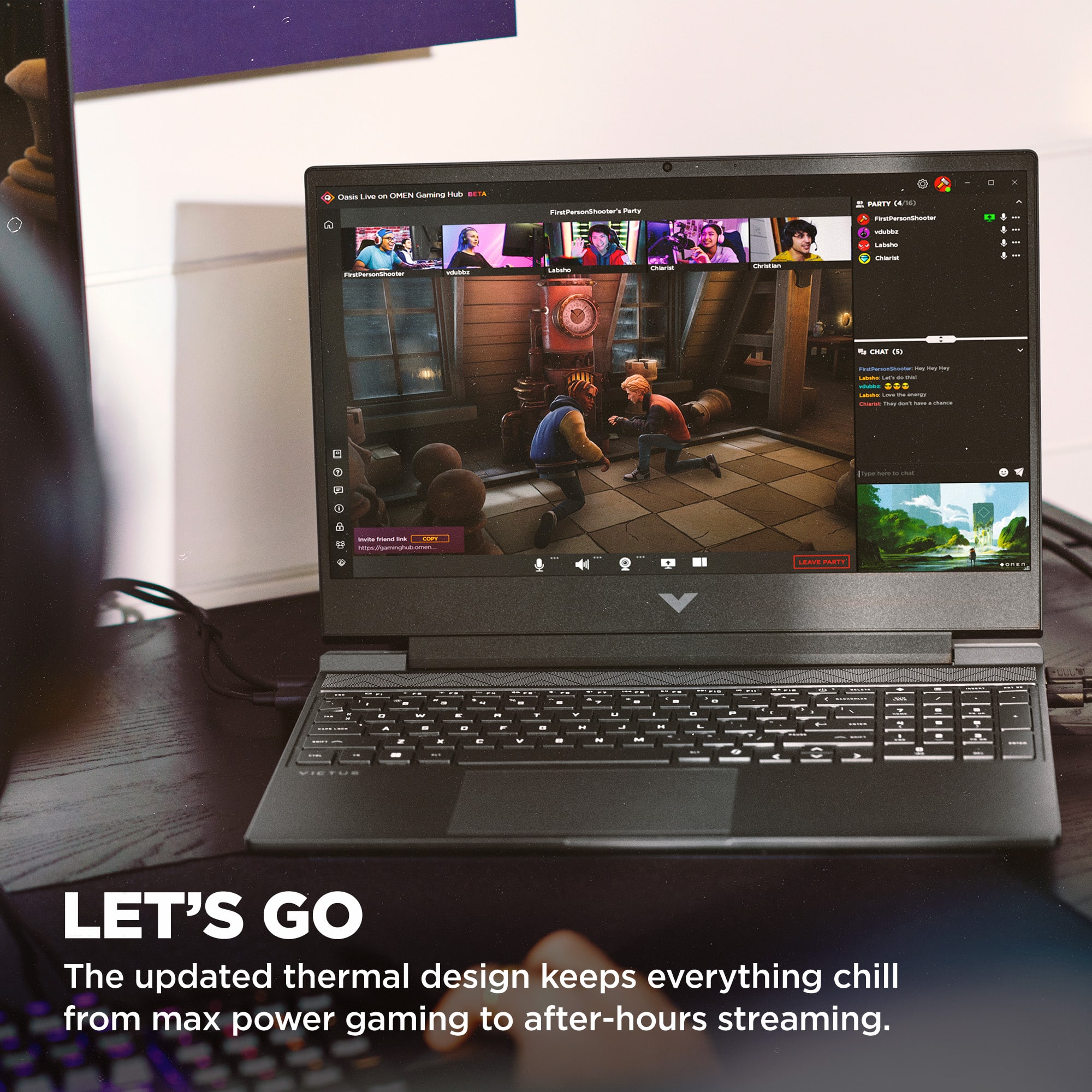
A:AnswerIt can, but I wouldn't recommend it. The fans run constantly even when always-on is disabled and they are set to "Quiet" via the gaming hub options and they are quite noisy with a distinctive high-pitched whistling sound
A:AnswerDuh, where have YOU been buying your technology?
Industry standard 1 year parts and labor. plus HP's tech support to get you started for the first 90 days.
A:AnswerThank you for your question about this HP Victus laptop! Its only M.2 SSD slot is occupied by the factory-installed drive. HP launched this model in December 2023.
A:AnswerThere are a number of reasons for this, fitting into different categories (the following is from Google; you could have performed a search yourself!):
1. The Model is Too New (Database Lag)Trade-in programs rely on rigid, pre-compiled databases to automatically generate quotes based on exact specifications.The Delay: Retailers typically update their trade-in catalogs quarterly or bi-annually. If your computer was released or purchased within the last 6 to 12 months, the merchant may not have added its specific configuration to their valuation software yet.Missing Depreciation Data: Trade-in algorithms require historical secondary market data to calculate how much a device is worth. If a model is too new, there aren't enough used sales data points for the retailer to safely estimate its residual value.2. High Depreciation Risk on PrebuiltsUnlike smartphones or Apple MacBooks, Windows PCs—especially prebuilt gaming desktops from system integrators like CyberPowerPC, iBuyPOWER, or Skytech—have highly volatile values.Component Price Drops: If a new generation of graphics cards (GPUs) or processors (CPUs) launched right after you bought your PC, the retail value of your components may have tanked. Retailers frequently leave rapidly-depreciating desktop models off trade-in lists to avoid getting stuck with inventory they cannot flip for a profit.Proprietary Parts: Big-brand prebuilts (like Dell Inspiron, Alienware, or HP Pavilion) often use proprietary motherboards and power supplies. Retailers hate trading these in because they are incredibly difficult to refurbish, upgrade, or part out.3. Retailer-Specific Program ExclusionsNot all trade-in platforms operate the same way, and many place strict boundaries on what they will accept:Brand Restrictions: Many major trade-in programs (like Best Buy Trade-In or Amazon Trade-In) prioritize high-volume, standardized consumer electronics like MacBooks, Microsoft Surfaces, and specific Chromebooks. Custom configurations or niche prebuilt gaming brands are often flatly excluded.Tied to Current Inventory: Some manufacturers only accept trade-ins if they currently have an active refurbishment and resale pipeline for that exact family of devices. If they aren't actively selling certified refurbished versions of your specific model line, they won't buy it back.
There are ways around the above, but you can Goggle THAT yourself.