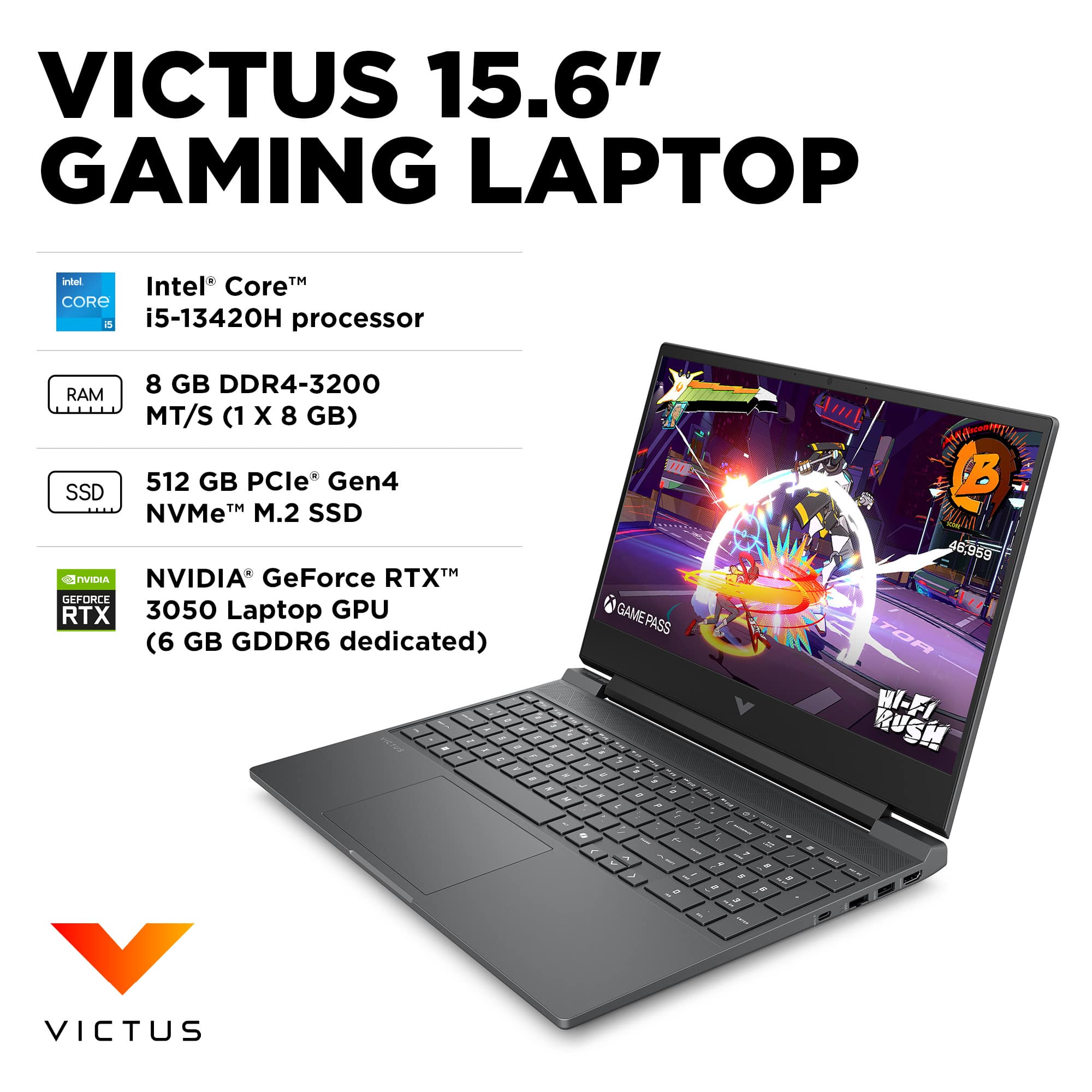
A:AnswerThe wattage is listed in Specs.
The TGP (as I am sure you know) of this GPU can vary from 35W to 80W, but at this price point, I would guess somewhere in the middle (60W-75W).
A:AnswerYea if you're playing like the Binding of Issac or like Gwent or something, wouldn't vouch for it running EAFC 26 though, see my very short reivew
A:AnswerSearch Questions, as there are varying answera to these inquiries.
The card can be from any number of companies (Crucial, Kingsoft, etc. etc.), as long as it meets the required specs. That you can find on the websites of the above.
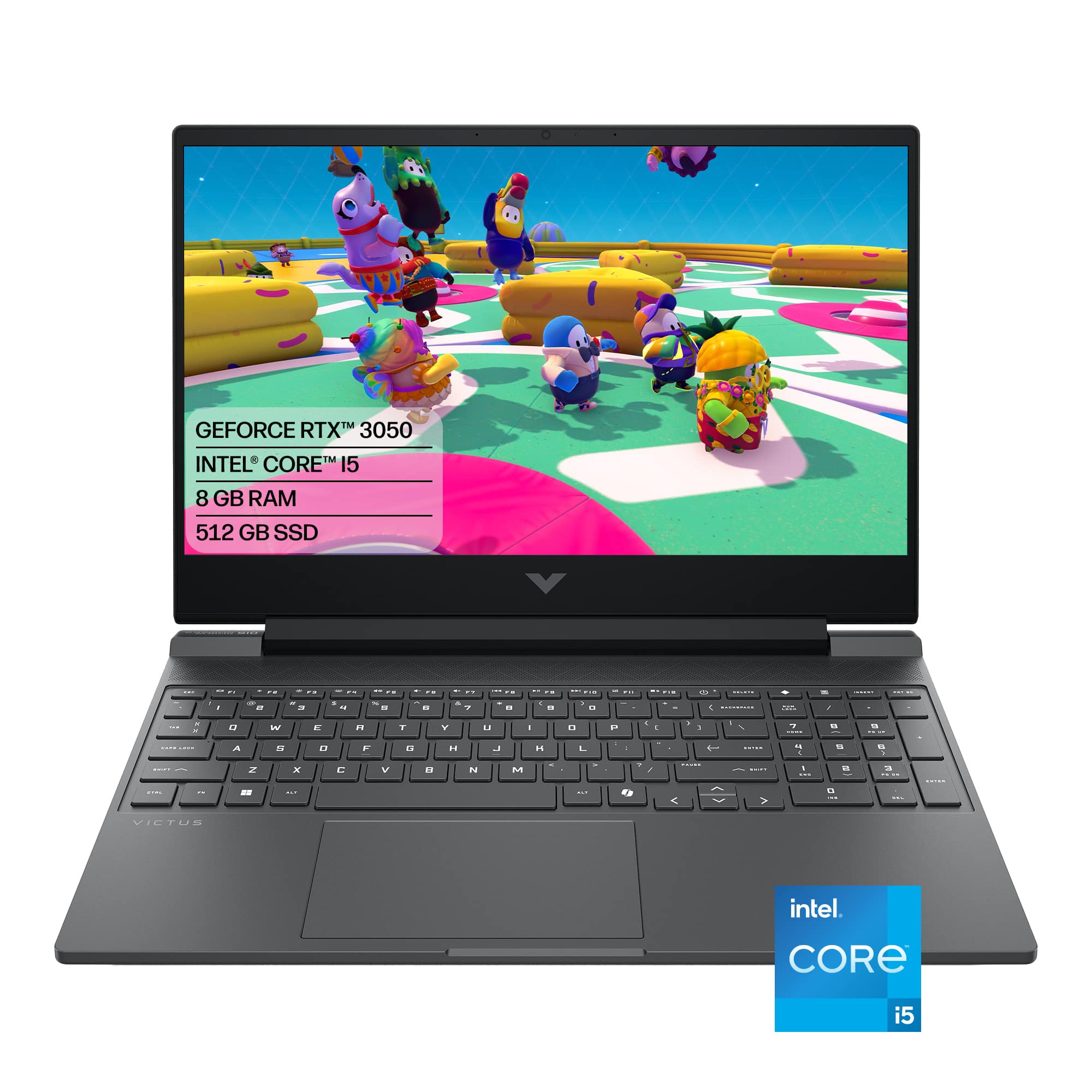
A:AnswerYes, this laptop will run The Sims 4, and then some, but your modding experience will depend on how much Custom Content (CC) you download. The Core i5 processor and dedicated RTX 3050 graphics card are overkill for the base game. However, heavy script mods and massive folders of custom hair, clothes, and furniture change the equation drastically. CPU and GPU are great, but the 8GB RAM is insufficient for heavy modding. If you use fewer than 10 big script mods (like MC Command Center or WickedWhims) and just a small amount of CC, 8GB will get by. On the other hand, If you hoard thousands of pieces of Alpha CC or download custom worlds and high-resolution reshade scripts, the 8GB of RAM will choke. Your game will experience severe simulation lag (Sims standing still while time runs), long loading screens, and random game crashes. The 512GB SSD is good for most purposes, but the Sims 4 with all expansion packs takes up over 50–60 GB on its own. Add the Electronic Arts/The Sims 4/Mods folder, and you have 50GB–100GB more eaten up. If you want to dump endless amounts of CC into your game without a care, spend roughly $30 to $40 to upgrade the laptop to 16GB of RAM. It will instantly eliminate memory bottlenecks and let the laptop handle whatever you throw at it.
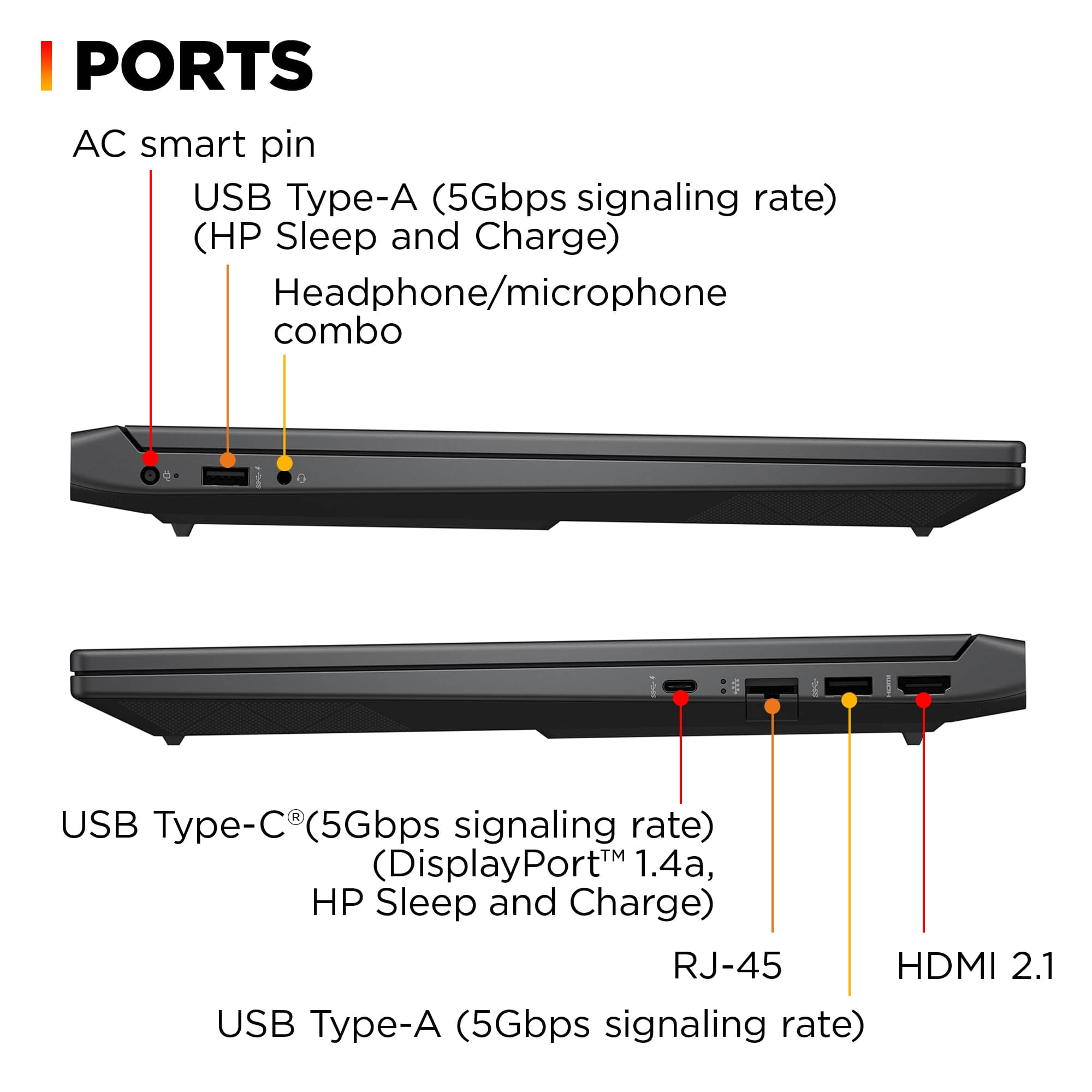
A:AnswerYes. More RAM can be added to this laptop. It has two RAM slots, one occupied by an 8GB module and the other free. It supports up to 64GB (2x32GB) DDR4 SODIMM 3200MHz.
A:AnswerYes. This laptop can run Fortnite smoothly. Performance will vary based on settings, but it is designed to handle popular games such as Fortnite.
A:AnswerThis was such a ridiculous question that I had to laugh. But then it occurred to me: is it possible? This is what I found out:
While almost every laptop will be a standard silver, gray, or black (or variants on this), there ARE boutique shops that cater directly to those who want personalized aesthetics alongside standard or high-performance hardware. They offer professional paint, wrap, and laser-etching services directly at checkout. Some of these are for their OWN laptops, however, not any model you may choose at random. The two best known ones are XOTIC PC and AVADirect. Forget about the sale price BB lists for this model. Instead, be prepared to pay up to 1.5x the LIST price.
Closer to what you might be looking for is the Framework line (which BB also carries): They are a modular laptop brand where you assemble or customize the device yourself. You can select color-matched bezels and custom-colored keyboards (such as lavender, bubblegum pink, or orange) to completely shift the machine's look.
The closest mainstream alternatives would be Lenovo & Acer, which offer boutique-style configuration on their official websites. For instance, the Acer Swift Air series frequently rolls out standard everyday models in pastel colorways like sage green, frost blue, blossom pink, and lilac purple. Lenovo's Custom Build shop also lets you select non-standard custom colors on specific configurator models, and will perform as well or better than this HP, but you are limited to a dark blue or teal. And you will almost certainly pay full retail. The Acer (which BB also carries), on the other hand, while competitively PRICED, is in no way a gaming machine--forget about ANY AAA games.
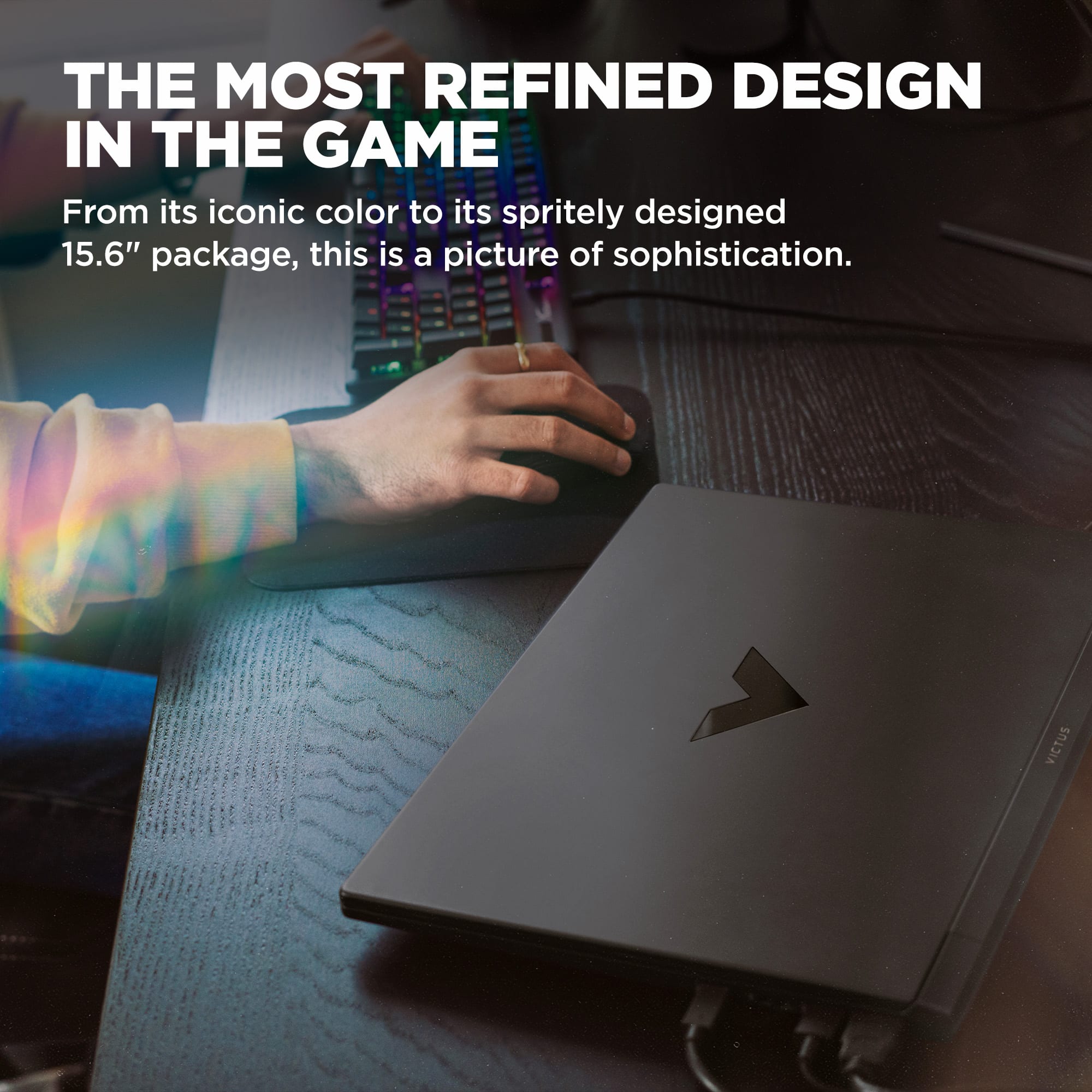
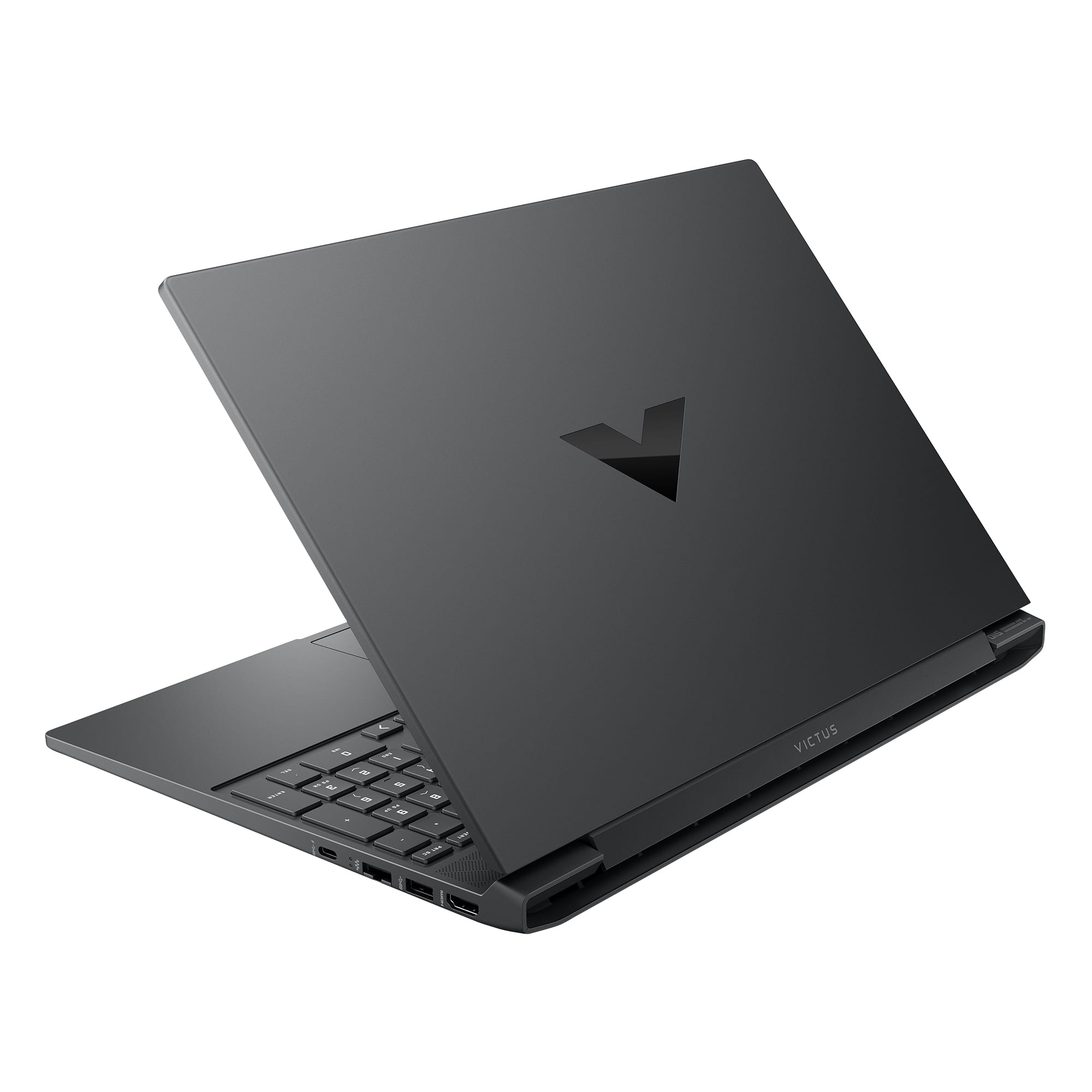
This leaves "The Reversible Re-Skinning Alternative." Many discriminating users like yourself opt to buy the stock machine and immediately use a precision-cut premium vinyl wrap company. This achieves a professional boutique look and provides scratch protection, while also providing custom colors and decorations. Prices are MUCH less ($20-$40), but there are some tradeoffs, like the fact that they all sell KITS, which you are then required to install, and they generally only cover the externals (some also go on the palm rest and trackpad). The best-known sources are MightySkins, Skinit, M2 Skins, and Etsy. You go to their websites, search your exact laptop model (hundreds of standard form factors from HP, Dell, Lenovo, and Apple are supported) and choose a matte, carbon-fiber, glossy, or custom metallic color skin. These generally are excellent for the Mica Silver model on sale, and the wraps are specifically measured to fit the vents, ports, and hinges of the HP Victus 15 chassis perfectly: