A:AnswerUnless otherwise indicated, all computers at Best Buy are brand new.
The other, most common notations you may see from time to time are:
Open Box Excellent: Works and looks like new. Restored to factory settings. Includes all original parts, packaging and accessories (or suitable replacement).
Open Box Good: Works and looks like new. Restored to factory settings. Includes all original parts, packaging and accessories (or suitable replacement).
Open Box Fair: Works like new. Restored to factory settings. May have larger dents or scratches. May be missing parts and accessories.
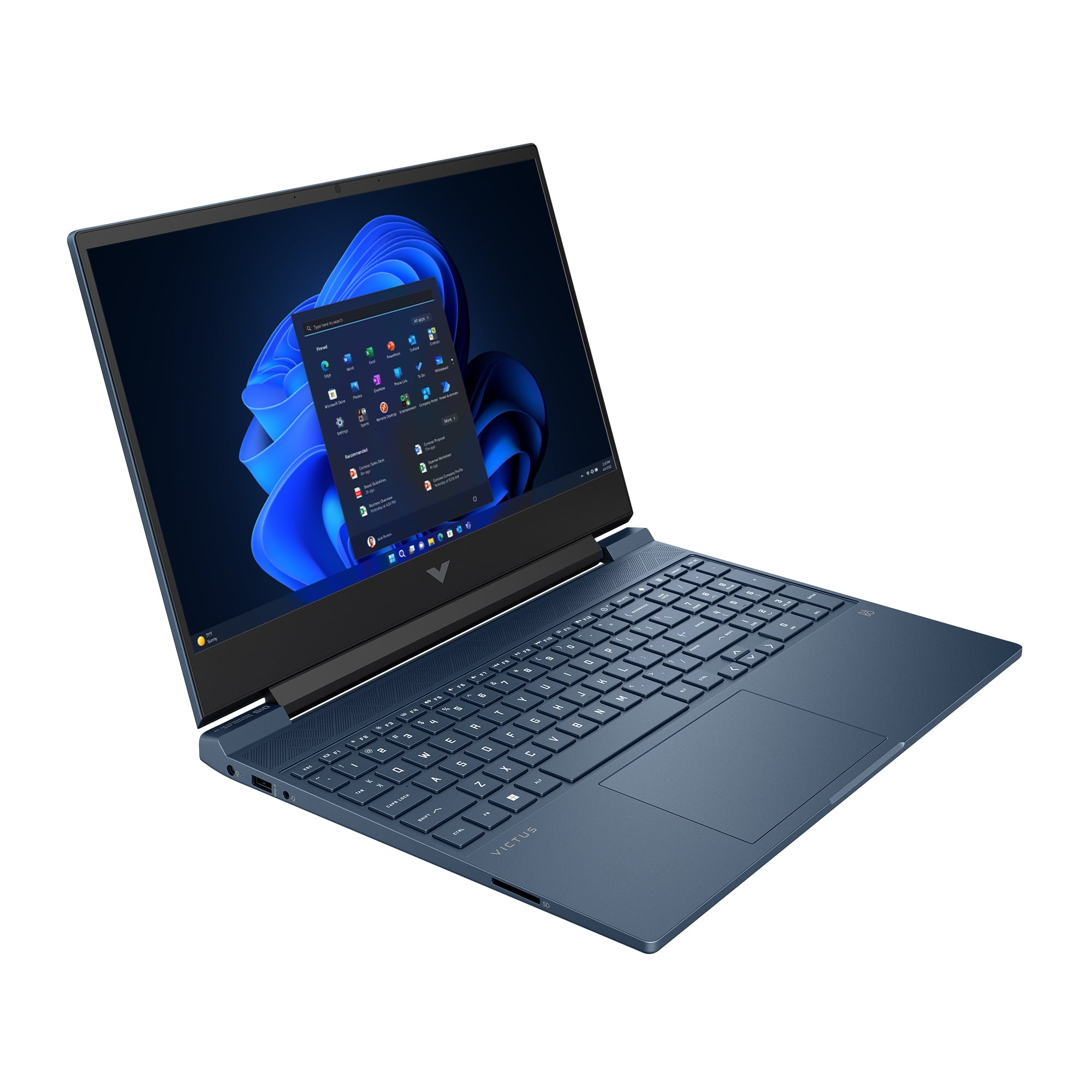
A:AnswerThank you for the question. The Victus 15-fa0033dx has slotted RAM - not soldered to the motherboard. There are two slots, each taking a maximum of 16GB. There is one M.2 slot, gen 4. HP and Microsoft support software is included on the laptop.
A:AnswerHi Mike, thank you for your question. As system requirements for software constantly change, we cannot answer questions about software compatibility or performance. What is compatible today may not be in a few months. Please check the software manufacturer's website for the most current system recommendations.
A:AnswerThank you for the question. Your laptop will still be covered by the warranty provided that adjacent components are not damaged in the course of self-upgrading.
A:AnswerAdding more information and clarifying:
(1) There are several programs available, but free and paid, that allow you to clone your drive. This would obviate any need to reinstall the MS OS.
(2) Windows as an OEM product has been tied to its original PC since at least 2000 (version ME). It has also been tied to the BIOS since Windows 7.
(3) This means that barring a major change (the motherboard), you can easily use the same OS on the same computer, yet change RAM, drives, CPUs, GPUs,
(4) Try to keep up.
A:AnswerHello and thank you for asking. The HP Victus 15-fa0033dx gaming laptop has two M.2 slots. Both are occupied, one with the SSD and the other with the WLAN module. There are no other M.2 slots.
A:AnswerThank you for your question. Yes, you can upgrade the RAM on the HP Victus 15-fa0033dx. This laptop model can support up to a maximum memory capacity of 64GB.
A:AnswerHP's reply is both fair and accurate. To find out whether a specific computer build enables playing a specific game, always go to the manufacturer's website and search for the game, where you will find a full list of system requirements, both minimum (game can be played under the correct circumstances) and recommended (game can be played with full flexibility and enjoyment).
A:AnswerI really think that it's like buying a car: a Hyundai will get you where you want to go, but a Mercedes may last longer, need less service, and perform better in the long run. So you can buy one type of 16GB RAM that is compatible for this laptop and spend $25, or you can buy another type (with individual heat sinks, longer warranty, etc.,) that will work as well, and perhaps better. If you want to get into the weeds on researching the question, you are welcome to read the multiple reviews of RAM manufacturers. Otherwise, you can just buy what you can afford from a seller you trust.
A:AnswerUnfortunately, there is no standard method of measuring battery life, the way there is, for example, CPU performance. This means it is impossible to compare one company’s computer’s battery use vs. another. Some manufacturers do provide details on how they measured it, but this is a rarity. The best way to find this information is to search out reviews by trusted tech publications, where they give detailed explanations of their procedures, as well as comparisons to comparable models.
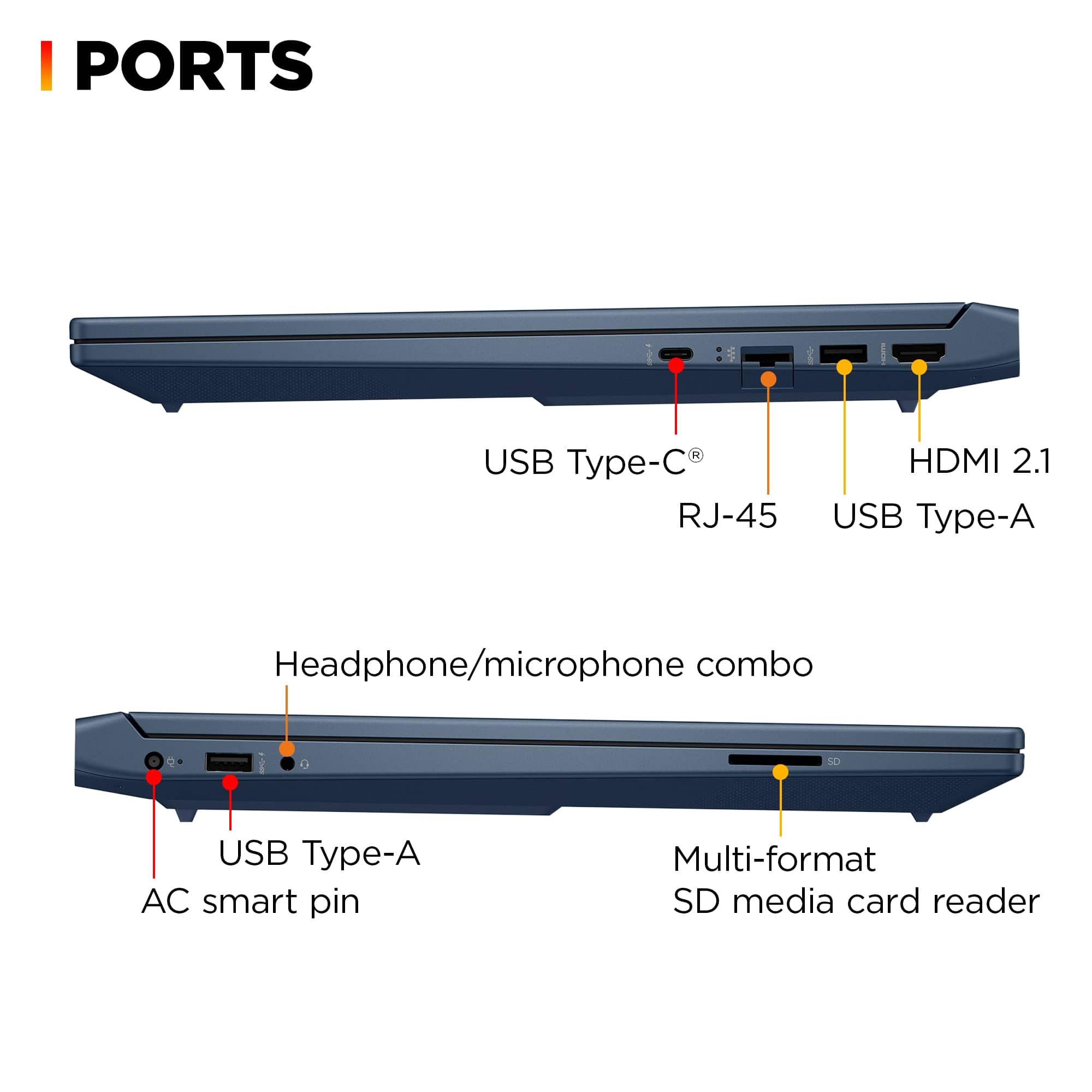
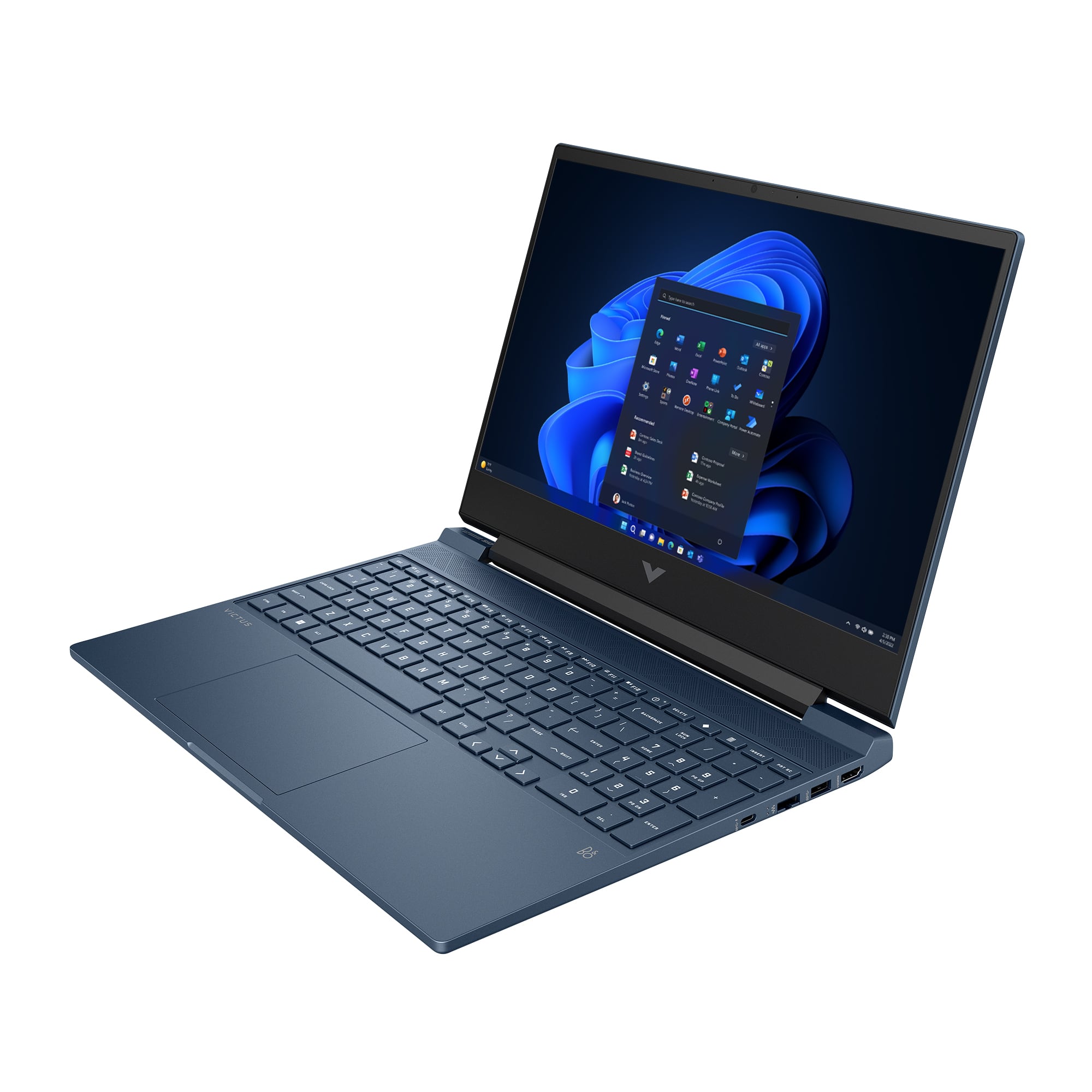
A:AnswerThank you for your question about expanding the display capabilities of this HP Victus laptop. This has one HDMI-out connector and one of the USB-C ports has DisplayPort. All you will need for the HDMI port is a cable but you will require a USB-C dock with a DisplayPort out on it and you will have three monitors. Windows has a tool where you can customize your screens and have them display separately instead of mirroring your main screen.
A:AnswerPrices vary, depending on source, sales, tariffs imposed by presidents, type, generation, speed, etc., but as a guide, I recently (December 2024) bought 32GB of RAM and a 1TB M.2 drive at a price of under $50 each.
A:AnswerIt is confirmed by one user (via a posted image) that you can successfully install at least 32GB, but other sources say that it can go up to 64GB (including some replies from HP). 32GB is more than enough for 99% of everything you would do, including AAA games, so you needn't worry about more than that.
A:AnswerHello Isiah and thank you for your question! As system requirements for software constantly change, we are unable to answer questions about software compatibility or performance. What is compatible today may not be in the future. Please check the software manufacturer's website for the most current minimum and recommended requirements. Additionally, I would check into the requirements for coding in your desired Computer Language, such as C++, Ruby, or Python.