A:AnswerAs with any software (and games are just that, software), always go to the manufacturer's website and search for the program. You will find a full list of system requirements, both minimum (game can be played under the correct circumstances) and recommended (game can be played with full flexibility and enjoyment).
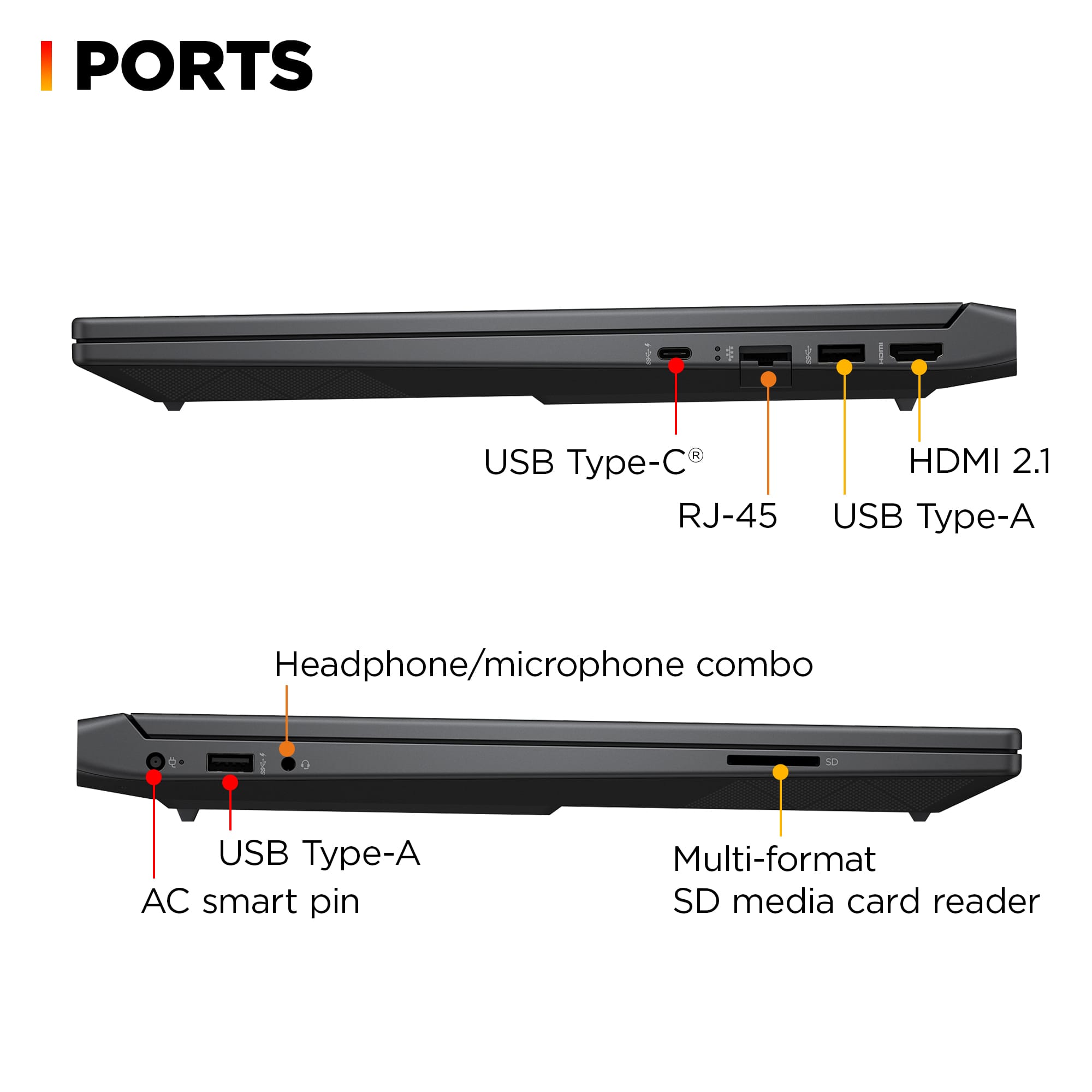
A:AnswerDefinitely one external monitor. You may be able to get two by using a docking station but that will be a 50/50 chance. If you purchase a docking station, don't purchase a cheap one, you will just be disappointed. It should cost around a $100 with two HDMI display ports.
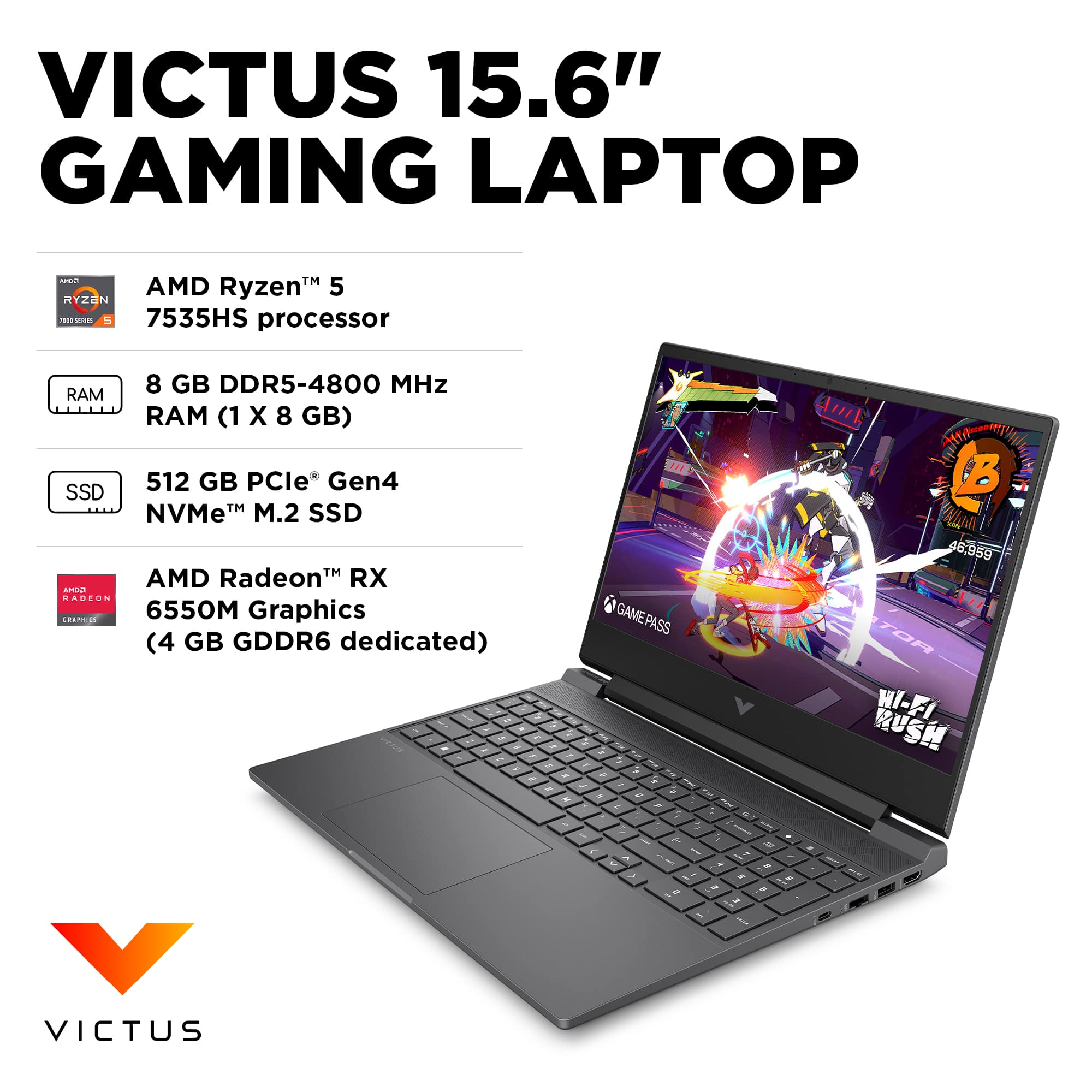
A:AnswerIt is 5600mhz ram that is pre-installed. Probably because HP standardized that memory stick across all Victus laptops. However, the bios on this laptop is locked at 4800mhz. Hence, the description saying 4800mhz. If you are adding another stick, you should still try to match the ram stick specs to ensure both sticks have the same CAS timings.
A:AnswerYou would have to replace the drive with a larger one. There is only one slot. The easiest method is to get an nvme usb enclosure and put the replacement drive in it. Then use disk genius (free software) to clone the internal drive to the new one. Then replace the drive in the laptop with the one from the usb enclosure.
A:AnswerHello, Het! The HP limited warranty that this HP Victus 15.6" Laptop (15-fb2063dx) and all of our HP products come with is an international warranty and will be covered as long as the region is supported by HP. Thank you for your question!
A:AnswerAs long as you have the proper connectors and cables, any monitor will work with any computer, but certain specific features may not be available. For instance, a computer might not output to the full specs of a monitor, like and 8k, or it might not go up to the monitor's top refresh rate).
A:AnswerJosh, thank you for your question. The HP Victus Gaming Laptop 15-fb2063dx supports up to 32 gigabytes (GB) DDR5-4800 RAM. There are 2 RAM slots.
A:AnswerThank you for your question on this HP Victus laptop! HP recommends using the same memory frequency that is installed at the factory, which means upgrading with DDR5-4800 memory. This laptop supports up to 16GB in a 2x8GB configuration.
A:AnswerFrankly, I am surprised that HP's answer to this specific question was so unenlightening.
That said, if you search the term "RAM" in the Questions field, you WILL get more, and better answers, even though some of it is inconsistent with others. Also, if you search any major RAM manufacturer (PNY, Crucial, Kingston, etc.) for upgrades on this model, you will find clearer, and more consistent, information on upgrade possibilities.
If it helps, as a general rule, if you add memory that has the same specs as what is already installed, you will be worry-free.
A:AnswerThank you for your question. As system requirements for software constantly change, we cannot answer questions about software compatibility or performance. What is compatible today may not be in a few months. Please check the software manufacturer's website for the most current system recommendations.
A:AnswerThanks for your question about this HP Victis 15.6" Full HD Gaming laptop (model 15-fb2063dx)! As system requirements for software constantly change, we’re unable to answer questions about software compatibility or performance. What’s compatible today may not be in the future, so please check the software manufacturer's website for the most current minimum and recommended requirements.
A:AnswerClock settings is one of those that you should have seen when performing initial setup. If you missed it or chose the incorrect options, right click on the clock (extreme right of the Taskbar, in case you don't know), then select "Adjust date and time." On the left side of the new window, click on "Time & language." If the settings visible there are incorrect, fix them, and be sure to select "Set time zone automatically" and "Set time automatically" (they are selected when they indicate a blue color).