A:AnswerThank you for your question. As system requirements for software constantly change, we are unable to answer questions about software compatibility or performance. What is compatible today may not be in a few months. Please check the software manufacturer's website for the most current system recommendations.
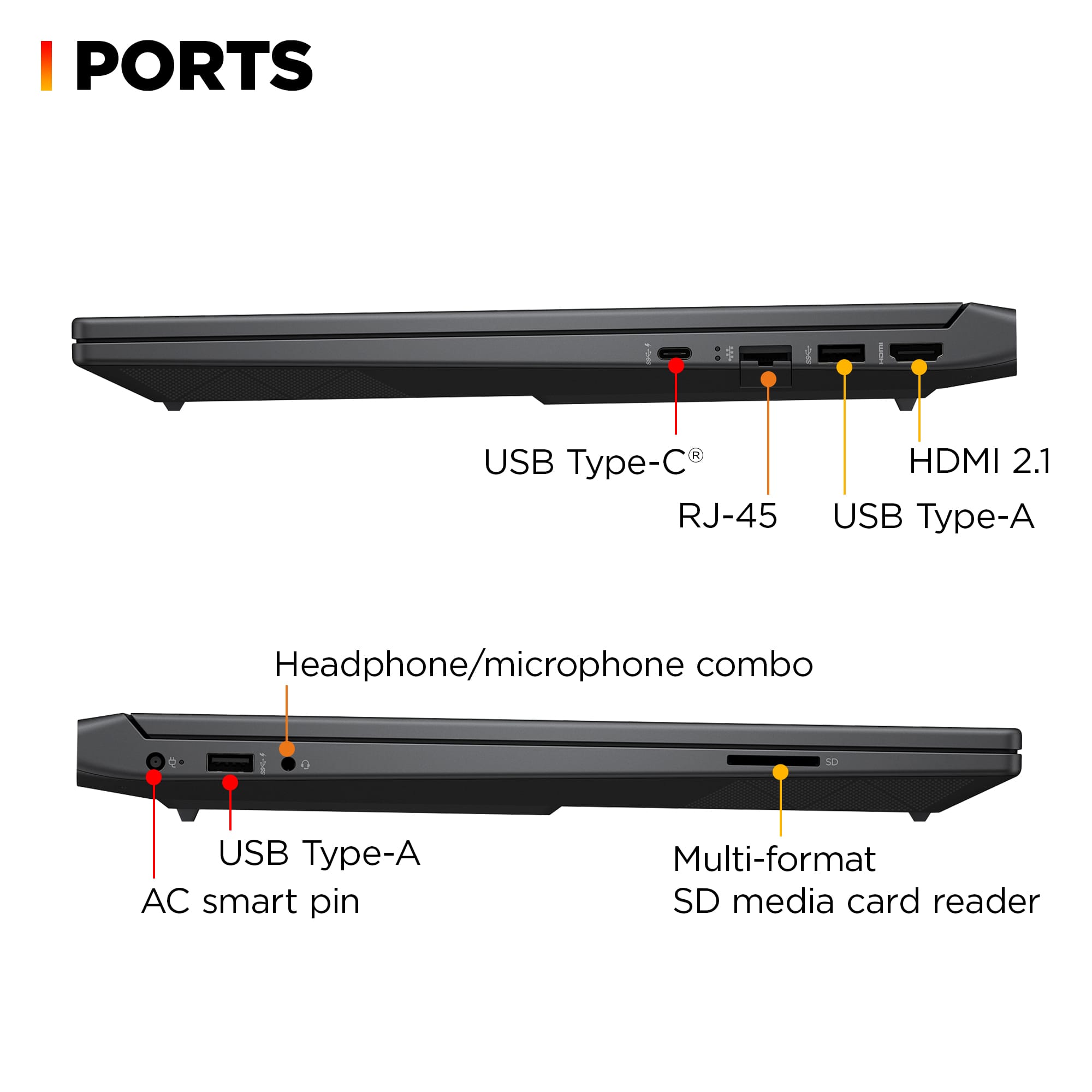
A:AnswerNo. There are a number of reasons why internal optical drives are largely unavailable, though they can still occasionally be found, mostly (but not exclusively) in "hardened" laptops that look (and weigh) like bricks and are used in construction, emergency situations, and the military. Or through the refurbished/ used/secondhand market. The reasons include:
1. Modern laptops (and desktops) are pushing to be smaller and weigh less, with many companies advertising their computers as “ultra thin” or “easily portable.” Optical drives significantly add weight (about half a pound) and bulk (12 cm. diameter).
2. Even Blu-ray discs top out at 128 GB, far below HDDs, SSDs, or pen/flash drives on a per-centimeter basis.
3. With the advent of fast network connectivity, cloud storage, software distributed via the Internet, and growing use of USB 3 and even USB 4 (with raw link speed of up to 80 Gbps), integrated optical drives have largely become obsolete.
Should you need an optical drive, they are still available, at a modest cost, as external, portable units. If you need a laptop with an integrated optical drive, look elsewhere, as noted.
A:AnswerThere is a good youtube video on how to if you search for this laptop. It's fairly straight forward. Unscrew the 12 (I think) screws on the bottom that are all openly accessible. Then use a plastic guitar pick to pop the clips open. The bottom will come off exposing the memory and storage slots.
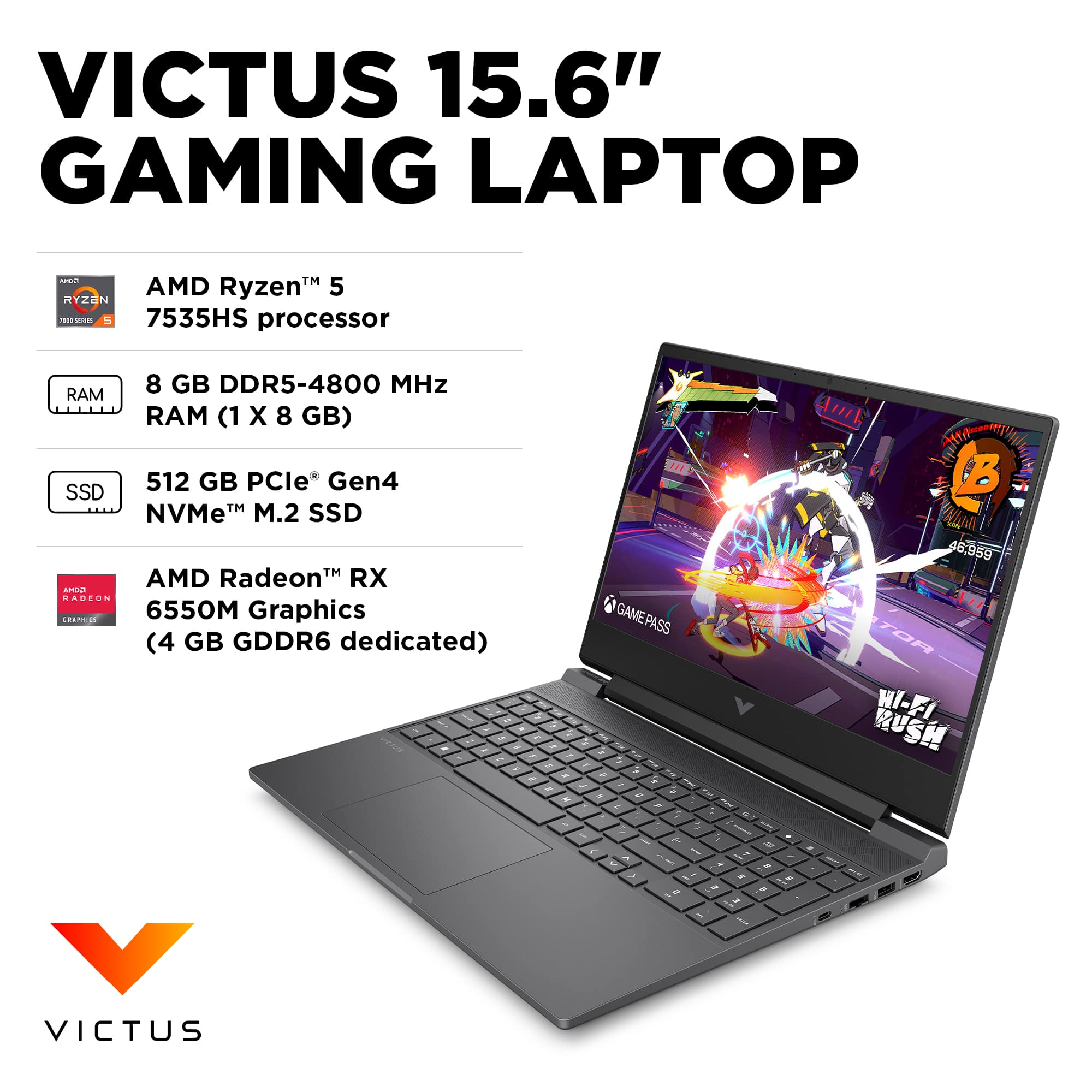
A:AnswerThe memory in the one I received was actually rated at 5600 but there is no way to adjust it to run at that speed in the BIOS. It's locked at 4800. The laptop is capable of up to 96GB (48GBx2 sodimms) of ram. Any speed 4800 or above but will be locked at 4800.
A:AnswerThank you for the question. HP Support has documents online for installing more RAM. However, if you are not an experienced user, it's best to have this upgrade performed by a professional technician (Geek Squad).
A:AnswerThank you for your question. As system requirements for software constantly change, we cannot answer questions about software compatibility or performance. What is compatible today may not be in a few months. Please check the software manufacturer's website for the most current system recommendations.
A:AnswerJojo, thank you for your question about this HP Victus laptop! This laptop is compatible with any monitor that has an HDMI port or a DisplayPort connector. One of the USB-C ports supports DisplayPort. From there, you can use any resolution or refresh monitor.
A:AnswerThere is a thermal pad attached to the bottom panel of the laptop that presses against the ssd to distribute heat away from the ssd and dissipating across the bottom panel. I dont think you would need to get an ssd with a heatsink. The thermal pad seems to do a good job. But if you did get an ssd with a heatsink, you would need to remove the thermal pad from the laptop.
A:AnswerHey, Nick! Thank you for your interest in the HP Victus 15.6" Gaming Laptop (model 15-fb2063dx). This model will play most games well; however, for multi-tasking like streaming to a platform while playing a game on the same device, you may want to upgrade the RAM. This particular model can upgrade up to 32GB of RAM! For any questions on that, or help with that upgrade, don't hesitate to reach out to your Best Buy Geek Squad.
A:AnswerThe HP Victus 15.6" gaming laptop is designed with a single M.2 SSD slot for storage. While you may observe solder points on the motherboard that resemble a second M.2 slot, these are unpopulated and lack the necessary connector. Adding a second SSD would require micro-soldering an M.2 connector onto these points. This process is intricate, carries a significant risk of damaging the motherboard, and would void any existing warranty. HP does not support or recommend such modifications. If you need additional storage, it's advisable to replace the existing SSD with one of higher capacity or consider using external storage solutions.
A:AnswerFor any software, you would want to check the system requirements from the publisher's website and make sure the device you want to run it on meets the requirements for the setting you would like to use. Updates can change the requirements which can impact what settings you run it on or if you can run it at all. For software that always require online or for sections that are online, your connection type and speed can also affect how well it runs.
A:AnswerBrenda, thank you for your question about this HP Victus laptop! HP has a guide on its site about screen tearing and how to correct it on any system.
A:AnswerThank you for the question. Newer HP Laptops feature Bang and Olufsen or Poly audio systems, both of which can be configured to your needs. You can also download the Beats Audio software if you prefer.