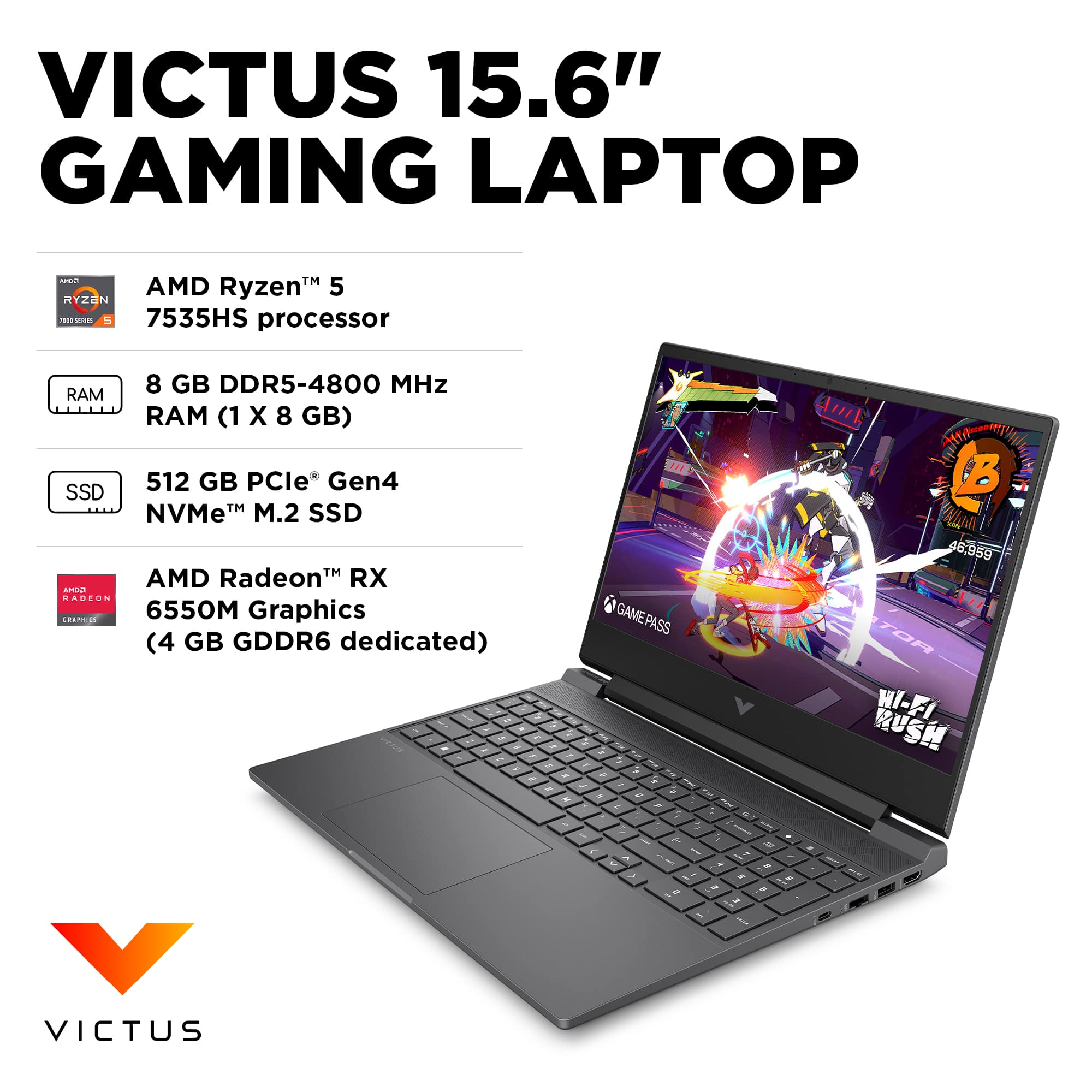
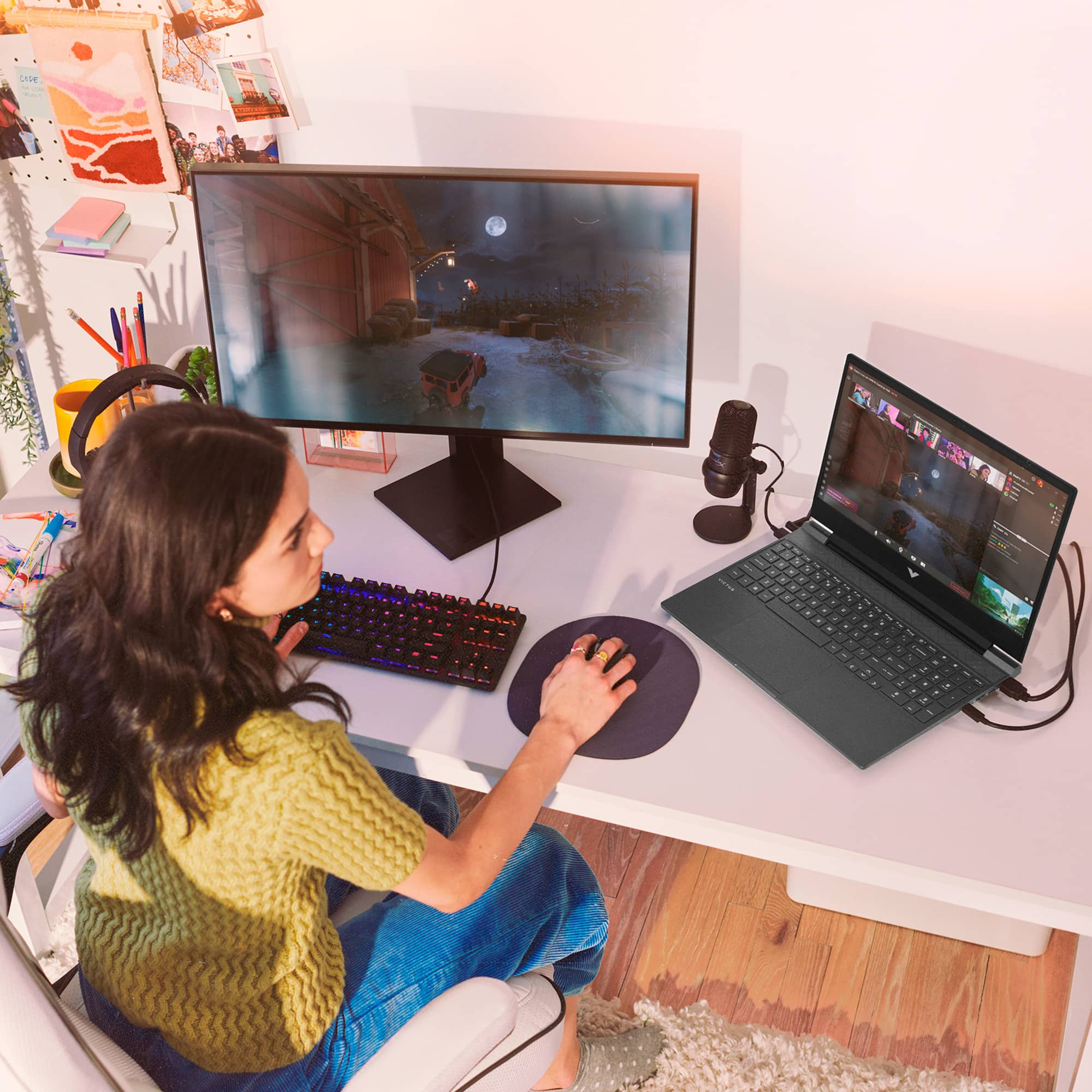
A:AnswerYes, it can run BeamNG.drive on normal graphics without issues. Performance is smooth at 1080p with stable frame rates. You may need to lower settings slightly for very large maps or heavy mods, but overall it runs well.
A:AnswerThis laptop supports NVMe PCIe Gen 4 SSDs. Actual speeds depend on the SSD installed, but Gen 4 drives can reach up to around 7,000 MB/s read speeds.
A:AnswerNizam, thank you for your question about this HP Victus gaming laptop! It has one M.2 2280 NvME slot. You can add a second SSD if you remove the wi-fi/Bluetooth adapter, which is in a M.2 2230 form factor.
A:AnswerThank you for your question about this HP Victus gaming laptop! Best Buy does offer hardware upgrading services through its Geek Squad precincts. Check with the store for details.
A:AnswerFirst of all, you should get a child's math book and review what the symbols mean, since you are asking about RAM ranging from 64GB (8x8) to 1024GB (32x32). Second, if you search "RAM" in questions, you will see the maximum RAM this laptop can hold ranging from 16GB to 96GB. This illustrates the varying degrees of knowledge and research people have done on this question, and all for free. Like the saying goes, "you get what you pay for." So maybe you should try looking elsewhere than this forum and learn something on your own? Or just take a guess on the answer you like best. It's your money, to throw away, or invest with care.
A:AnswerFor answers about playing games, please use the Search option in the Questions section and search your specific game or the words "game" or "gaming." This will avoid duplication of answers and the concomitant errors that result.
That said, to find out whether a specific computer build enables playing a specific game, always go to the game manufacturer's website and search for the game, where you will find a full list of system requirements, both minimum (game can be played under the correct circumstances) and recommended (game can be played with full flexibility and enjoyment).
A:AnswerTo find out whether a specific computer build enables playing a specific game, always go to the game manufacturer's website and search for the game, where you will find a full list of system requirements, both minimum (game can be played under the correct circumstances) and recommended (game can be played with full flexibility and enjoyment).