A:AnswerIt actually has one tied off to the side. The included GPU doesn't need it and is powered solely by the motherboard. I don't think I'd risk using that extra power connector for a higher end GPU, but it's there.
A:AnswerAccording to the official HP specs, the computer has a DVI-D and an HDMI video output, but no VGA. You should have no problem running two displays off the HDMI port and the third one off the DVI-D
A:AnswerThe computer meets all the minimum requirements for GTA V RP, so you shouldn't have any problems. It's going to heat up some, but any game will do that.
A:AnswerYou can use a LHR graphics card in this model. The power supply in this model is 350 watts. Just make sure the graphics card you pick works with that amount of power.
A:AnswerIt can play GTA 5 and much more. I would not buy a new PC thinking it will play a game that is not out yet. Regardless of what's promised, as some games run buggy on some rigs. Also, the game may suck. Wait for the reviews.
A:AnswerIt's going to depend on what games you're looking to play. Games that require a really fast processor on video card probably won't play at an acceptable frame rate. Look at the minimum requirements for the games you're interested in to see if the computer meets the minimum requirements for those games.
A:AnswerThank you for the question. This model is fan-cooled. HP OMEN and HP Victus computers use Performance Mode to balance between performance and temperature.
A:AnswerHello,
While this desktop is good for some gaming. We recommend checking the recommended specifications provided by the game developer to ensure you may be able to play all of the games you wish.
-HP Team
A:AnswerThank you for the question. Depending on the VR application, you'd need an i5 or Ryzen 5 processor at the least. Some applications will work with i3, however. Please review the hardware specifications for the VR program you intend to use to verify.
A:AnswerHello,
While this computer is good for some gaming; we recommend checking the recommended specifications of the game's developer to ensure that you are able to play the games you wish.
-HP Team
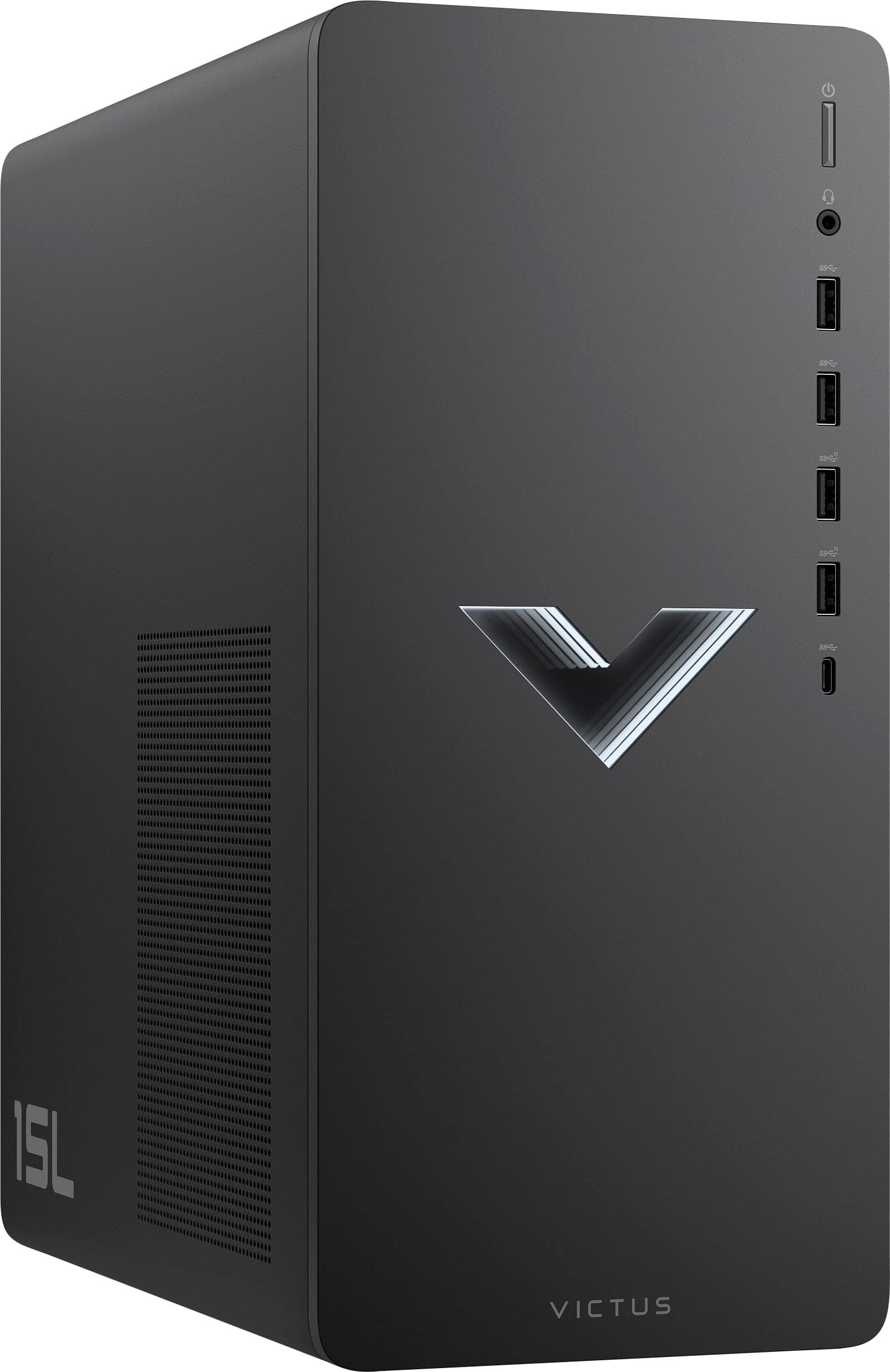
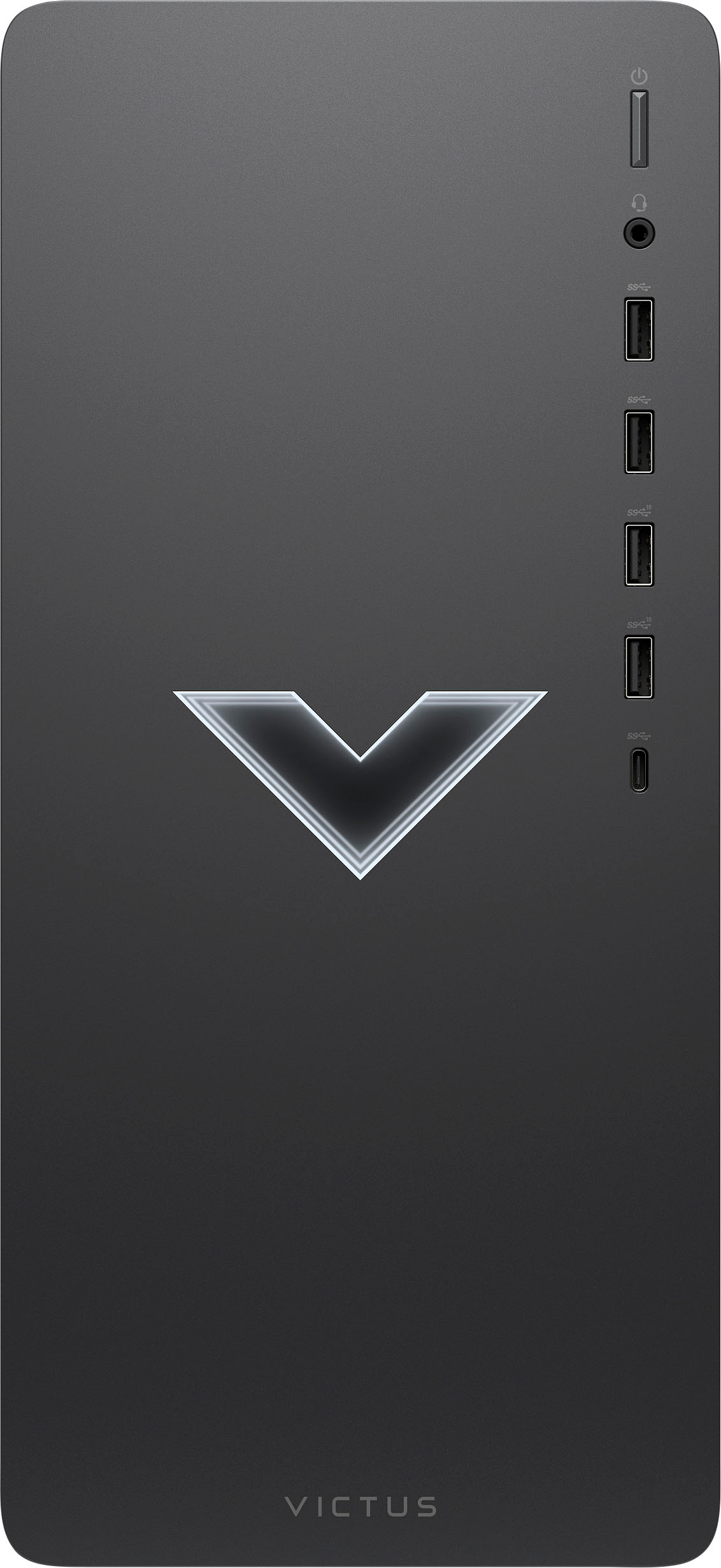
A:AnswerHello, Kenzo! The HP Victus Gaming Desktop (TG02-0014) has 1 HDMI 2.0 port and 1 DVI-D port. For the best performance, it is recommended that you use the ports available, although a VGA adapter would work. Keep in mind, some performance may occur. Thank you for your question!