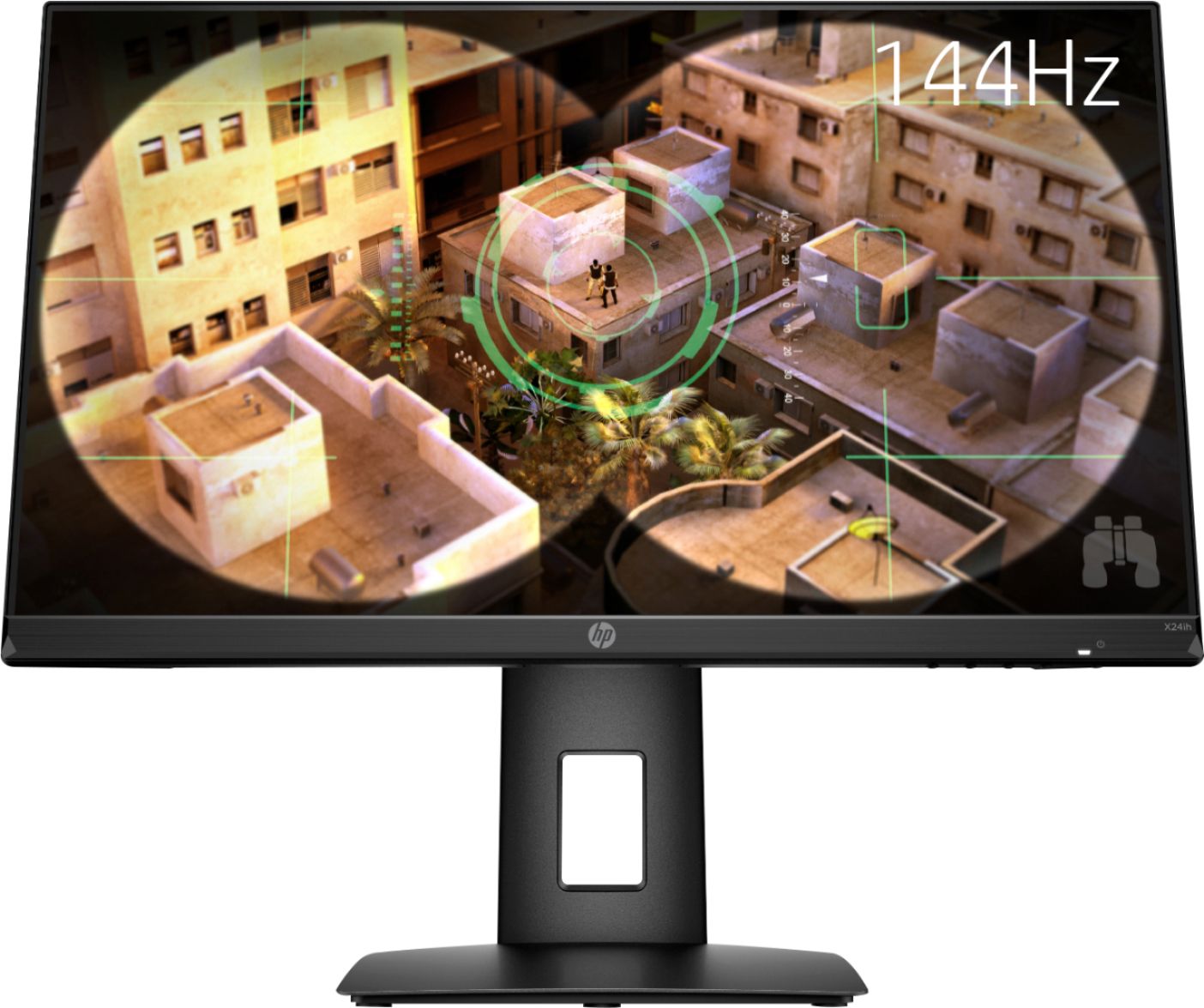
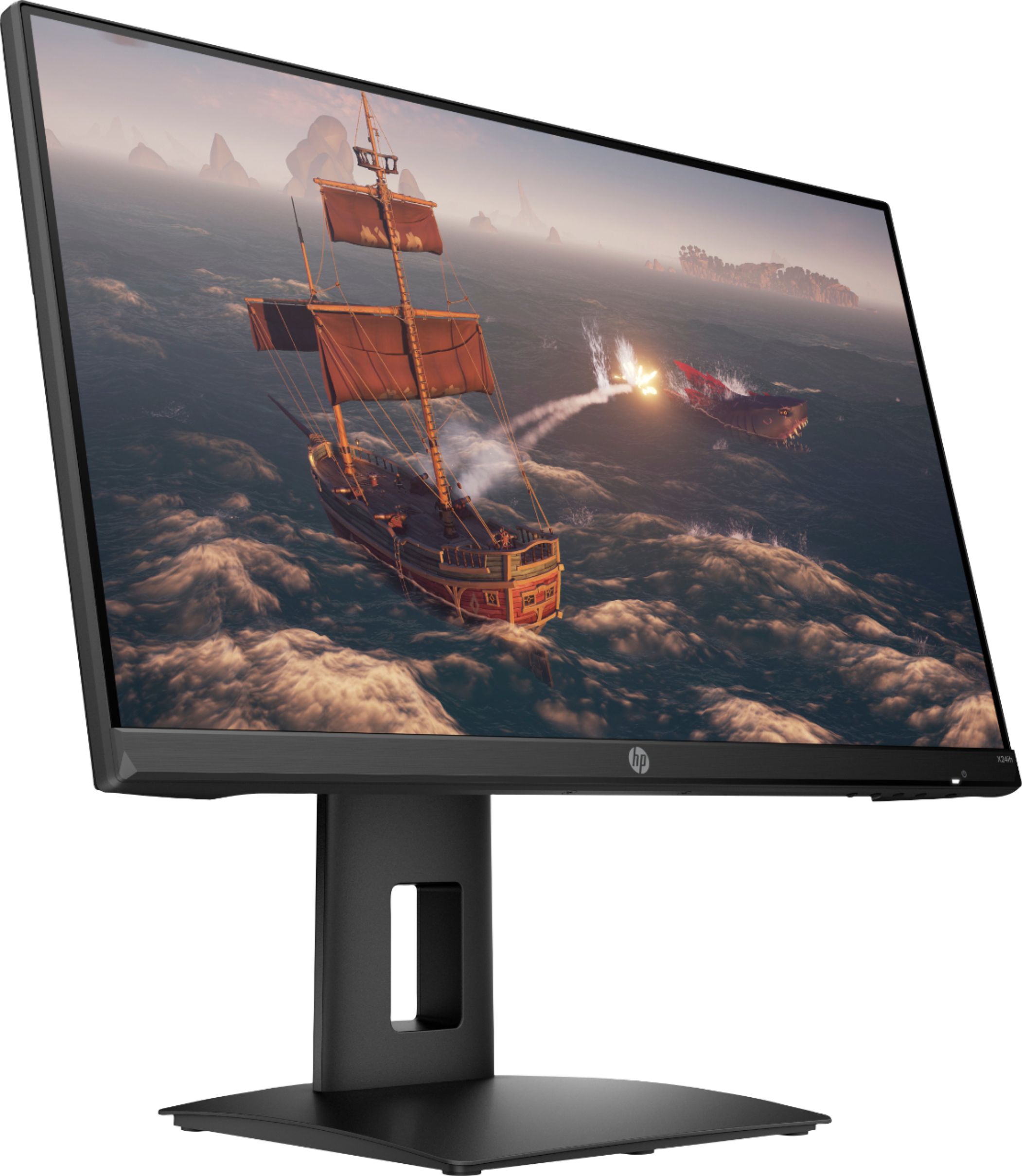
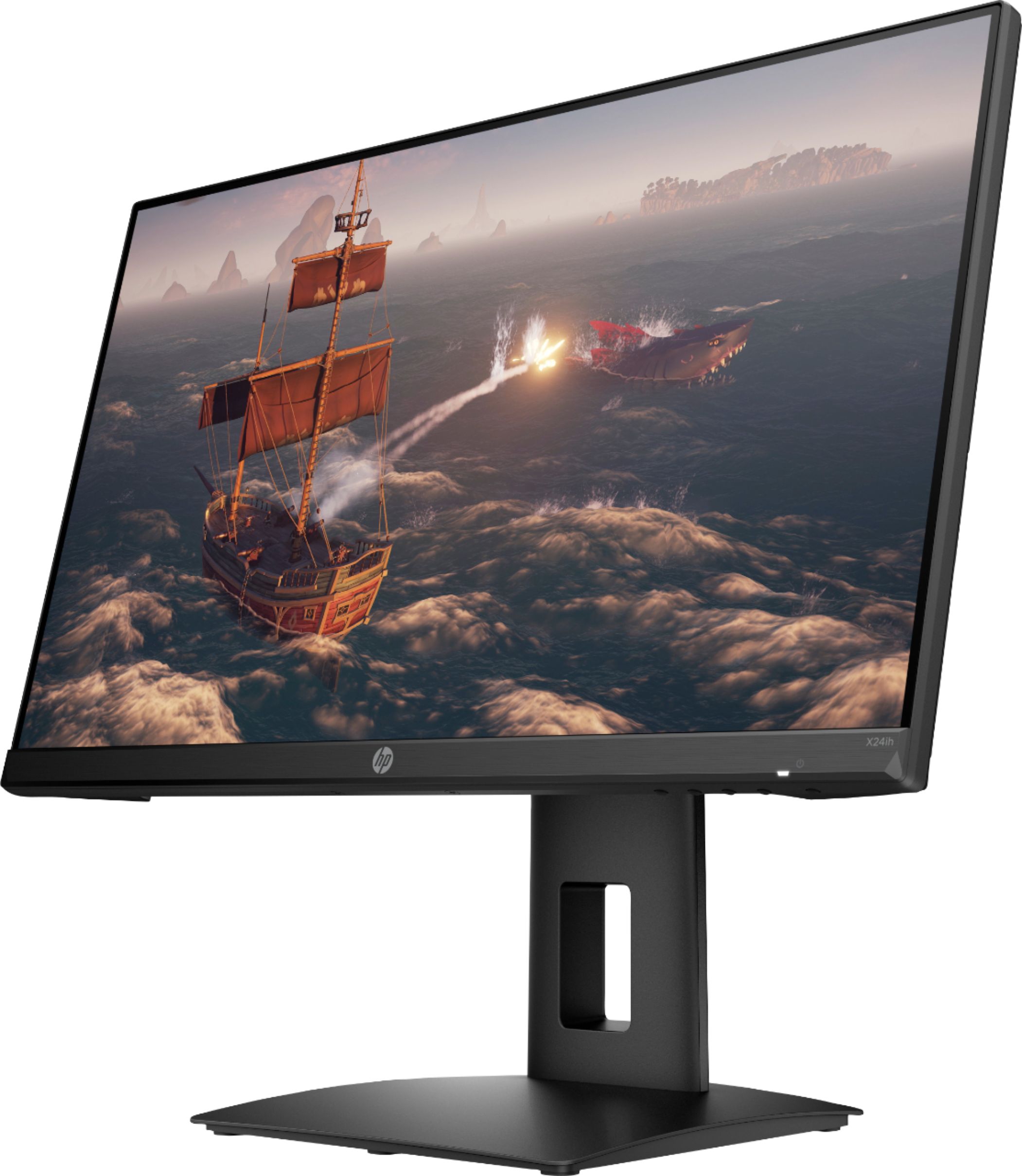
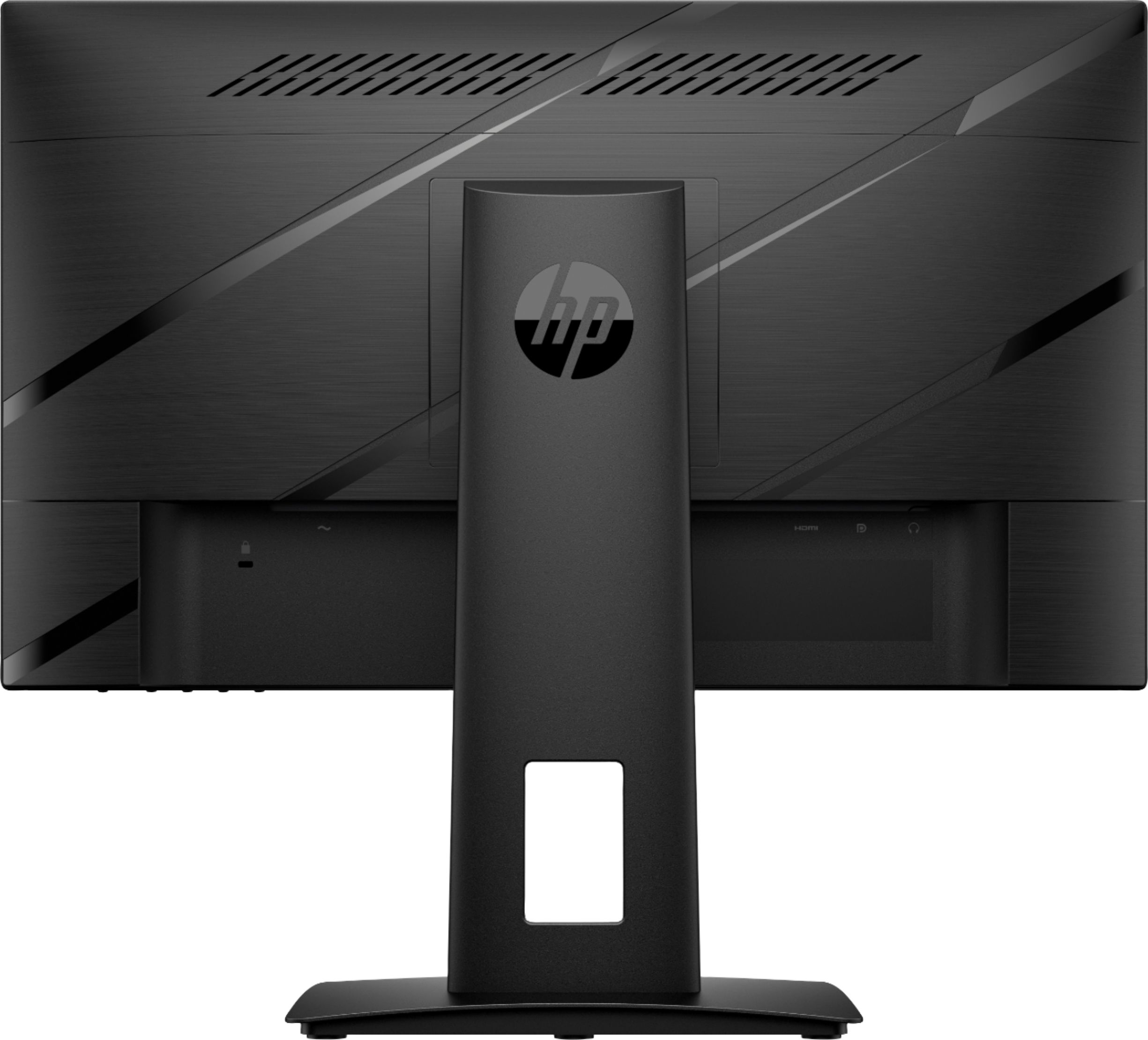
A:AnswerI suppose HP's answer was *KINDA* helpful, but not really.
Ignoring hardware considerations (if you're buying a 144hz monitor for the refresh rate and don't know if your hardware can support it....don't know what to tell ya)
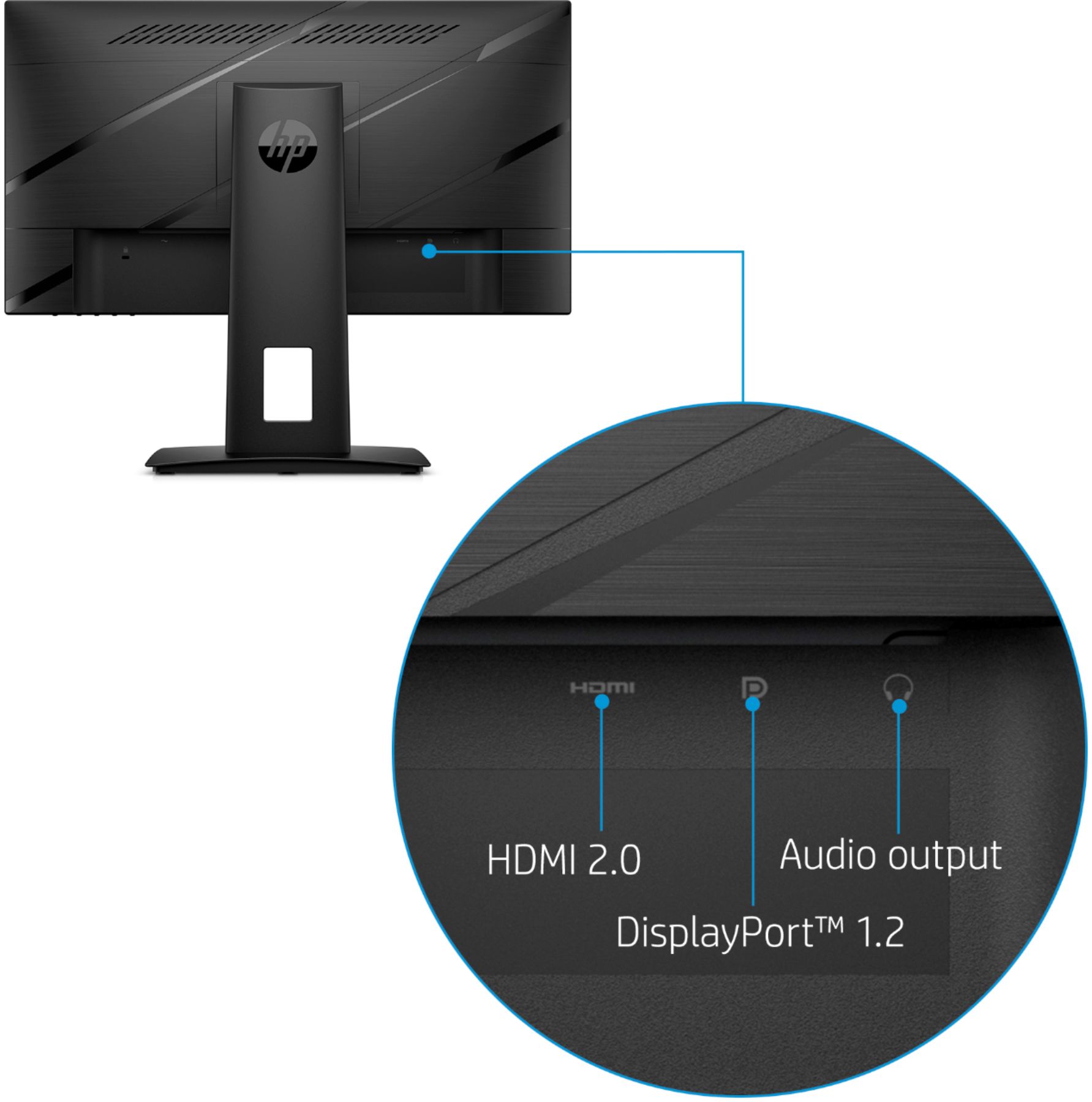
Connect your monitor to your computer:
Go to your display settings.
>>Go to advanced display settings
>>Select the X24ih monitor
>>Change the refresh rate
There ya go. That should be the problem for at least 80% of the people looking for this answer.
A:AnswerHey, I just got the monitor and ran into this problem. I figured out that you must go into the windows 10 settings to fix it. Settings>Display>Advanced Display Settings>choose the monitor in the display options>properties>monitor>properties>then you can change the refresh rate.