A:AnswerHyper X Tweeted about that we should check everyday there website becuase they were just recently unveiled so there trying there best to get it back in stock but they are doing what ever they can to get it soon
A:AnswerUSB microphones do not work with audio interfaces. They need a host device that provides data/communication. This mic does have to be plugged into the computer.
A:AnswerAny USB microphone can be hooked to any model of iPhone with the correct adapter. A USB-C to USB-C cable will be required to use the HyperX Quadcast with an iPhone.
A:AnswerThe HyperX Quadcast S has all the features of the Logitech Yeti mics - and more!
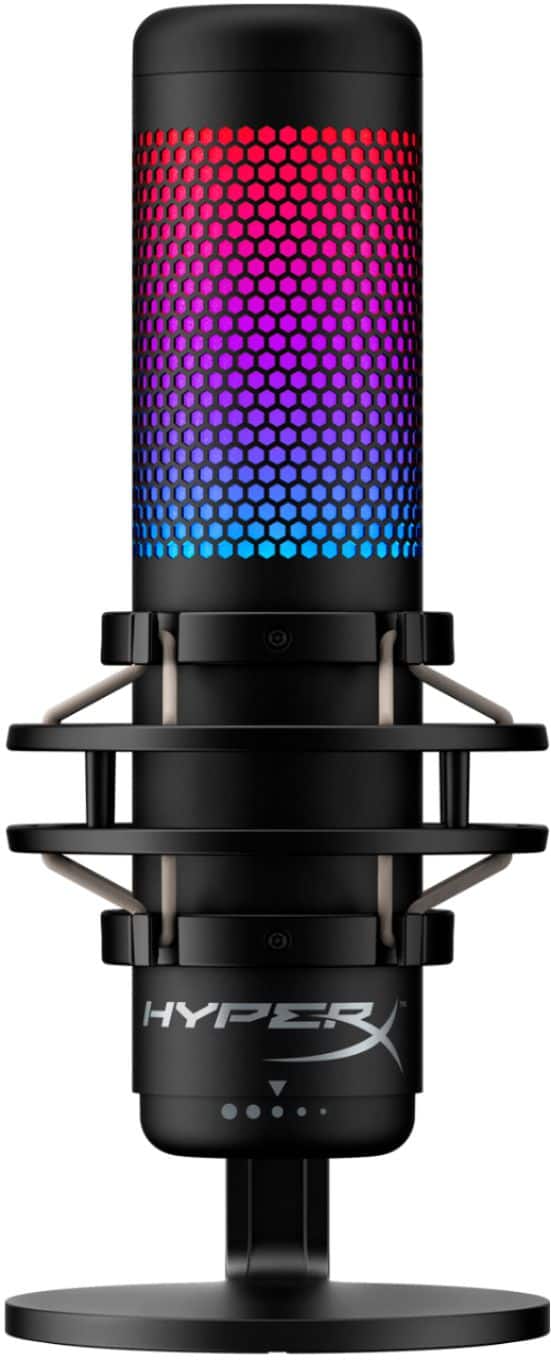
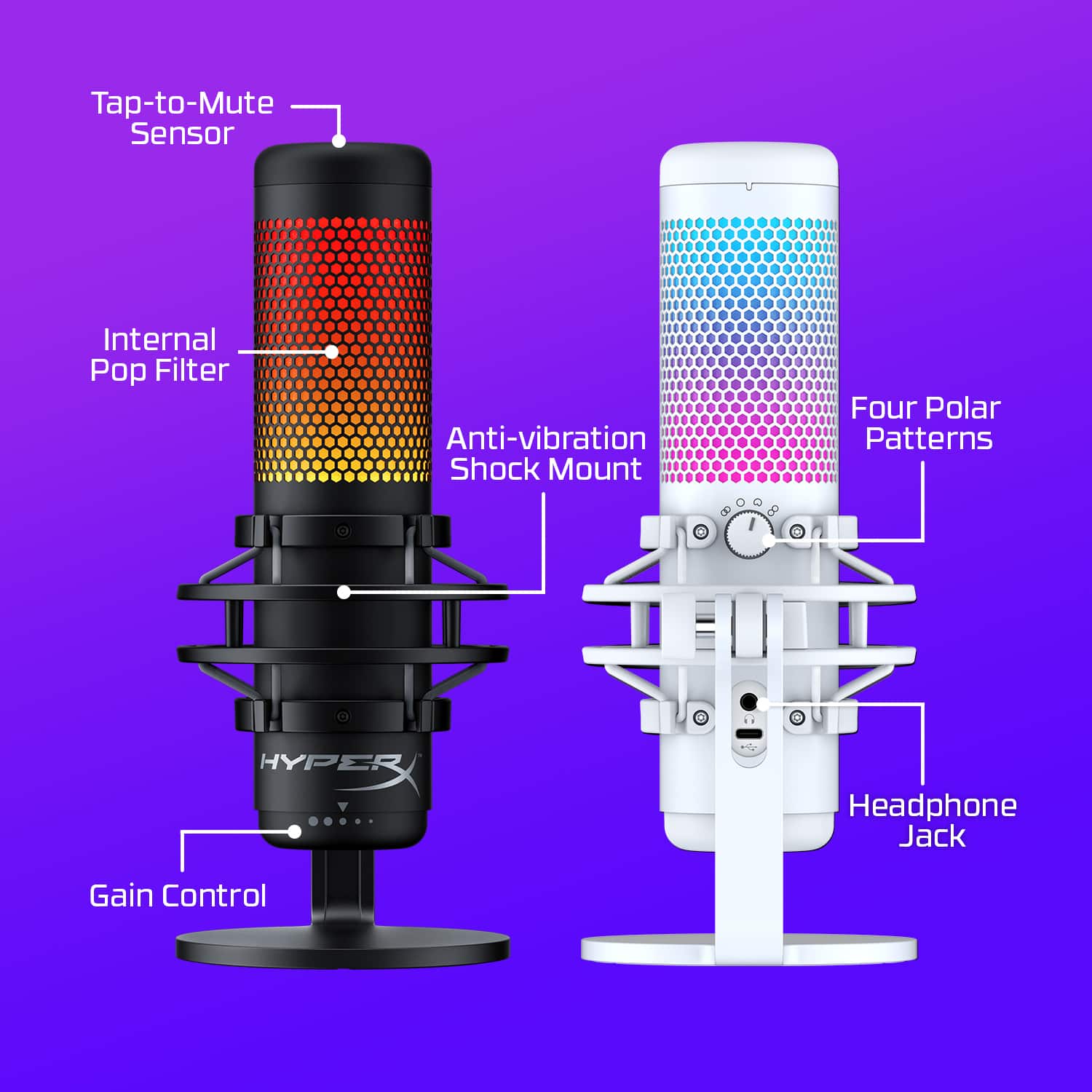
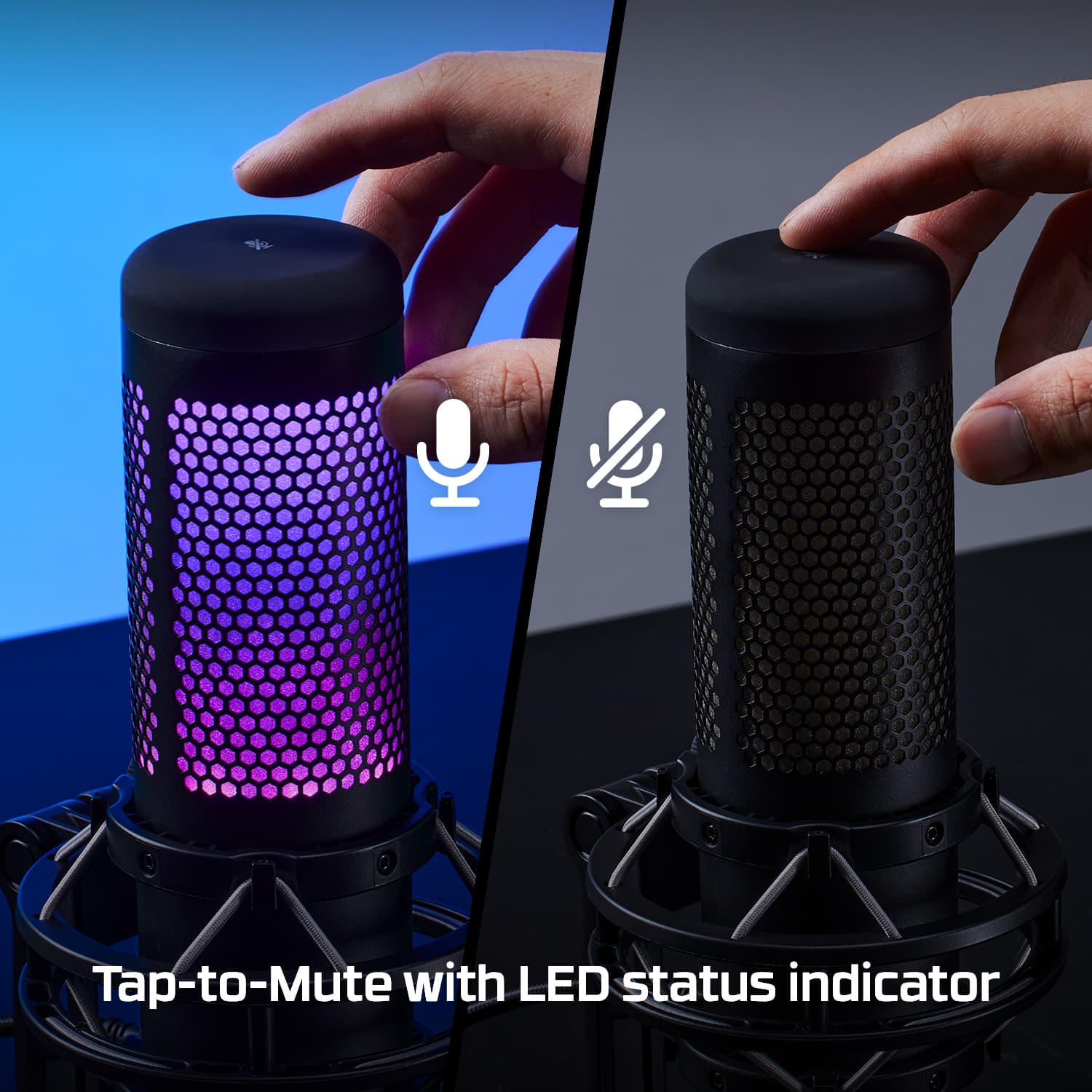
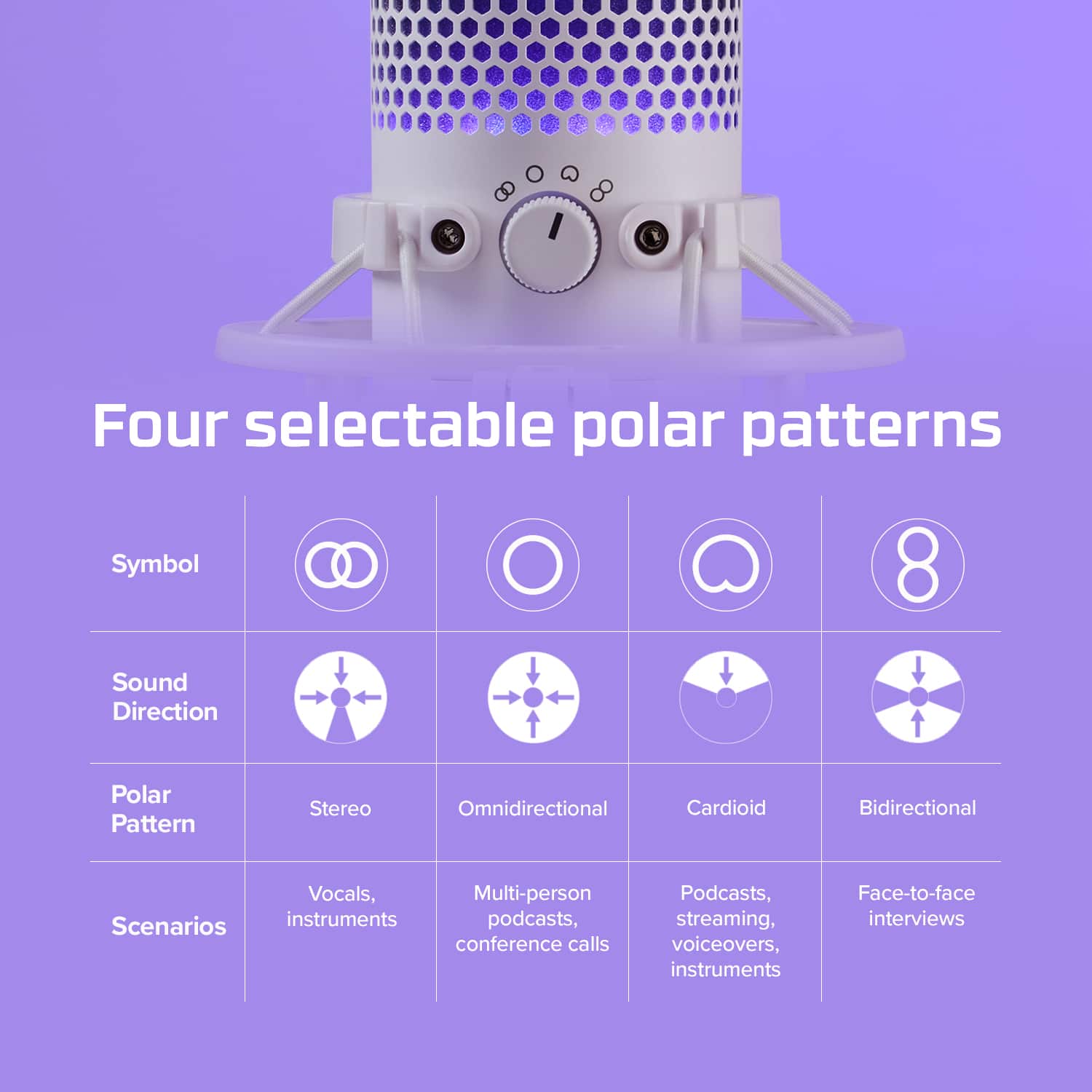
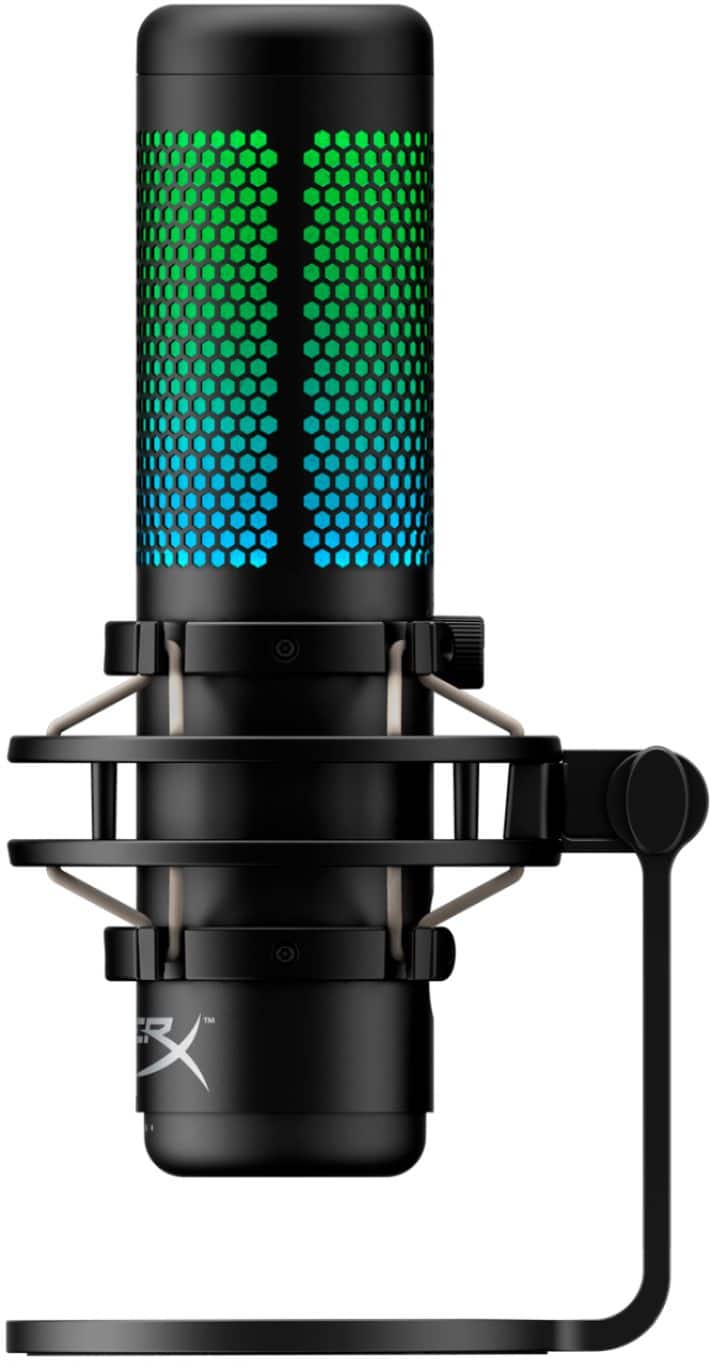
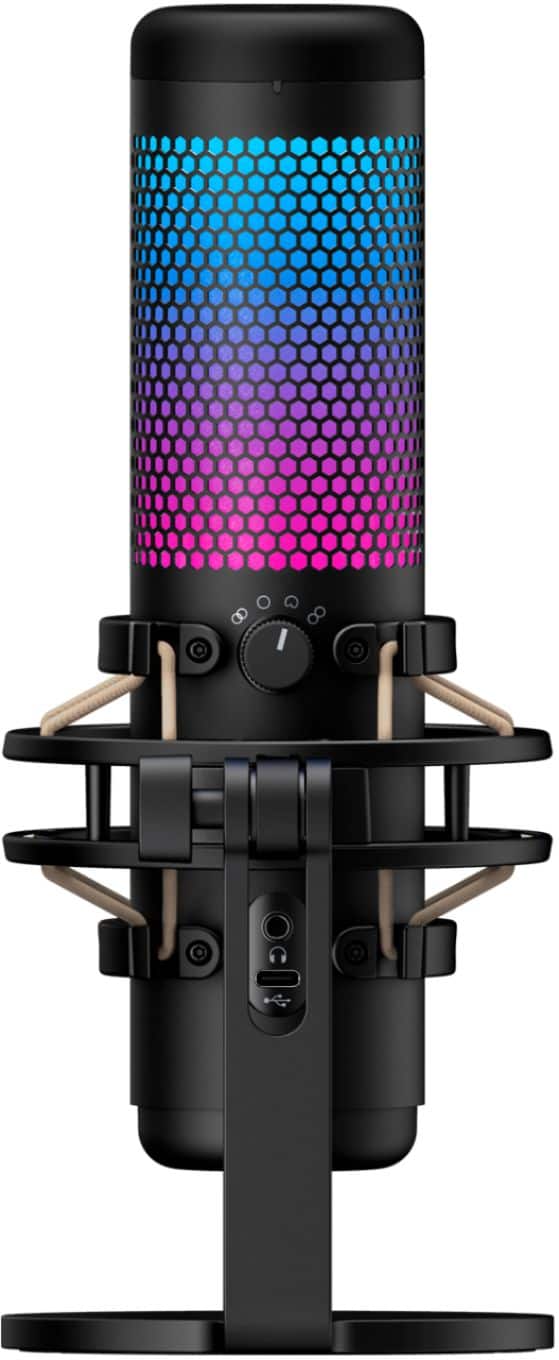
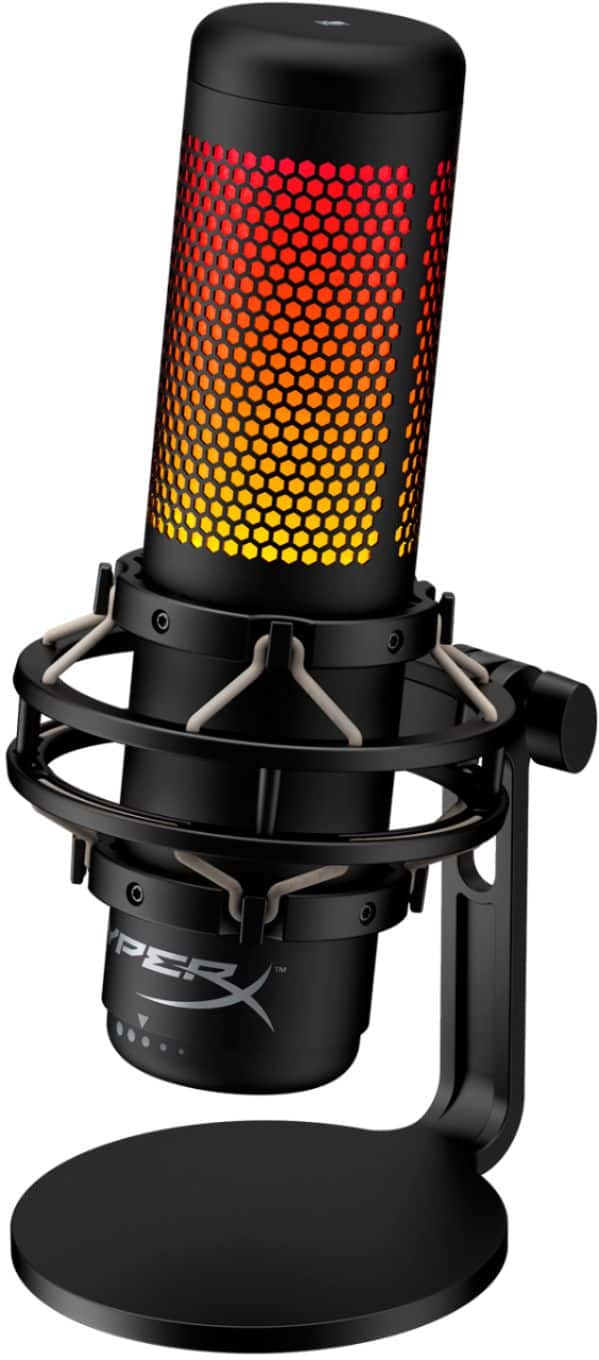
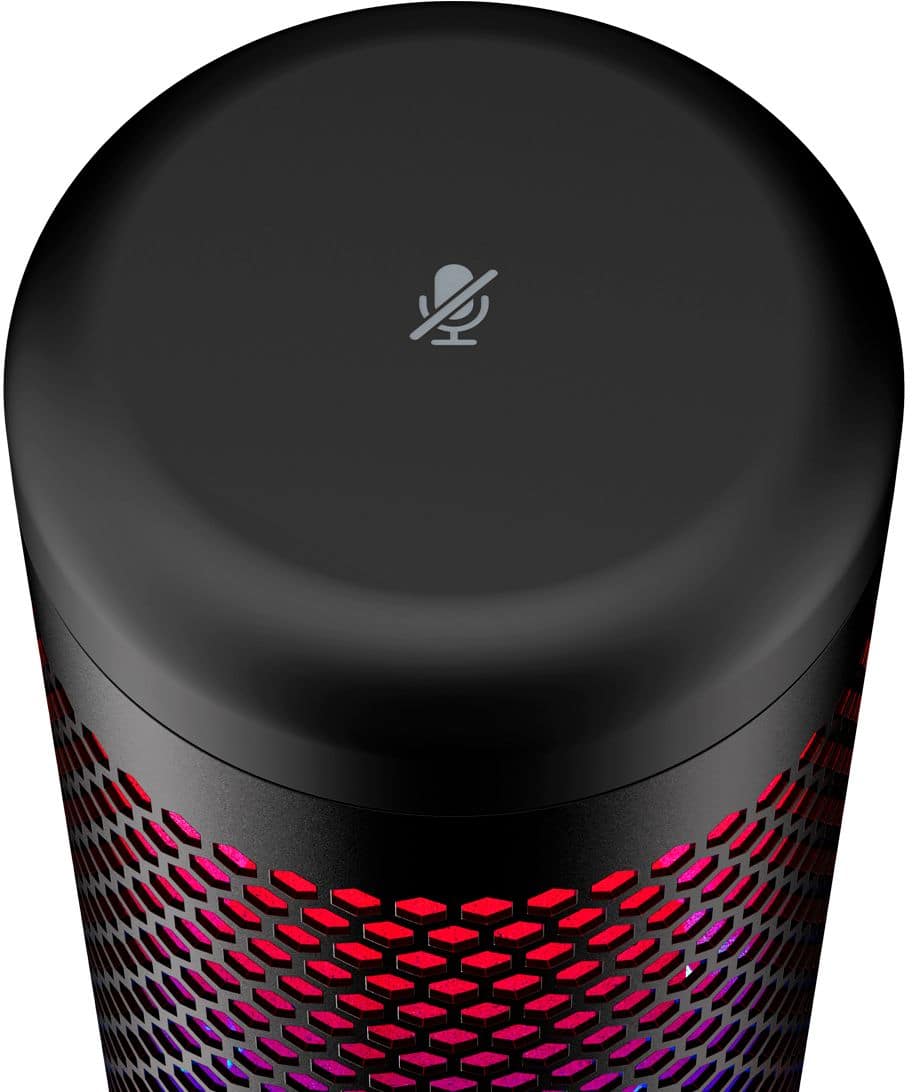
Not only does the HyperX Quadcast have the same multi-pattern selections and customizable software - it also has a built-in Pop filter, RGB LED lighting with tap-to-mute sensor and visual aide, and is mounted with a shock- and rumble-absorbing floating harness.
The HyperX QuadCast is the perfect choice for any streamer, podcaster, or professional that wants to add a little flair while keeping quality audio.
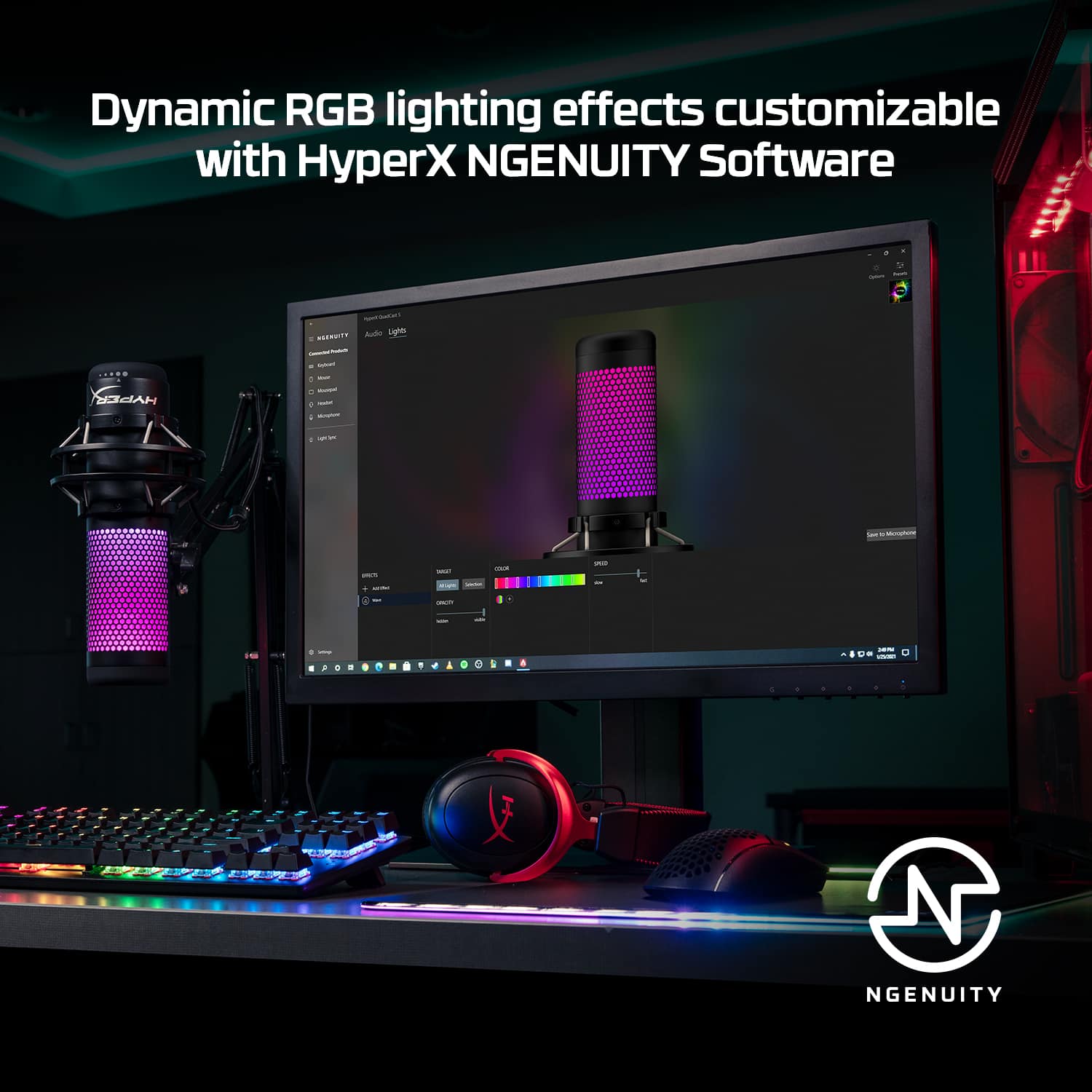
A:AnswerThere is software that can be downloaded to change the lights and I believe some audio settings can be changed. Not sure if those settings will transfer to console or not