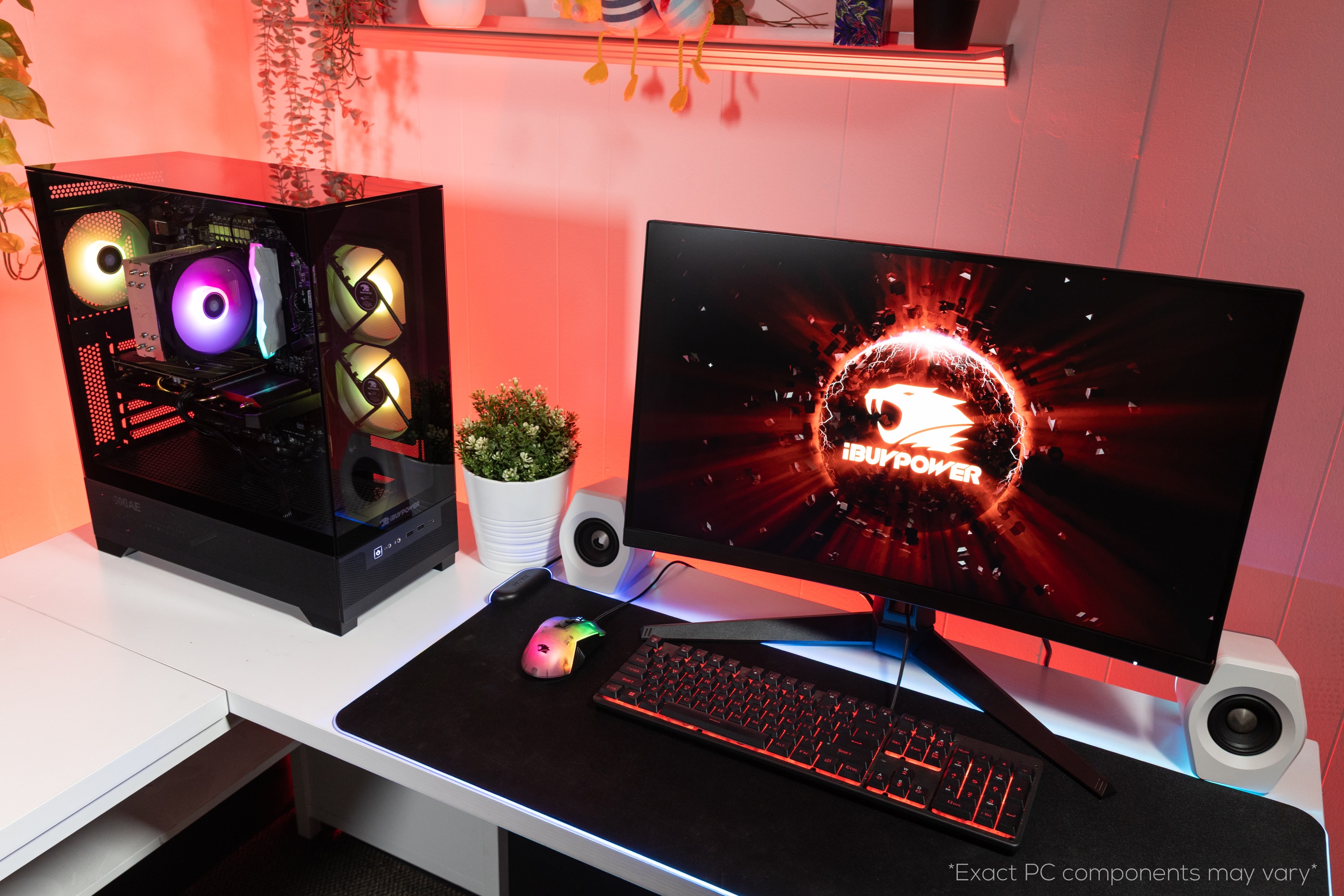
A:AnswerHello! Yes, all new iBUYPOWER PCs include onboard Wi-Fi 6 on the motherboard. We also include Wi-Fi antennae to help with the connection, though we always suggest using a hardline ethernet cable.
A:AnswerHello there! Yes, you can. These Gaming PCs include a 600 Watt PSU. While 600 Watts should be sufficient for the Radeon RX 9060XT GPU, it's still advised to upgrade your Power Supply Unit since this is an upgrade.
A:AnswerHi there! Sounds like you may be experiencing some sort of boot loop that's not supposed to be occurring. If you haven't yet, please reach out to iBUYPOWER Tech Support for troubleshooting or servicing support.
https://www.ibuypower.com/support
A:AnswerHello there. We're sorry to hear about the PC issues you're seeing. Although rare, PC components do fail from time to time. Thankfully, iBUYPOWER offers a 1 year manufacturer warranty! Reach out to our Customer Support so we can help troubleshoot or service your system.
A:AnswerHello there! An iBUYPOWER wired RGB gaming keyboard and mouse come included with this PC. If you've already got your own peripherals, we suggest keeping the included keyboard and mouse as a backup in the future.
A:AnswerHello there! Sorry to hear of the PC issue you're experiencing. This sounds like the motherboard pin connector for that specific USB port may have jostled loose during shipping. We suggest reaching out to iBUYPOWER Tech Support when you're able to troubleshoot and see if it needs servicing.
https://www.ibuypower.com/support
A:AnswerHello! You're more than welcome to upgrade and change the components of the prebuild post purchase, just note that any adjustments made to the configuration of the prebuild will result in voiding the warranty. You can check for any compatibility issues with your proposed upgrades with PCPartPicker
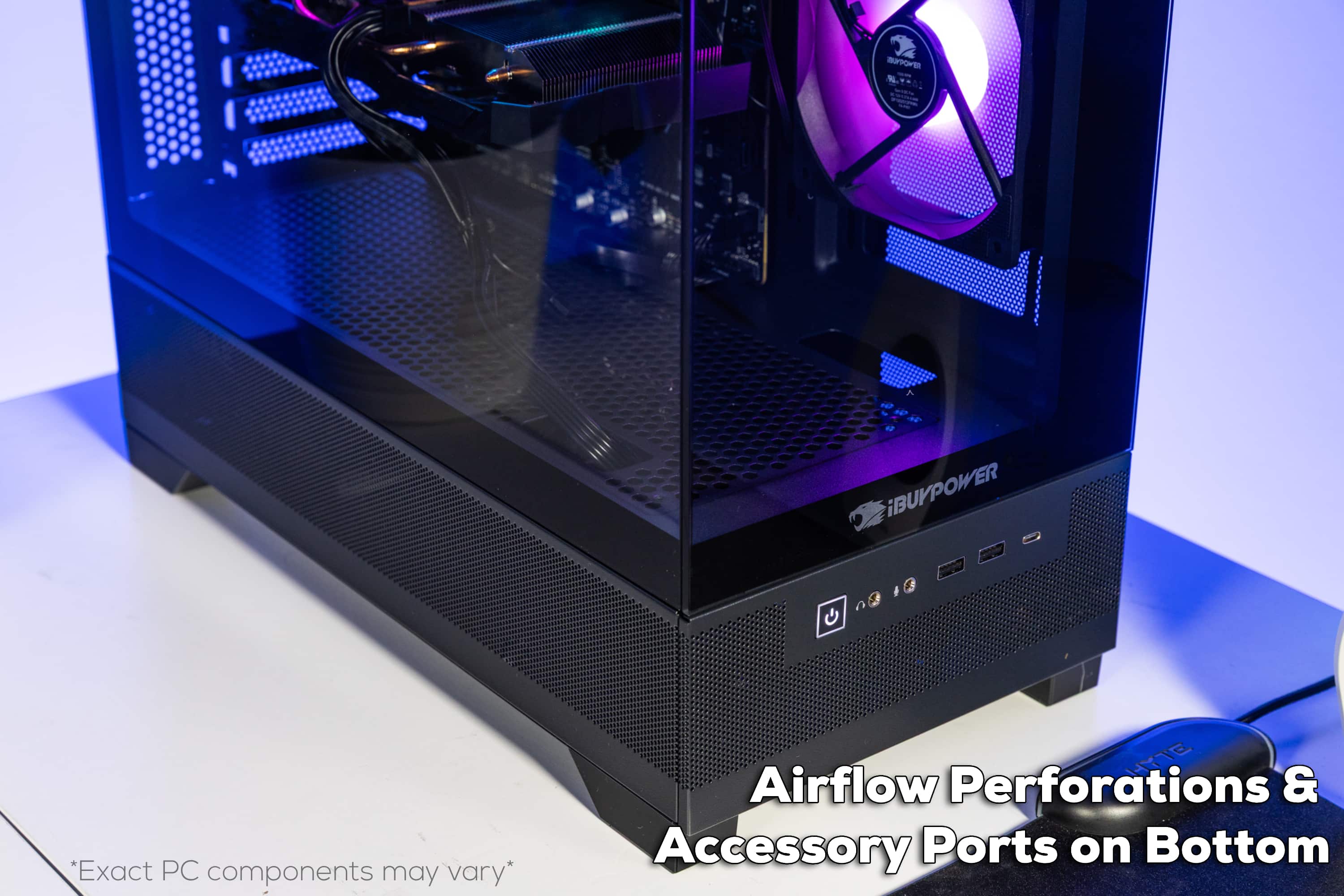
A:AnswerHello! You can check out the specifications tab for more information. In general, the prebuild system will have 4x USB 2.0 Type A, 5x USB 3.2 Gen 1 Type A, and 1 USB 3.2 Type C port. For the GPU, it will have 1 HDMI port and 3 DisplayPorts.
A:AnswerHello! First, please ensure that your HDMI cable is plugged in to your GPU and not the back I/O panel. Second, please double check which channel your HDMI cable is plugged into your monitor, and adjust your input as needed. If that does not work, please also make sure that the GPU is fully inserted into the motherboard. If the issue still persists, please contact our iBUYPOWER Tech Support desk on our website https://www.ibuypower.com/support/contact-us so we can help troubleshoot!