A:AnswerHello,
We would not recommend this system as it does meet the recommended specifications for Arma 3 and Squad. Thank you and please let us know if you have any other questions!
A:AnswerHello Jaime,
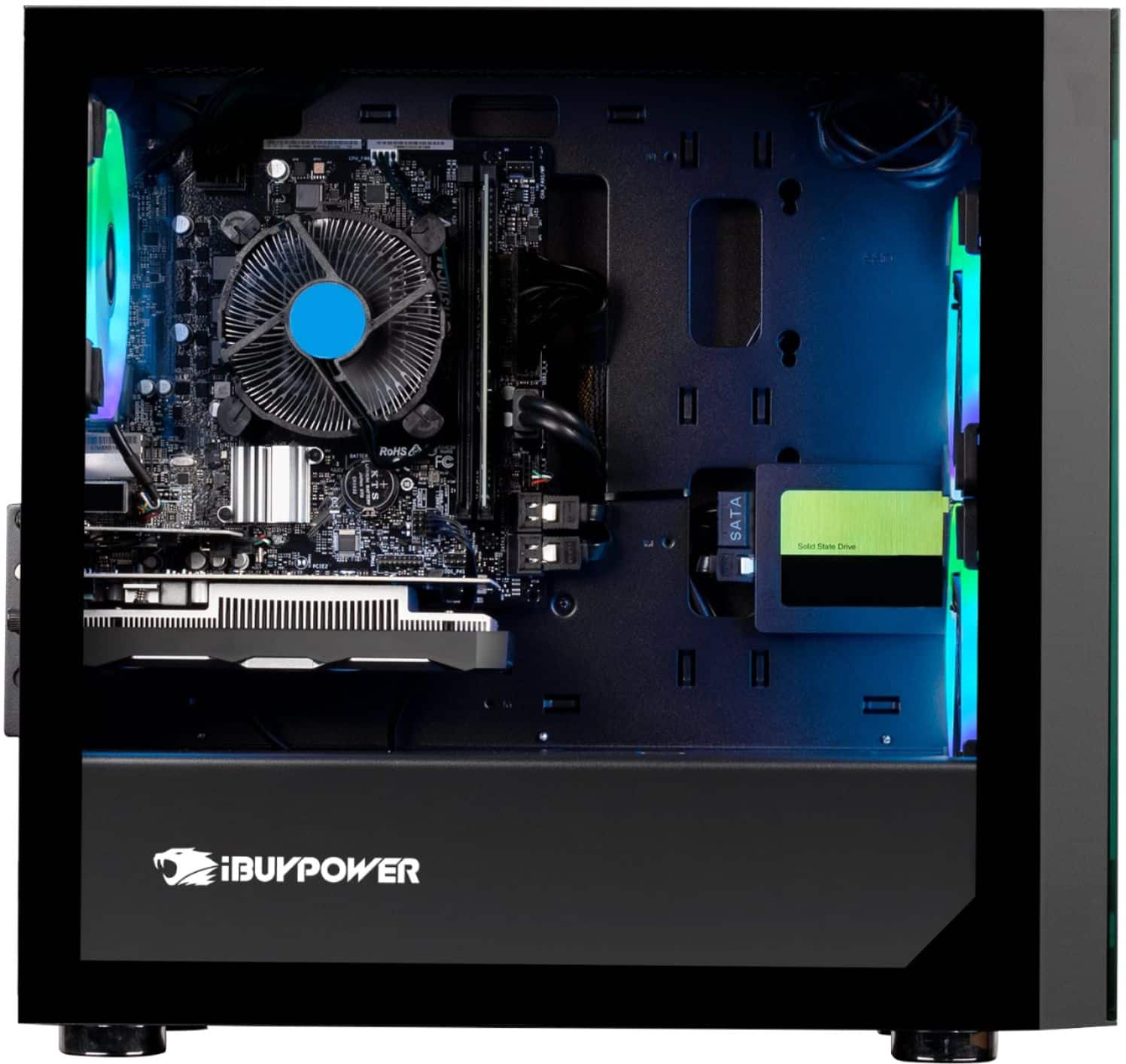
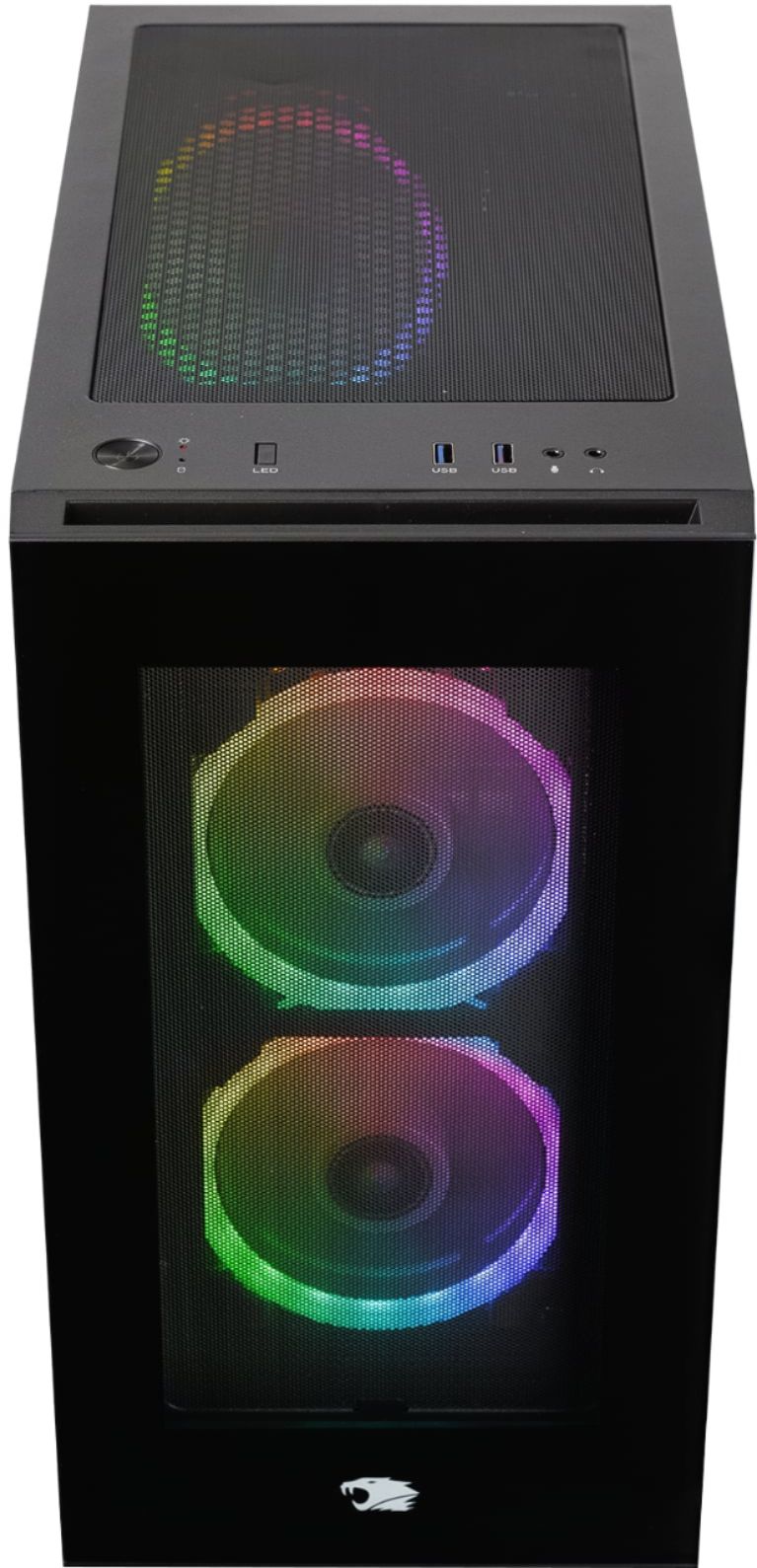
We are sorry to hear you have some malfunctioning lights. Here are a few things you can try. Download ASRock RGB Sync off the ASRock website, and mess around with the lighting software to see if that turns them on. Another option is you can open up the case and look for any loose wiring from the lights, this is usually the issue since wiring can come loose during shipment. If that still doesn't work, feel free to contact our Tech Support at (888)-618-6040 and they will be able to further assist you. Our Tech Support hours are Mon-Fri from 8:30am-5:00pm PST. Thank you!
A:AnswerHello,
Yes, this PC is fully upgradable, you can change out any parts including the CPU. Thank you and please let us know if you have any other questions!
A:AnswerHello Mikey,
We use various motherboards for our systems depending on what we have in stock at the time of assembly, so unfortunately we cannot provide information on the brand of motherboard. Thank you and please let us know if you have any other questions!
A:AnswerHello Andrew,
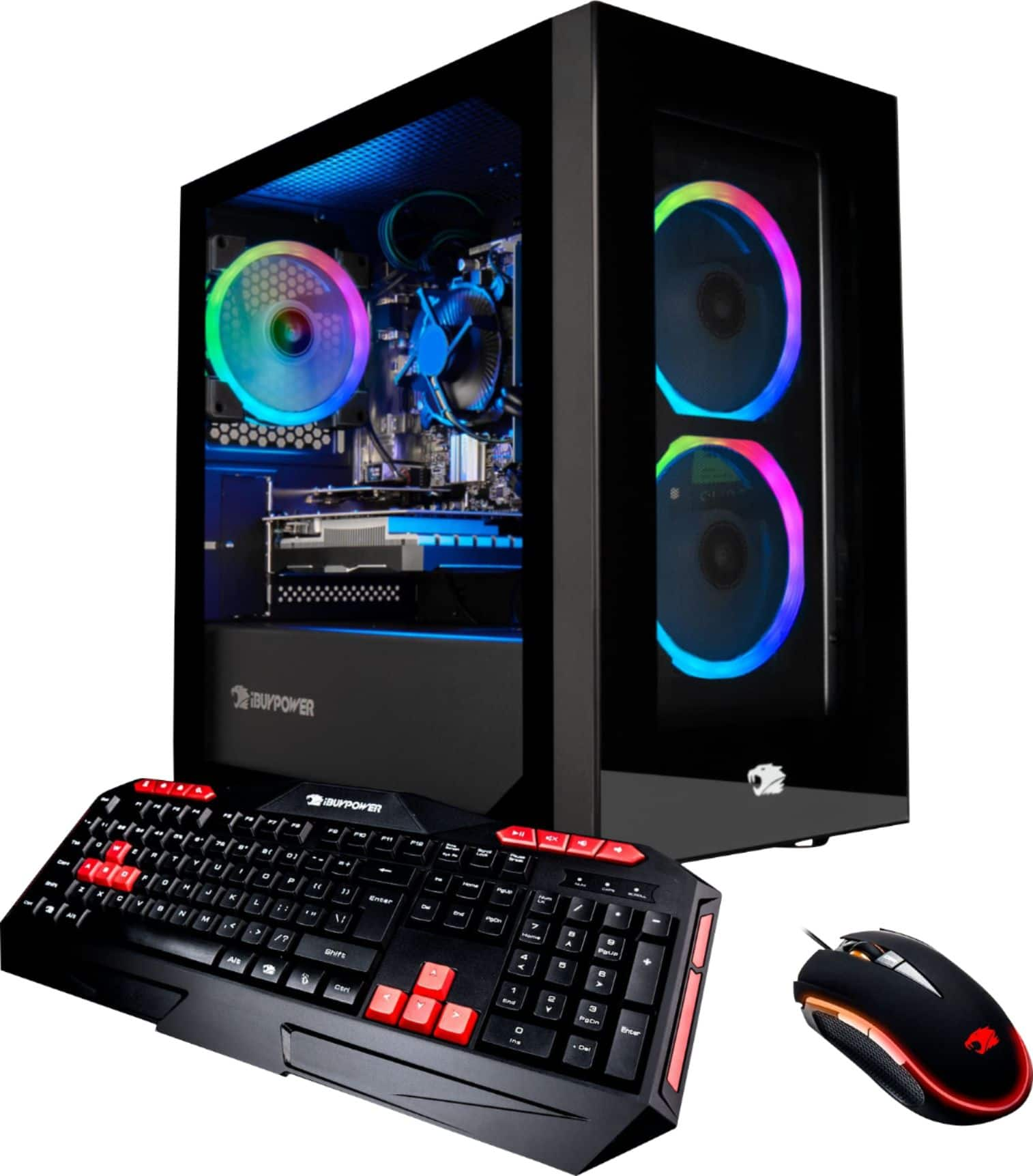
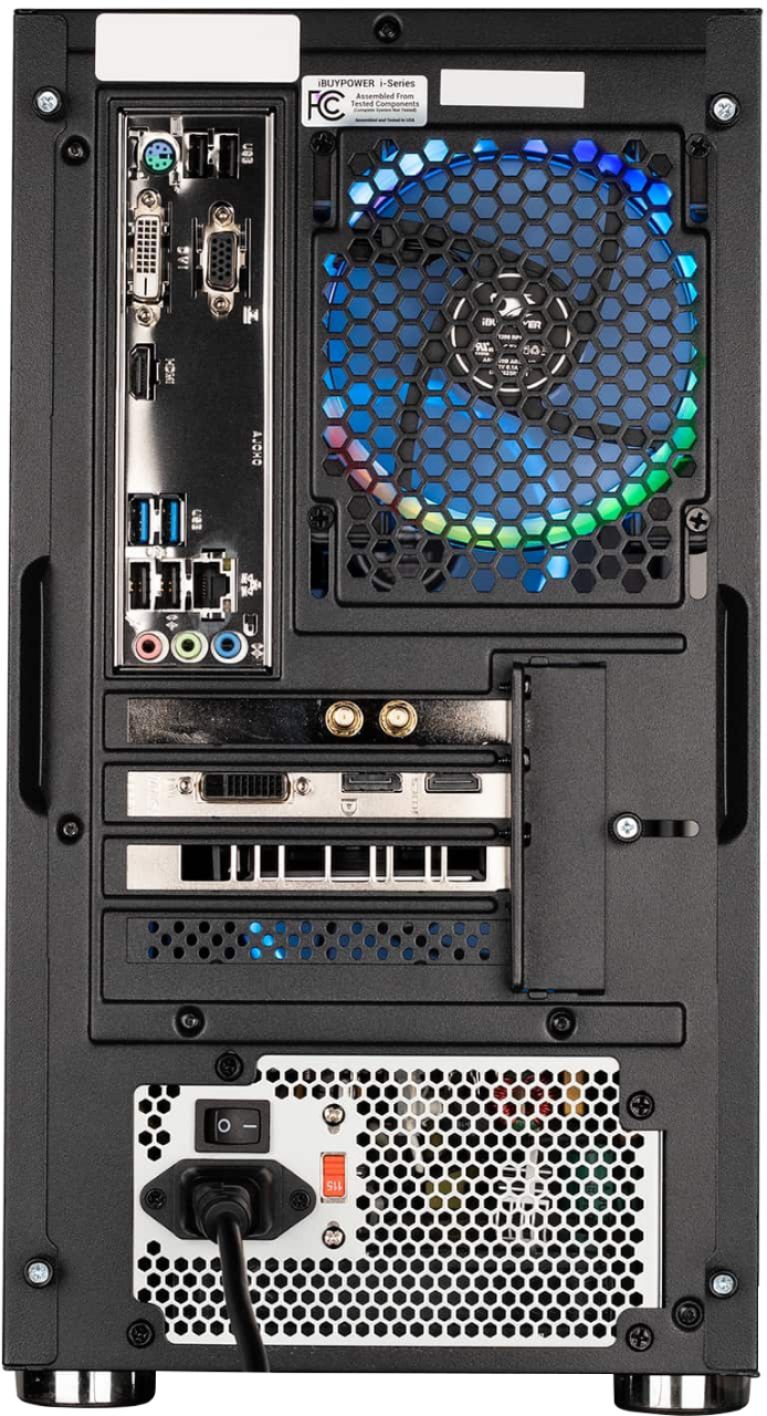
Yes, this system comes with a WiFi adapter which you can install at the back of your system to connect to your internet wirelessly. This system does indeed come with the keyboard and mouse shown in the picture. Thank you and please let us know if you have any other questions!
A:AnswerHello there,
Yes, all of our systems come ready to plug and play with all components already installed. Thank you and please let us know if you have any other questions!
A:AnswerHello Ethan,
We would not recommend this system for Planet Zoo as it does not meet the official minimum or recommended requirements for running the game. Thank you and please let us know if you have any other questions!
A:AnswerHello there,
This computer is tested and built to last. Additionally, it is fully upgradable, you can change out any parts. Hope this helps and please let us know if you have any other questions!
A:AnswerHello there,
To replace the processor, you would need to take off the side panel and remove the current CPU cooler on top of the processor. We would recommend using PCPartPicker to play around with builds you are thinking of, as the site provides good information regarding part compatibility. Hope this helps and please let us know if you have any other questions!