A:AnswerHello,
Please make sure you are plugging in the monitors to the graphics card and not the motherboard. We also suggest trying this monitor with other devices to see if it is a monitor issue. If this still does not work, please contact our tech support at 888-618-6040 and they will be able to assist you.
A:AnswerHello,
This PC can handle gaming and streaming at the same time. As far as specs go Twitch, recommends having at least an Intel Core i5-4670 processor or its AMD equivalent, 8GB of RAM and Windows 7 or newer. Unfortunately, we are unable to provide a specific FPS number as that does depend on your game settings.
Best,
iBUYPOWER Sales Team
A:AnswerHello,
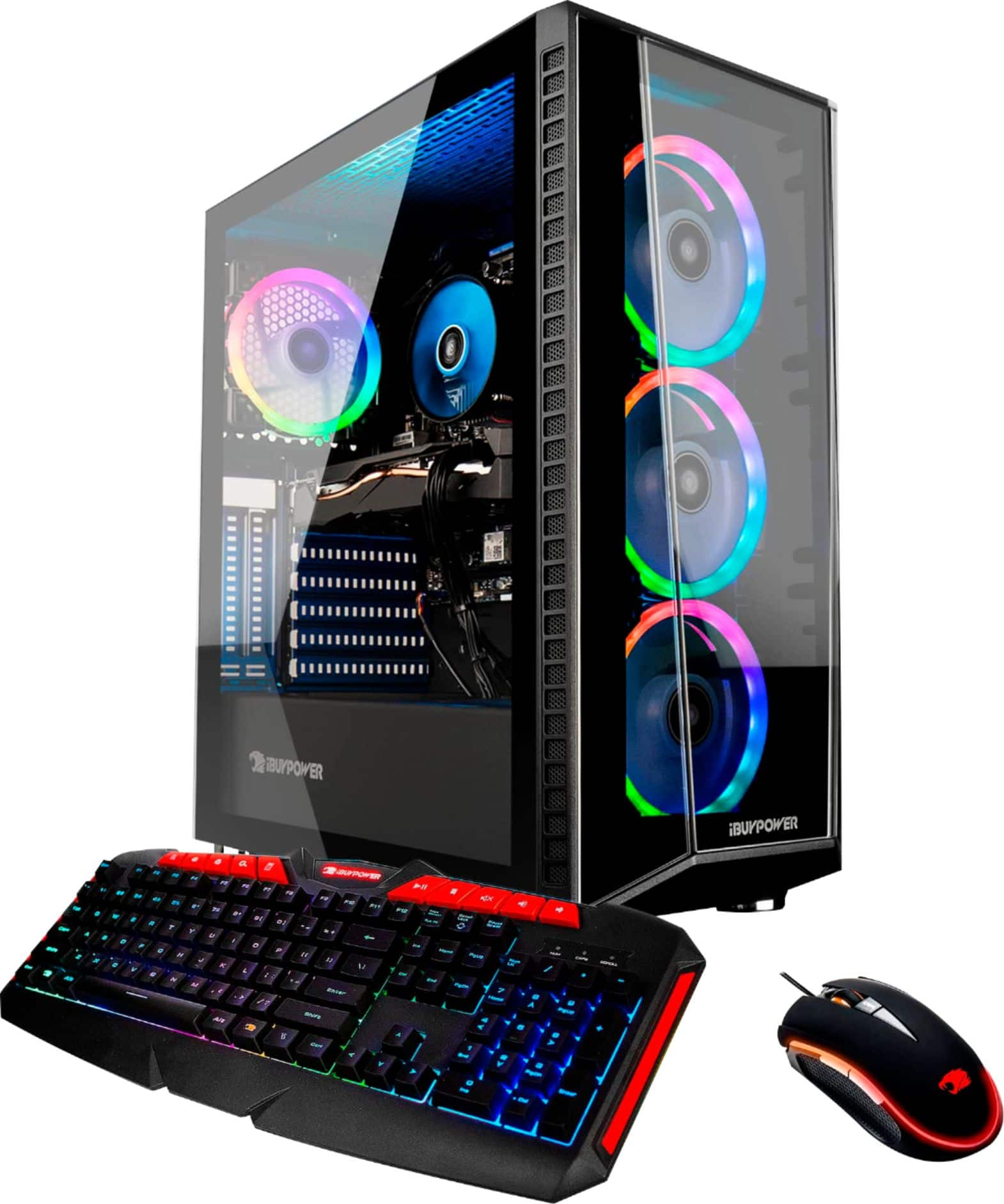
Depending on what game you are playing, a 240hz monitor could work well with this PC. The number of USB ports depends on what motherboard model your system comes, but it is usually around 6-8.
A:AnswerHello,
The motherboard BIOS can be accessed as your PC is starting up, just follow the instructions on the screen after you power on your computer. You can adjust your fan settings in the BIOS.
A:AnswerHello,
We use a variety of PSU models in our systems so we are unable to specify exactly which brand your PC will come with. It comes with all your standard power cables.