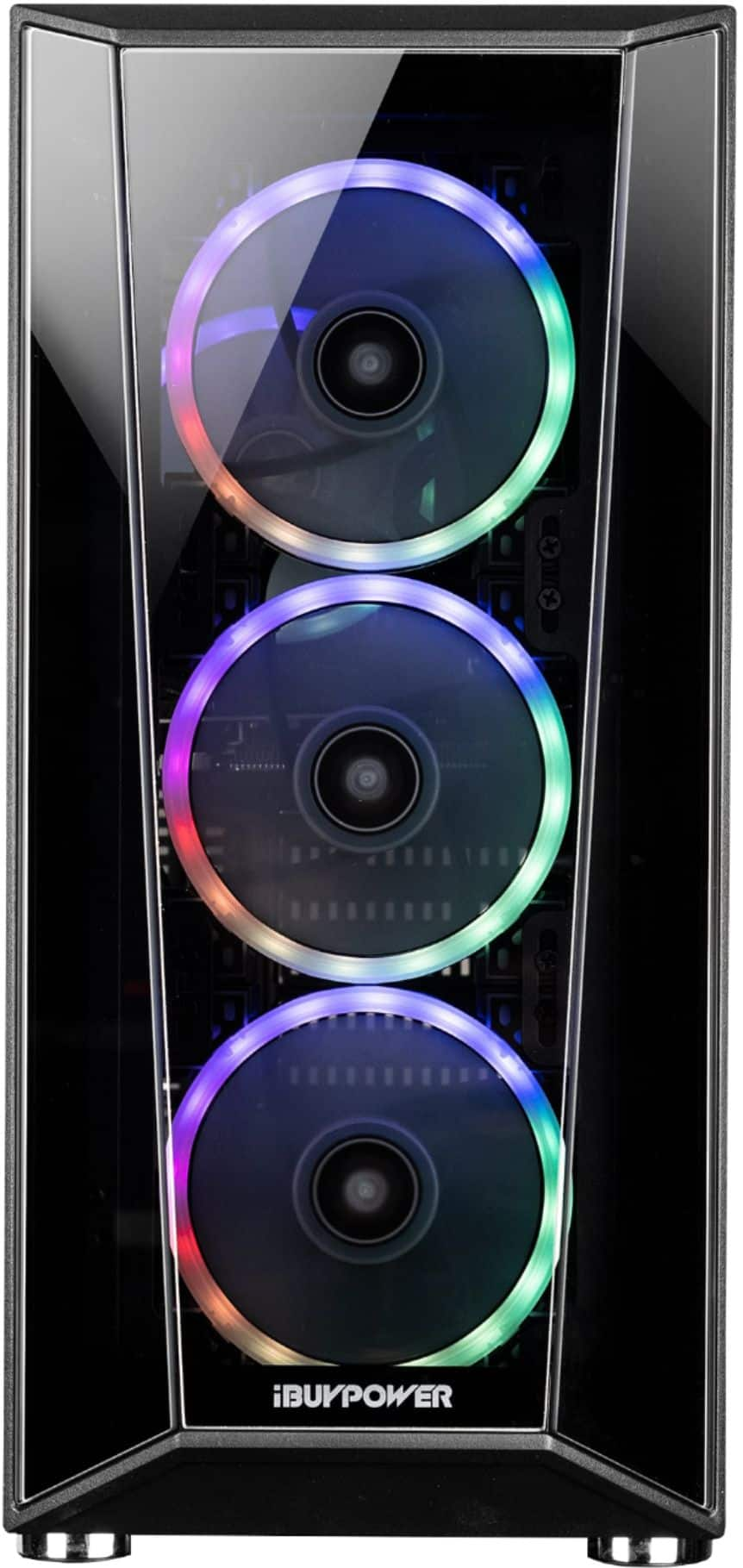
A:AnswerI’ve personally not used this PC on Wifi, just with the Ethernet cable. From what I read from other’s reviews as well, it is not great on WiFi. I would suggest plugging in an Ethernet cable by any means, even if it means buying a 50’ cable
A:AnswerAs long as there are no vents blocked in the position you choose, horizontally or vertically, there shouldn't be any problem.
Air flow won't be affected by gravity acting on it. :)
This is from decades of personal experience in the IT industry.
You are not going to hurt it by laying it over.
A:AnswerHello,
In order to connect more monitors, you would have to purchase additional monitor cables. For example, if your other monitor has a DisplayPort, you can buy a DisplayPort cable to connect it to the other open ports on the GPU. You would also buy an HDMI to DisplayPort cable if your monitor only uses HDMI.
A:AnswerHello,
It is not unusual for fans to get loud, but they should not be rattling, You can contact our tech support at 888-618-6040 and they can help you identify the issue!
A:Answerif you are in the US its 110V. So yes. If you are anywhere else in the world, check the power voltage output on the PCs power-supply box (rate goes from low<high). What is written on it (inside the computer power supply). Should be able to handle it, but you definitely may need another power cable that has the European plug. (that is inexpensive.)
A:AnswerHello,
The RGB software should be the one that your motherboard manufacturer uses. So for example, if your system has an ASROCK motherboard, you would download ASROCK's software. If you are having trouble with the download, please contact ASROCK as it is their software and they would be more knowledgeable on any errors!
A:AnswerHello,
The exact number of USB ports depends on what model motherboard your system ships with, so unfortunately we are unable to give an exact number. If you look under the specifications tab, the number listed there is around how many your PC should come with