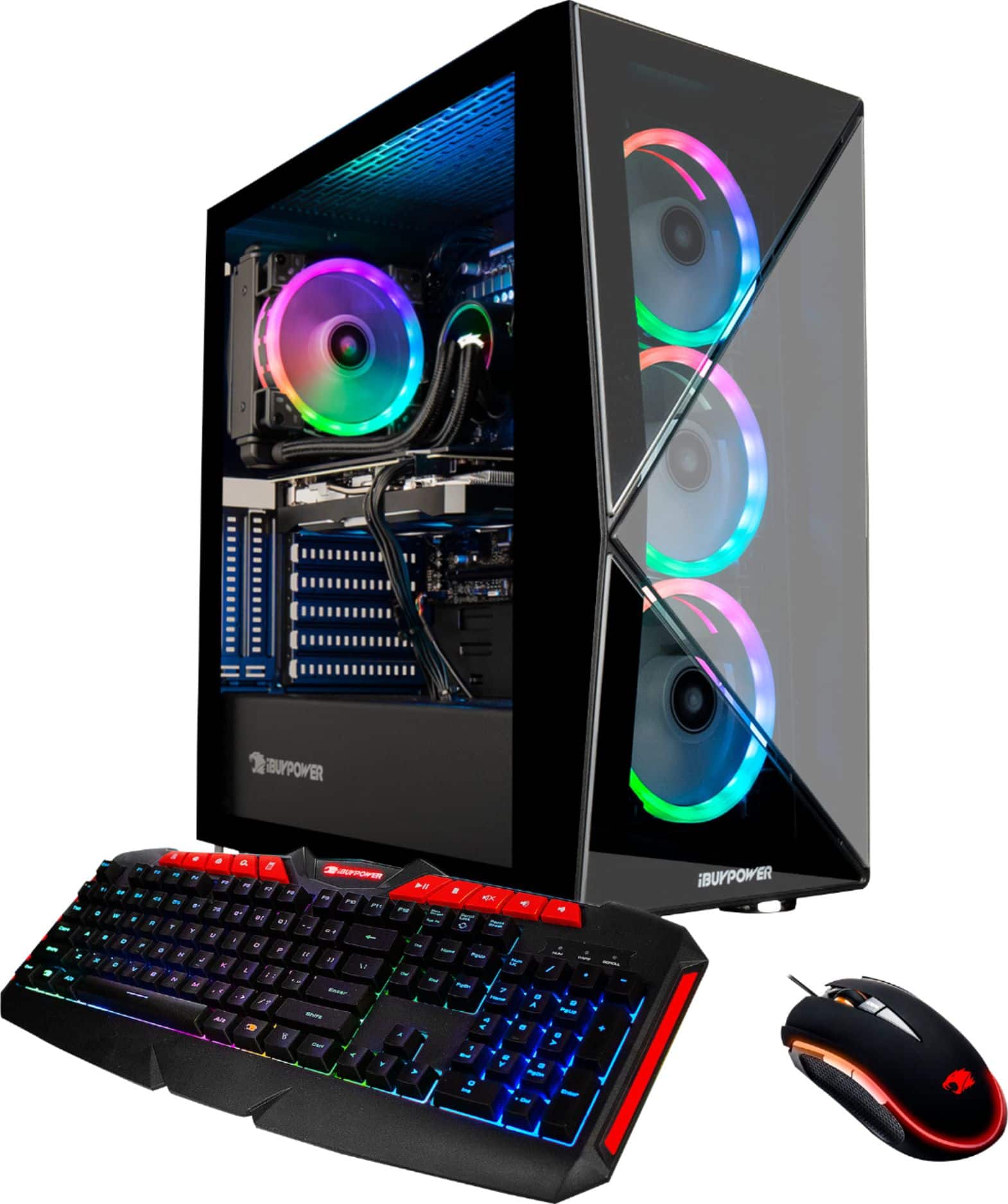
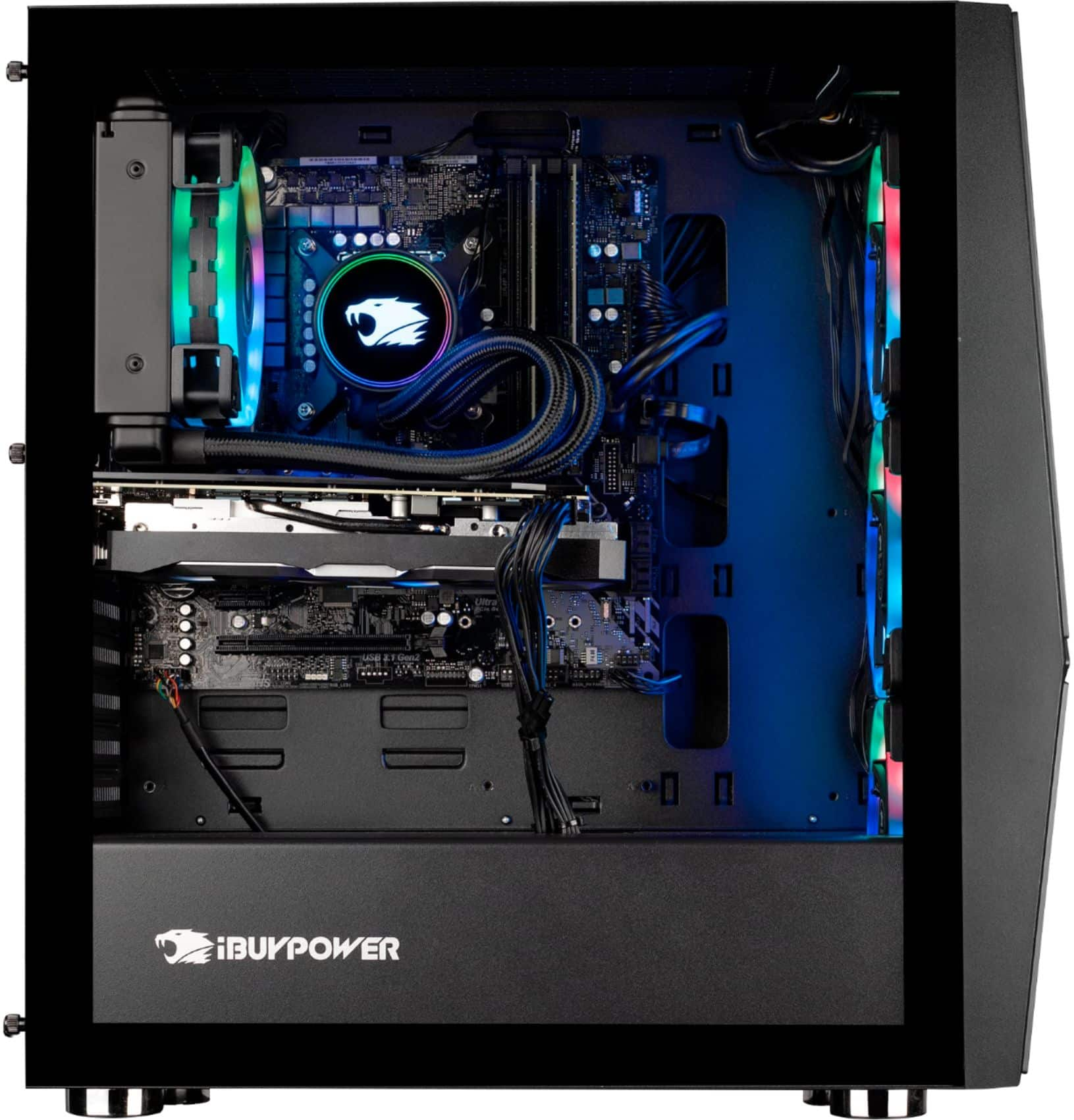
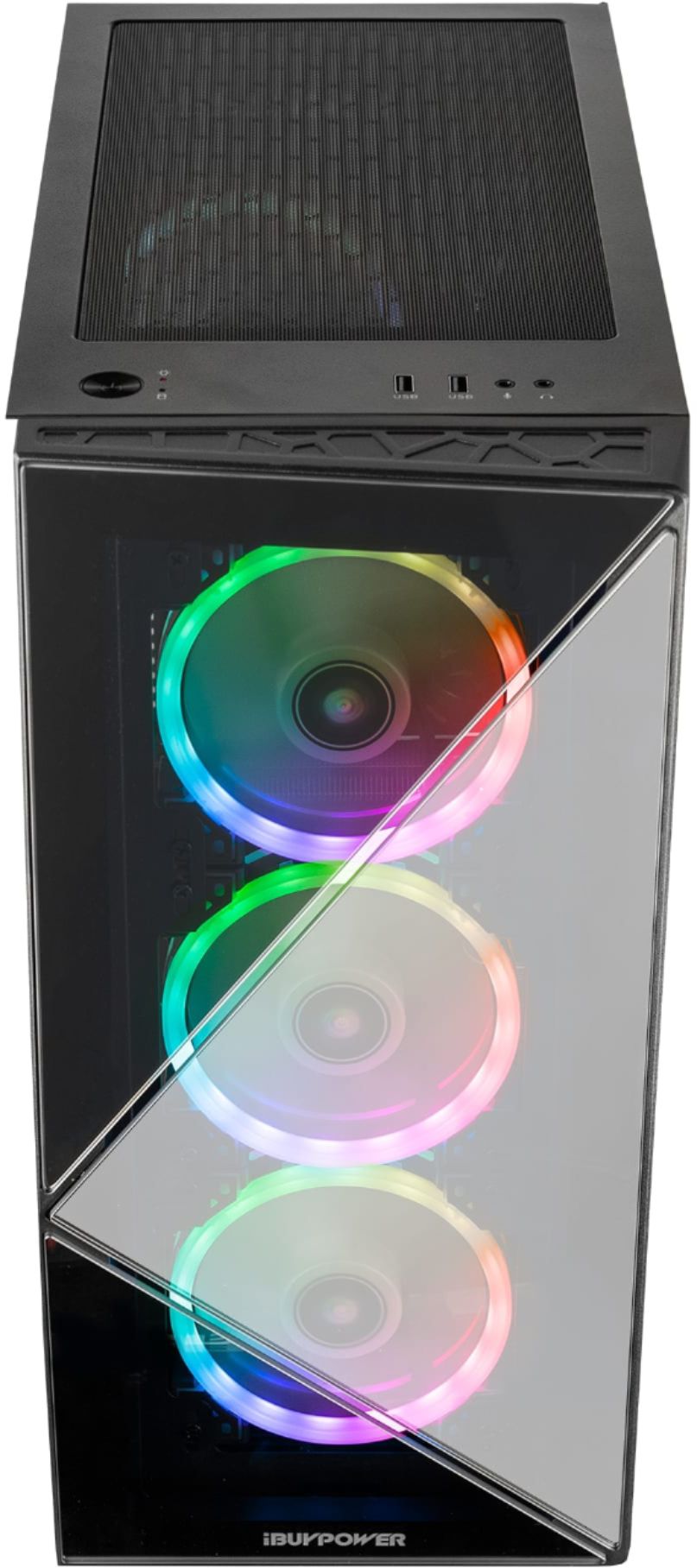
A:AnswerHello, This model will be going in and out in the next few weeks as we ship out units to Best Buy. You can contact your local store to inquire about when they expect to receive more!
A:AnswerJust keep checking the page once in a while. I’ve seen it sold out at one point and then available an hour or so later. If I had to guess these rigs aren’t really pre-built, the manufacturer still has to put them together once they are ordered.
A:AnswerDepends on the motherboard as far as M.2 SSD’s go. I got this model with a ASROCK Z390 Phantom Gaming 4s. Mine has 1 slot for m.2 SSD. Capable of accommodating every size from 1-5 inches I believe. But there is also an open PCIe slot that you can install an SSD into.
I bought a WD black SN750 that was 3 inches 1TB. I’d say you’re only limited by how much you can afford as far as storage space. More memory doesn’t necessarily mean a longer or bigger NVMe m.2 SSD.
And as long as the motherboard has a Z390 chipset is will support i9 or i7 9th gen CPUs. Once you get to 10th gen the socket changes and thus you’ll need a different mobo.
Also, check out the ibuypower subreddit. It’s basically a forum for all questions relating to IBP machines.
A:AnswerHello,
Unfortunately we are unable to provide specific FPS information as that is dependent on your in game settings. This system can run Fortnite very well so you can expect to see high FPS numbers.
A:AnswerActually, the white connector is not a screw, a screw goes into it. You should have the screw (it's very small) in a small plastic zip lock that comes with the computer. The screw goes into the white connected already on the mother board.
A:AnswerI'm not sure of the answer. However you will be filling a large screen with information so things may slow down. Getting a dedicated 144hz monitor will likely work better depending on it's size.
A:AnswerYou will either have to download the drivers from the Asus website or use an external CD drive. Most new computers do not have built in drives because most software/drivers are now downloadable.
A:Answerfrom what I have read, the memory in the PC is 3000Mhz. If you try and put 2666Mhz memory in it, then you would have to remove what memory chips are in it if they are not the same speed. You can't mix memory chips with different speeds together. You would have to determine exactly what brand of motherboard it has and then look up the specs for it to see what memory chips it can support.
A:AnswerYou'll need to the standard Windows 10 set up, as you do with any new PC, but other than that it's ready to go right out the box (you'll need to install some games first, obviously,)