A:AnswerYou can upgrade this computer on your own, and I believe it will hold up to 64GB of RAM. It's pretty much all plug and play from what the guy at best buy told me.
A:AnswerI had the same fear but said screw it and went ahead and got it, got home and no problems at all. All ports accessible and all RGB working, highly recommend
A:AnswerYes, you can build all of these from the Ibuypower website, but the sale prices seem to be better on BestBuy and they price match so you get rewards points.
A:AnswerHello,
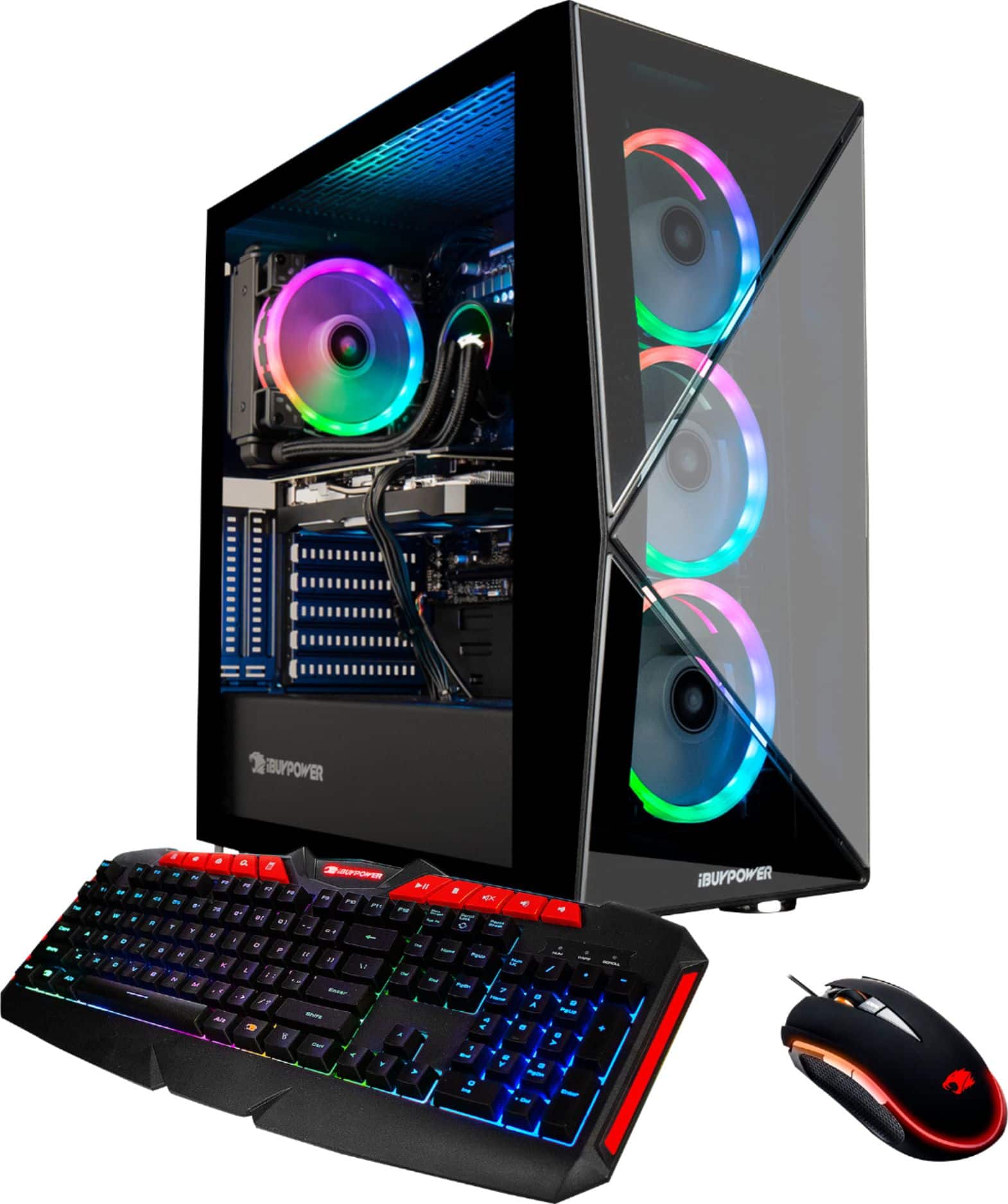
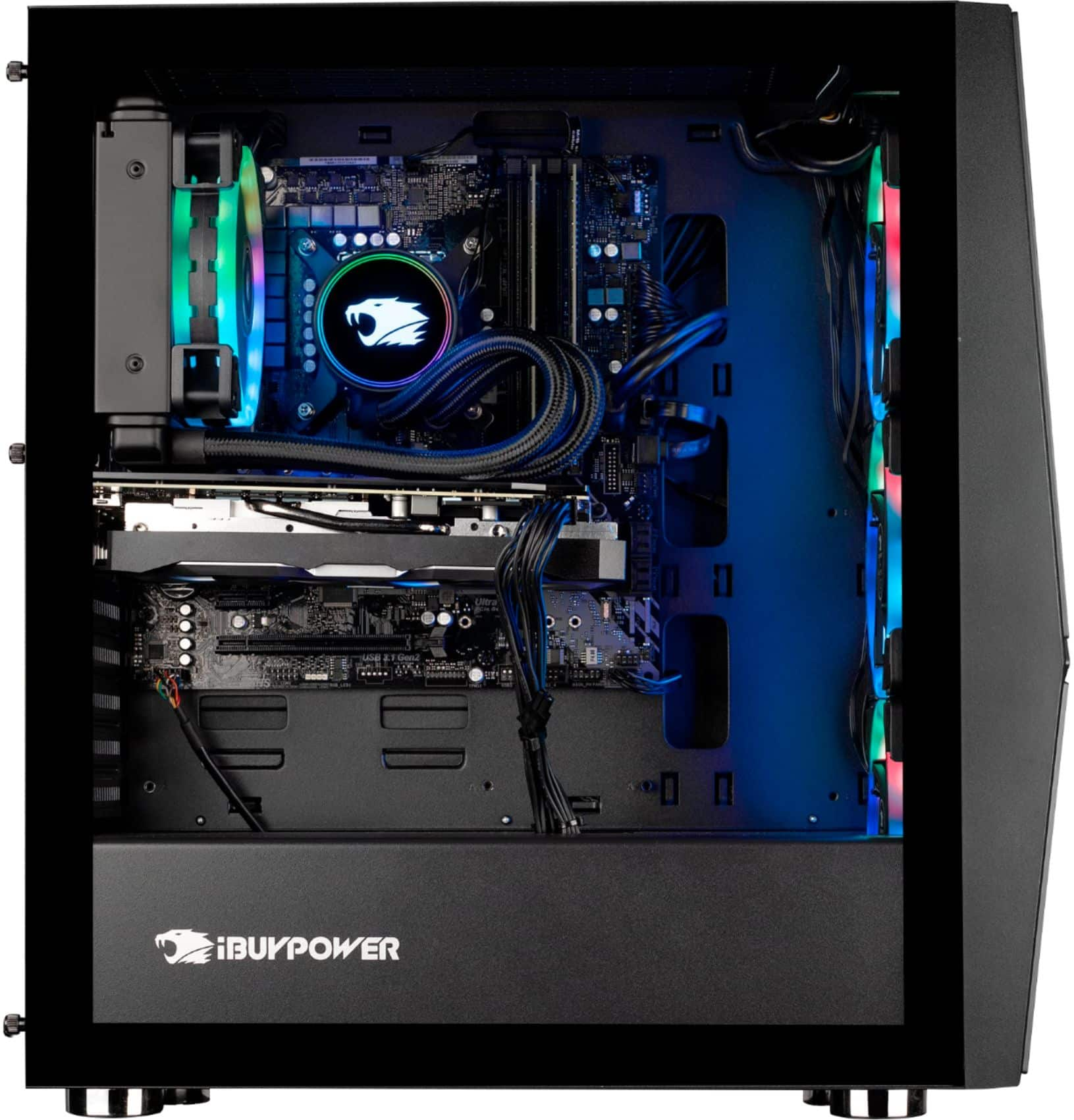
The case this system uses is an iBuypower Slate MR case. The motherboard that comes with the system is an ATX motherboard, so it does indeed fit.
A:AnswerI’ve rendered several 4K videos using multi-cam and multi-layered (7layers) 4K videos on a timeline using adobe premiere cc and observed the CPU utilization at 100% overclocking to 4.76mhz speed for many hours of rendering and encountered no problem whatsoever. In fact, knock on wood, it never crushed even once yet so far in about a month and a half of constant use and rendering. I’m very happy with it.
A:AnswerHello,
This PC does not come with a remote, but you can control the lights with ASROCK Polychrome RGB that you can download from the ASROCK website.
A:Answerhttps://www.asrock.com/MB/Intel/Z390%20Phantom%20Gaming%204S/index.asp#Specification
This should be your motherboard. Ram capacity is 128Gb. You might check and make sure the new ram is compatible.
A:AnswerThis will play pretty much any game you throw at it with High or Ultra settings at high frame rates. The only thing that will knock it below 60FPS is playing at 4K resolution. Stick to a good 1440P monitor with 144hz and you'll be good with basically any game. If you don't mind between 30-50fps it can even handle 4K.
A:AnswerHello,
We do not include manuals with our computers because our PCs are custom built. The power supply in this computer should be able to power any current GPU, thank you for your question!
A:AnswerThe network adapter is on the motherboard not a separate card, and is located directly above the green and blue audio connectors. Also a Ethernet card has nothing to do with the GPU so I'm not sure if that is a second question or not.