A:AnswerHello,
We are sorry to hear you are experiencing issues with the computer. Please give our technical support a call at 626-269-5201 and they will be able to help you identify the issue!
A:AnswerHello there,
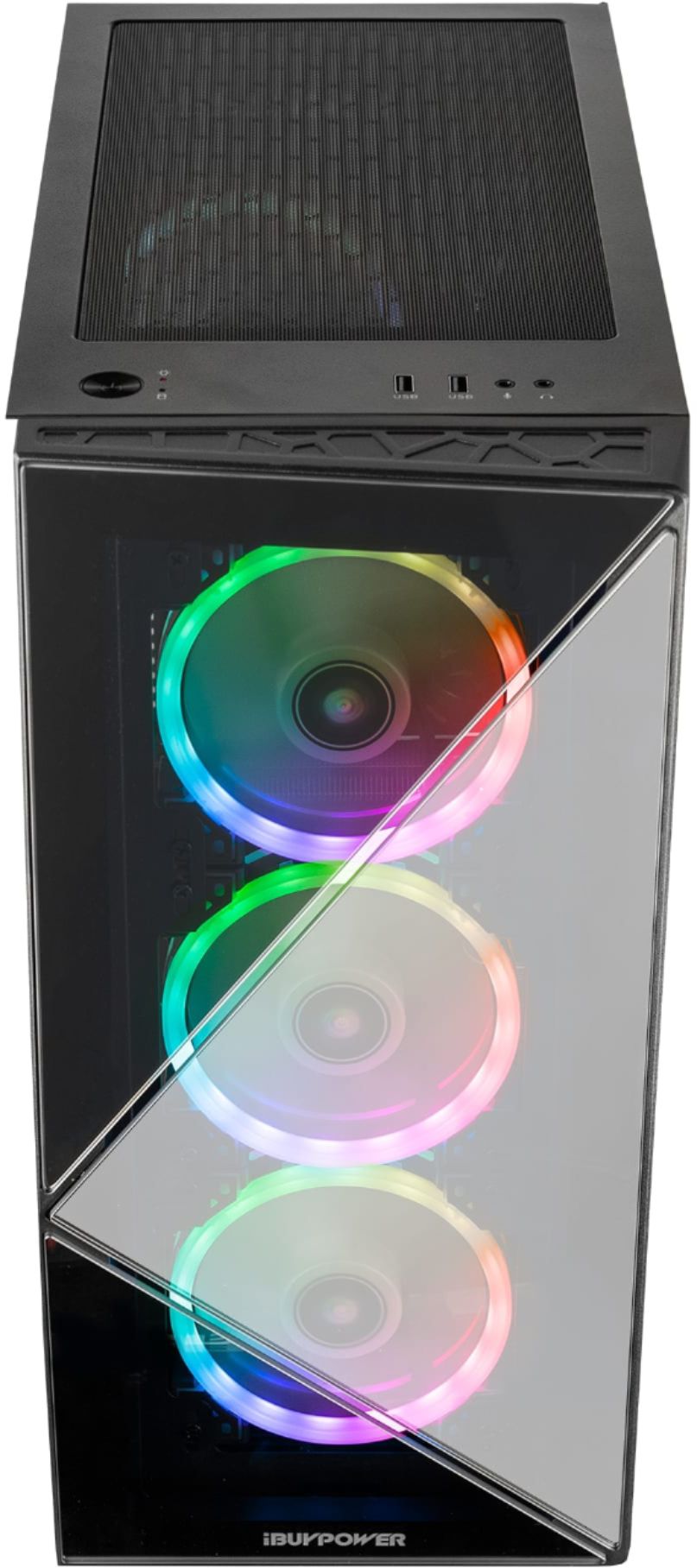
We are sorry to hear two of your fans are not lighting up. We recommend opening up the PC and check to see if the fans are plugged in, as sometimes they can be disconnected in transit. If this does not work, please give us a call at (888)-618-6040 and our technical support will be able to assist you further in resolving this. Our Technical Support hours are Mon - Fri from 8:30 am - 5:00 pm PST. Thank you!
A:AnswerI had this same issue, what I did was I opened the pc, unscrewed the fan, took the screws off of the motherboard, and just kind of shook it up and down a bit, put the screws back and it fixed itself... Hopefully this helps. You just gotta play around with it
A:AnswerHello there,
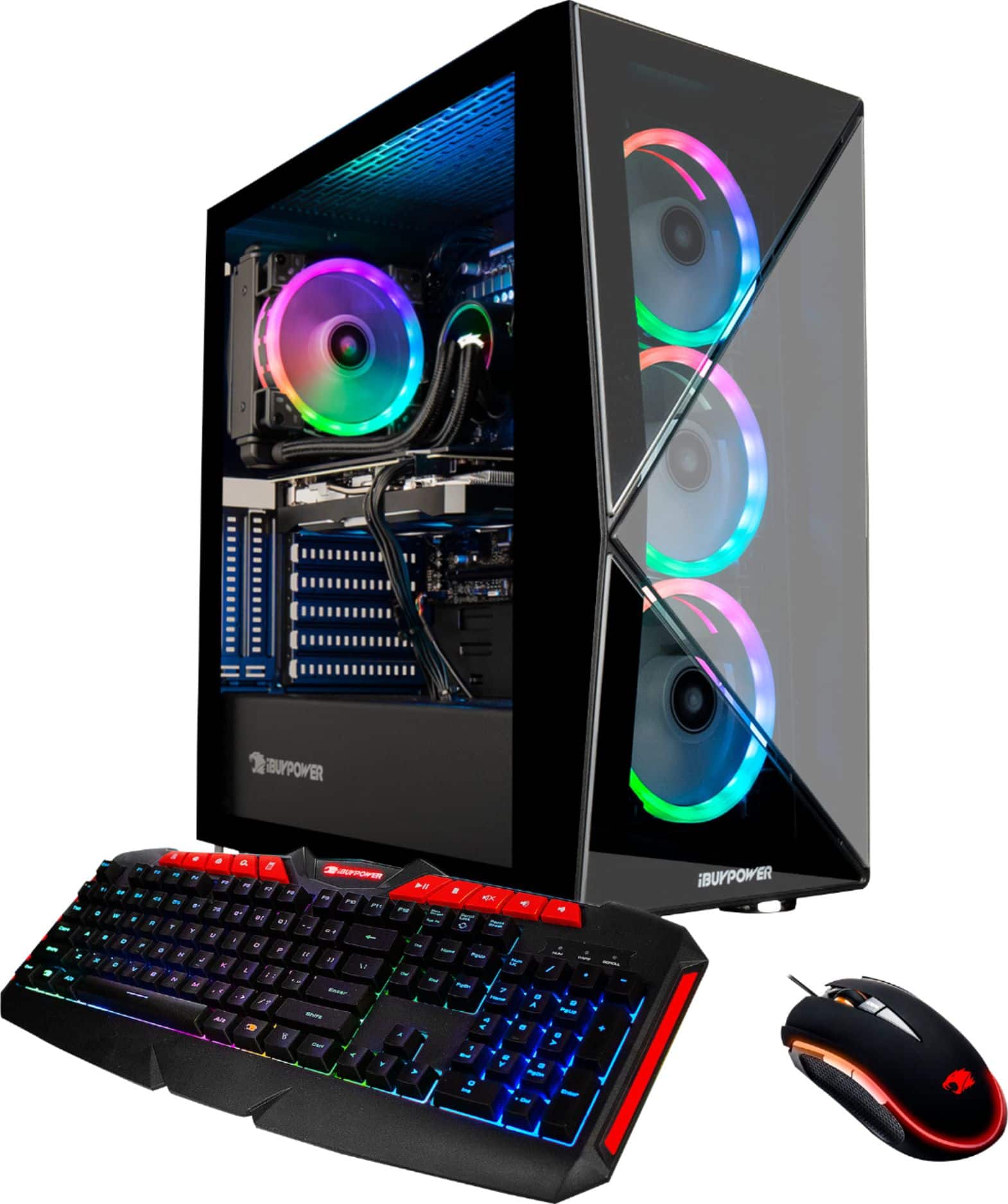
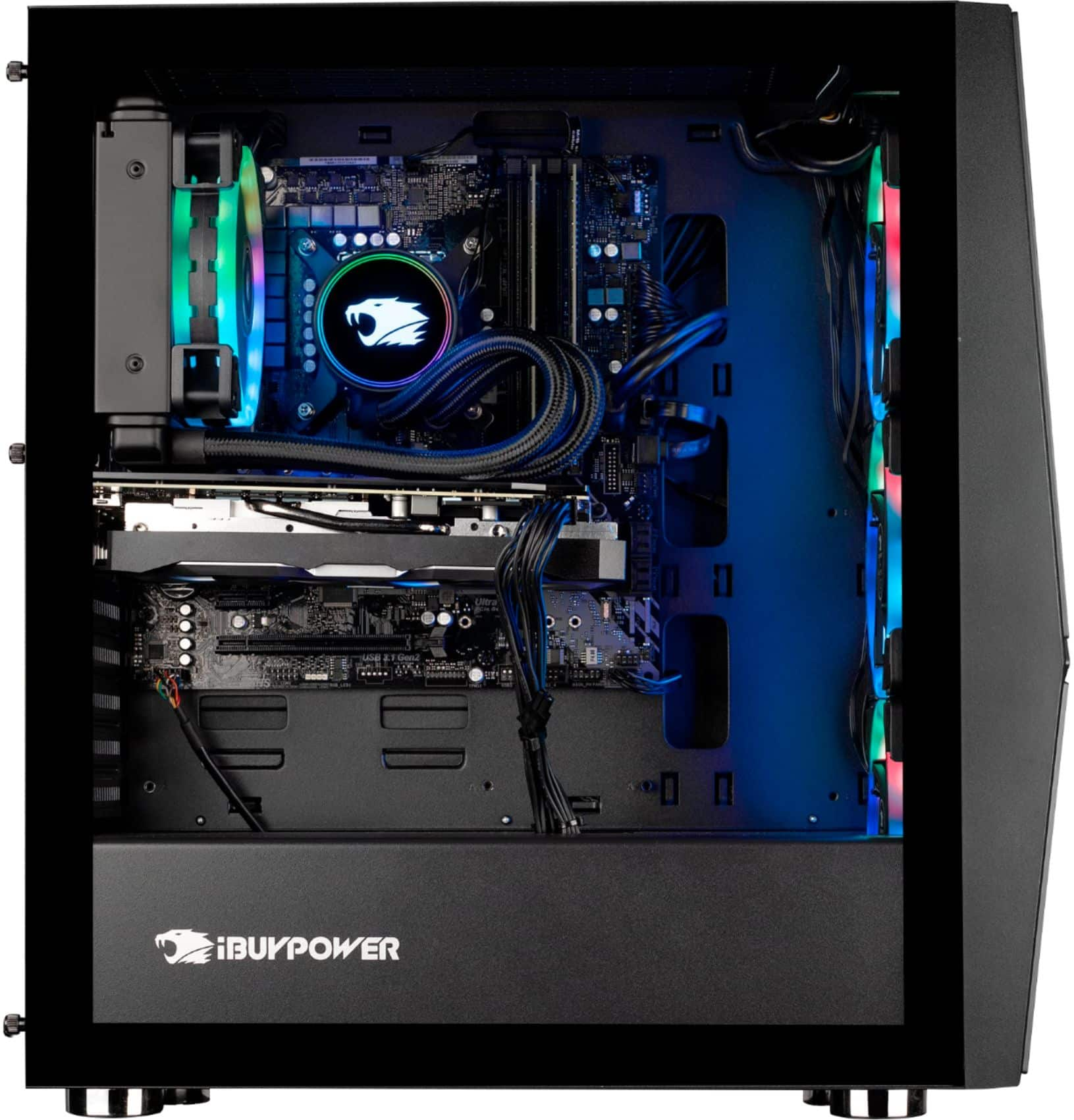
No, you will not need to add fluid as this system has a new 120mm Addressable RGB Liquid Cooler which already has a full amount of liquid inside. Hope this helps and please let us know if you have any other questions!
A:AnswerHello,
We are sorry to hear that you are having some technical issues with your system. Please give us a call at (888)-618-6040 and our Technical Support will be able to assist you in further resolving this. Our Technical Support hours are Mon - Fri from 8:30 am - 5:00 pm PST. Thank you!
A:AnswerHello,
We are sorry to hear you are having issues with the RGB. We recommend uninstalling and reinstalling the ASROCK Polychrome RGB software. If this does not work, please give us a call at (888)-618-6040 and our Technical Support will be able to assist you further in resolving this. Our Technical Support hours are Mon - Fri from 8:30 am - 5:00 pm PST. Thank you!
A:AnswerHello there,
The keyboard included with this PC is not mechanical. The mouse is our very own light up iBUYPOWER gaming mouse. Thank you for the questions!
A:AnswerZ390 Phantom Gaming 4S
https://www.asrock.com/mb/Intel/Z390%20Phantom%20Gaming%204S/index.asp#Download
You will want to be very careful when updating the BIOS as it may do more harm than I good. I would definitely encourage you to contact iBuypower support before updating the BIOS.
A:AnswerHello there,
We use various brands of motherboards depending on what we have in stock during the time of assembly, so unfortunately we cannot provide information on the motherboard. However the brands range from major gaming companies such as MSI, ASUS, etc. Thank you!
A:AnswerIf you have the Z390 Phantom Gaming 4S motherboard, Bluetooth should already be enabled. Check Settings > Devices or open the Action Center and look for the Bluetooth icon.
A:AnswerYou will need to purchase an additional SATA cable. If you have the ASRock z930 motherboard, you will find two free SATA ports near the lower edge of the board toward the right. They will be labeled SATA4 and SATA5.