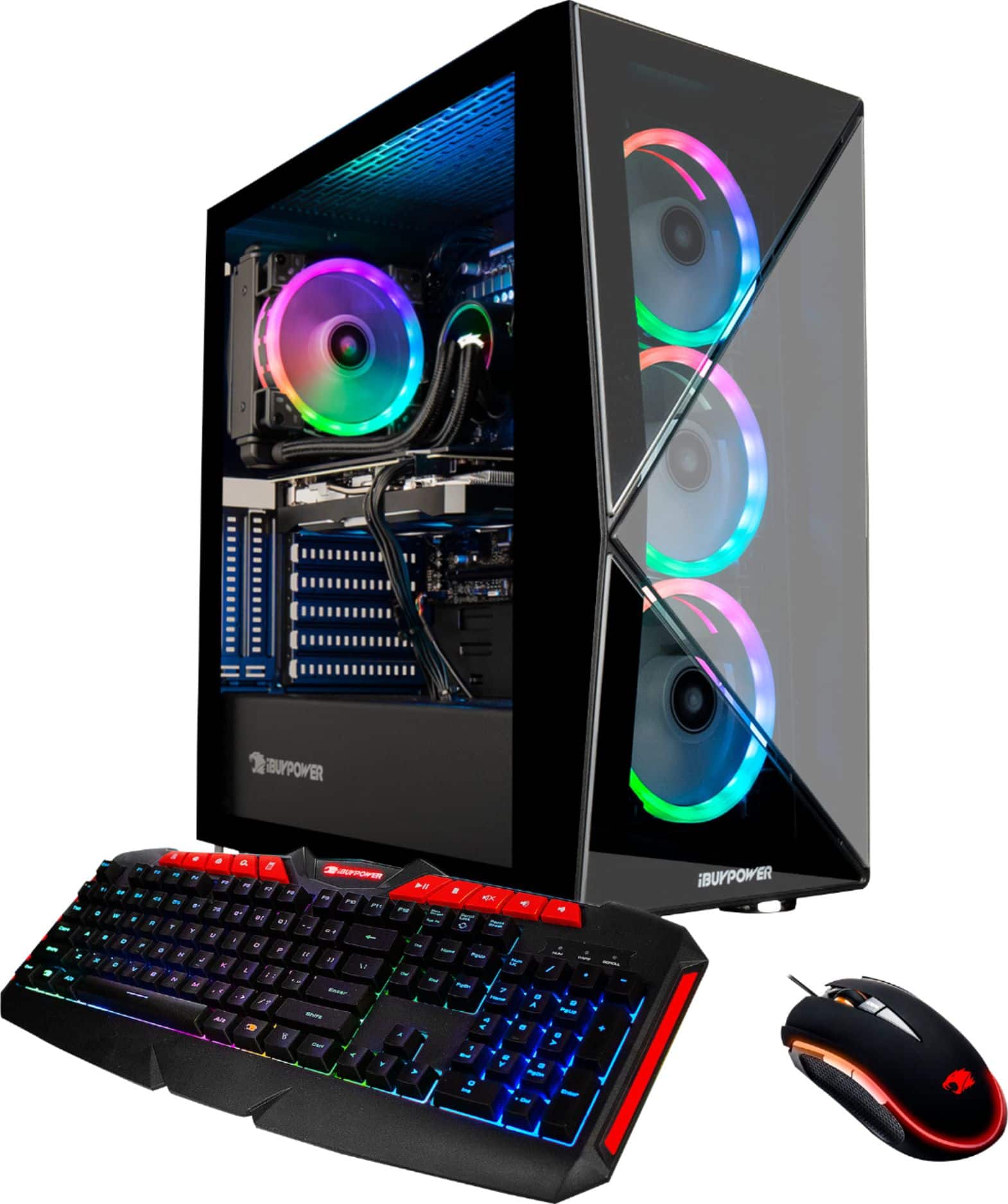
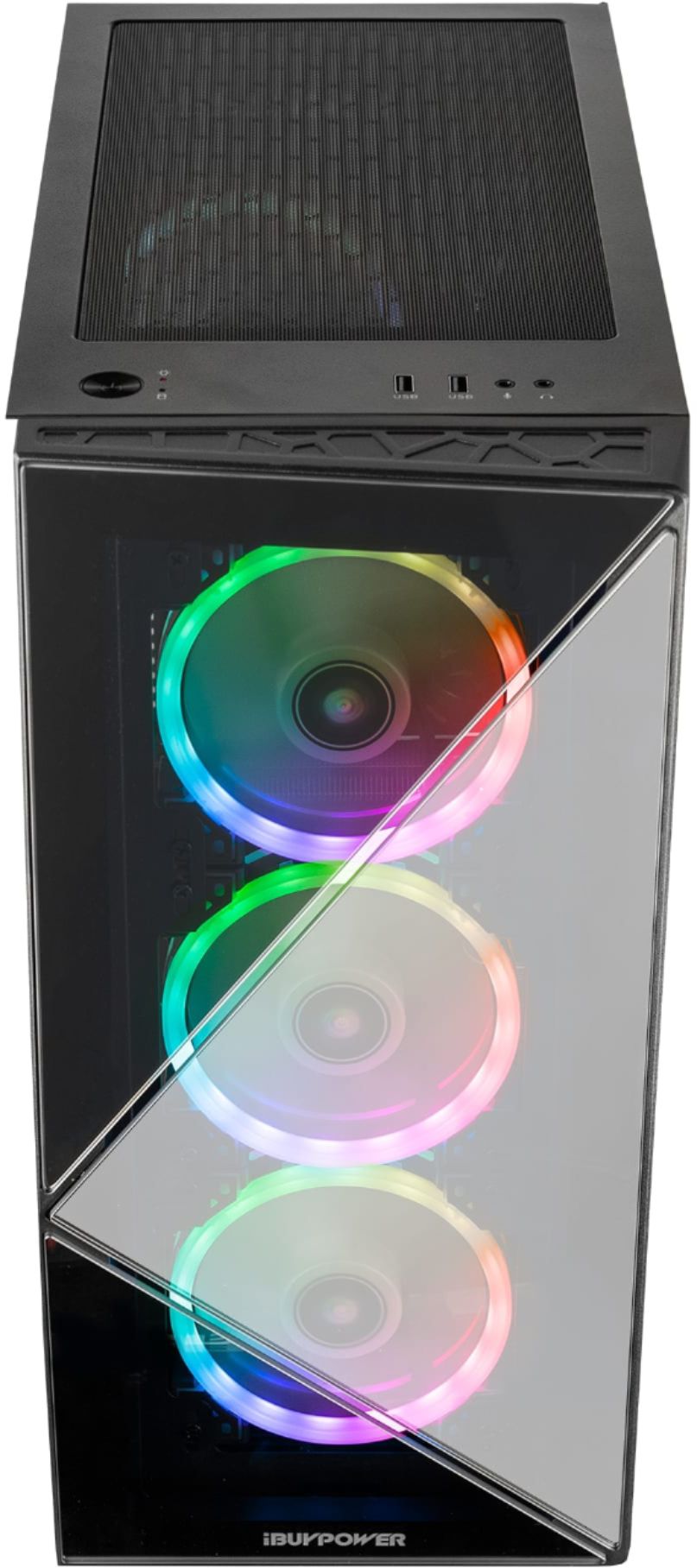
A:AnswerIt looks like its 3 parts but it is all one piece. Make sure pc is stable on desk, and place one hand at the bottom of the from panel (Back towards the first set of legs) and one hand on top or around it and pull kind of hard upward and outward. The glass is secured to a piece of plastic all the way around.
A:AnswerHello,
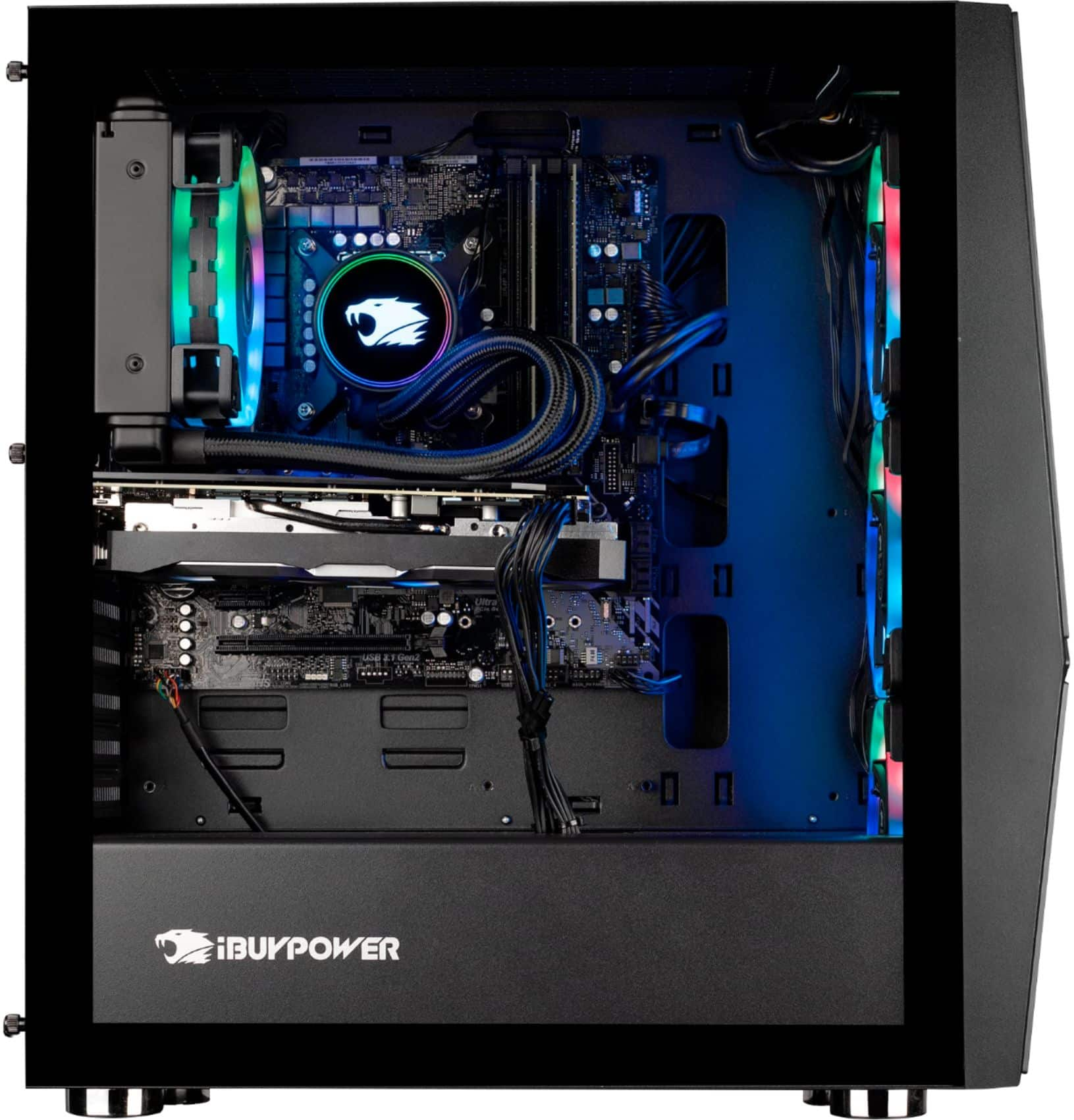
Because this is a closed loop AIO, you cannot do maintenance on the liquid itself. The best thing to do is make sure the radiator/fans are clean. There may be a point where the AIO ends up failing due to natural wear and tear, but that should be many years down the line. If you think yours has broken down already, please give our tech support a call and they will assist you.
A:AnswerWe are deeply sorry to hear that your purchase of our iBUYPOWER gaming desktop was not completely to your satisfaction. We value each of our customers’ feedback and will do our best to update and solve any issues you may be having. Please reach out to us in order for us to assist and troubleshoot your new gaming desktop.
Customer Service Hours:
Mon - Fri: 8:30 am - 5:30 pm PST
Toll Free: (888) 462-3899
Phone: (626) 269-5200
Email: support@ibuypower.com
Chat: https://www.ibuypower.com/Support
Technical Support Hours:
Mon - Fri: 8:30 am - 5:00 pm PST
Toll Free: (888) 618-6040
Phone: (626) 269-5170
Email: techsupport@ibuypower.com
A:AnswerHello, Unfortunately we are unable to specify the power supply brand as we use a variety of power supply models in our systems depending on what we have in stock.
A:AnswerYou remove the dust cover, then tighten the screws from the top. The fans secure from the inside. Super easy, then just pop the dust cover over. I installed 2 Corsair fans with ease. The power should connect to the 'chassis' connector at the bottom of the mobo.
A:Answercompatible but not optimal, honestly depends on what ur trying to do with it.... will everything run just fine if u switch it on with the new gpu.... yes are you gonna run crysis remaster max settings without so much as a hum from the fans... prolly not but that's more crysis fault than hardware but at the end of it it's all just overkill for things we dont have the tech to push on the consumer side of things.... if ur a creator rather than consumer.... for example a video editor or architect with mountains of image rendering to do then that's different and you prolly already know what u need but 2070 super is already overkill 3090 will work but not show any difference till developers start making things with those kind of specs in account(which in gaming they just wont.... the baseline will always be consoles to have the widest available market so it will never stretch to pushing 2070S to the limit let alone a 3090
A:AnswerJust un screw the two screws by hand on the back one on top and one on bottom. The tempered glass panel will then slide from right to left until it is free and u can access w.e u need to get to from there just be cautious of what ur doing
A:AnswerMine runs at about 70 degrees during gaming. The glass can get hot in one area but that’s because it’s glass. As long as you see that the cpu is not getting to 75-80 you should be ok.