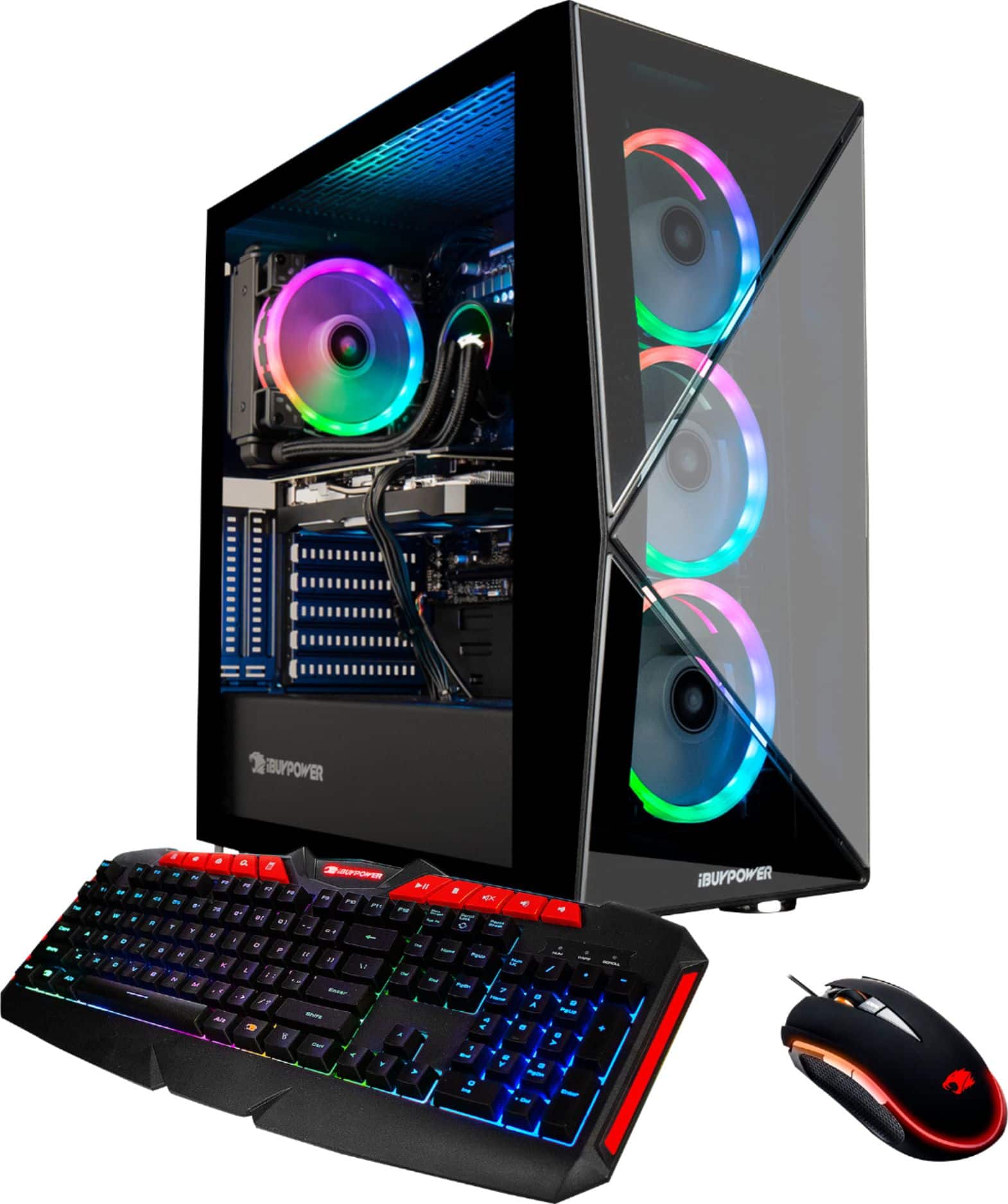
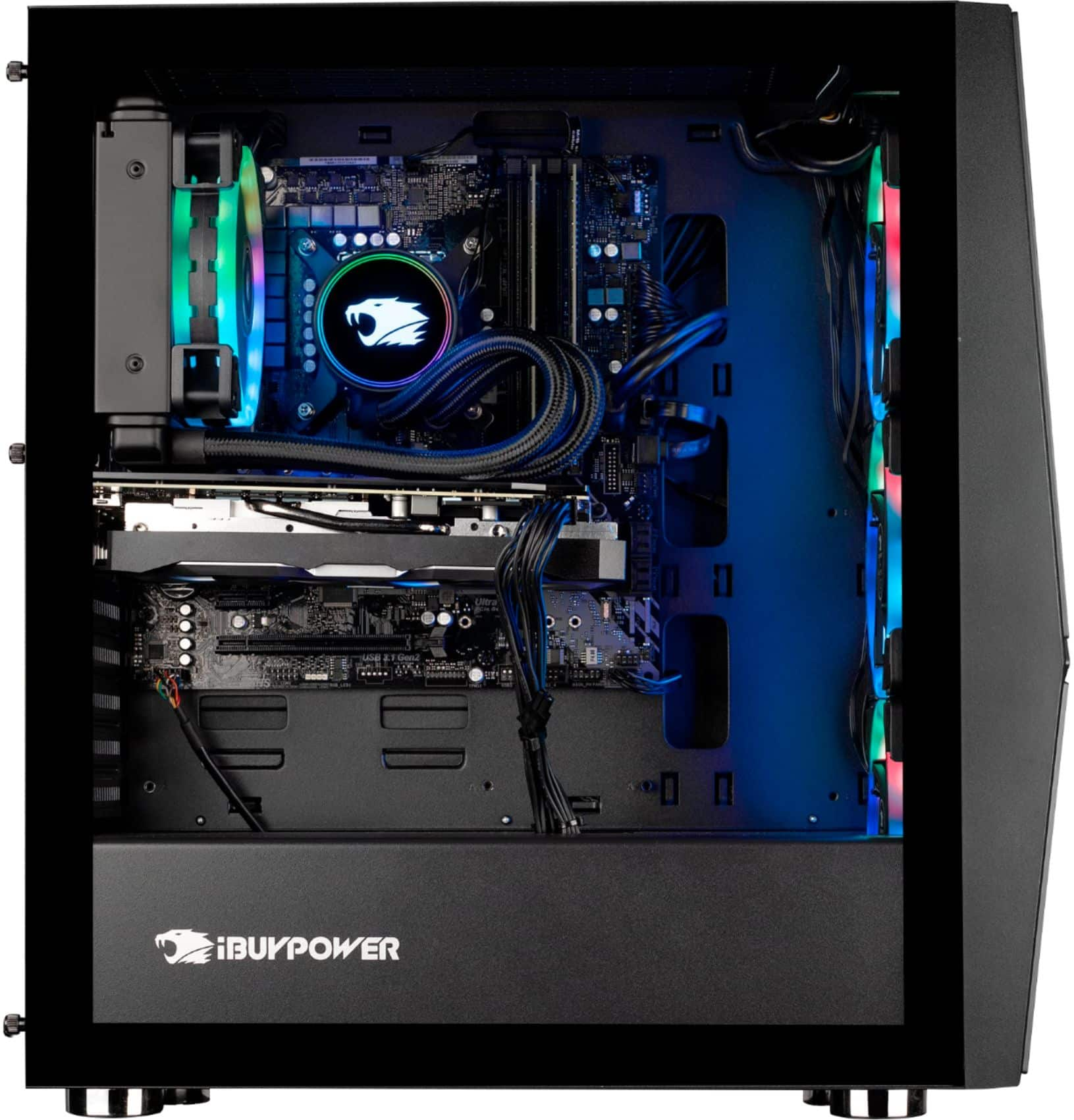
A:AnswerHello Rudy, thank you for your question. This computer build already has a graphics card and you should be able to connect cameras. If you have any other questions, then please let us know!
A:AnswerBased on some searches that I did, "IB" does stand for iBUYPOWER which probably means that there's a supplier agreement between ASRock and iBUYPOWER which makes sense from a manufacturing standpoint. I'm trying to update mine to BIOS 1.40 as well since I did the dumbest thing and reverted to the default BIOS, but the install from ASRock doesn't seem to work and iBUYPOWER specifically links the ASRock website for the BIOS downloads. My best guess is to go through iBUYPOWER to figure out how to OC and adjust the fan speeds before messing with your BIOS.
A:AnswerI am having the same problem. Computer was working great for 5 months. Monitors went black and said no signal while playing a game. How was your issue resolved? Do I have to mail the tower in?
A:AnswerIt changes depending whatever parts they have laying around...like they claim you get an NVIDIA Geforce 2080 Super but you'll probably wind up with an MSI or GIGABYTE some have 2 fans and some have 3....its a crap shoot and they charge everyone the same price and of course the best buy page doesnt tell you that parts will be different in every PC. Mine had a ASROCK Z390 and when I called ASROCK to ask why my new motherboard was bad, they had mouthed ibuypower and told me to stop doing business with them. So I took their advice...sadly it meant switching back to a different company that uses lower end parts as well but at least they can put a motherboard in and quality control check the build before sending it out.
A:AnswerHello,
If you have ASROCK Polychrome RGB installed, there should be a settings that allows for rotating colors. The ASROCK site should have a help guide for it. Thank you for your question!
A:AnswerHello,
This PC comes with a AIO liquid cooler, which will provide much better cooling than an air cooler. We recommend sticking with the included liquid cooler if you plan on overclocking.
A:AnswerHello,
We use a variety of RAMs in our systems so I am unable to tell you exactly what model of RAM you have. The easiest way would be to remove the stick and then search the information that is on the RAM.
A:AnswerThe CPU came overclocked to 4.6.
The graphics card no.
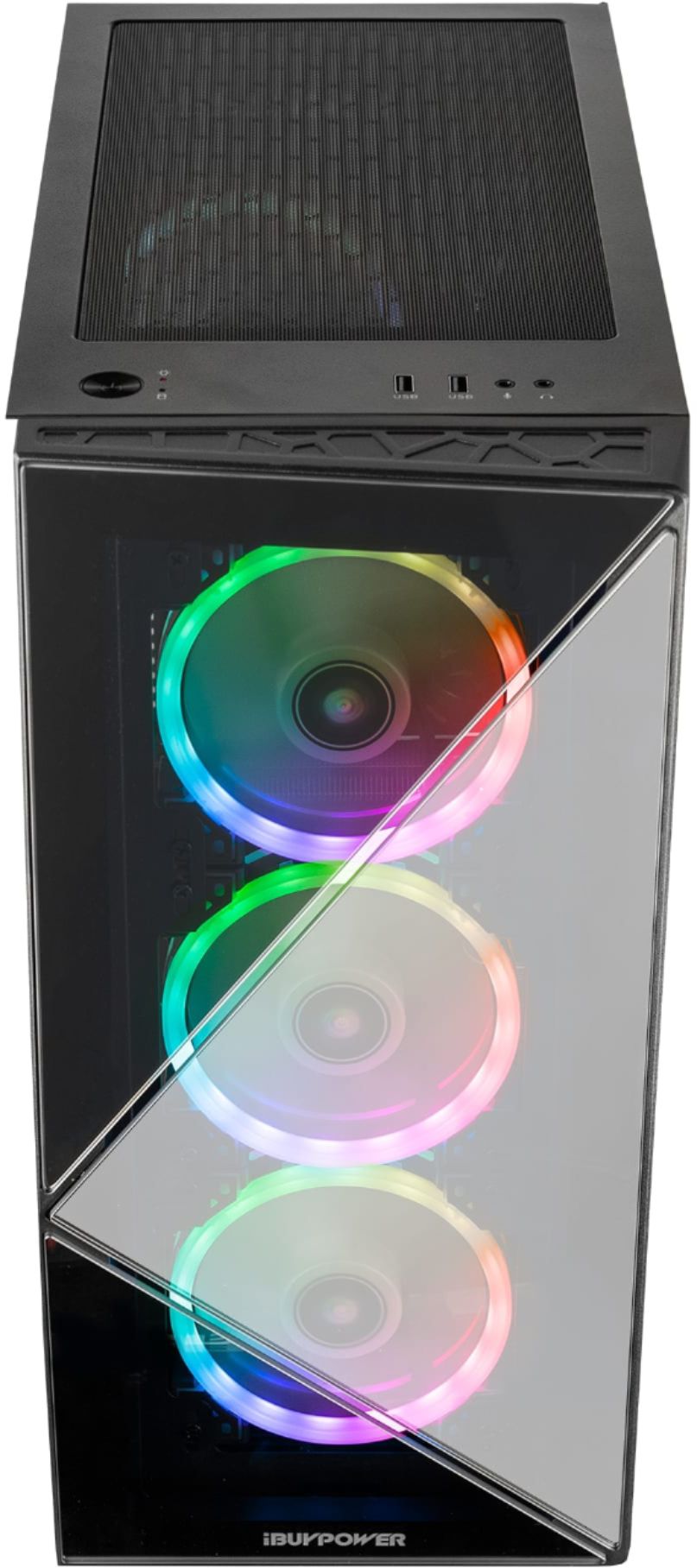
You don't have to add liquid but the PC runs cooler if you take off the glass plate blocking the front fans.
A:AnswerRan into the same issue. I purchased a kit of m.2 screws from Amazon for around $5 and used them to install a 2TB M.2 NVMe SSD on the motherboard in the slot above the GPU. Make sure to verify compatibility with your specific motherboard prior to ordering, as the screw sizes can vary.
A:AnswerHello,
The reason you are experiencing RAM issues is because the RAM you installed is not the same model as the RAM that was already in the system, which can cause complications.