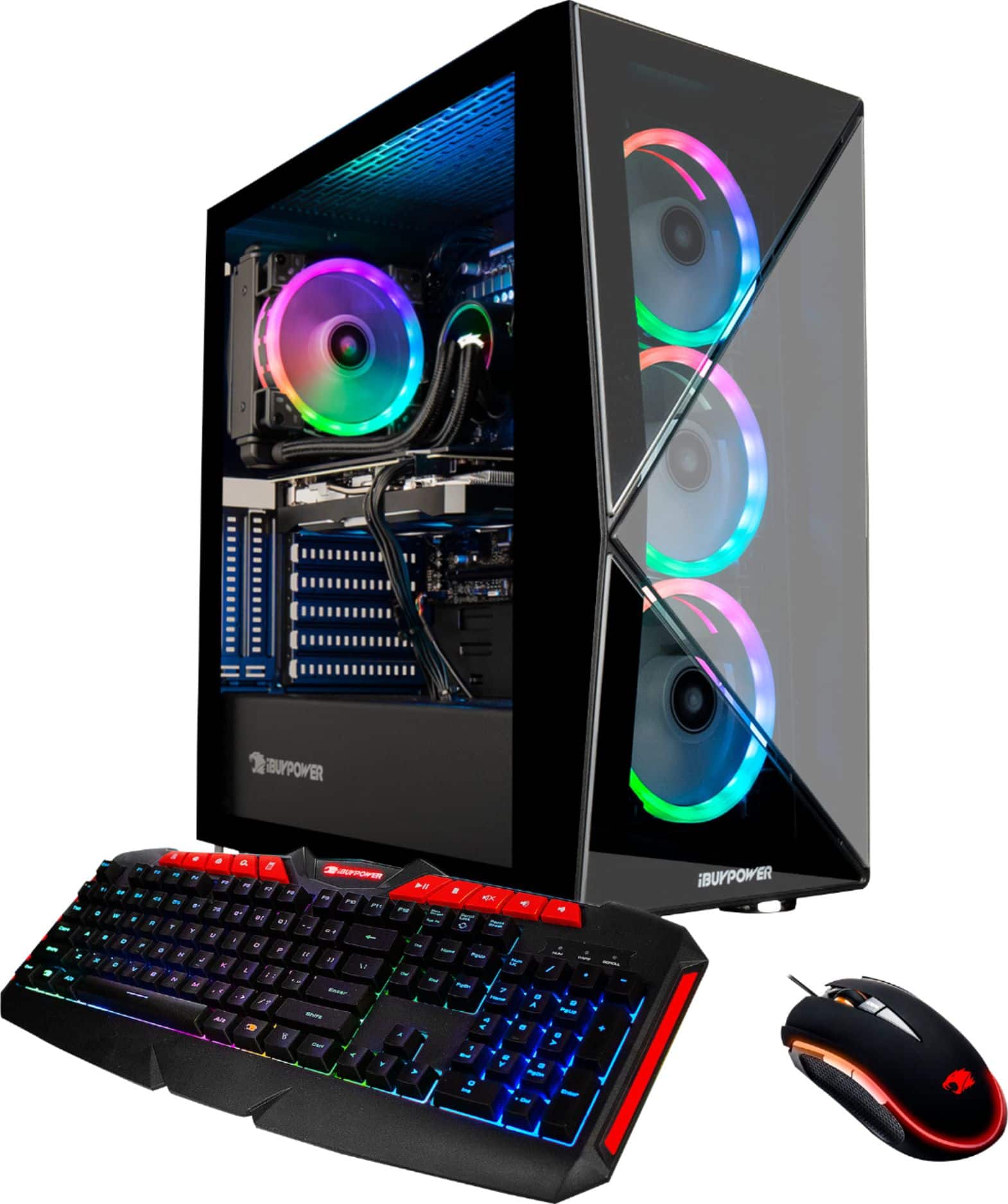
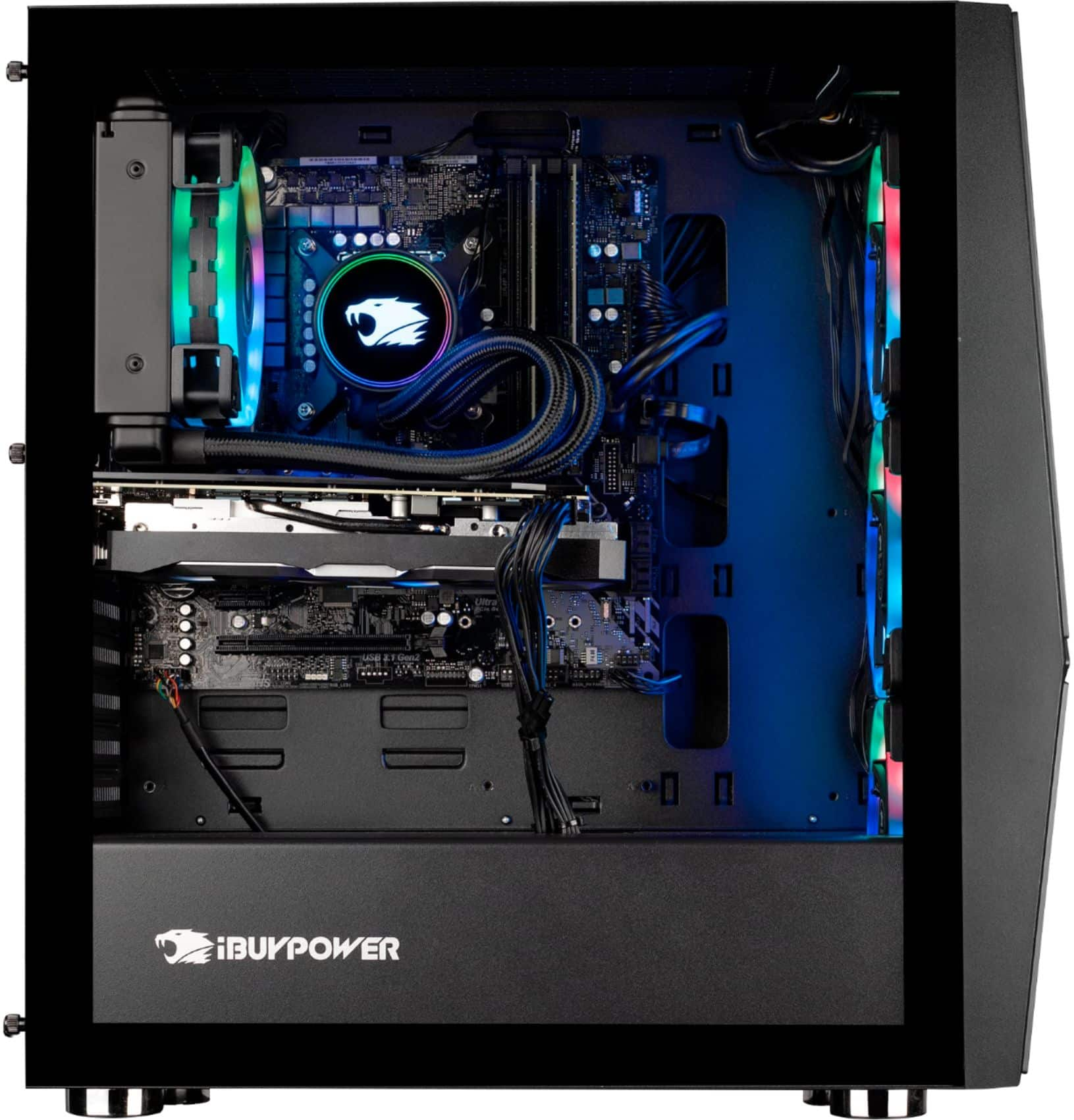
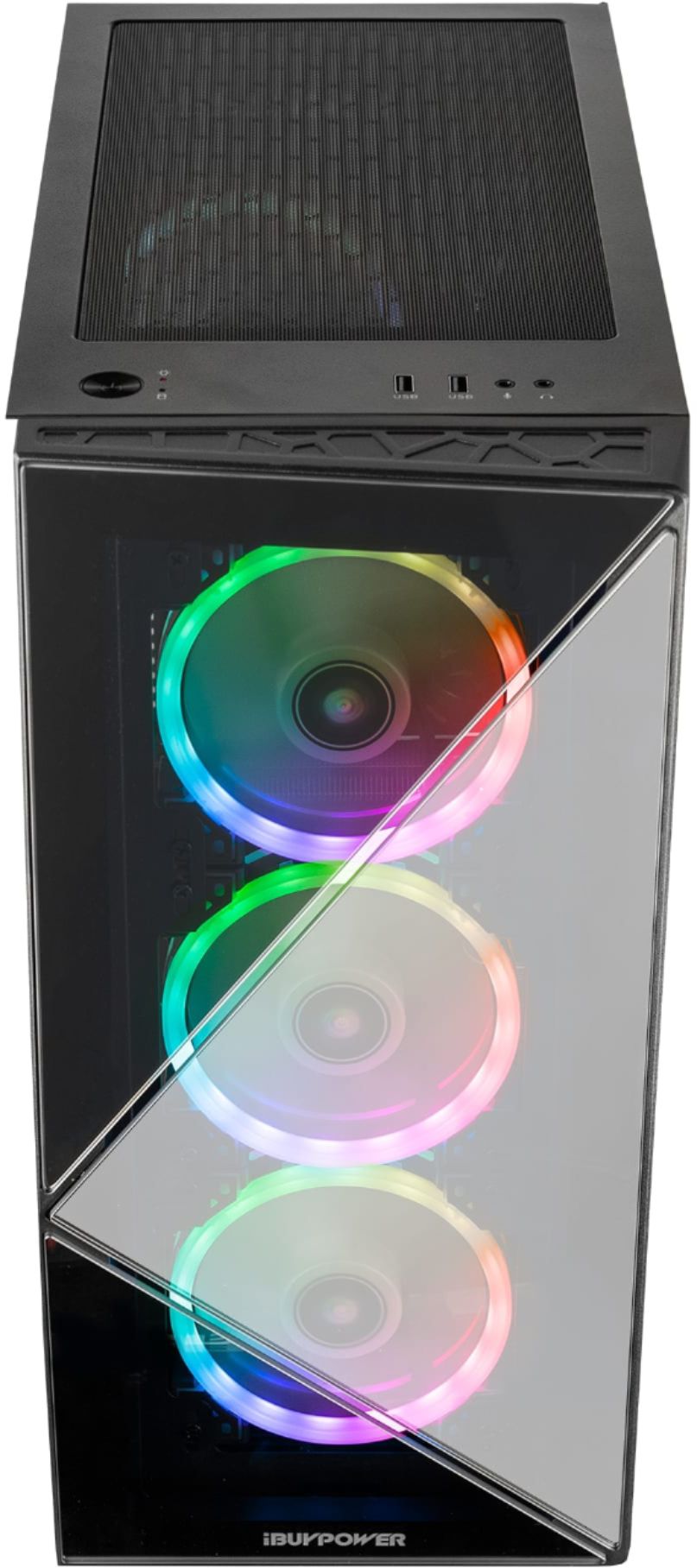
A:AnswerOnly thing not included you must have is a monitor and cable to connect it. Most monitors come with appropriate cable. Keep in mind, if you buy a higher end monitor ie. 144hz or better, some may need a display port cable for higher hz and fps. Most gamers also use higher end mouses ie. more buttons for more playability, but that's a personal preference.
A:AnswerI run Microsoft flight sim on it and it runs great. The game will be at 60fps on high graphic settings flying at high altitudes and then closer to the ground starts dipping down to 40FPS. I did upgrade the ram to 32gigs.
A:AnswerWe are deeply sorry to hear that your purchase of our iBUYPOWER gaming desktop was not completely to your satisfaction. We value each of our customers’ feedback and will do our best to update and solve any issues you may be having. Please reach out to us in order for us to assist and troubleshoot your new gaming desktop.
Customer Service Hours:
Mon - Fri: 8:30 am - 5:30 pm PST
Toll Free: (888) 462-3899
Phone: (626) 269-5200
Email: support@ibuypower.com
Chat: https://www.ibuypower.com/Support
Technical Support Hours:
Mon - Fri: 8:30 am - 5:00 pm PST
Toll Free: (888) 618-6040
Phone: (626) 269-5170
Email: techsupport@ibuypower.com
A:AnswerHello,
Yes you can upgrade any components in this PC. There are a lot of options, so we suggest picking one that best fits your preferences. The reason your monitor FPS decreased is probably because your newer one has a higher resolution than the old one. You can decrease your graphics settings in Warzone to get some of that FPS back.