Questions & Answers
- Model:
- SMI7N4601
- |
- SKU:
- 6576690
Q: QuestionCan I put a next cpu liquid cooler?
Asked by Casey.
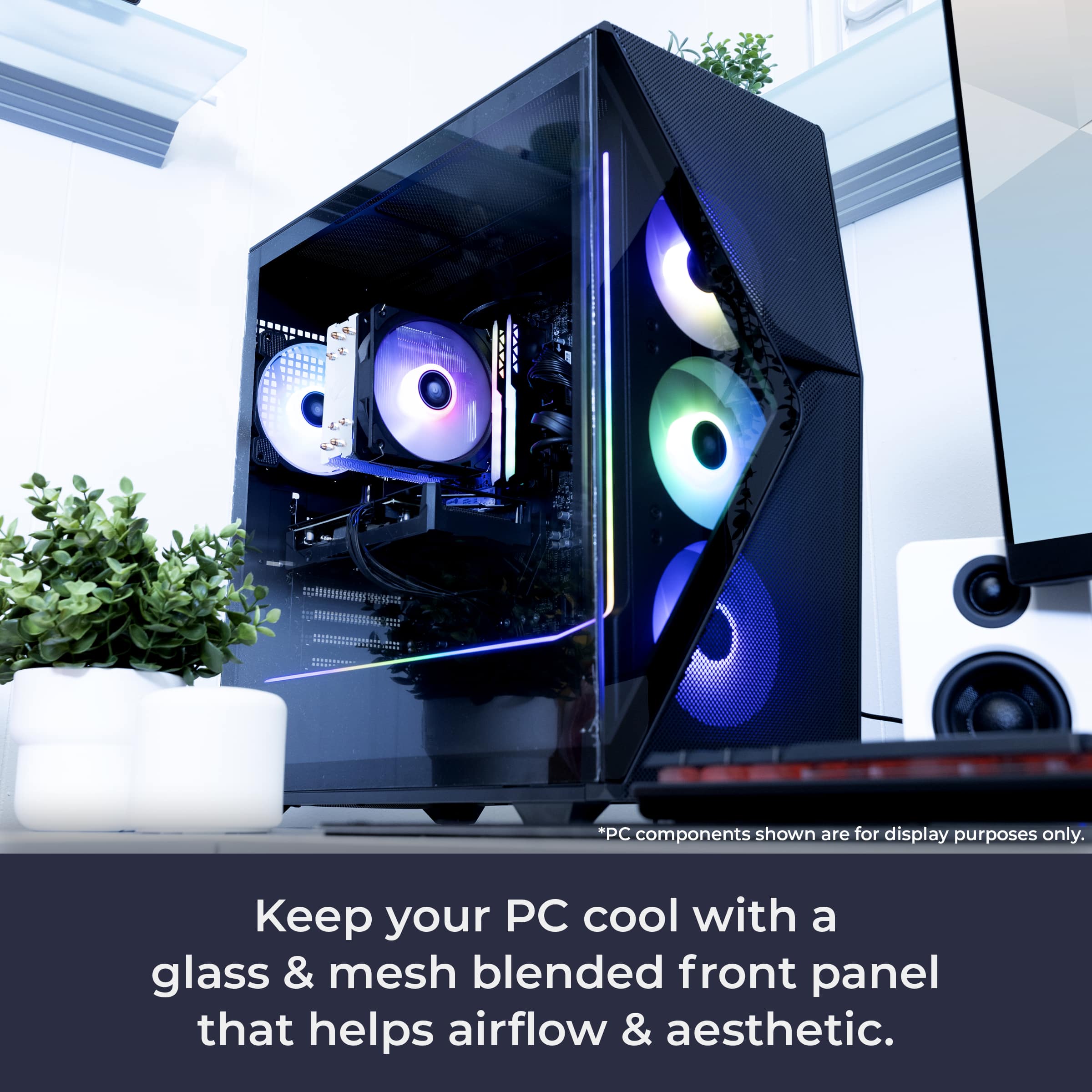
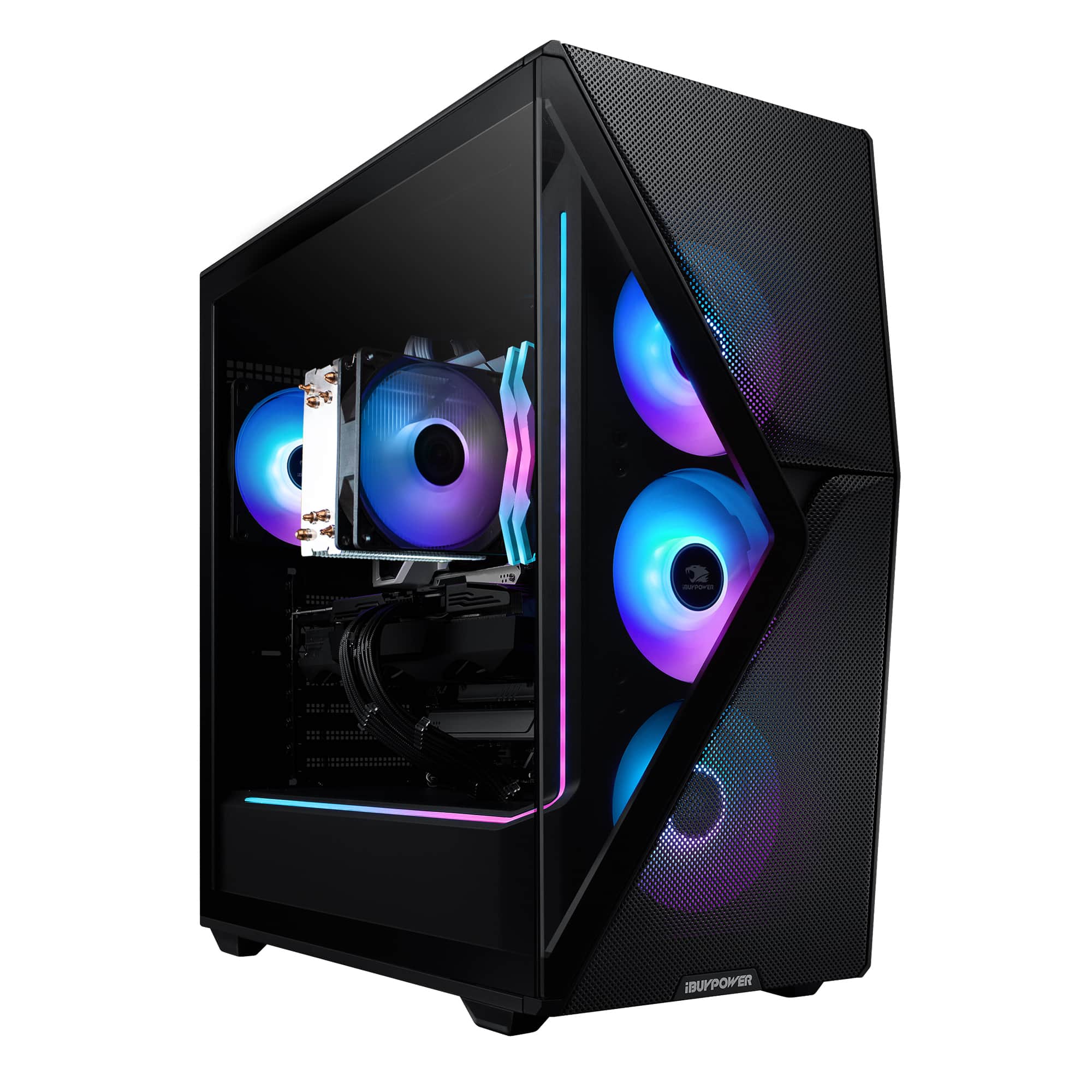
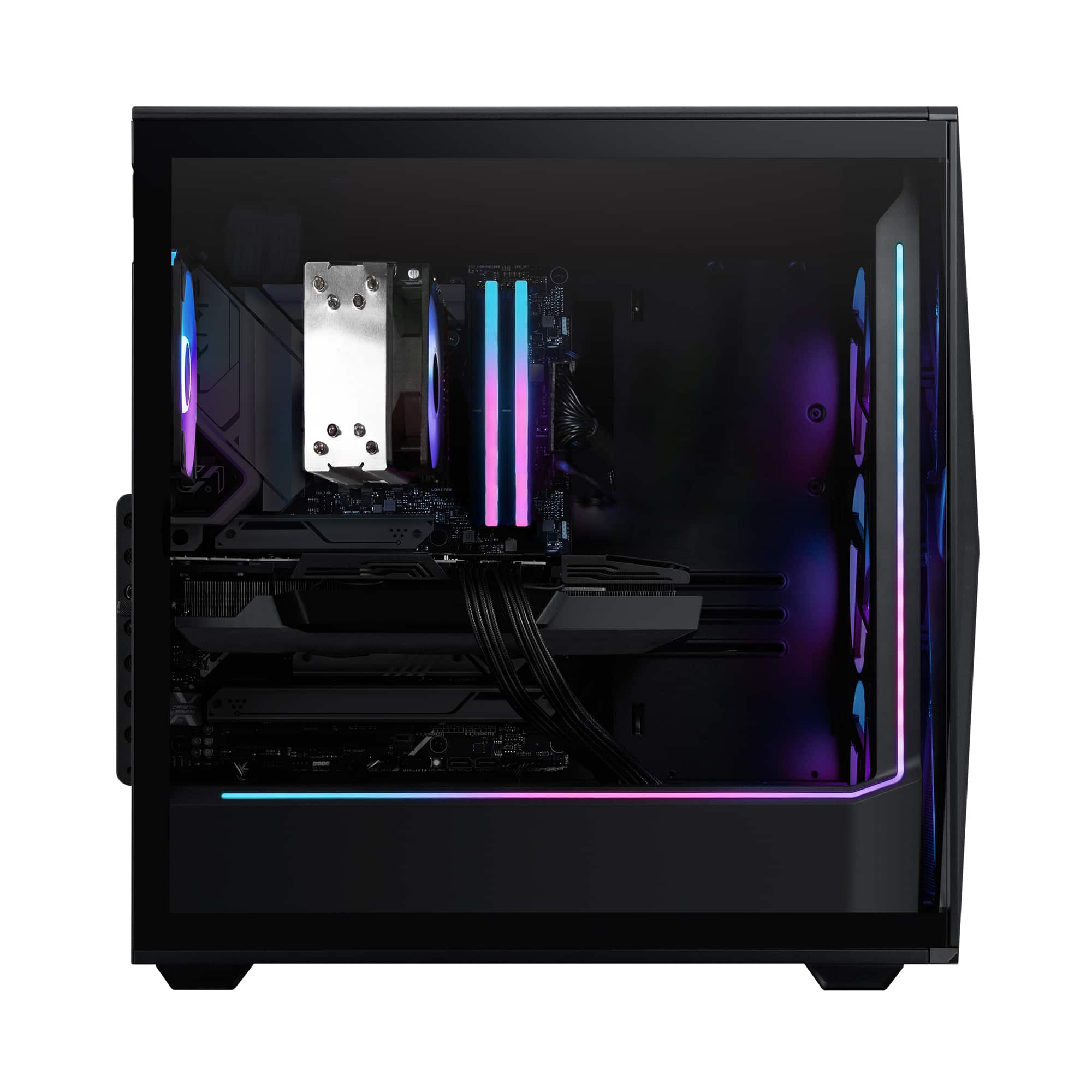
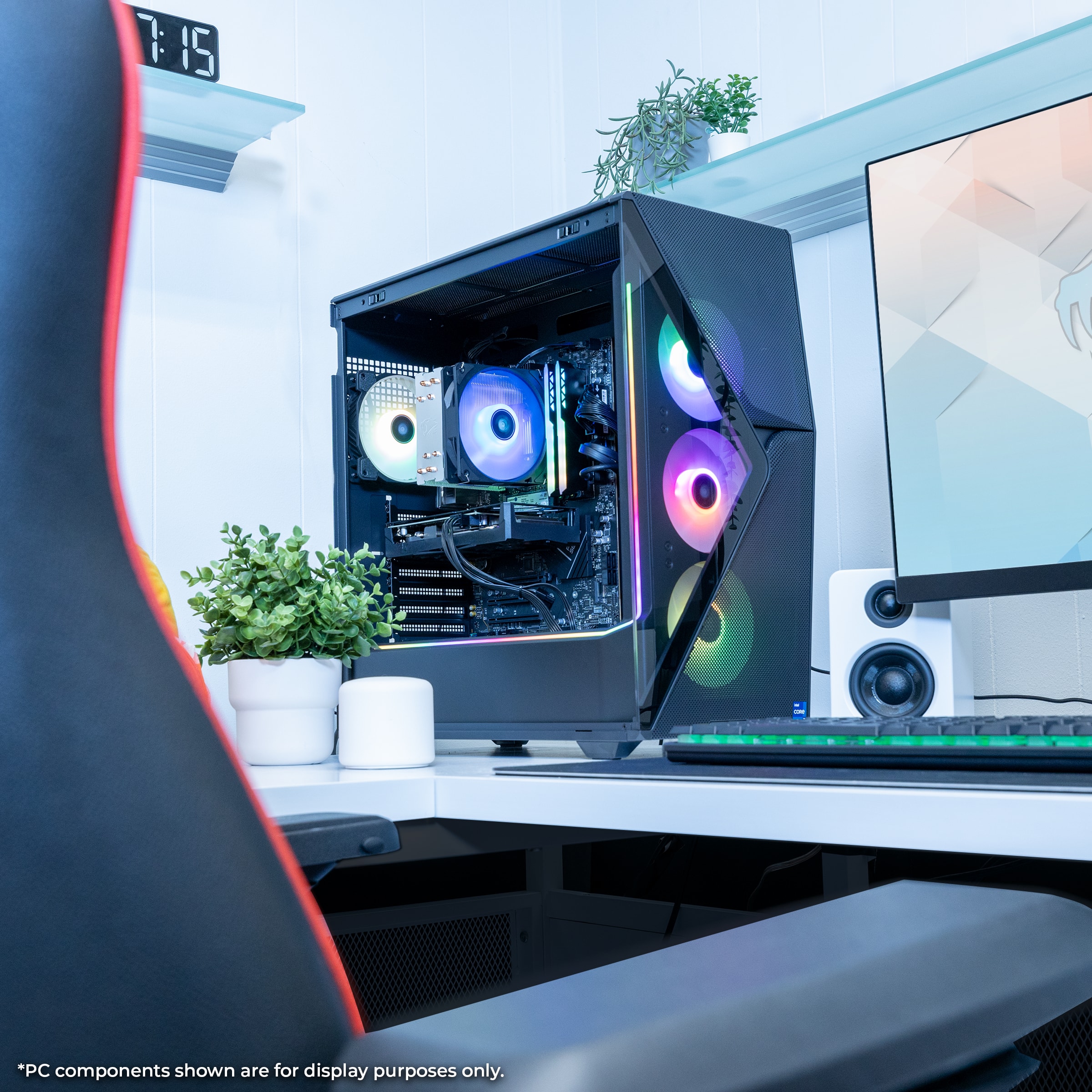
- A:Answer Hello, and thank you for your interest! You can add any aftermarket AIO so long as it has the correct mounting bracket needed, which would be the LGA 1700 mounting bracket.
Answered by iBUYPOWER Product Expert

Q: QuestionIs there an extra slot where i can add a 3.5" HDD?
Asked by Dave.
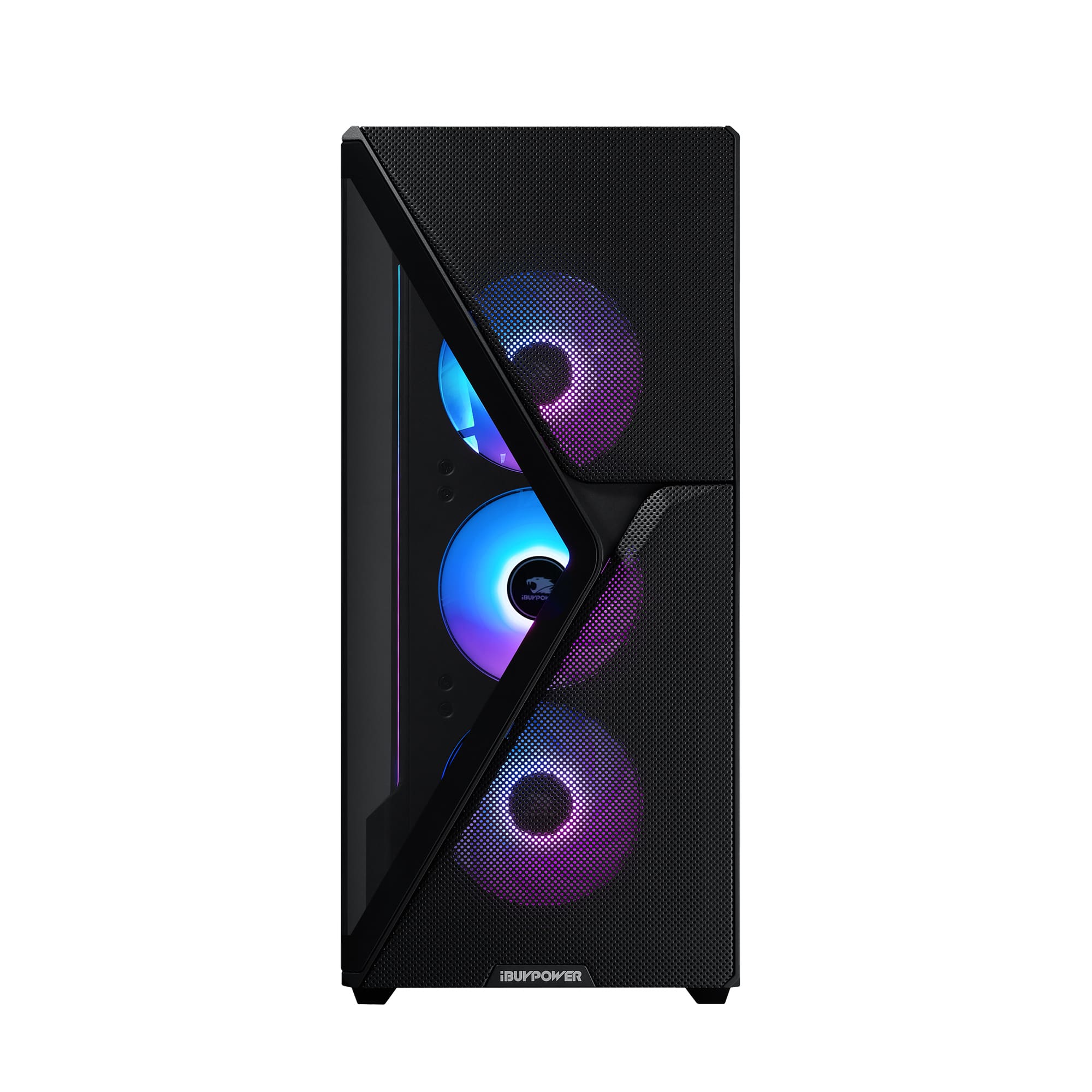
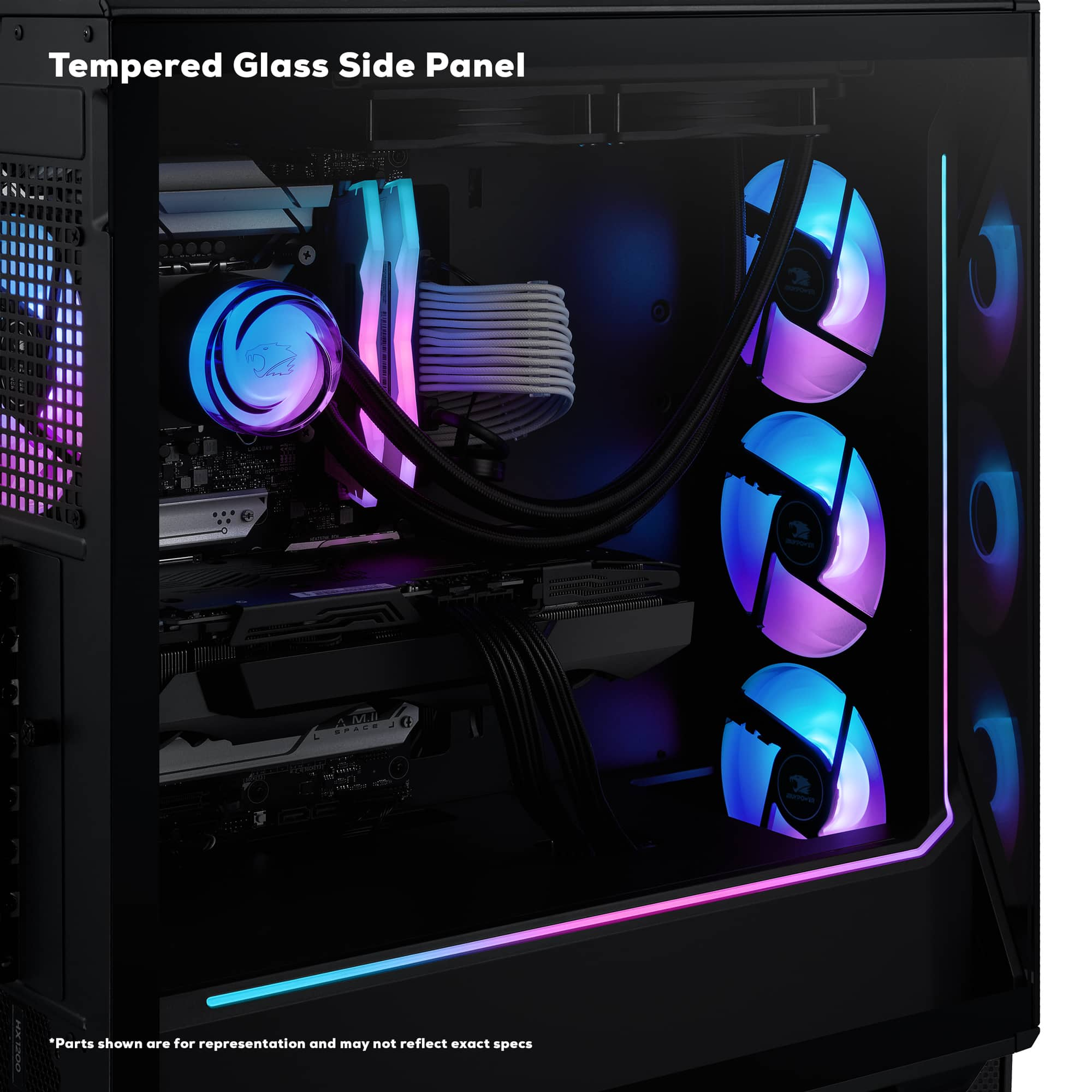
- A:Answer Hello there, Yes, there is. You can mount a 3.5" drive directly to the back of the motherboard tray near the front of the case.
Answered by iBUYPOWER Product Expert

Q: Questionhow many hard drive bays does this computer have?????
Asked by peterb.
- A:Answer 2 3.5 drive bays
Answered by Timothy
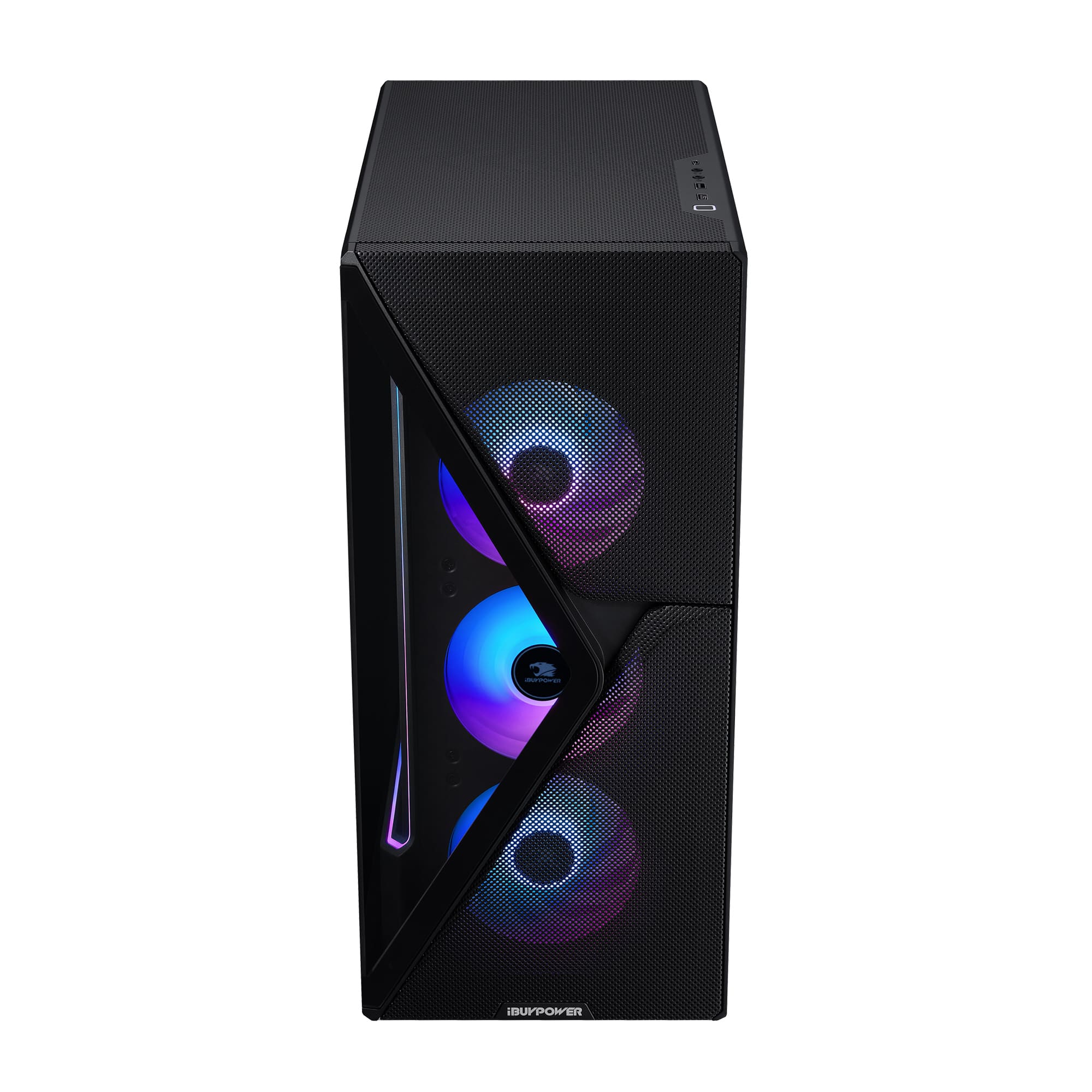
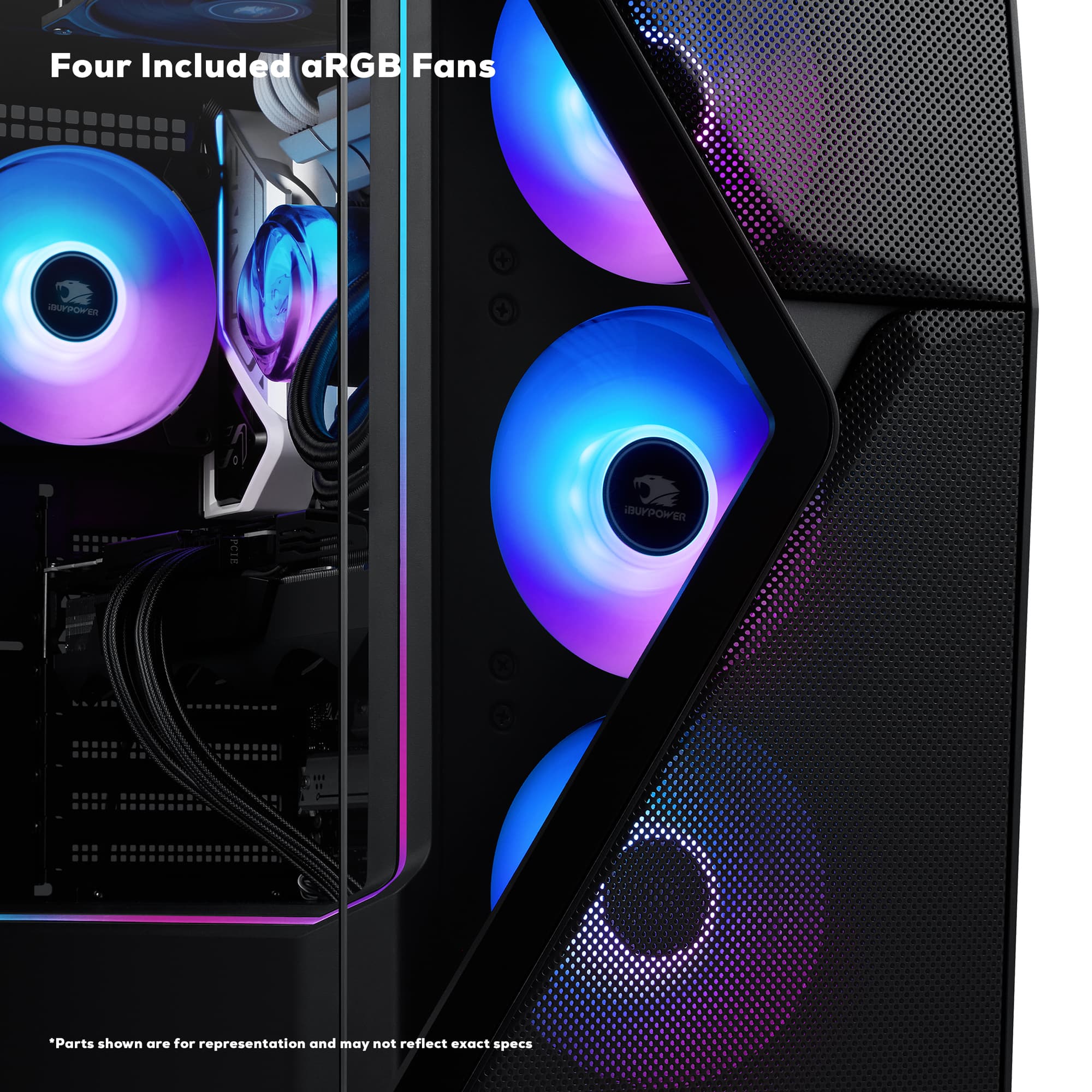
Q: QuestionHow can I lower the power of my fans because they are loud?
Asked by Angel.
- A:Answer There are two main ways to adjust your fans for optimal performance: ASUS Armoury Crate Software You can use the Armoury Crate software to tweak your fan settings. However, in my experience, the software can be a bit cumbersome and not really worth the hassle. It’s functional, but it might take some patience to navigate and set up properly. Directly Through the BIOS I personally recommend adjusting your fan settings directly through the BIOS. It’s a quicker and more straightforward process that saves you the trouble of downloading and dealing with extra software. Plus, the BIOS interface is easier to use for this purpose and offers the same level of control. In the BIOS, you can set your fans to "Silent Mode," which is great if you want them to run quietly without sacrificing performance. It’ll take a bit of tweaking to find what works best for you, but this method has been much smoother in my experience. Just my $0.02—hope this helps!
Answered by nobby80
Q: QuestionI can't control the fan speed no matter what. It seems to be blowing at 100% speed. It's super loud. I tried modifying the fan speed in BIOS but it doesn't change the speed. I tried using the given rgb software but it only change color. Please help.
Asked by Vector.
- A:Answer Update the BIOS, then: BIOS > Advanced > Fan Controls (might be called something different) > change mode to PWD > change curve to custom and adjust > check off "Fan Stop" Checking off "Fan Stop" is a must, or it will not work.
Answered by Anonymous
Q: QuestionDoes this come with a display port cable? If not what kind will i need to buy
Asked by Anonymous.
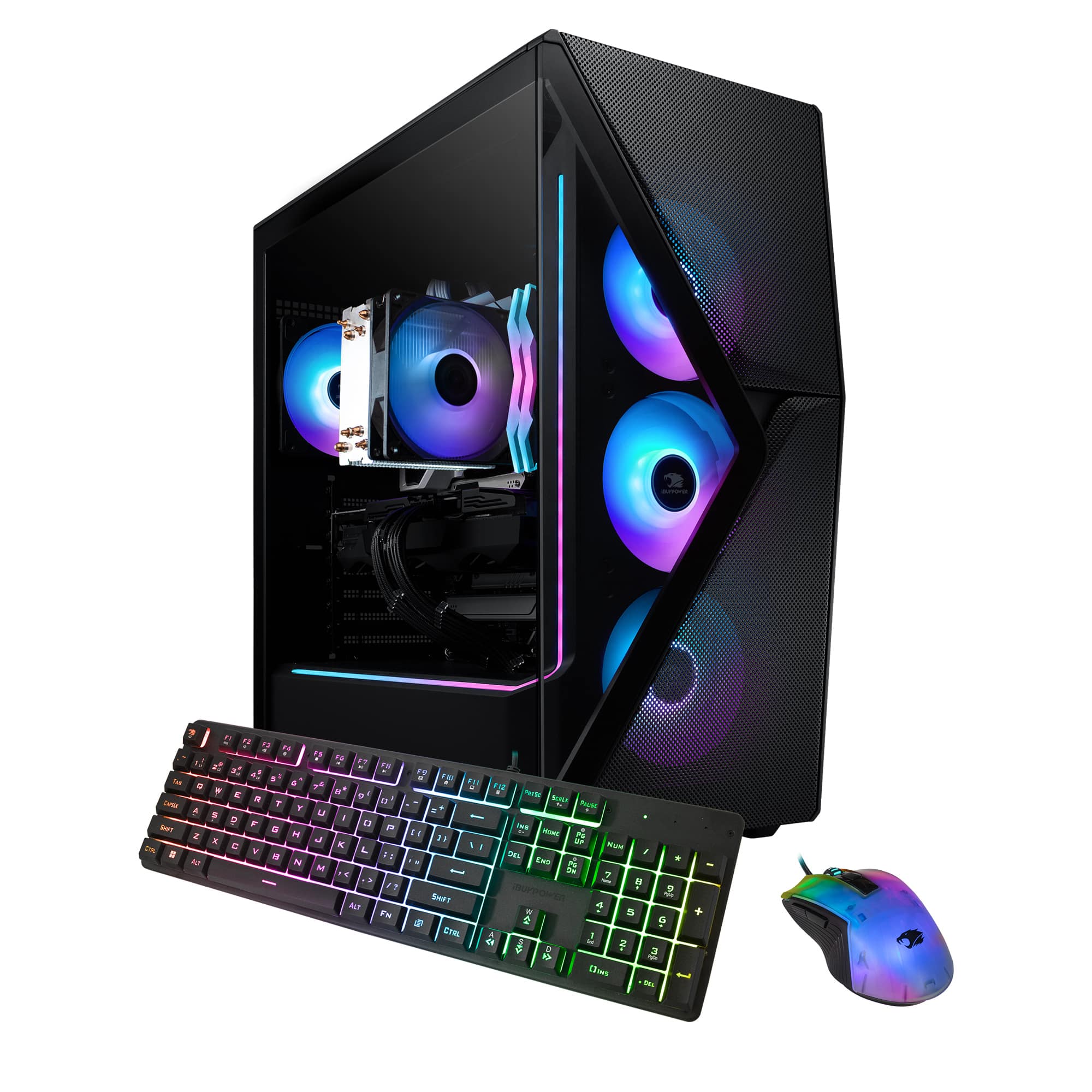
- A:Answer Hello, the PC does not come with any Display Port or HDMI cables. Any new modern monitor or TV will include the necessary cable for use. If not, an HDMI or Display Port cable will do just fine.
Answered by iBUYPOWER Product Expert

Q: QuestionDoes everything come put together already or do i have to screw in the GPU or something like that after it arrives?
Asked by Anonymous.
- A:Answer When purchasing from retailers, everything comes put together. There are some included instructions to help finalize set up, such as plugging in correctly, removing the interior packing foam, etc.
Answered by iBUYPOWER Product Expert

Q: QuestionHow do I determine what motherboard has been selected for the unit I plan to purchase at BestBuy?
Asked by CasualGamer.
- A:Answer Unfortunately, the motherboard usually isn't listed because it varies by whatever brand/manufacturer iBUYPOWER has in stock at the time of production. If it helps, this model uses the B760 D5 chipset. Some of our popular brands we use our ASUS, MSI, Asrock, etc.
Answered by iBUYPOWER Product Expert

Q: QuestionWhich power supply (brand, name, etc) does this PC have?
Asked by Osprey.
- A:Answer Mine came with High Power brand, model HP1-J600GD-F12S, 600W 80 Plus Gold switching power supply.
Answered by Doug
Q: QuestionDoes the PSU ("Power Supply Unit") use Active PFC ("Power Factor Correction")?
Asked by NikNeym.
- A:Answer The Pure Sine Wave UPS's at Best Buy give a lot of runtime. However, I only need 5 minutes to shut everything down. Does this computer really need a pure sine wave UPS, or can it do without?
Answered by NikNeym
Q: QuestionI'm confused by the model number listed here - SMI7N4601. Is it incorrect? The specs for that model are very different on iBuyPower's website with a different motherboard, 13th gen CPU, and DDR4 memory.
Asked by DMuk.
- A:Answer Hello, and thank you for your interest! The model on the website you are referring to is an older model, with a similar naming scheme that is no longer in production. The specs on this listing are correct.
Answered by iBUYPOWER Product Expert

Q: QuestionDoes it need a Ethernet cord to get WiFi ?
Asked by Tay.
- A:Answer Hello, and thank you for your interest! The system comes with WiFi, which means it is a wireless connection. You can, however, use an ethernet cable for a wired connection as well.
Answered by iBUYPOWER Product Expert

Q: QuestionCan I add a 2cd hard drive? How do I change the mouse color?
Asked by Tamera.
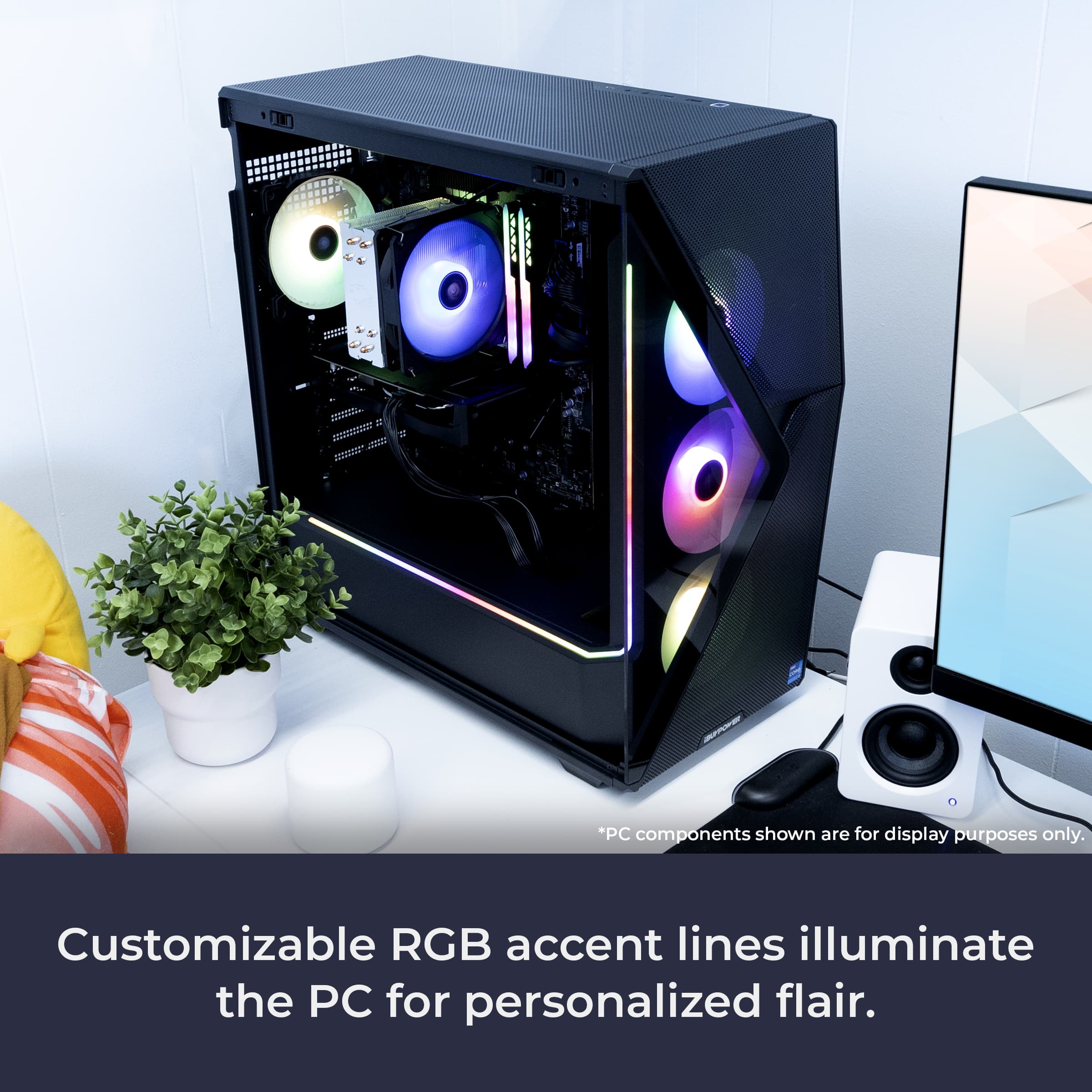
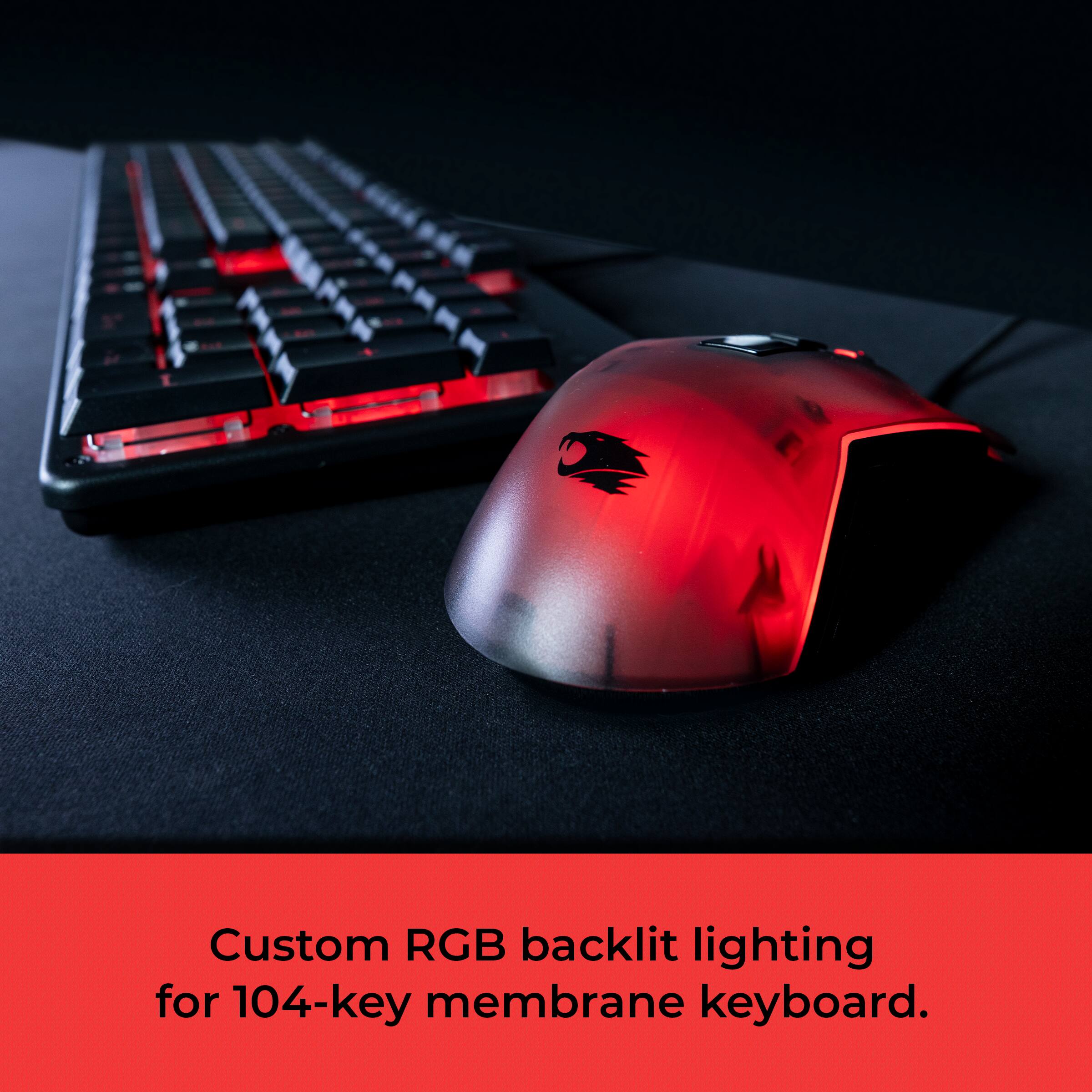
- A:Answer Hello, and thank you for your interest! You can add an external hard drive and connect them to our PC via USB. As far as changing the different RGB modes on the mouse, you would need to click the DPI + Left Click button simultaneously. That would cycle between the different modes. For any further info or guidance, I would reach out to our support team at https://www.ibuypower.com/support/contact-us
Answered by iBUYPOWER Product Expert

Q: QuestionWhat is the maximum Ram this PC can support?
Asked by Chimi24.
- A:Answer Hey there! This system uses a B760 D5 motherboard; the maximum amount of RAM this PC can support is 128 GB.
Answered by iBUYPOWER Product Expert

Q: QuestionWhat ports are on the back and what does it look like?
Asked by Jakeb.
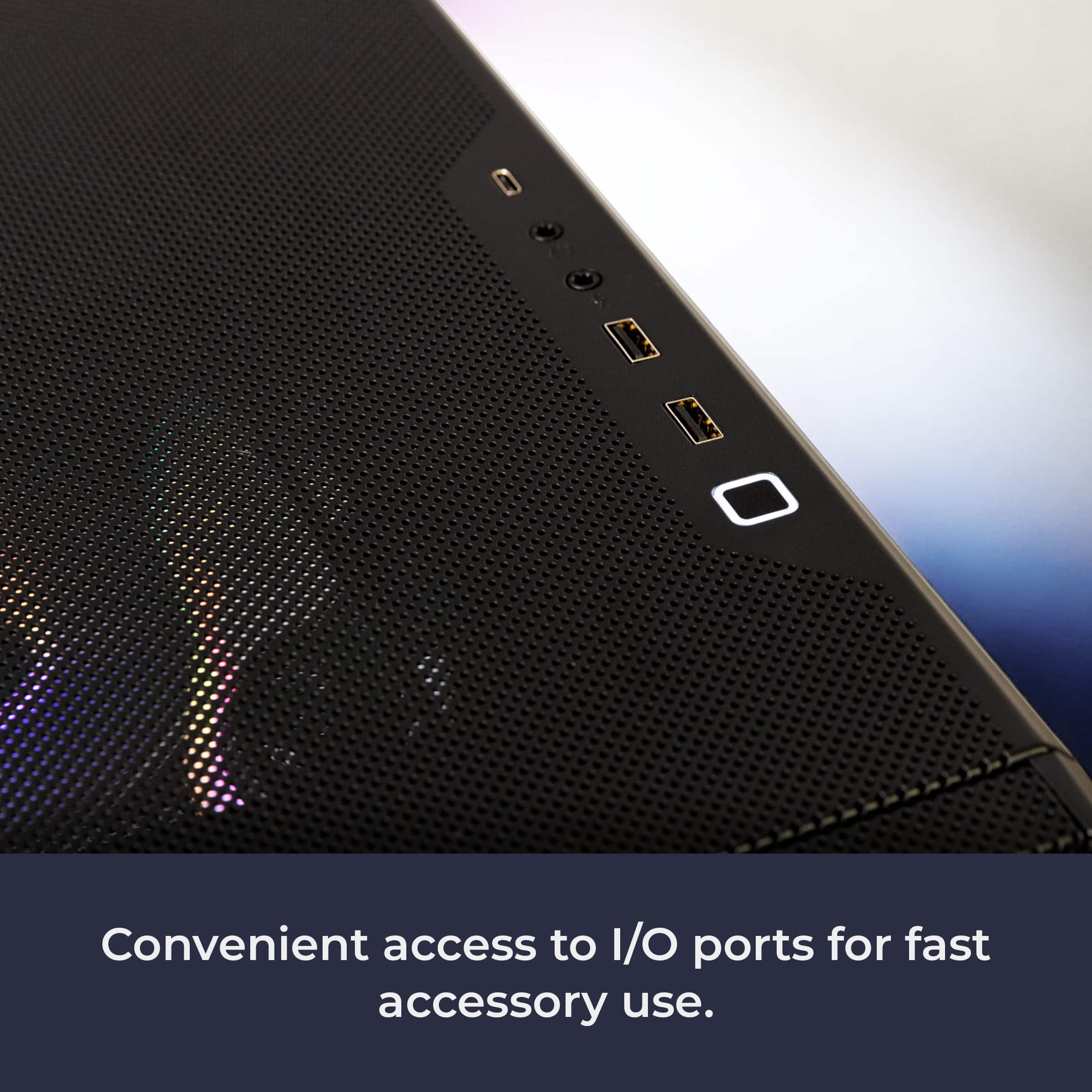
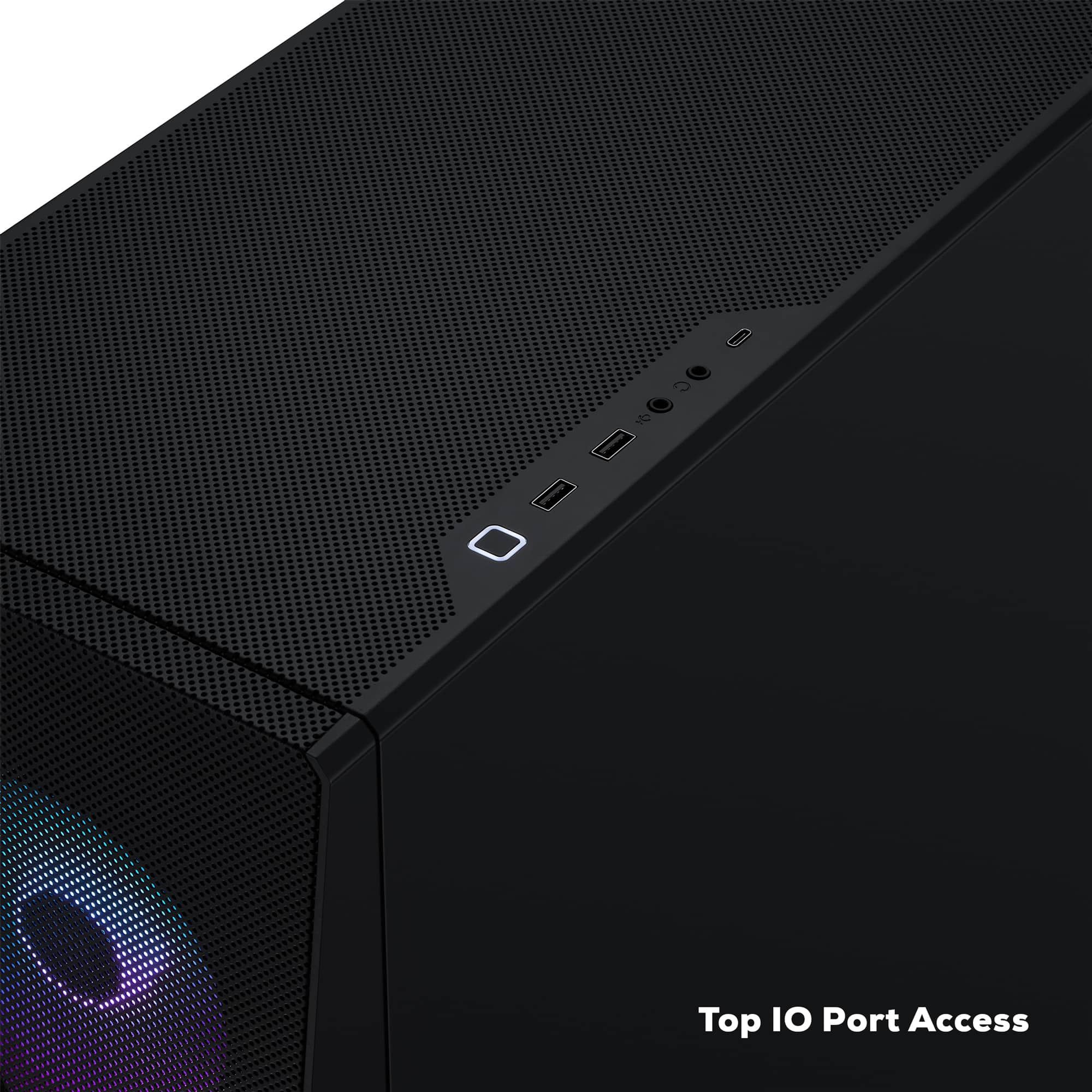
- A:Answer Hello there, the ports on the back vary based on the exact motherboard being used. While the exact brand/manufacturer of the PC is uncertain since parts vary by what's in stock, this motherboard will be a B760 D5 mobo (typically brands like MSI, ASUS, etc.). Hope that helps!
Answered by iBUYPOWER Product Expert

Q: QuestionJust hooked up fiber optic 2G Only getting 1G Technical said its setting in my computer Can you help
Asked by Dennis.
- A:Answer Hello! It sounds like the issue may lie with the motherboard drivers needing to be updated. Regardless, we suggest reaching out to iBUYPOWER Tech Support for troubleshooting and advice here. https://www.ibuypower.com/support/contact-us
Answered by iBUYPOWER Product Expert
Q: QuestionWill a 3 fan gpu fit when upgrading?
Asked by Nick.
- A:Answer Hello! Yes, it will!
Answered by iBUYPOWER Product Expert

Q: QuestionI’m curious if I can upgrade my graphics card to a 5070 Ti and increase my PSU to 850 watts.
Asked by Anonymous.
- A:Answer Hello! Yes, you can and that's plenty of wattage. Typically, we recommend at least a 750-Watt gold-rated PSU for a 5070 Ti, but going higher will reduce future upgrade costs.
Answered by iBUYPOWER Product Expert

Q: QuestionWill a 5080 gpu work for this to replace the 4060
Asked by Anonymous.
- A:Answer Hello! Yes, this PC will work fine for a better GPU, however, you'll need to at least upgrade the power supply to match the bigger needs of the RTX 5080. We suggest upgrading to at least an 850 Watt GPU to accommodate the bigger power draw there.
Answered by iBUYPOWER Product Expert

Most-viewed items
- Black Friday Deal$849.99Your price for this item is $849.99
- Black Friday Deal$979.99Your price for this item is $979.99
- Black Friday Deal$1,574.99Your price for this item is $1,574.99
- Black Friday Deal$1,549.99Your price for this item is $1,549.99
- $1,379.99Your price for this item is $1,379.99
- Black Friday Deal$1,249.99Your price for this item is $1,249.99
- Black Friday Deal$1,224.99Your price for this item is $1,224.99
- $779.99Your price for this item is $779.99
- Black Friday Deal$1,749.99Your price for this item is $1,749.99
- $1,449.99Your price for this item is $1,449.99$1,879.99The comparable value for this item is $1,879.99
- Black Friday Deal$2,449.99Your price for this item is $2,449.99
- Black Friday Deal$1,949.99Your price for this item is $1,949.99
- $1,599.99Your price for this item is $1,599.99
- Black Friday Deal$799.99Your price for this item is $799.99
- $1,879.99Your price for this item is $1,879.99
- Black Friday Deal$999.99Your price for this item is $999.99
- Black Friday Deal$1,099.99Your price for this item is $1,099.99
- $1,299.99Your price for this item is $1,299.99
- $2,399.99Your price for this item is $2,399.99
- Black Friday Deal$1,529.99Your price for this item is $1,529.99