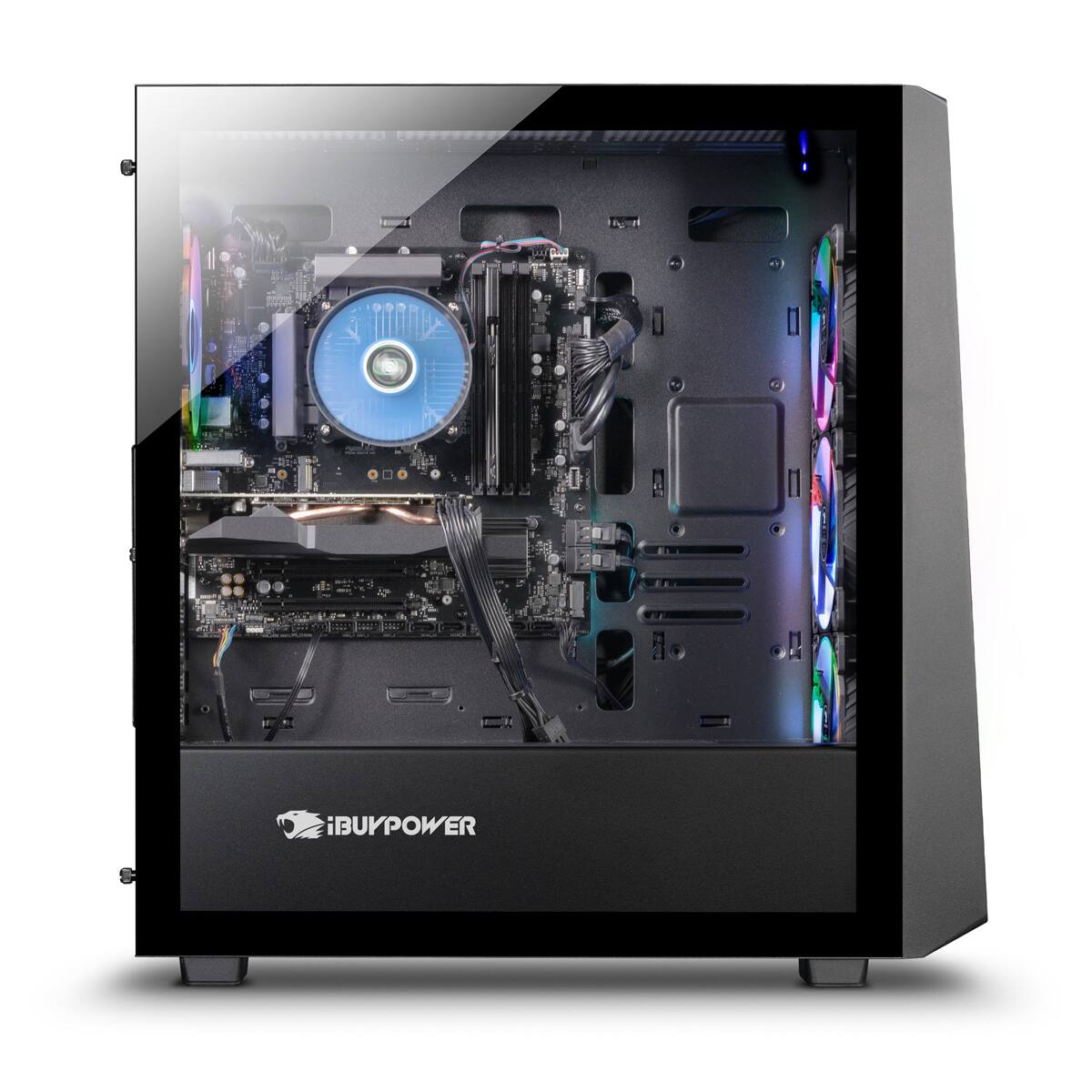
A:AnswerYes you can upgrade the specs of this system yourself if you wish. As for compatibility this system only takes DDR4 RAM. The CPU and be 12th or 13th GEN Intel. The GPU can be upgrade to what ever type you would like within the PSU threshold of 600Watts. You can also swap out the PSU to a higher wattage so that you can get a better performing GPU. You can also add in an AIO liquid cooling system or even a custom liquid cooling loop. All this is just depend what you intend your system to do ie. Gaming / Streaming / Graphic Designs / etc.
A:AnswerYou'll see four screw like pieces in the back holding the cover panel, and the tempered glass covering. When you take the two off on the glass holding side, you'll slide it a bit to the left to kind of unlocked from the front side and the glass covering should come off easy. Place that on a towl or pillow and there will probably be a foam covering piece over the nvidia1650 and couple other pieces. That foam piece is used to secure valuable components of the computer so keep that for future transportation of the computer. DO NOT operate it with the foam in there.
A:AnswerThis system comes with a 500GB M.2 NVME SSD. There are multiple M.2 slots to add more M.2 sticks as well as USB ports for 3.5 HDD and 2.5 SSD installation. It really depends on your preference and budget. Though I would suggest going with a 2.5 SSD for convenience and price.
A:AnswerThis depends what other components you plan to change in this system, though for most hardware upgrades a 750 Watt PSU is usually enough for most this.
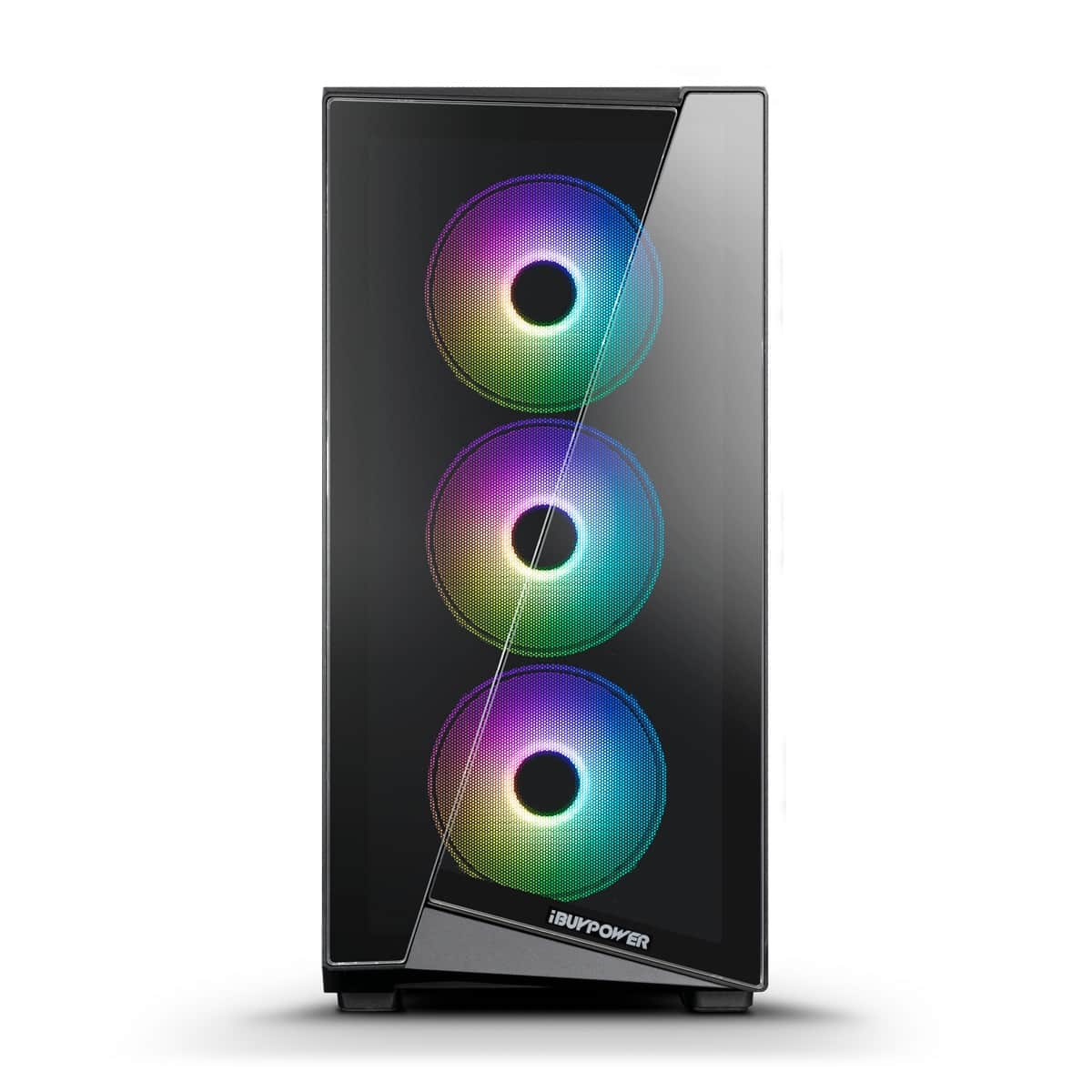
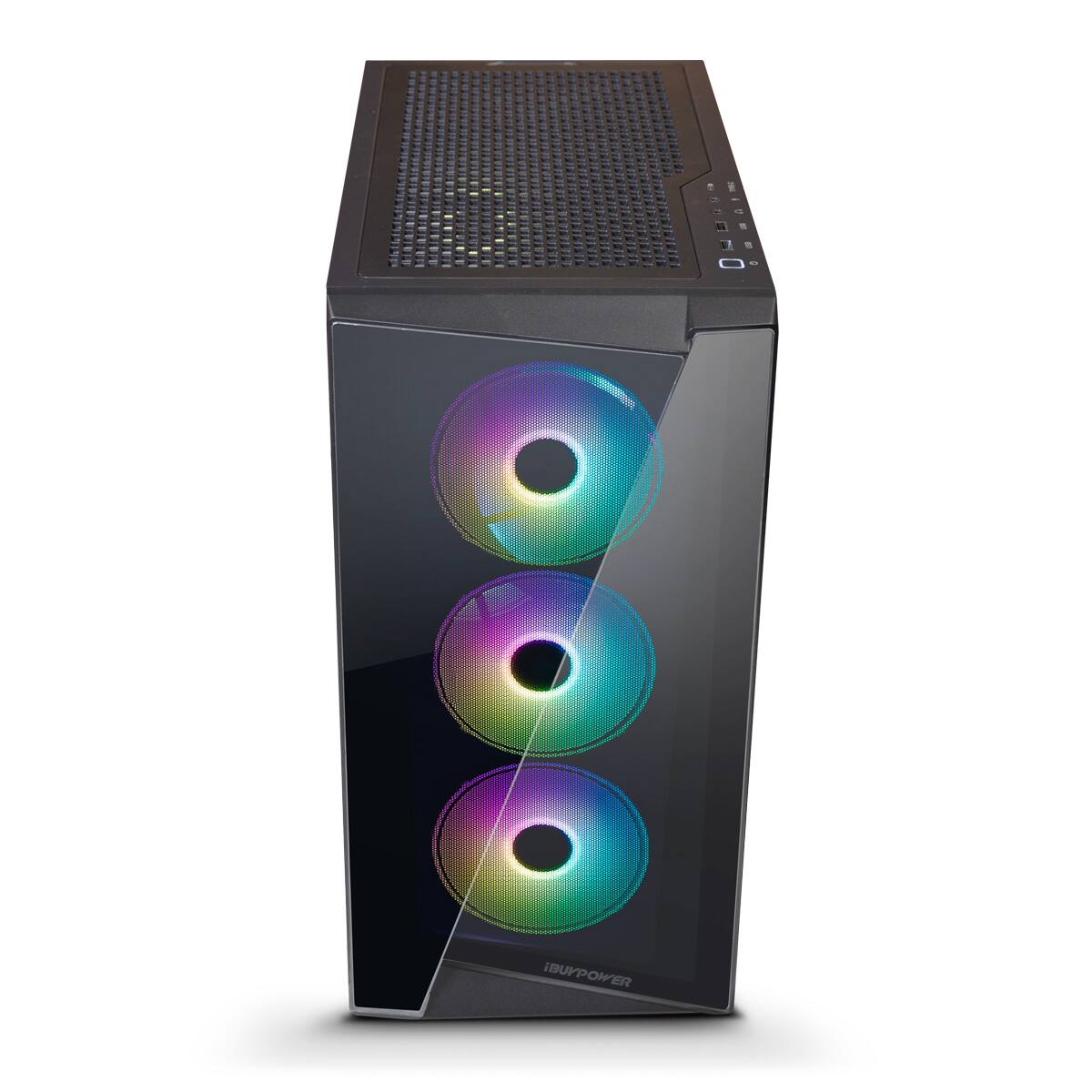
A:AnswerThe front glass pops out from the bottom and it has a filter screen you can remove to clean but i just used a small shop vac. The top also just pops out for easy cleaning.