A:AnswerHere are the minimum and recommended system requirements to run Microsoft Flight Simulator 2020: https://pyre.gg/system-requirements-to-run-microsoft-flight-simulator-2020-on-pc
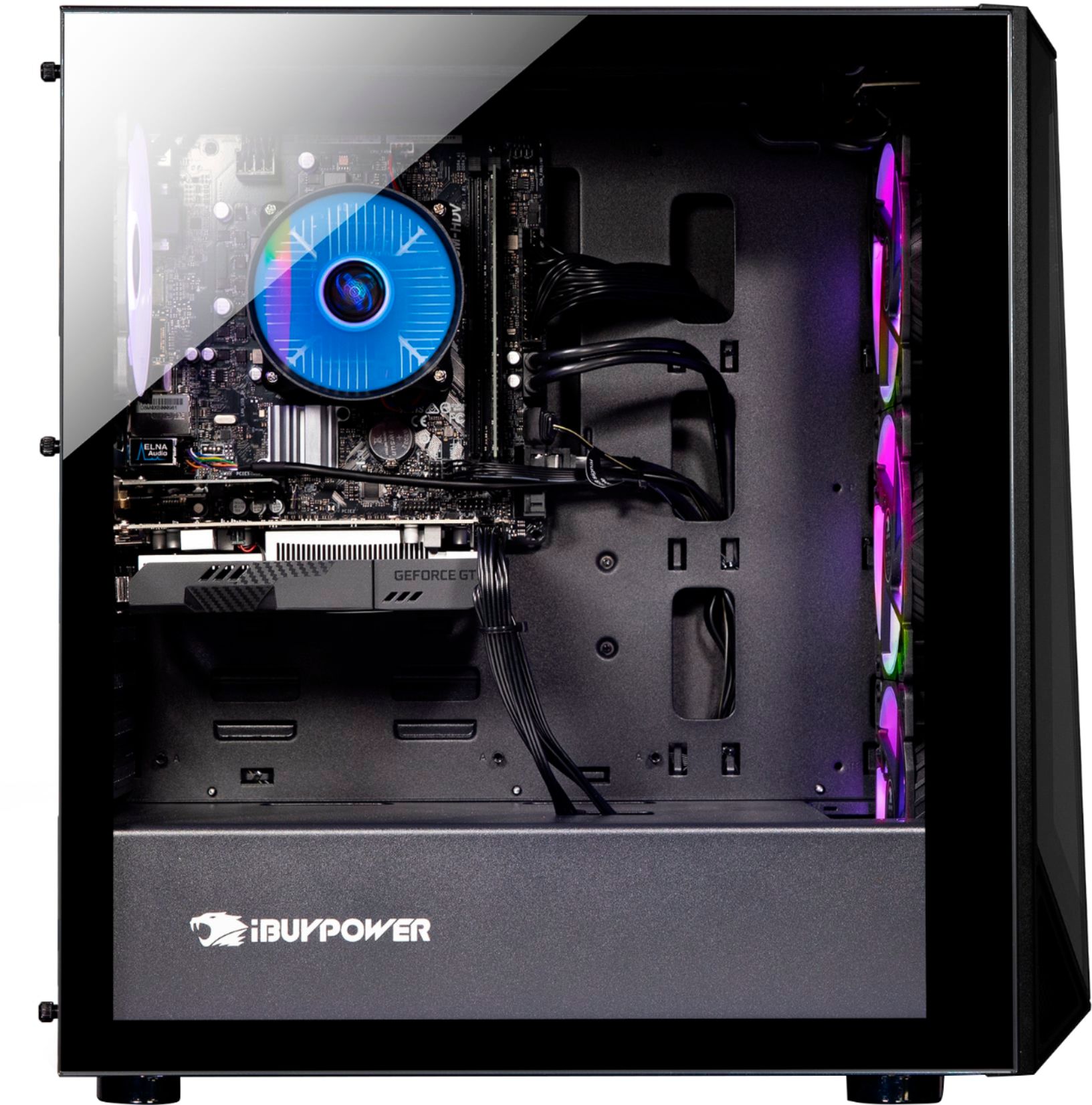
A:AnswerFirst off, why would you even want to remove the GPU, as that will make the performance so low that you can only watch youtube and browse the web, and even if you wanted too, you would have to pick a different CPU as this one is F model, and it means it has no integrated graphics.
A:AnswerHello,
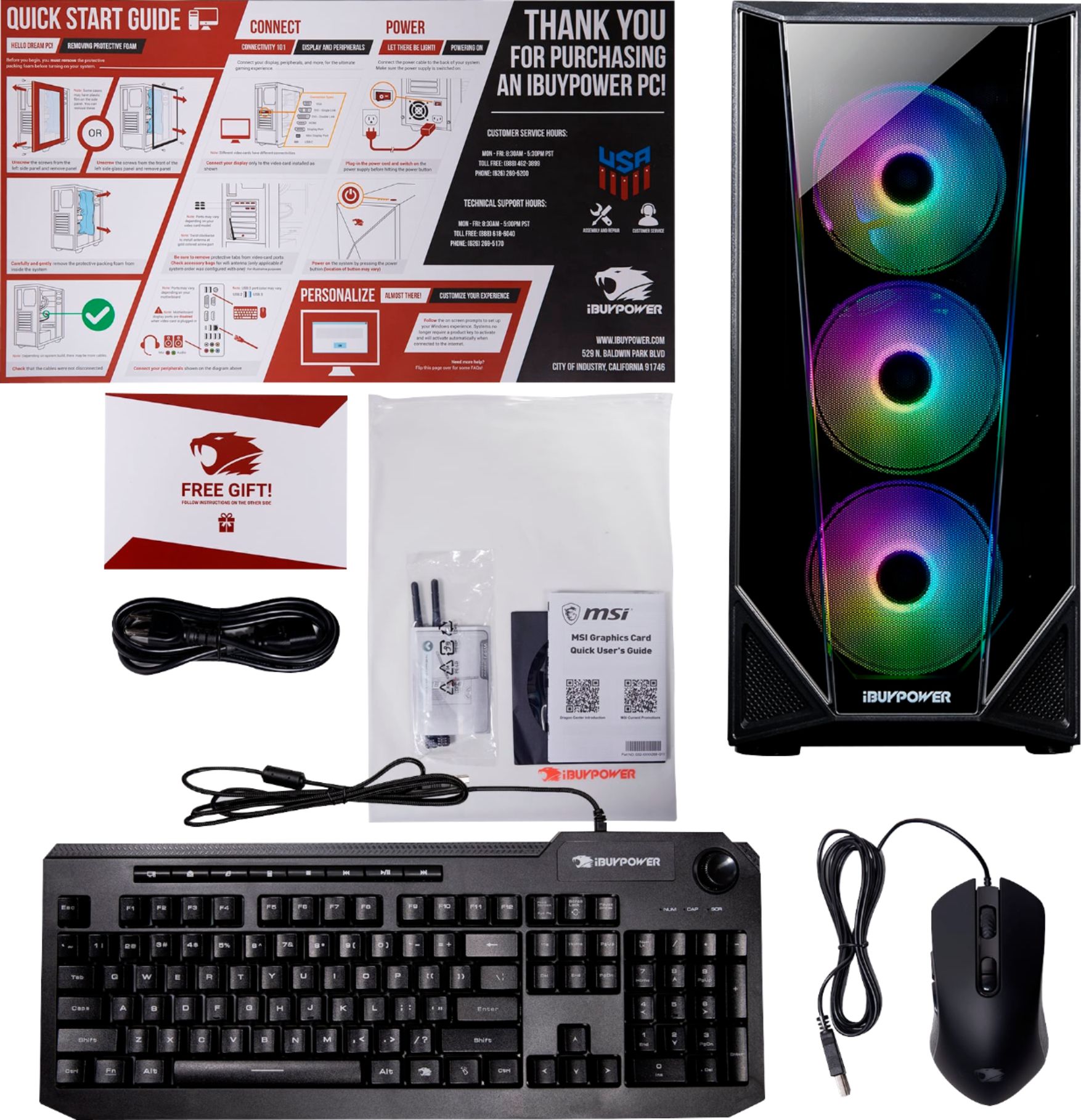
A microphone is not needed to use the PC, but if you would want to record audio or use voice chat, then you would want to get one as the PC does not include a mic.
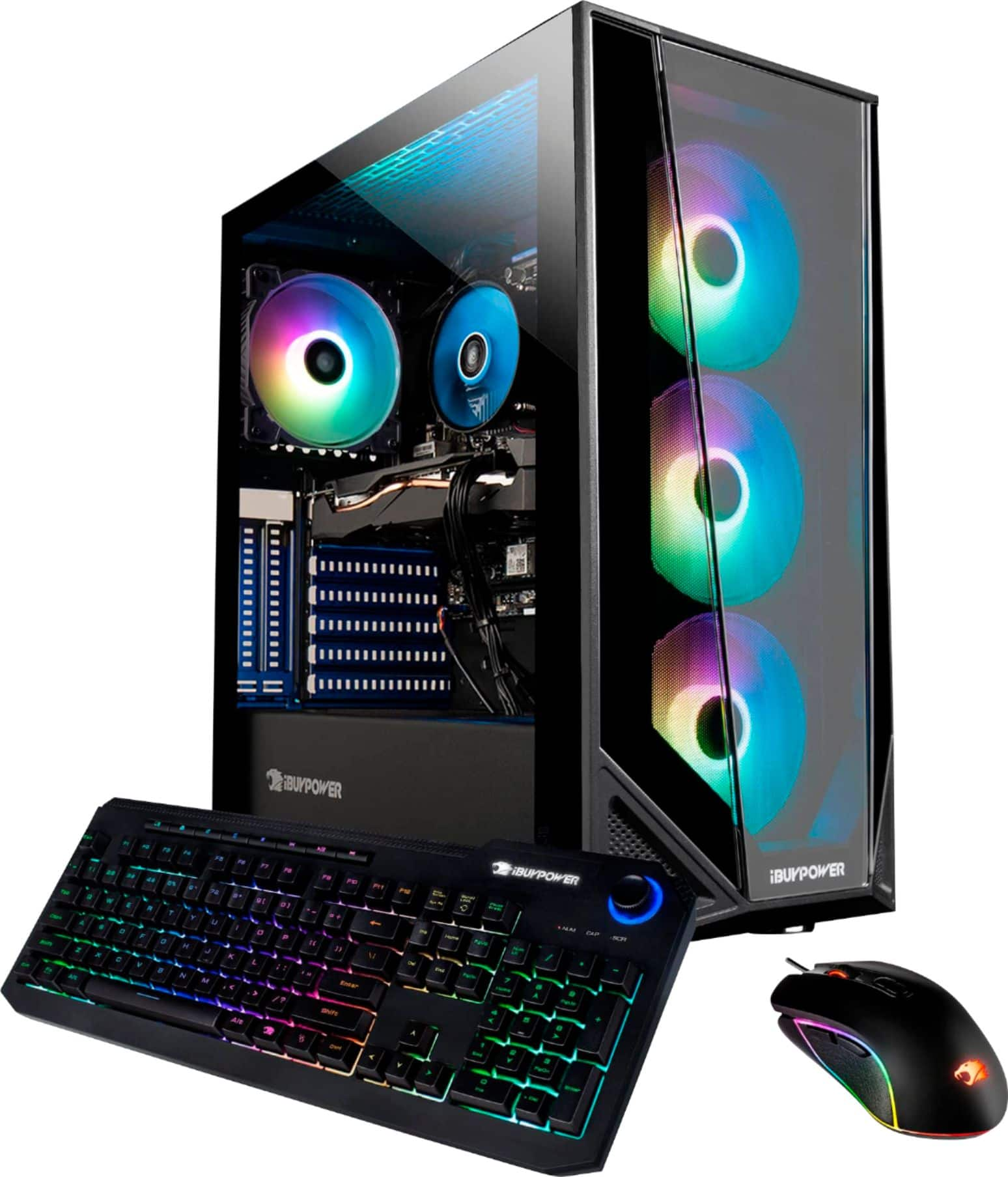
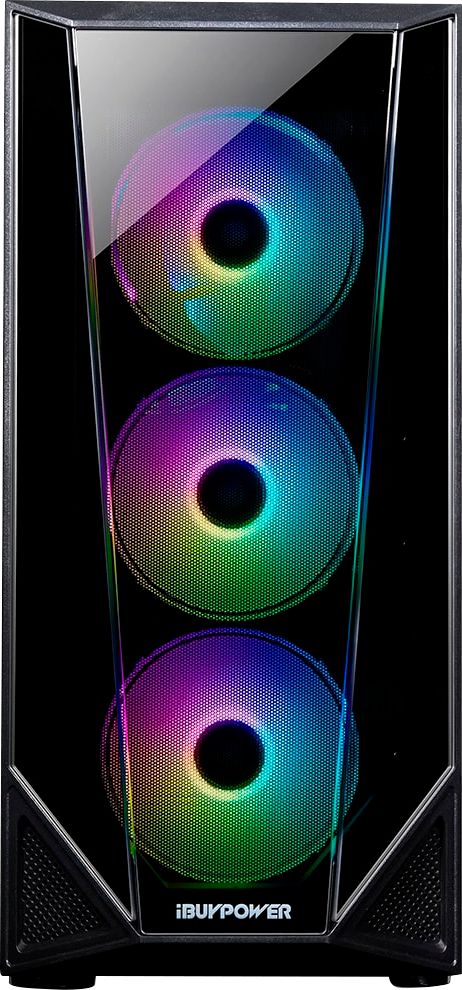
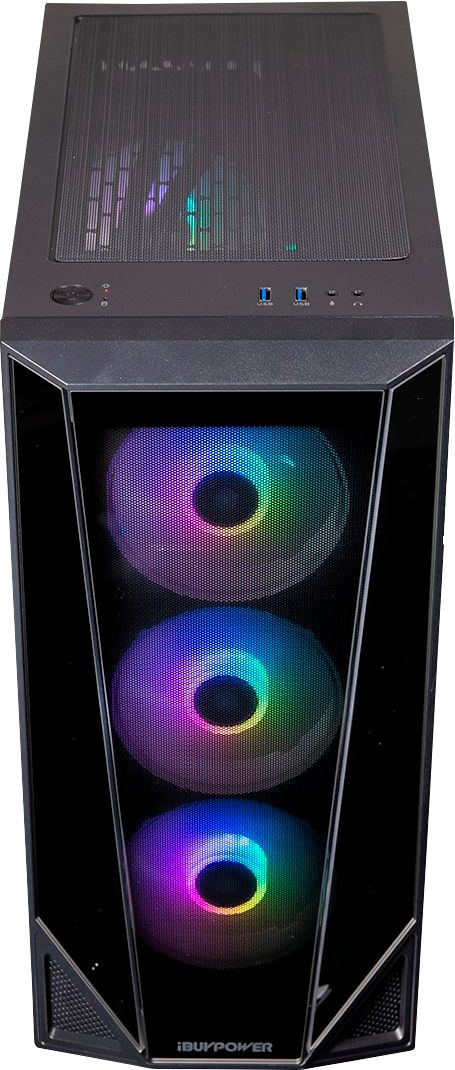
A:AnswerRGB Fusion 2.0 is preinstalled on the machine. You can change the colors and how they change there. (I have not tested, but there appears to be an iOS/Android app to control it, as well.)
A:AnswerHello,
This PC can play all of the latest titles! It may not be able to run them super smoothly on the highest settings, but it will easily handle high end games on medium settings.
A:AnswerHello,
This system comes with a 400 watt PSU. We are unable to specify the PSU model since we use a variety of brands in our systems depending on what we have in stock.
A:AnswerHello,
This system comes with a 400 watt power supply. We are unable to specify the models for the power supply and motherboard because we use a variety of brands depending on what we have in stock.
A:AnswerHello,
Unfortunately we are unable to provide a specific motherboard model as we use a variety of motherboard brands depending on what we have in stock. The power supply is unrated and is 400 watts.