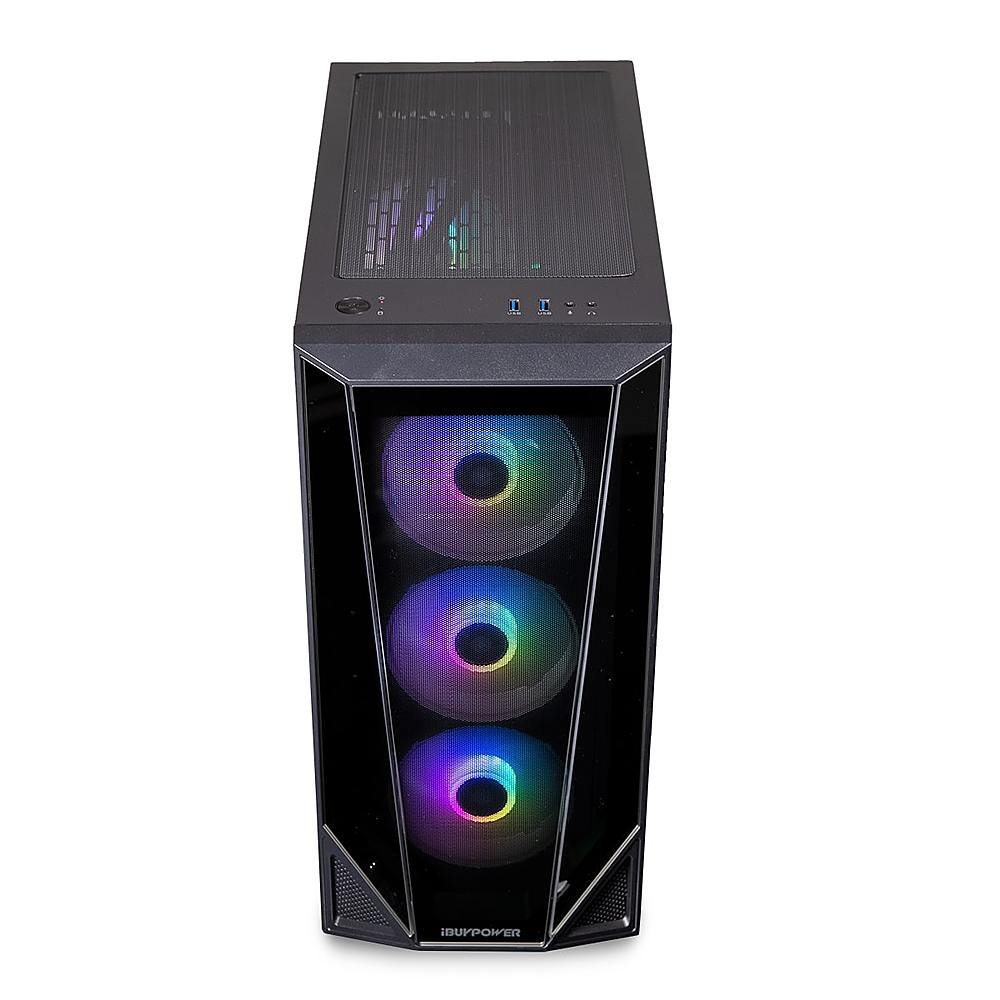
A:AnswerI installed Vengeance Ram 16 gigs x2 for a total of 32 gigs. Not the exact same ram as your intending to install but we are very happy. It really speeds up some functions. Worth the money.
A:AnswerHello,
Yes you can upgrade those parts in the future! This PC works well with many RGB RAMs, so we suggest picking one based on your personal preferences.
A:AnswerHello,
We are unable to do so because we use different motherboard brands in our systems, so not every computer will use the same software. For example, for a certain mode, it could have either an ASUS motherboard or an MSI motherboard, both which have different websites and different RGB software.
A:AnswerHello,
If you are using your system intensively, the fans will ramp up and get louder. You can adjust fan settings in your system BIOS. If you think there is a problem with your fans, you can contact our tech support.
A:AnswerHello,
Yes this system uses DDR4 RAM. We recommend waiting for the PC to arrive and checking the RAM model, or buying an entire new kit so that you don't run into compatibility issues,
A:AnswerHello,
As long as it is DDR4 RAM it will be fine. The speed does not matter, but keep in mind that the max RAM speed for this system is 2933 mhz, so if you buy RAM faster than that, it will automatically run slower.