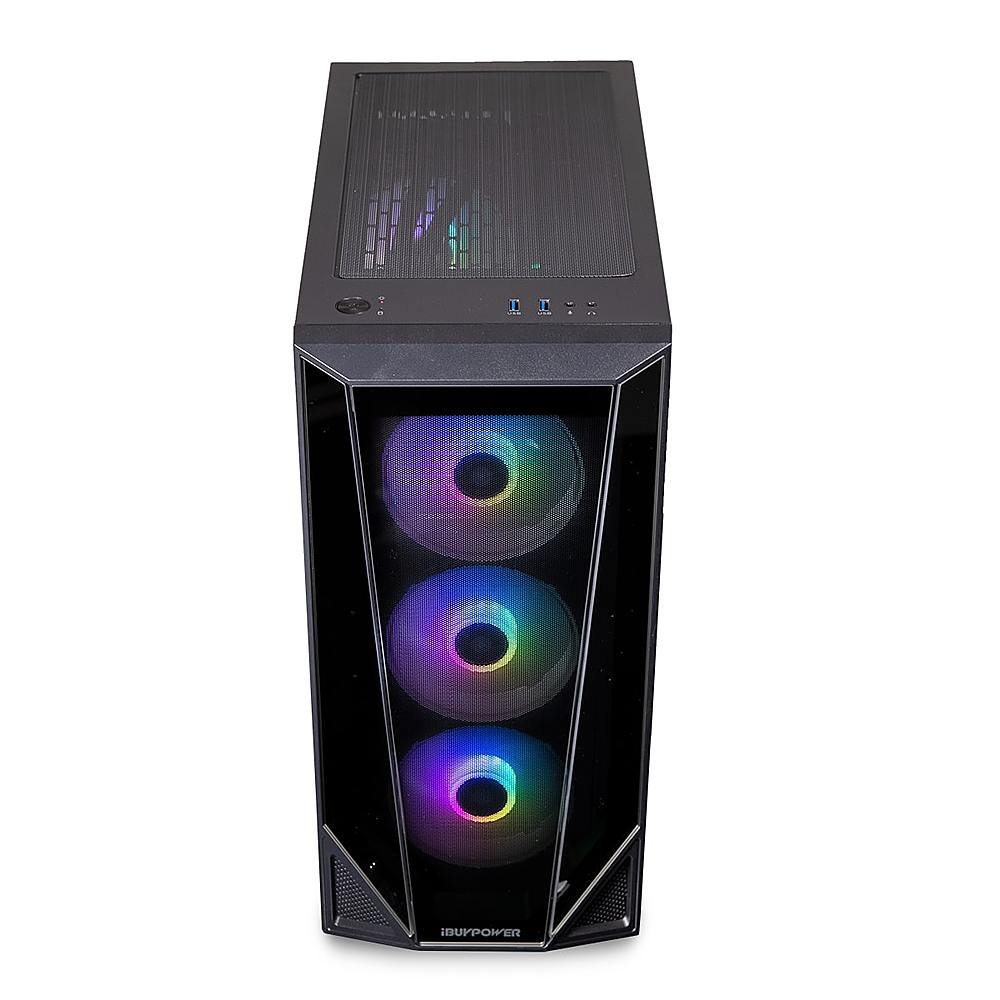
A:AnswerIs it just the headset plug or do you have a mic plug and headset won because I do so I have no problem but if u see the microphone sigh it means the microphone cord goes there
A:Answerits in the back of ur pc were the hdmi but id ont use it so i would do it but mine broke off so it doesnt matter and get youtube it well help you alot
A:AnswerWe are deeply sorry to hear that your purchase of our iBUYPOWER gaming desktop was not completely to your satisfaction. We value each of our customers’ feedback and will do our best to update and solve any issues you may be having. Please reach out to us in order for us to assist and troubleshoot your new gaming desktop.
Customer Service Hours:
Mon - Fri: 8:30 am - 5:30 pm PST
Toll Free: (888) 462-3899
Phone: (626) 269-5200
Email: support@ibuypower.com
Chat: https://www.ibuypower.com/Support
Technical Support Hours:
Mon - Fri: 8:30 am - 5:00 pm PST
Toll Free: (888) 618-6040
Phone: (626) 269-5170
Email: techsupport@ibuypower.com
A:AnswerI had to download the app MSI Dragon Center from the MSI website. That is the brand of the motherboard. You can check if yours is already installed, but I didn't have anything on mine.
A:AnswerMy RGB Fusion stopped syncing with the lights after the first 2 days. IBUYPOWER & Gigabyte were of no help and only succeeded in wasting days of time having me reinstall/update various things to no avail. I finally found a simple solution. Restart the PC and press delete during boot to enter the BIOS screen. Go to Peripherals and RGB and turn off the lights. Save and exit and after the PC finishes booting, repeat the process and turn the lights back on. For me, this got the RGB software communicating with the lights again.
A:AnswerYou its best if you get a new power supply because you dont want any problems in the long run. I put a 2070 in mine and i went for an 80 plus gold certified power supply.
A:AnswerNo, there's no security included, but I recommend getting CCleaner or Avast where it deletes all unnecessary files. I have it on my PC and it runs perfectly!
A:AnswerHello,
This PC is compatible with many different VR headsets. In order to check, you can look up the minimum requirements for the headset you are looking at, and then compare it to the specs of this PC.