A:AnswerYes, you need to buy another monitor. I recommend buying a 144hz monitor just as a starter. It depends on the settings you use in that specific game. For example, if you run Fortnite on the lowest setting, you'll get around 130-240 FPS.
A:AnswerWe had this happen,
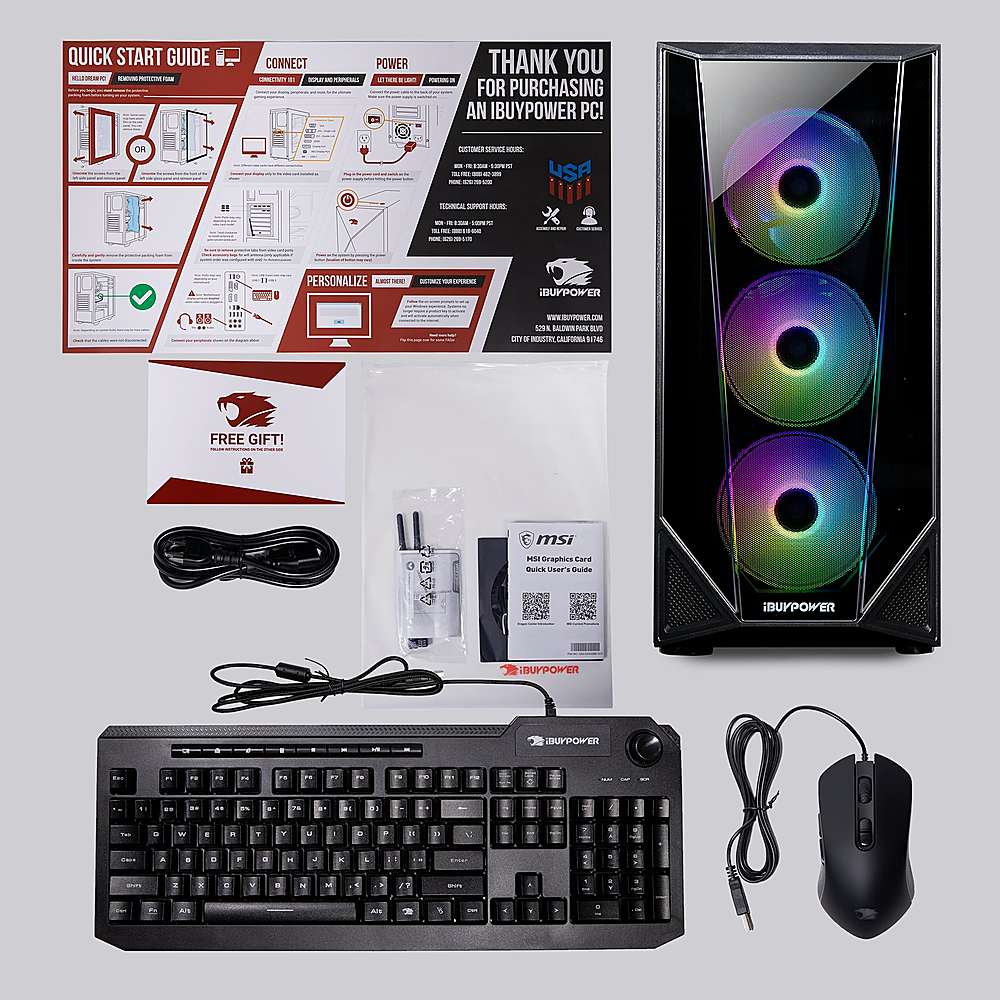
Our problem was that we forgot to add the wireless attenas to the back, and the system couldn't connect to wifi .
Attached attenas and automatically link to wifi ansmd started right up.
Hope this helps
A:AnswerHello,
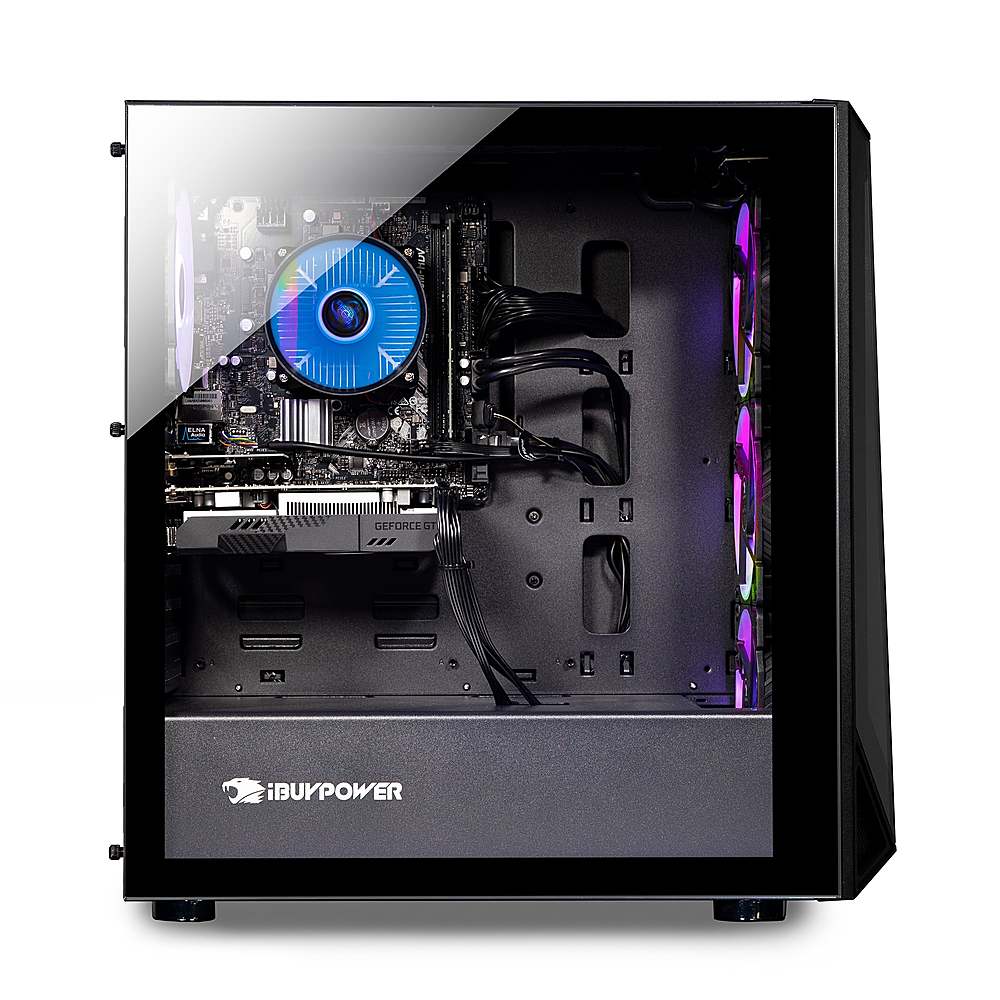
This system has a 400 watt power supply. You could technically use this CPU with a 3080 or 3090, but it may cause some bottlenecking issues.
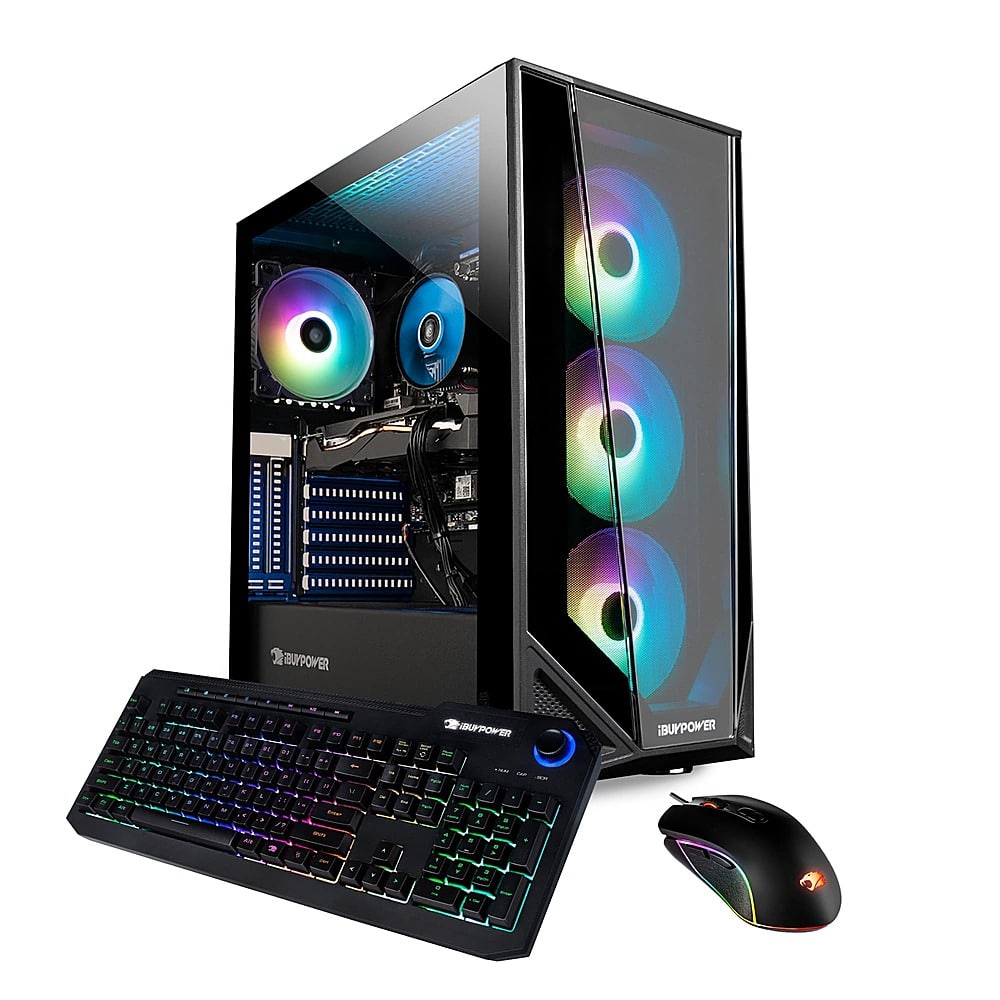
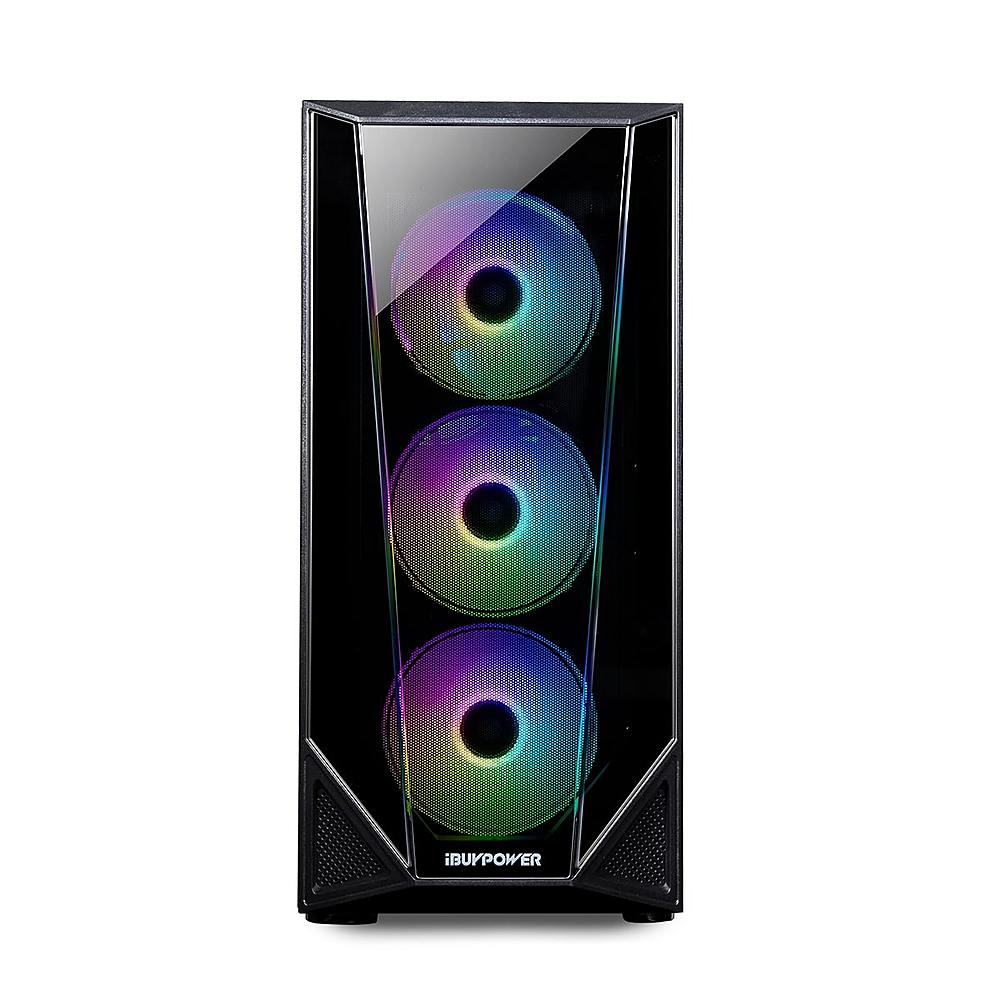
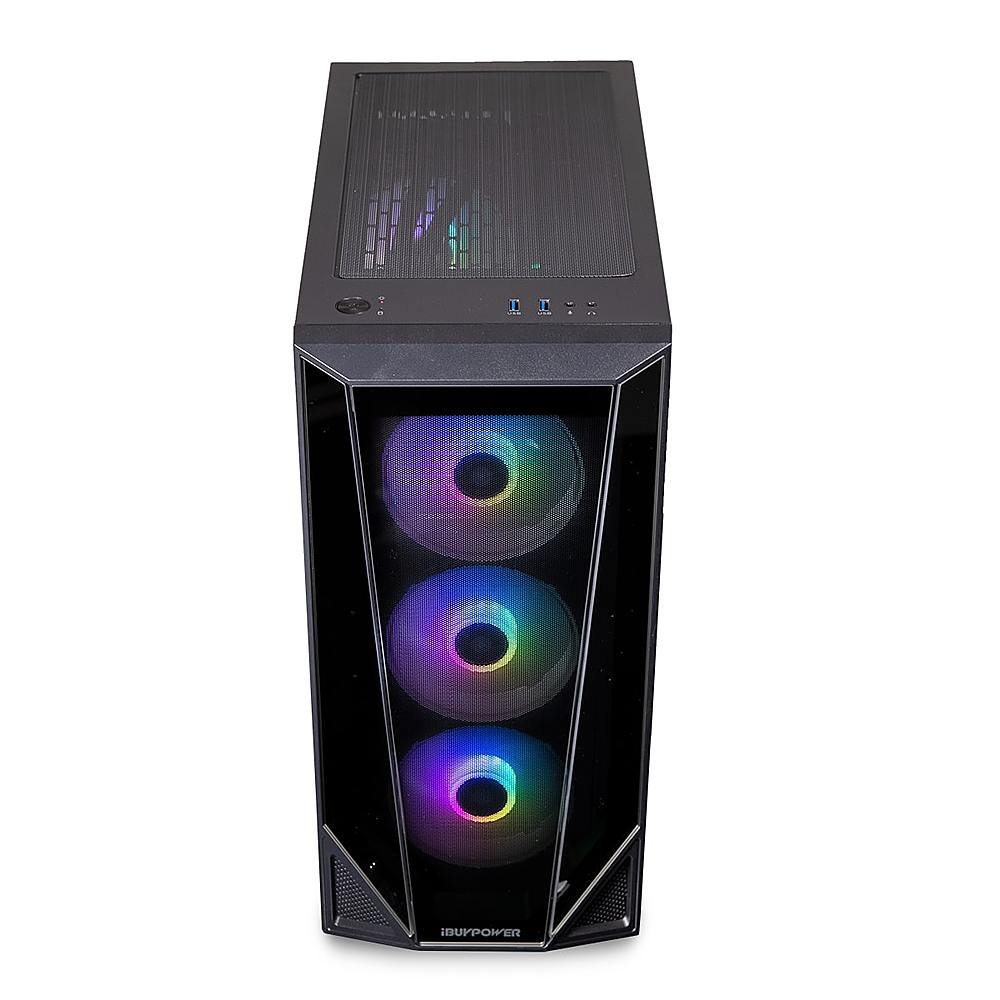
A:AnswerWith the one I have, all three of the fans in the front are spinning. I recommend getting it checked out, without all three spinning it could lead to the pc possibly overheating.
A:AnswerSound is not built into the system, but there is a sound card, so the computer works with headsets. If your monitor does not have speakers, you would need to purchase a separate set of speakers. Thank you for your question!
A:AnswerWe are deeply sorry to hear that your purchase of our iBUYPOWER gaming desktop was not completely to your satisfaction. We value each of our customers’ feedback and will do our best to update and solve any issues you may be having. Please reach out to us in order for us to assist and troubleshoot your new gaming desktop.
Customer Service Hours:
Mon - Fri: 8:30 am - 5:30 pm PST
Toll Free: (888) 462-3899
Phone: (626) 269-5200
Email: support@ibuypower.com
Chat: https://www.ibuypower.com/Support
Technical Support Hours:
Mon - Fri: 8:30 am - 5:00 pm PST
Toll Free: (888) 618-6040
Phone: (626) 269-5170
Email: techsupport@ibuypower.com
A:AnswerThe kind of monitor you want to get depends on your needs. If you play games and want it to look really smooth, then you should consider a monitor with a higher refresh rate.