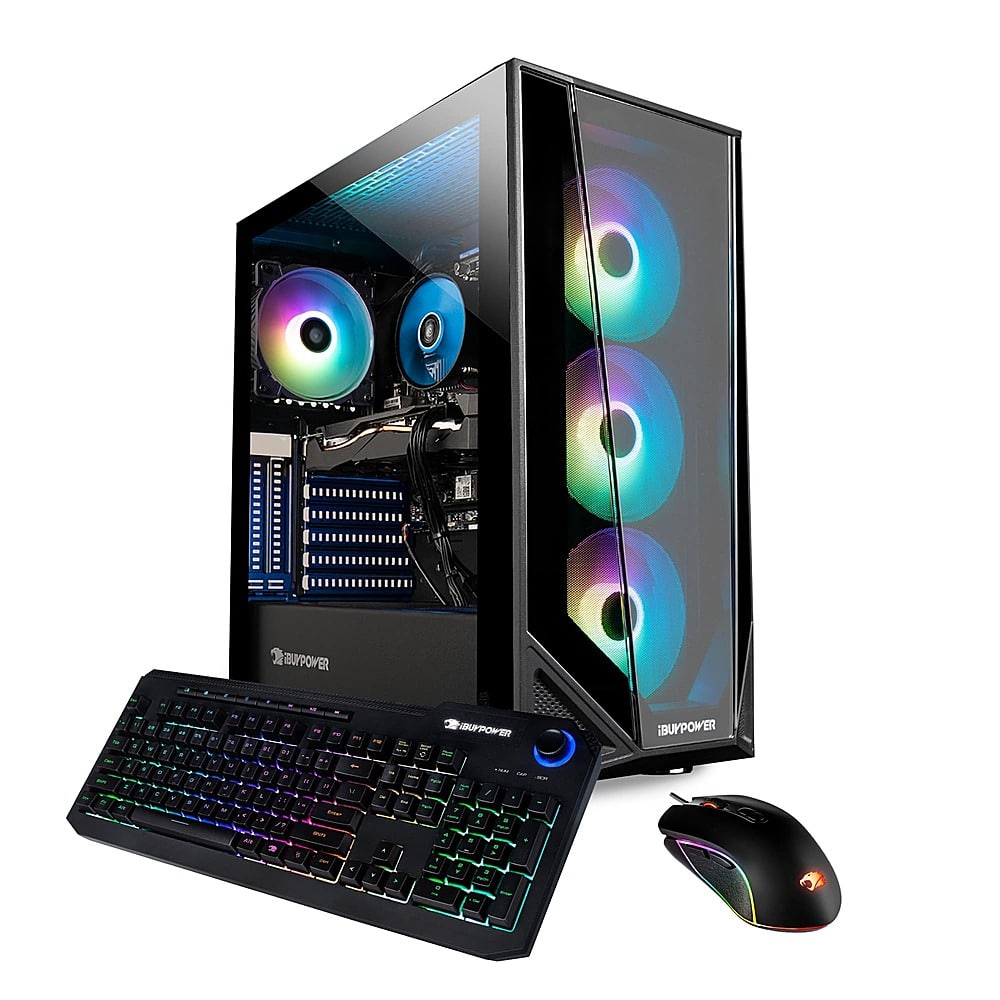
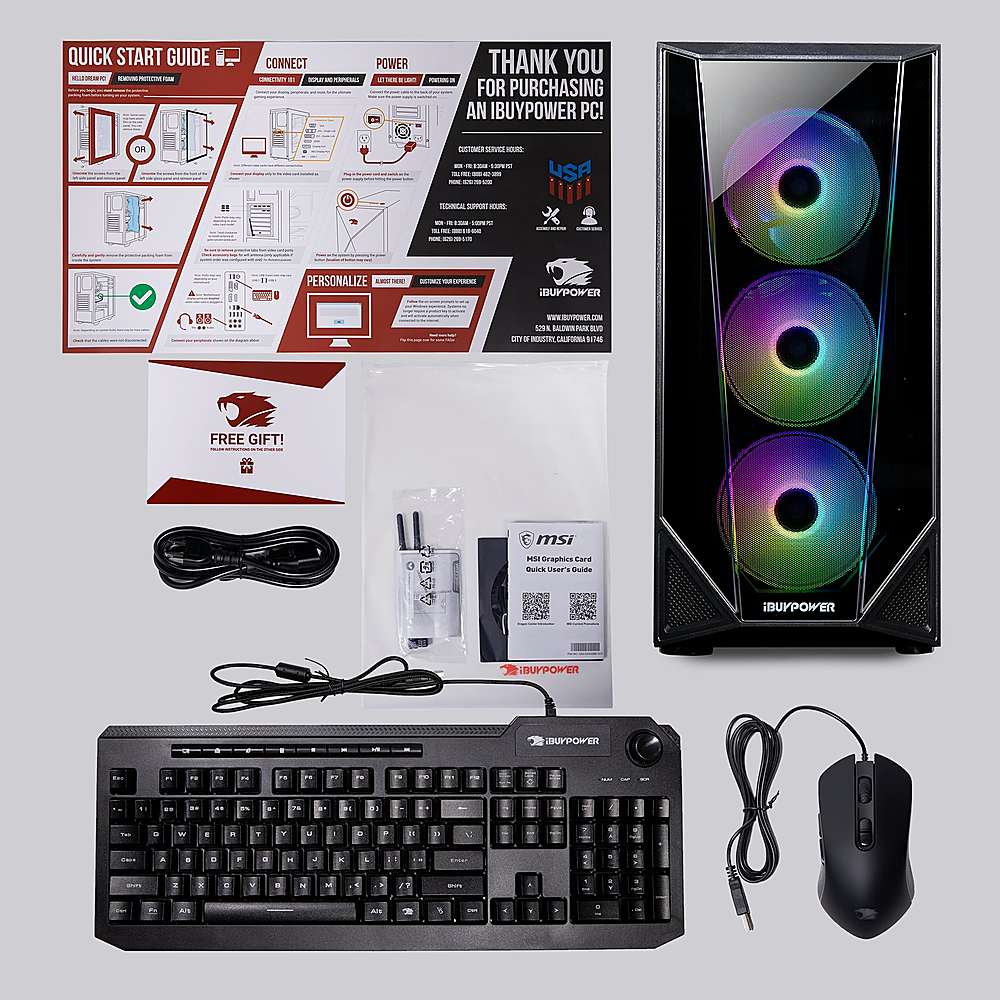
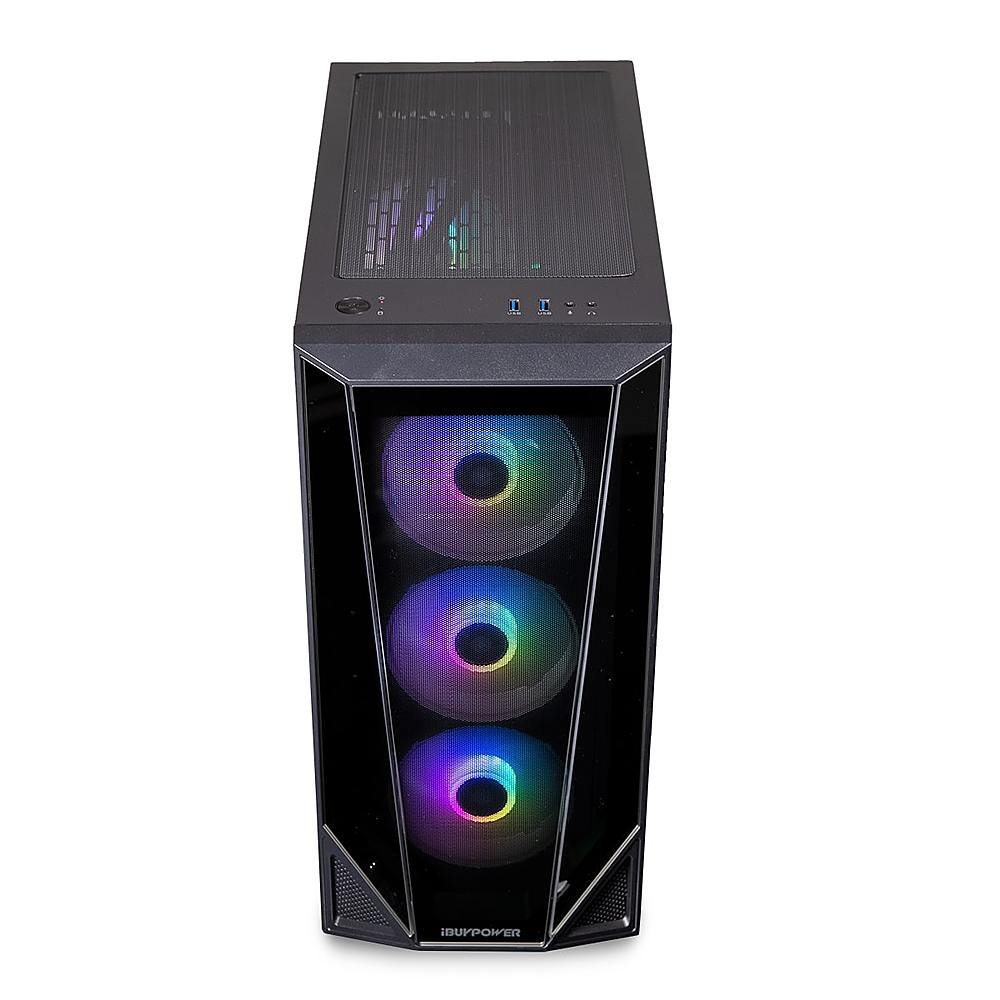
A:AnswerThis is probably not going on sale again until 2021 as it was just on sale for $579 on Black Friday, and yes this does include the keyboard and mouse shown in the picture.
A:AnswerWe are deeply sorry to hear that your purchase of our iBUYPOWER gaming desktop was not completely to your satisfaction. We value each of our customers’ feedback and will do our best to update and solve any issues you may be having. Please reach out to us in order for us to assist and troubleshoot your new gaming desktop.
Customer Service Hours:
Mon - Fri: 8:30 am - 5:30 pm PST
Toll Free: (888) 462-3899
Phone: (626) 269-5200
Email: support@ibuypower.com
Chat: https://www.ibuypower.com/Support
Technical Support Hours:
Mon - Fri: 8:30 am - 5:00 pm PST
Toll Free: (888) 618-6040
Phone: (626) 269-5170
Email: techsupport@ibuypower.com
A:AnswerHello,
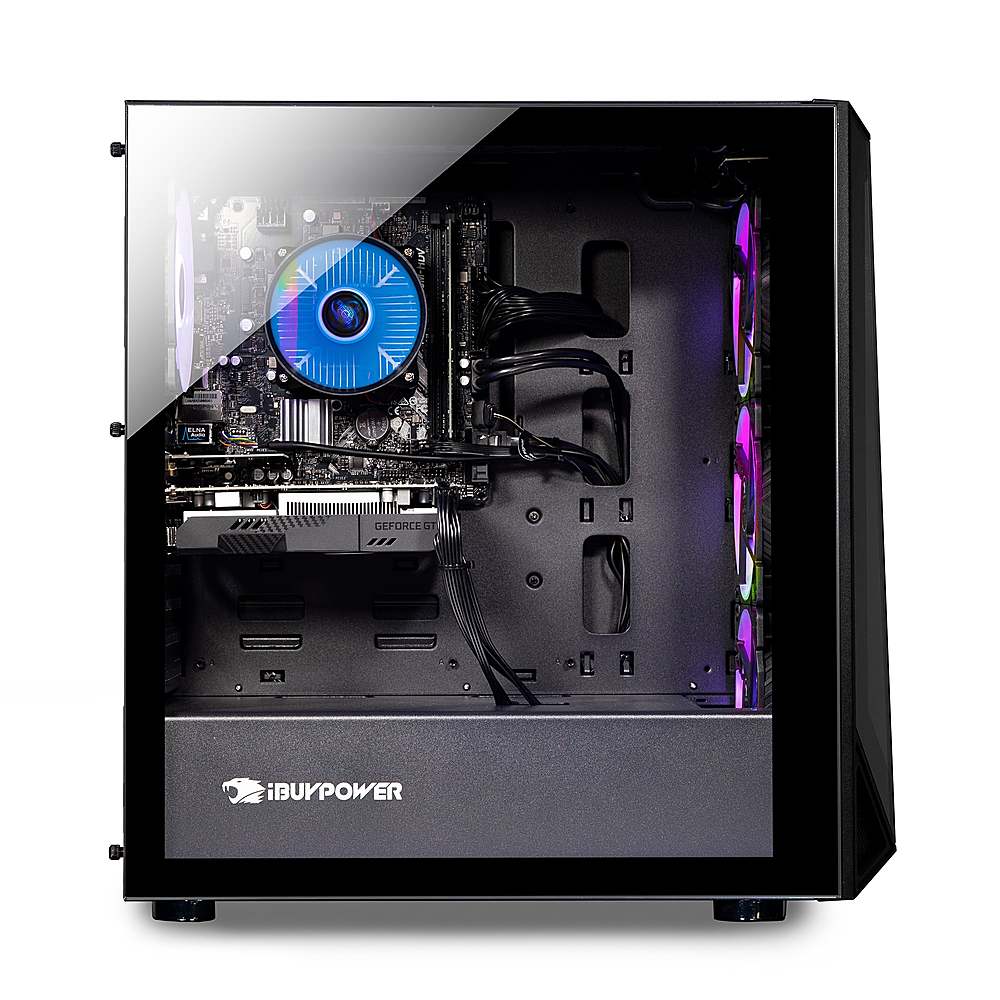
Yes both those parts would work with this PC, but if you plan on using a 3060TI with this computer, you would have to upgrade the power supply as well.
A:AnswerWe are deeply sorry to hear that your purchase of our iBUYPOWER gaming desktop was not completely to your satisfaction. We value each of our customers’ feedback and will do our best to update and solve any issues you may be having. Please reach out to us in order for us to assist and troubleshoot your new gaming desktop.
Customer Service Hours:
Mon - Fri: 8:30 am - 5:30 pm PST
Toll Free: (888) 462-3899
Phone: (626) 269-5200
Email: support@ibuypower.com
Chat: https://www.ibuypower.com/Support
Technical Support Hours:
Mon - Fri: 8:30 am - 5:00 pm PST
Toll Free: (888) 618-6040
Phone: (626) 269-5170
Email: techsupport@ibuypower.com
A:AnswerHello,
The BB991 would be the most similar system to this one. If you are willing to spend a bit more, the BB990 and BB990TI are also great alternatives at this price point.
A:AnswerOn mine, RGB Fusion 2.0 which is the software to control the lighting, only worked for the first 2 days. After that, the lights were stuck on blinking and the software would not connect to them. IBUYPOWER nor Gigabyte were of any help to solve the issue. They had me reinstalling/updating various things all of which were a waste of time (days). I finally found the simple solution. If you have this issue, restart the PC and press Delete to enter the BIOS menu. Go to Peripherals and RGB. Turn off the lights and save and exit. After the PC finishes restarting, repeat the procedure and turn the lights back on. After the PC finishes booting, open the RGB software. This solved the issue for me.